Nothing to install
Users print from any browser, so you don’t manage desktop apps on every computer.

MatterControl is a desktop app for designing, preparing and printing on your own printer. 3DPrinterOS is a cloud platform for running many printers and users: queues, permissions, monitoring, analytics and security, from any browser.
Works with 200+ printer models and the design tools you already use.
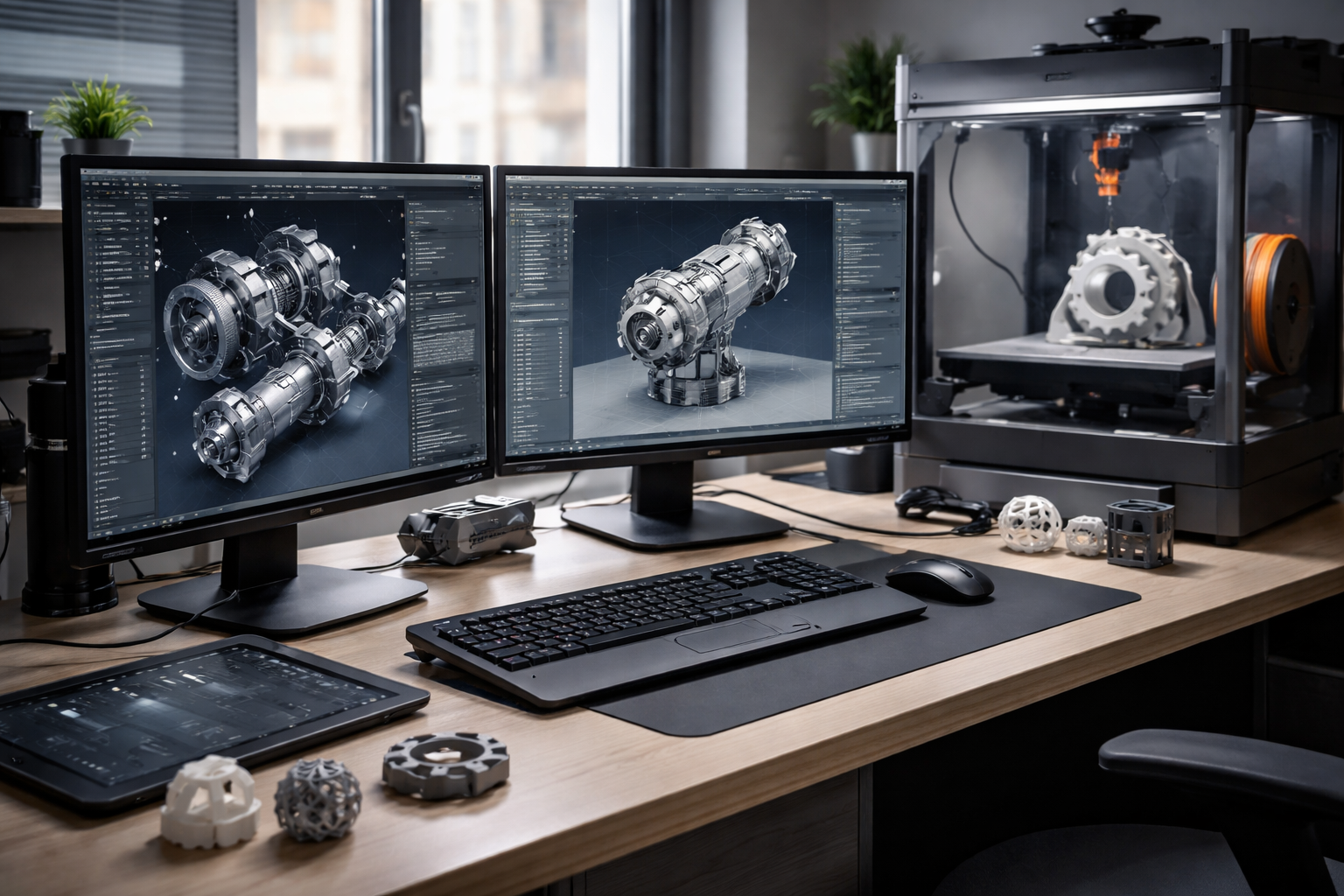








Statistics drive a lot of our decision-making for our space, whether it’s door counts or usage statistics. What do we invest in next?
Users print from any browser, so you don’t manage desktop apps on every computer.
Monitor and control all your printers together, with live camera feeds.
Collect jobs from every user and route them to the next free printer.
Roles, workgroups and approvals for students, staff and engineers.
Usage, success rates and costs across every printer and user.
Single sign-on, audit trails and a TX-RAMP certified U.S. hosted deployment.
Filter by category or switch on "Show only differences".
| Feature | MatterControl | 3DPrinterOS |
|---|---|---|
| Built-in 3D design tools3DPrinterOS integrates with TinkerCAD and your CAD tools | ✓ | ~ |
| Design apps and templates | ✓ | – |
| Convert images or text to 3DSome MatterControl plugins are paid | ✓ | – |
| Slicing | Desktop app | In the browser |
| Live camera view | ~ | ✓ |
| Remote access from anywhere | ~ | ✓ |
| Works on any computer without install | – | ✓ |
| All printers in one dashboard | ~ | ✓ |
| Shared queues across printers | – | ✓ |
| AI print failure detection | – | ✓ |
| Fleet-wide analytics | – | ✓ |
| Multi-user roles and approvals | – | ✓ |
| Single sign-on | – | ✓ |
| Quotas and billing | – | ✓ |
Showing 14 of 14 features
MatterControl features as publicly described; check MatterHackers for current details.
If you design and print on your own machine, MatterControl’s design apps are handy. 3DPrinterOS is the better fit once several people or printers are involved.
Try 3DPrinterOS freeAccounts, approvals, queues and limits let many people share printers without chaos.
See every printer, route jobs automatically and track usage and costs across sites.
Design in MatterControl, TinkerCAD or your CAD software as before.
Connect printers to 3DPrinterOS through the client on a PC or Raspberry Pi.
Upload, slice and send jobs to any printer from any browser.
Connect your printer to 3DPrinterOS once and manage it from any browser.
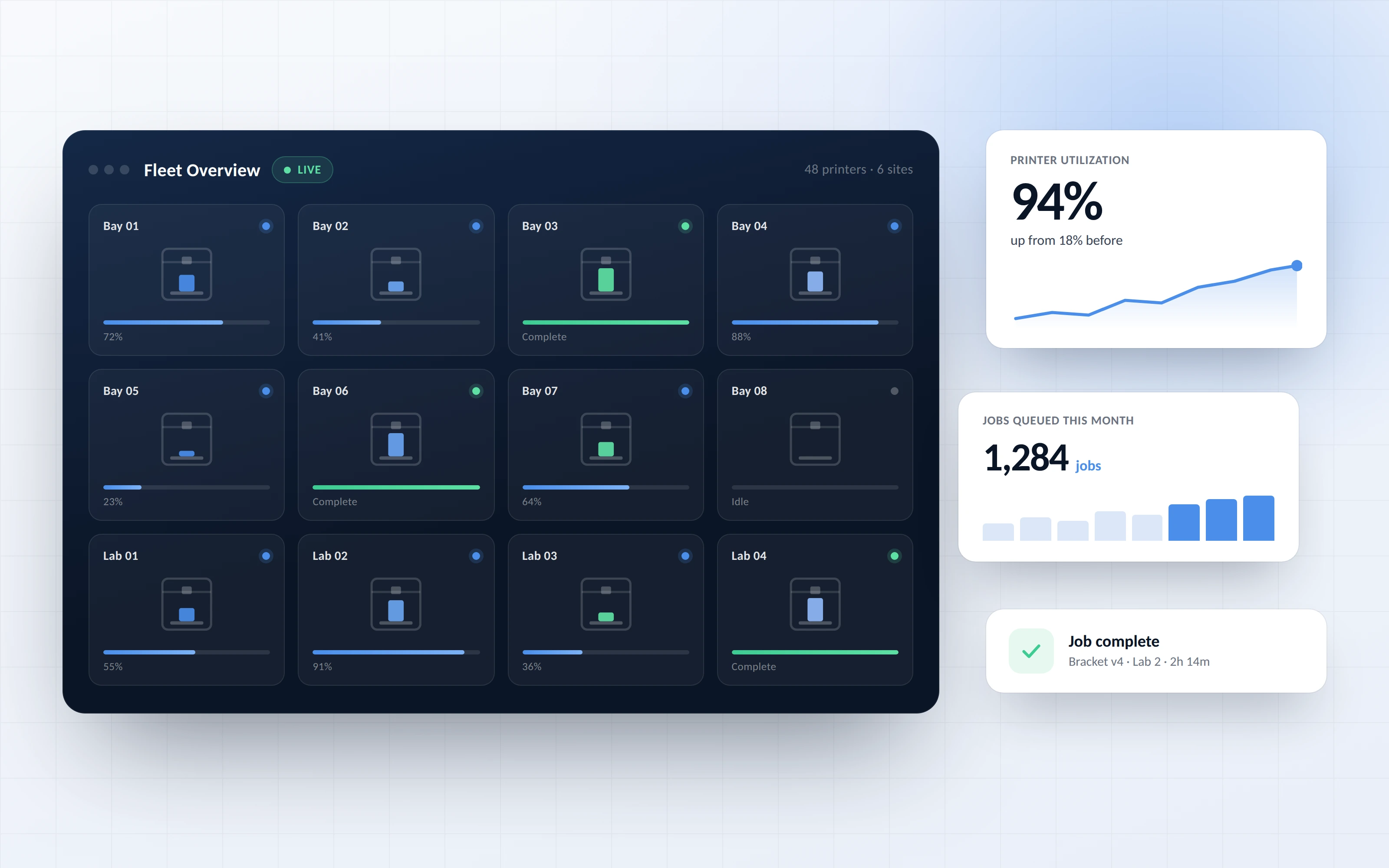
Status, queues, cameras and history for every printer in one place, wherever you are.
%201%20(1).png)
Decide who prints where, approve jobs and keep printers fair with limits and quotas.
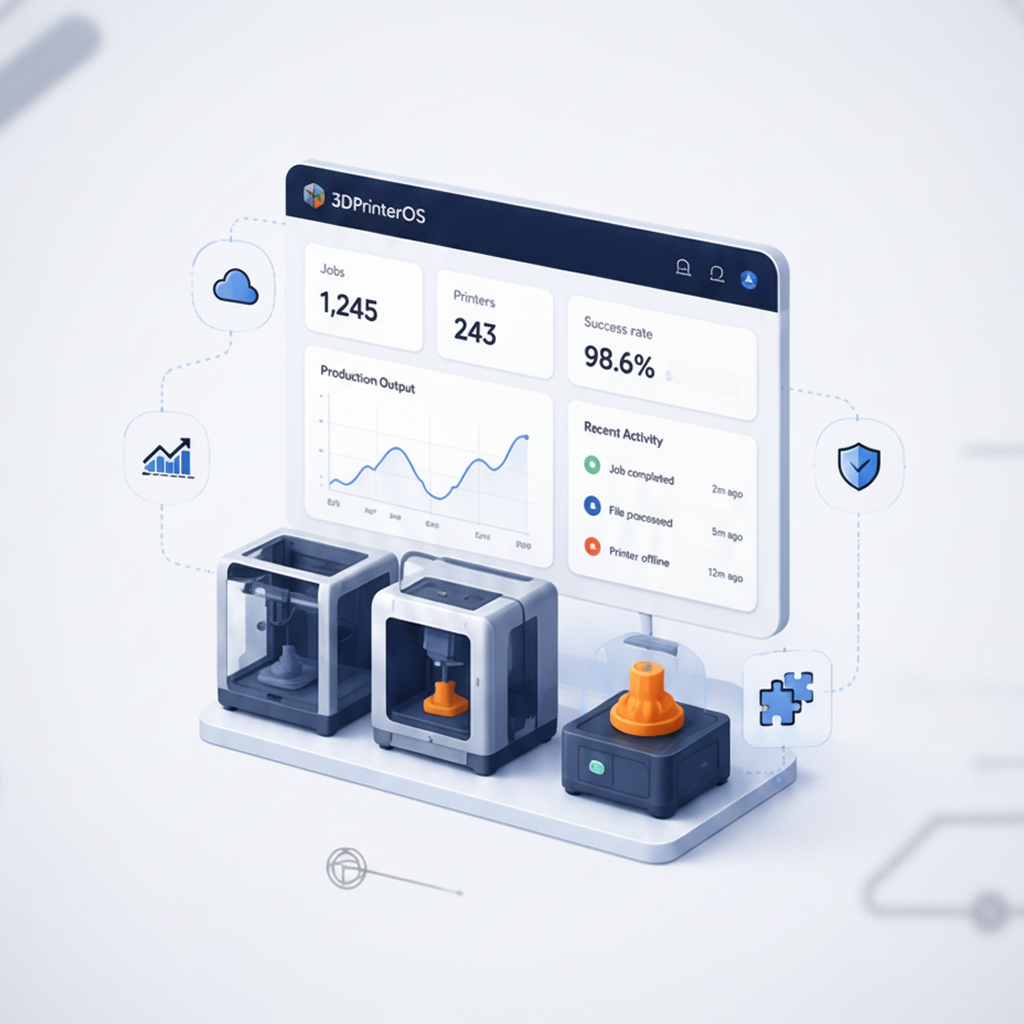
See which printers are used most, what fails and what it all costs, so you know where to invest next.
Click through how organizations run printers, users and jobs in 3DPrinterOS.
Universities manage shared labs with usage data.
Higher education →Schools print from Chromebooks without installs.
K-12 schools →Engineering teams run printers across sites.
Enterprise →Print farms automate job routing.
Print farm management →No. 3DPrinterOS focuses on preparing, slicing and managing prints across printers and users. Keep designing in MatterControl, TinkerCAD or your CAD software.
No. Users upload, slice and print from any browser. Printers connect once through the 3DPrinterOS client.
Yes. Monitor and control all your printers from one dashboard, with shared queues and live cameras.
3DPrinterOS supports 200+ printer models from all major brands.
Yes. It offers single sign-on, audit trails and a TX-RAMP certified U.S. hosted deployment.
See how 3DPrinterOS runs printers and users from one dashboard.

Used by higher education, enterprises, and OEMs to manage printers, files, and users from a single, cloud-based platform

Control access, users, and print permissions by team or lab
“This close collaboration has enabled Koenigsegg to tailor the platform to their specific needs, resulting in an optimized and user-friendly system for managing their 3D printers.”

Team Leader
Koenigsegg Automotive AB
Buchen Sie jetzt Ihr personalisiertes Assessment und erhalten Sie Ihre kostenlose Testversion.
Used by higher education, enterprises, and OEMs to manage printers, files, and users from a single, cloud-based platform
Control access, users, and print permissions by team or lab
“This close collaboration has enabled Koenigsegg to tailor the platform to their specific needs, resulting in an optimized and user-friendly system for managing their 3D printers.”
Team Leader
Koenigsegg Automotive AB
Join us today and become one of our partners

