One-click printing
Click Print in TinkerCAD and send the design to 3DPrinterOS without exporting a file.

Students design in TinkerCAD, click Print and the job lands in your 3DPrinterOS queue. No STL downloads, no extra software, just a browser.
Works in Google Chrome or Safari, on the same printers you already manage in 3DPrinterOS.


You can be in your dorm room, or you can be in Africa, but as long as you have an internet connection, you can upload your file.
 Brian SlocumManaging Director, The Wilbur Powerhouse, Lehigh University
Click Print in TinkerCAD and send the design to 3DPrinterOS without exporting a file.
Students submit jobs from Google Chrome or Safari, on any computer they already use.
Jobs arrive in the same print queues you use for every other printer.
Review and approve student jobs before they reach a printer.
Organize files, machines and students across classrooms and locations.
See who printed what, on which printer, and how much material it used.
Students build their model in TinkerCAD as usual.
Choose 3DPrinterOS from TinkerCAD and send the design in one click.
The job joins your queue, you approve it and it prints on the next available printer.
Connect your printer to 3DPrinterOS once and manage it from any browser.

Kids, educators and hobbyists use TinkerCAD to design anything they can imagine. 3DPrinterOS removes the file juggling between the design and the print.

Approve jobs, set print limits and see every submission in one place, so printers are used fairly and nothing prints by mistake.
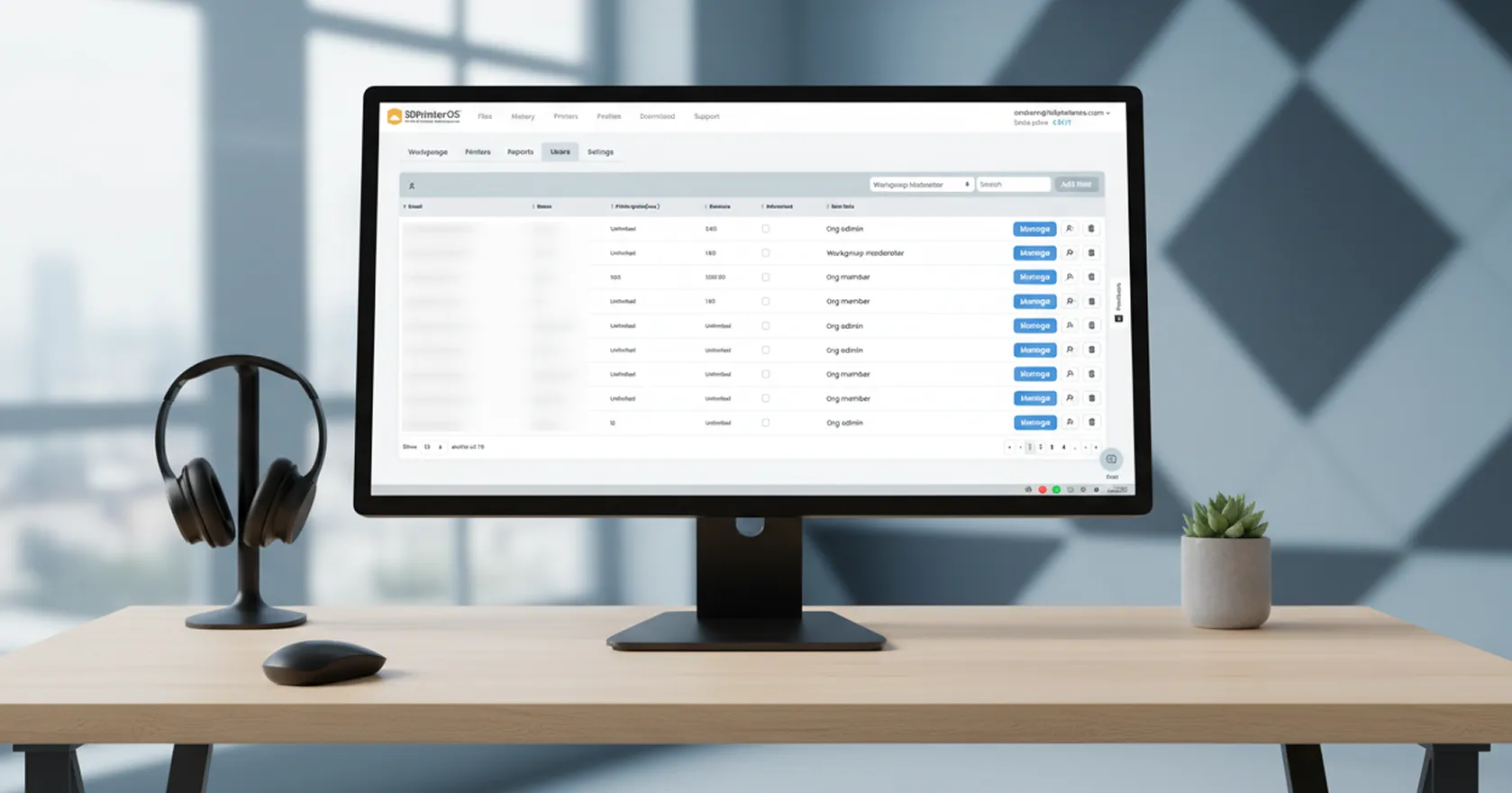
Manage hundreds of printers and thousands of users across your locations, and use reports to show how printers support learning.
Click through sending a TinkerCAD design to a printer with 3DPrinterOS.
They design in TinkerCAD, click Print and send the design to 3DPrinterOS. The job then appears in your print queue.
No. The design goes from TinkerCAD to 3DPrinterOS directly, so there are no files to export or re-upload.
Students can submit jobs from Google Chrome or Safari.
Yes. Use approvals, print limits and queues in 3DPrinterOS to control what prints and when.
Any printer connected to 3DPrinterOS, which supports 200+ printer models.
Start a free trial or talk to an expert about your school.

Hochschulen, Unternehmen und OEMs verwalten damit Drucker, Dateien und Nutzer über eine zentrale Cloud-Plattform

Zugriffe, Nutzer und Druckrechte nach Team oder Labor steuern
„Diese enge Zusammenarbeit hat es Koenigsegg ermöglicht, die Plattform genau auf die eigenen Anforderungen zuzuschneiden – mit dem Ergebnis eines optimierten, benutzerfreundlichen Systems zur Verwaltung der 3D-Drucker.“

Teamleiter
Koenigsegg Automotive AB
Buchen Sie jetzt Ihre persönliche Beratung und sichern Sie sich Ihre kostenlose Testphase.
