Your choice of hosting
Our hosted cloud in the U.S. or Europe, your own Azure, AWS or Google Cloud account, or your own air-gapped servers.


Run 3DPrinterOS in a private cloud deployment that meets your security requirements. Manage printers, users and files across every site with in-cloud slicing, remote printing and automated admin controls, while your data stays where you need it.
Deploy on Microsoft Azure in the U.S. or Europe, in your own cloud account, or on your own air-gapped servers.
.png)








This close collaboration has enabled Koenigsegg to tailor the platform to their specific needs, resulting in an optimized and user-friendly system for managing their 3D printers.
Tim BäckTeam Leader, Koenigsegg Automotive ABOur hosted cloud in the U.S. or Europe, your own Azure, AWS or Google Cloud account, or your own air-gapped servers.
Our U.S. hosted deployment is TX-RAMP certified and aligned with NIST 800-53, with full audit trails for every job.
Connect your identity provider so users sign in with their existing accounts.
One-click slicing and printing from any browser, with no software to install locally.
Control print hours per user, job priority and printer sharing settings.
Add users, printers and locations as you grow, across campuses and sites.
Pick the U.S. or European cloud, your own cloud account, or an on-premises, air-gapped installation that matches your security policy.
Connect printers through the 3DPrinterOS Client web interface. Formlabs, Ultimaker, Lulzbot, MakerBot, Creality, Dremel, Bambu Lab and Prusa are supported.
Our team supports setup, onboarding and ongoing maintenance for enterprise customers.
.png)
You choose where your data lives. Our hosted cloud runs on Microsoft Azure, with separate U.S. and European instances. Or deploy in your own Azure, AWS or Google Cloud account, or on your own servers. Design files are stored only in the region you choose.
%201%20(1).png)
Set print-hour allowances per user, job priority and printer sharing rules once, and let the platform enforce them across every lab.
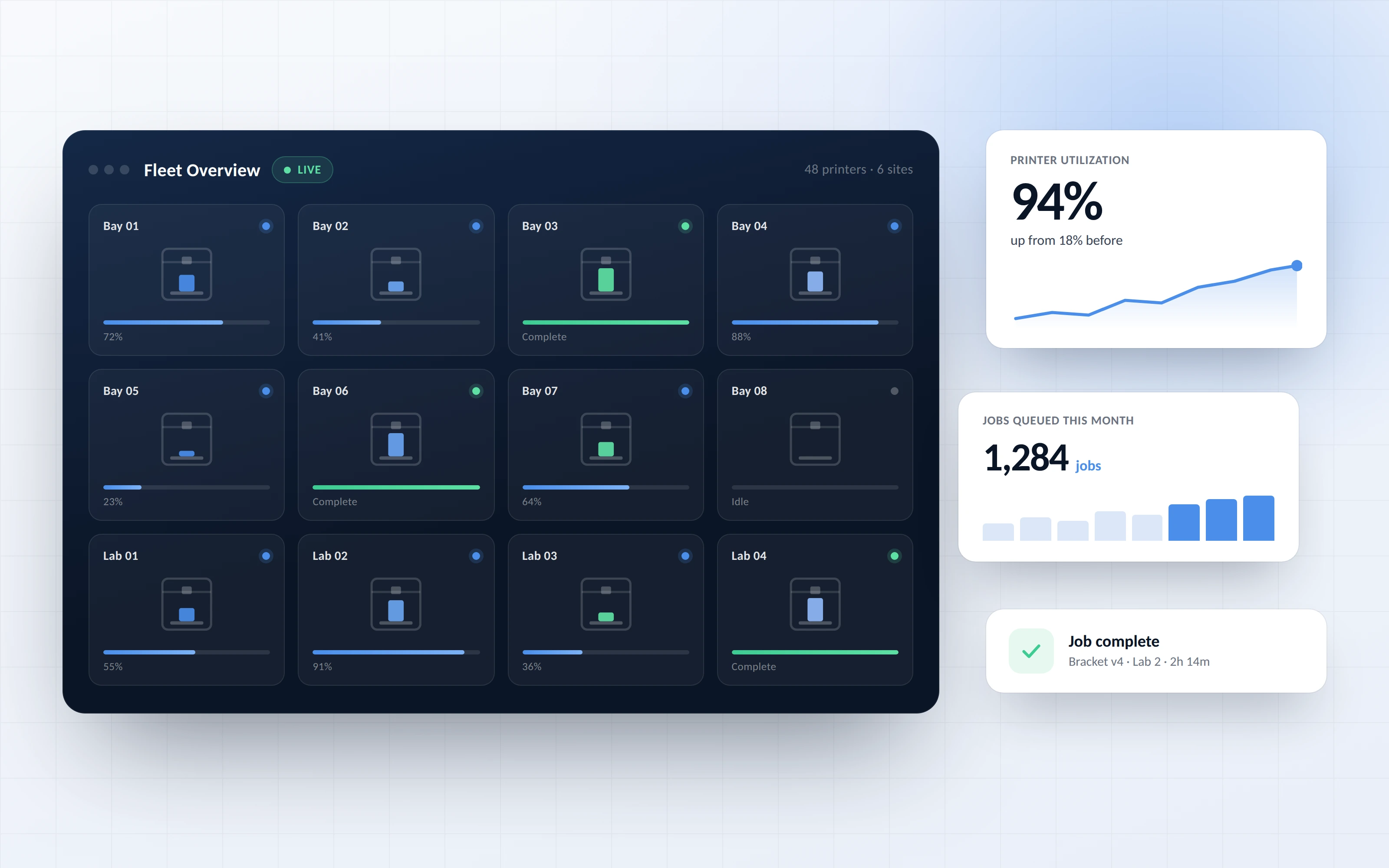
Manage multiple print labs and coordinate across campuses or facilities. Upload directly from CAD, monitor jobs from anywhere and keep a single view of utilization.
Every organization has different security requirements. Some need a managed cloud in the U.S. or in Europe. Others need everything inside their own cloud account, or every byte on their own hardware. 3DPrinterOS supports all four.
Our hosted platform runs on Microsoft Azure with U.S.-based data centers. TX-RAMP certified out of the box. Zero infrastructure management on your end: we handle updates, backups, security patching, and uptime.
A separate instance of our hosted platform, running on Microsoft Azure in EU data centers. Your files, print logs and user data are stored in Europe, and we handle updates, backups, security patching, and uptime.
Install 3DPrinterOS inside your private Azure, AWS, or Google Cloud account. You pick the region and keep full control over network topology, firewall configuration, and data residency.
Install 3DPrinterOS on local servers inside your own network. It runs with no outside connection, so design data never leaves your facility.
Click through queues, activity tracking and print limits in an enterprise 3DPrinterOS workspace.
Air-gapped deployments for defence and government additive manufacturing.
Military and government →Protect product IP while engineering teams print across sites.
Enterprise →Meet university security reviews with TX-RAMP certification and SSO.
Higher education →Standardize production printing across factories with full audit trails.
Manufacturing →It means running your 3D printing management platform in an environment you control, such as your own Azure, AWS or Google Cloud account or your own servers, so printers, users and files are managed centrally while data stays under your control.
There are four: our hosted cloud on Microsoft Azure in the U.S., our hosted cloud on Microsoft Azure in Europe, your own Azure, AWS or Google Cloud account, or your own on-premises servers, including fully air-gapped installs.
Yes. 3DPrinterOS can run on local servers inside your own network with no outside connection, so design files never leave your facility.
Yes. A separate instance of our hosted platform runs on Microsoft Azure in EU data centers, so files, print logs and user data are stored in Europe.
Yes. Our U.S. hosted Azure deployment is TX-RAMP certified and aligned with NIST 800-53, with single sign-on and full audit trails.
Formlabs, Ultimaker, Lulzbot, MakerBot, Creality, Dremel, Bambu Lab and Prusa printers are supported, connected through the 3DPrinterOS Client.
No. In-cloud slicing and printing work from any web browser with one click.

Used by higher education, enterprises, and OEMs to manage printers, files, and users from a single, cloud-based platform

Control access, users, and print permissions by team or lab
“This close collaboration has enabled Koenigsegg to tailor the platform to their specific needs, resulting in an optimized and user-friendly system for managing their 3D printers.”

Team Leader
Koenigsegg Automotive AB
Buchen Sie jetzt Ihr personalisiertes Assessment und erhalten Sie Ihre kostenlose Testversion.
