Printer and material profiles
Slice with settings matched to your printer model and material.


A 3D slicer turns a model into the G-code your printer runs. The 3DPrinterOS smart slicer does it online, with profiles for your printer and material, layer preview and one-click sending to any printer in your fleet.
Profiles for 150+ printer models. Nothing to install.
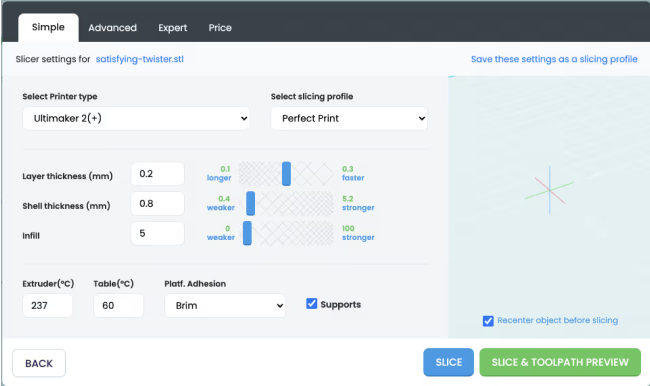








The toolpath visualization within 3DPrinterOS has dramatically increased the 3D print success rate.
Slice with settings matched to your printer model and material.
Control resolution, infill density and pattern, walls and shells.
Generate supports and choose skirts, brims or rafts for each print.
Tune print speed, nozzle and bed temperatures when you need to.
Preview the toolpath layer by layer before anything reaches the printer.
Save profiles and share them with groups so everyone prints with tested settings.
Add an STL, OBJ or AMF file to your 3DPrinterOS library.
Select the printer and material profile.
Change layer height, infill, supports or speed if needed.
Generate G-code in the cloud and check every layer.
Send the job to a printer or a queue and monitor it remotely.
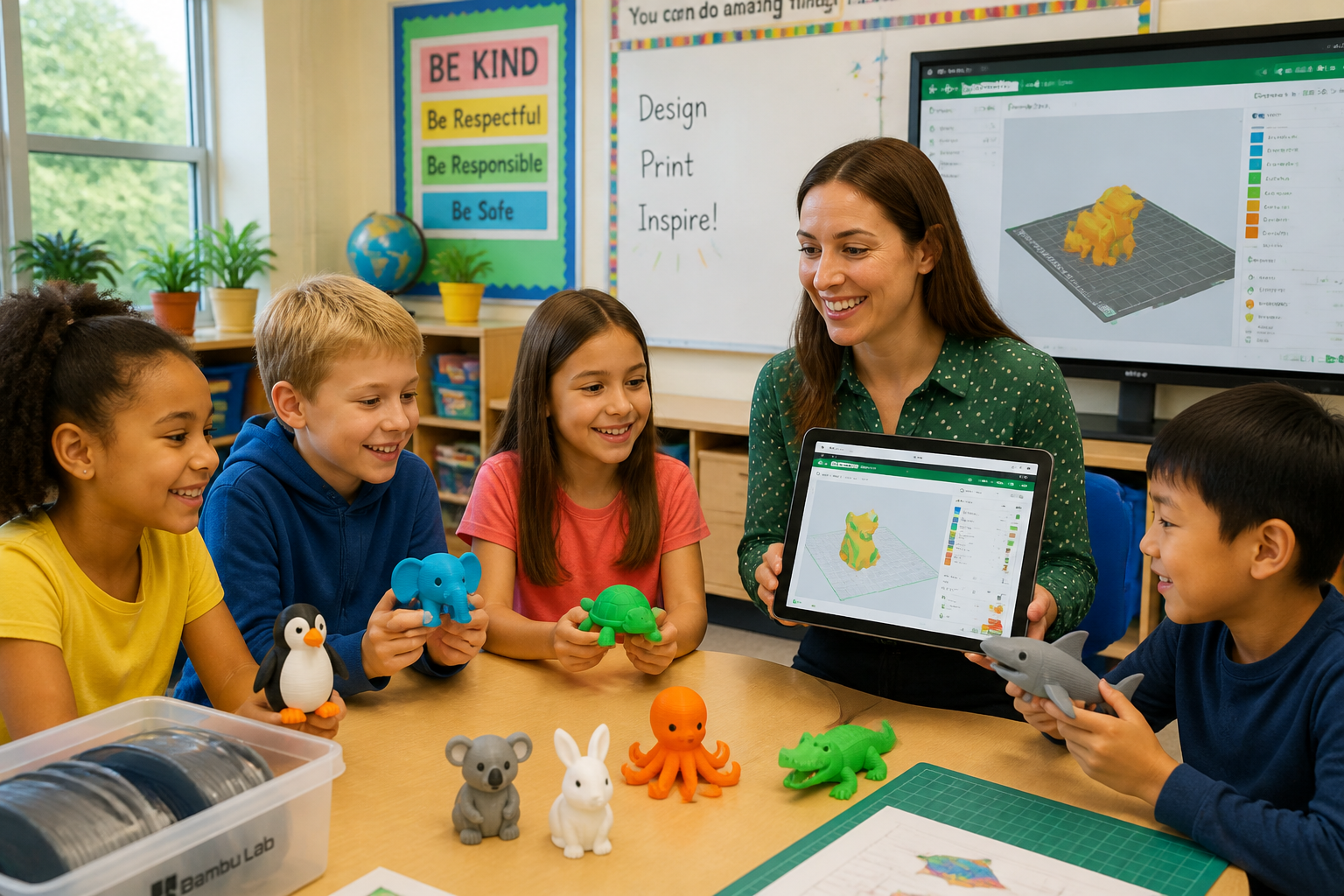
Students and new users pick a printer and a tested profile. Experienced users open the advanced settings and fine-tune every parameter.
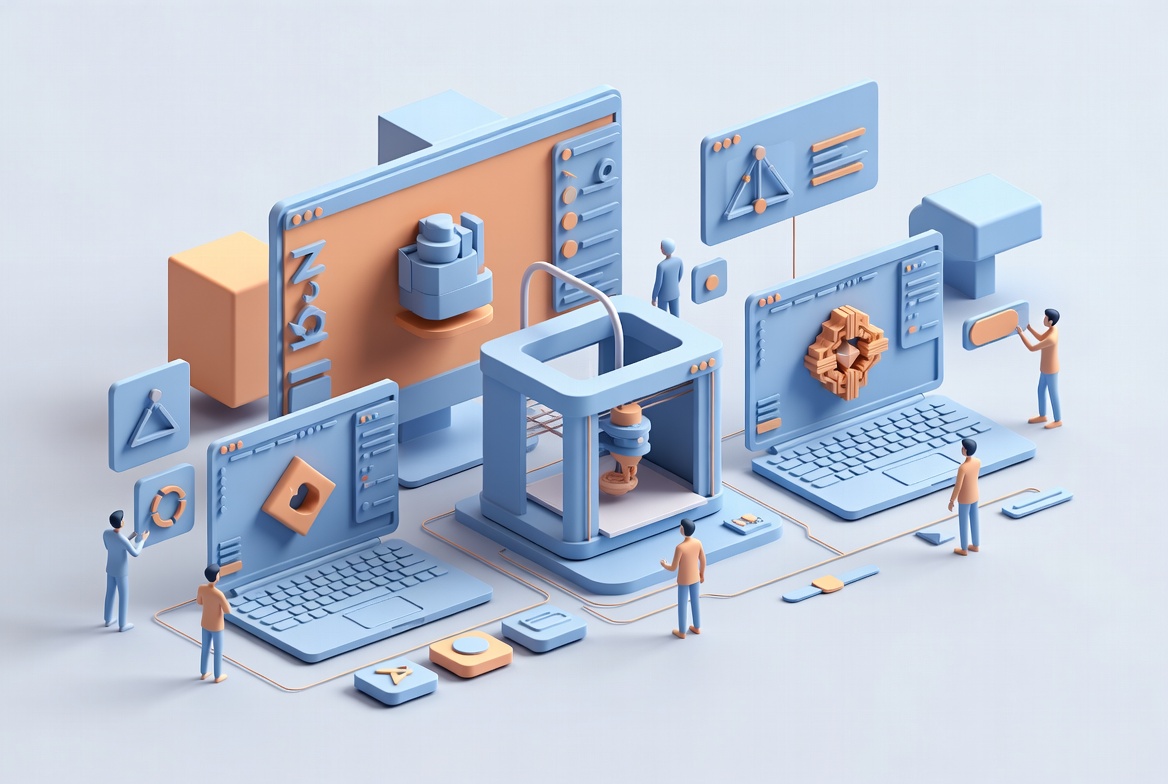
Save your best settings once and share them with workgroups. Everyone prints with approved parameters, and nobody has to rebuild a profile from scratch.
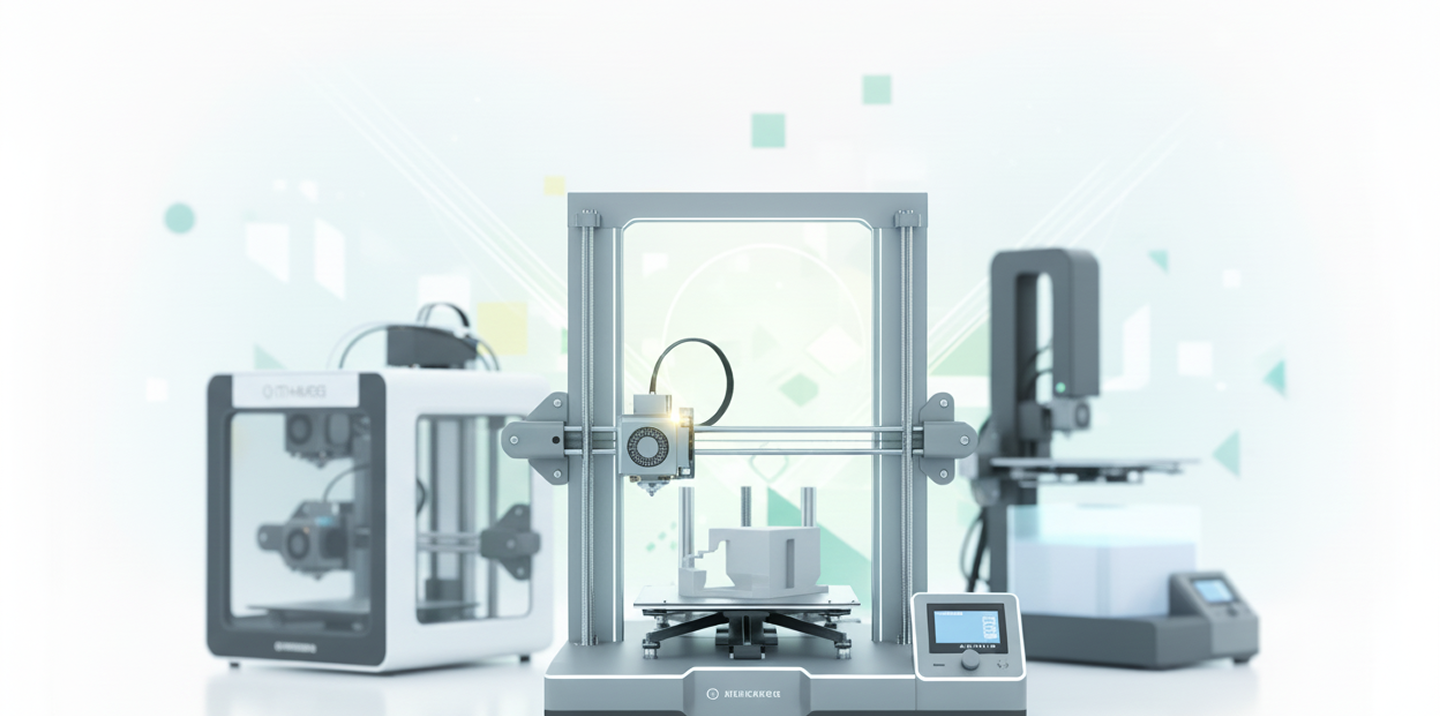
Slice for 150+ printer models from one place instead of keeping a different desktop slicer for every brand.
| Feature | Desktop slicer | 3DPrinterOS smart slicer |
|---|---|---|
| Installation | Required | None |
| Access | One device | Any browser |
| Shared team profiles | Limited | Yes |
| Send to printers remotely | Limited | Yes |
| Updates | Manual | Automatic |
Click through slicing a model and sending it to a printer in 3DPrinterOS.
Students slice on Chromebooks with teacher-approved profiles.
K-12 schools →Labs share tested profiles across every student print.
Higher education →Engineers slice and send prototypes to printers at any site.
Enterprise →Operators prepare jobs once and route them across the fleet.
Print farm management →A 3D slicer converts a 3D model, such as an STL or OBJ file, into G-code instructions a 3D printer can follow. It divides the model into layers and sets the toolpaths, supports and print settings.
It depends on your setup. For teams and multi-printer environments, an online slicer like 3DPrinterOS adds shared profiles, remote sending and central management that desktop slicers lack.
STL, OBJ and AMF models, and you can also upload ready-made G-code for supported printers.
Yes. Save your settings as profiles and share them with groups of users.
No. The slicer runs in the browser and updates automatically in the cloud.

Used by higher education, enterprises, and OEMs to manage printers, files, and users from a single, cloud-based platform

Control access, users, and print permissions by team or lab
“This close collaboration has enabled Koenigsegg to tailor the platform to their specific needs, resulting in an optimized and user-friendly system for managing their 3D printers.”

Team Leader
Koenigsegg Automotive AB
Buchen Sie jetzt Ihr personalisiertes Assessment und erhalten Sie Ihre kostenlose Testversion.
