Complete job logs
An organized record of every print job, its file, printer, user and result.


3DPrinterOS keeps a complete log of every print job in the cloud. See who printed what, on which printer and with what result, then duplicate or edit any past job in a few clicks.
Part of the 3DPrinterOS cloud platform.
.png)








Just being able to click a few buttons and set the prints going has been huge, and we can have multiple people doing it at the same time without stepping on each other’s toes.
 Vicki SpitalnickInnovation Specialist, Pine Crest School
An organized record of every print job, its file, printer, user and result.
Check jobs before and after printing to keep quality consistent.
Reprint a previous job with one click.
Tweak settings on a past job and print it again.
Share files and print jobs with your team in the cloud.
Distribute assignments and track progress across the team.
Every job is logged automatically in your cloud history.
Find past jobs by user, printer or file and check the result.
Duplicate or edit a past job and send it to a printer again.
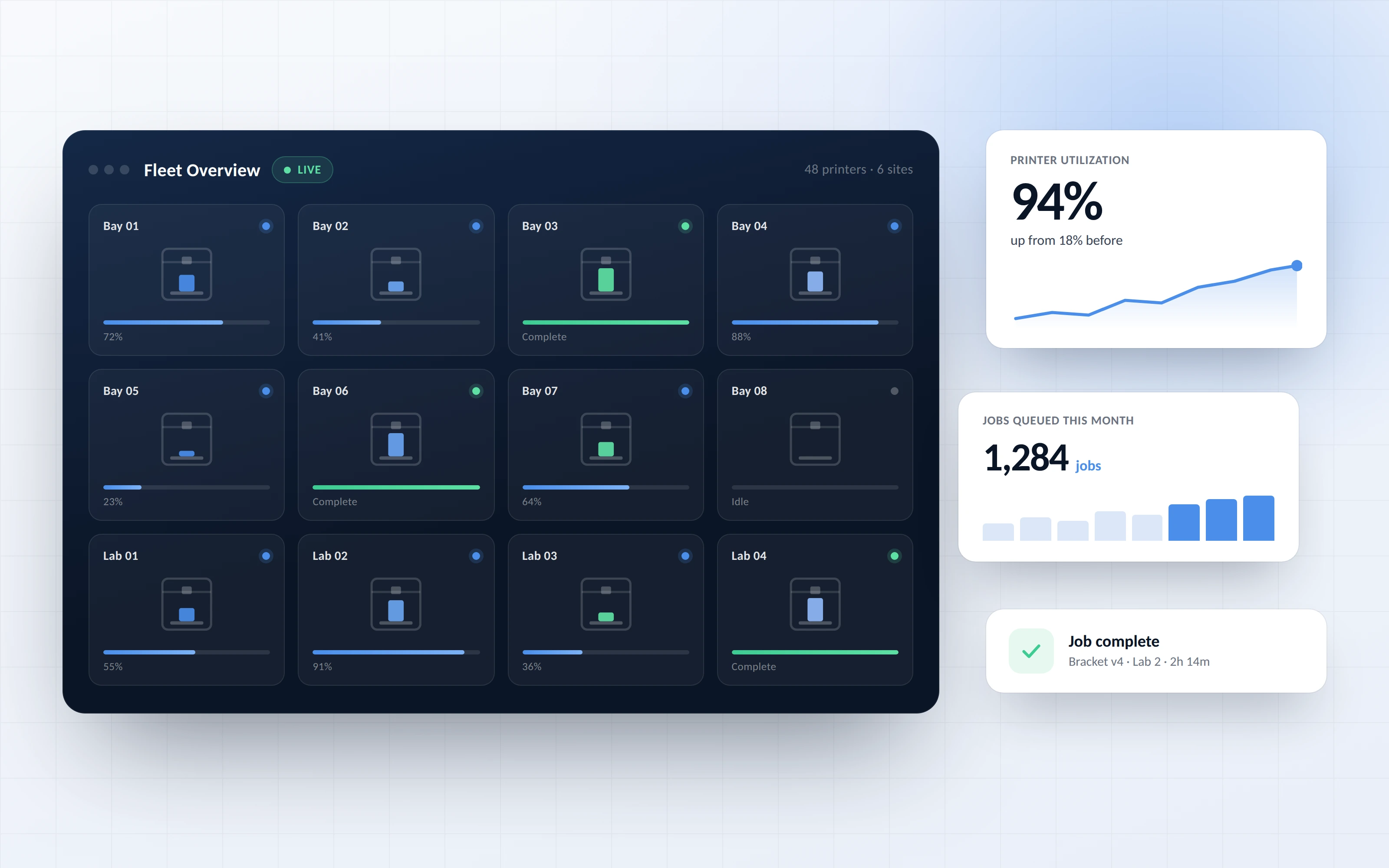
Comprehensive logs make it easy to track work, investigate problems and report on usage across printers and users.
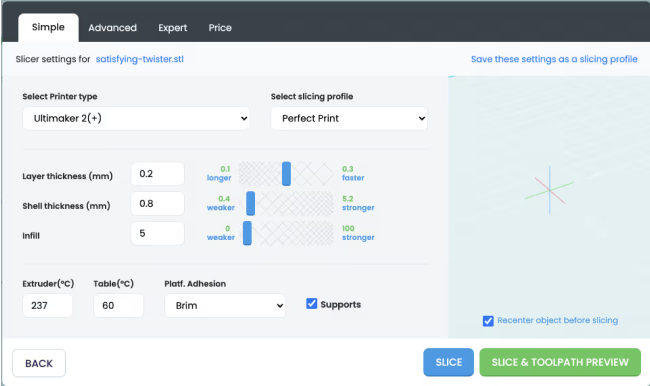
Duplicate a successful job with one click, or adjust a few settings to perfect an almost-right print.

Share files and print jobs in the cloud, assign tasks and track progress so team projects stay on schedule.
Click through printing history and filament tracking in an enterprise 3DPrinterOS workspace.
Lab managers see exactly who printed what and when.
Higher education →Teachers reprint successful class projects without starting over.
K-12 schools →Engineers track every prototype iteration and its settings.
Enterprise →Production teams keep a full record of every part printed.
Manufacturing →Each job is logged with its file, printer, user, settings and result, in your cloud print history.
Yes. Duplicate any past job from your history with one click.
Yes. Edit the settings of a previous job and print it again.
Yes. Cloud file sharing and shared print job channels let teams work together.
Yes. Logs show usage by user and printer, which helps with planning, budgets and audits.

Used by higher education, enterprises, and OEMs to manage printers, files, and users from a single, cloud-based platform

Control access, users, and print permissions by team or lab
“This close collaboration has enabled Koenigsegg to tailor the platform to their specific needs, resulting in an optimized and user-friendly system for managing their 3D printers.”

Team Leader
Koenigsegg Automotive AB
Buchen Sie jetzt Ihr personalisiertes Assessment und erhalten Sie Ihre kostenlose Testversion.
