Central control
Control and monitor every Bambu Lab printer from one platform.

Bambu Lab software from 3DPrinterOS is a cloud dashboard for running Bambu Lab printers alongside other brands. Teams schedule jobs, watch prints live and keep material profiles consistent, and can keep slicing in Bambu Studio while 3DPrinterOS manages printers, users and queues from one place.
Bambu Lab printers sit in the same queues as Prusa, Ultimaker, Creality and 200+ other models.


There is actually not enough capacity, and we need more of them.
 Mitra AnandAdvanced Technology and Prototyping Specialist, Worcester Polytechnic Institute
Control and monitor every Bambu Lab printer from one platform.
Schedule jobs across your Bambu printers to keep every machine busy.
Follow the progress of each print, wherever you are.
Keep one central library of filament profiles for consistent prints on every printer.
Give students and teams the right access, with approvals and print limits.
Track jobs, users and printers across your whole organization.
Pick the setup closest to yours.
Bambu Studio and Bambu Handy work well for one person and a couple of printers. Add 3DPrinterOS when you want a queue, shared access or other brands in the same view.
At 500 mm/s the bottleneck is scheduling, not printing. 3DPrinterOS queues jobs and sends them to the next free printer.
Many users on fast printers need roles, approvals and quotas. 3DPrinterOS adds them on top of your Bambu fleet.
If design files must stay on infrastructure you choose, run 3DPrinterOS in a managed Azure cloud or on your own servers.
Start a free trial of 3DPrinterOS.
Connect your Bambu Lab printers to your 3DPrinterOS organization.
Upload a model, slice it and send it to any Bambu printer in your fleet.
Connect your printer to 3DPrinterOS once and manage it from any browser.
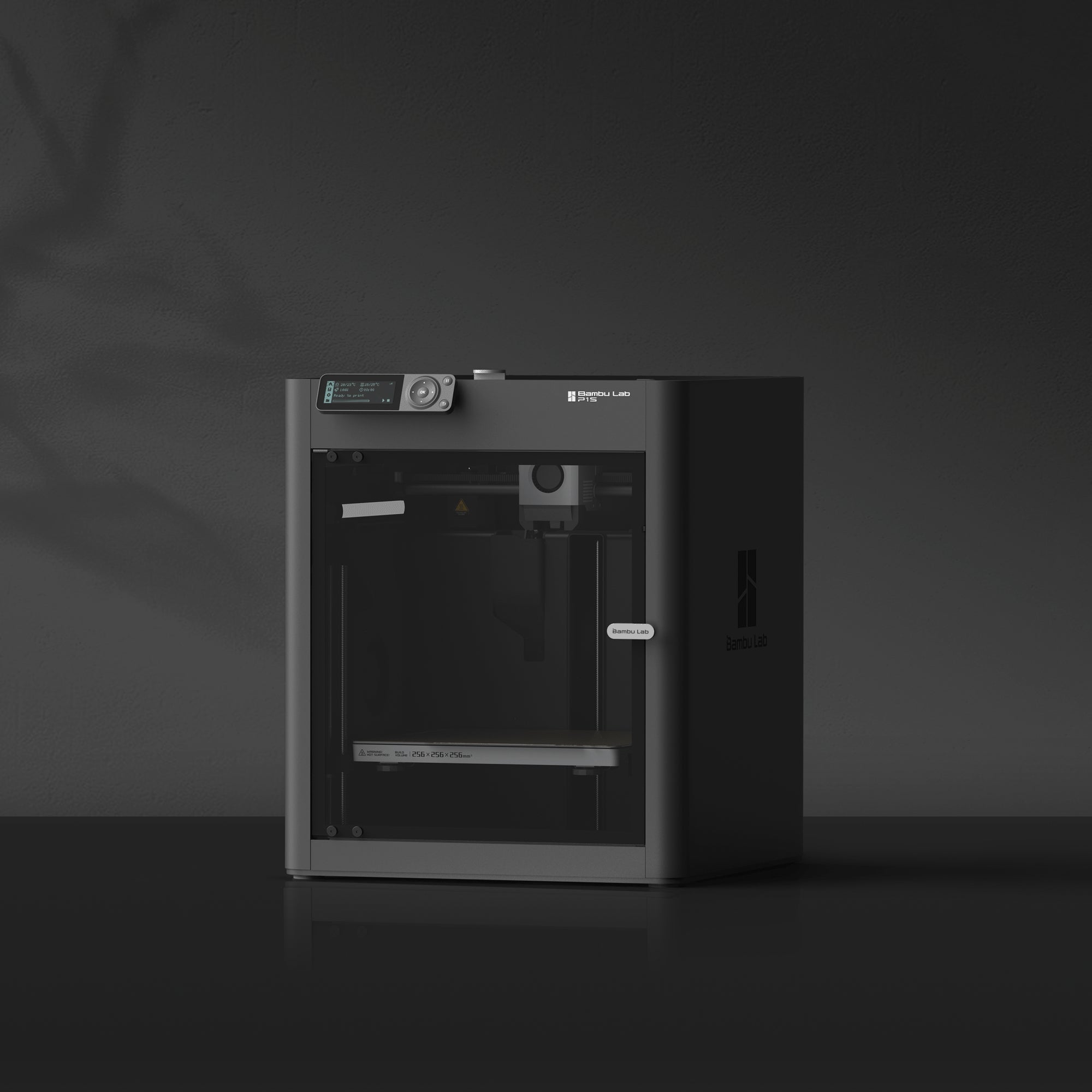
Bambu Lab printers reach 500 mm/s with CoreXY motion and accelerations up to 20,000 mm/s². 3DPrinterOS makes sure the next job is ready when the last one finishes.
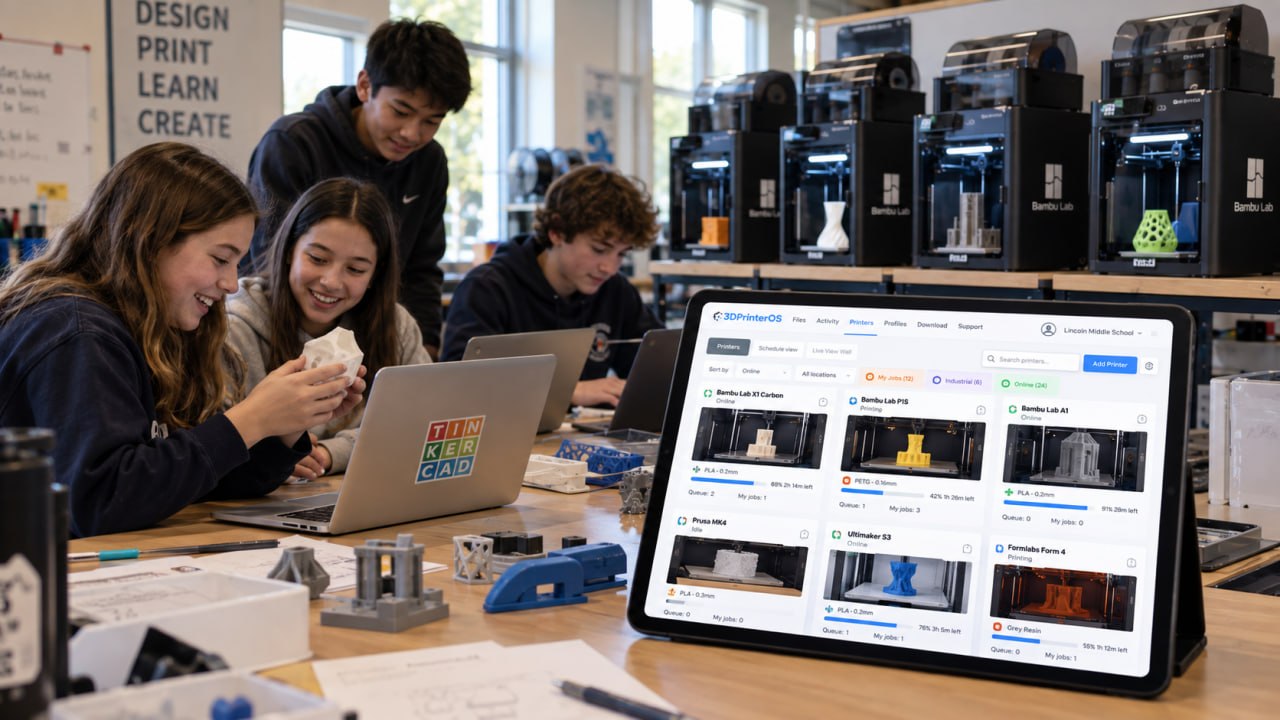
Keep one central library of filament and print profiles, so a part printed on any Bambu machine comes out the same.

See every job, user and printer in one place, and use the data to plan capacity and budgets.
Click through how 3DPrinterOS queues jobs and sends them to free printers.
Universities share Bambu labs with hundreds of students.
Higher education →Print farms keep fast printers busy around the clock.
Print farm management →Engineering teams prototype faster across sites.
Enterprise →Agencies keep design files on infrastructure they choose.
Military and government →3DPrinterOS supports every current Bambu Lab printer in the X2, X1, H2, P2, P1, A1 and A2 series: X2D, X1 Carbon, X1E, H2D, H2D Pro, H2S, H2C, P2S, P1S, P1P, A1, A1 Mini and A2L, in LAN Only Mode on all firmware versions. See the supported Bambu Lab printers page.
Yes. Bambu printers can share dashboards and queues with Prusa, Ultimaker, Creality and other printers.
Yes. You can keep using Bambu Studio for slicing and use 3DPrinterOS to manage printers, users and queues.
Yes. 3DPrinterOS offers a managed cloud on Microsoft Azure and private server deployment.
Yes. Follow the progress of every print from any browser.
Start a free trial or talk to an expert about your setup.

Hochschulen, Unternehmen und OEMs verwalten damit Drucker, Dateien und Nutzer über eine zentrale Cloud-Plattform

Zugriffe, Nutzer und Druckrechte nach Team oder Labor steuern
„Diese enge Zusammenarbeit hat es Koenigsegg ermöglicht, die Plattform genau auf die eigenen Anforderungen zuzuschneiden – mit dem Ergebnis eines optimierten, benutzerfreundlichen Systems zur Verwaltung der 3D-Drucker.“

Teamleiter
Koenigsegg Automotive AB
Buchen Sie jetzt Ihre persönliche Beratung und sichern Sie sich Ihre kostenlose Testphase.
