Default cloud workflow
Bambu Lab uses Amazon AWS outside China and Alibaba Cloud in China, and holds ISO/IEC 27001 and 27701 certifications.

Bambu Lab printers are fast and popular across universities, enterprises and government. For sensitive designs, where print files go matters. Your printers, your infrastructure, your rules.
Covers the Bambu Lab A1, P1, X1, X2 and H2 series.









We have an amazing group of students working on solving real-world problems using these printers.
 Mitra AnandAdvanced Technology and Prototyping Specialist, Worcester Polytechnic Institute
In the default cloud workflow, design files pass through Bambu Lab cloud infrastructure. For regulated organizations, the question is whether your compliance framework allows that.
Bambu Lab uses Amazon AWS outside China and Alibaba Cloud in China, and holds ISO/IEC 27001 and 27701 certifications.
Teams under ITAR, CMMC, DFARS, TX-RAMP or institutional data policies need to know where files travel.
Bambu LAN-Only Mode keeps print data local, but leaves you without fleet management.
User sign-in, print queues, cost tracking, audit logs and compliance reporting across printers.
Fleet management on infrastructure you choose, with enterprise controls built in.
H2D Pro WPA2-Enterprise Wi-Fi and Ethernet pair with on-prem 3DPrinterOS deployments.
Two ways to run 3DPrinterOS for your Bambu Lab fleet.
We handle updates, backups, security patching and uptime. Your design files stay on U.S. infrastructure operated by Microsoft, not by a 3D printer manufacturer.
Install 3DPrinterOS on your local servers or inside your own Azure, AWS or Google Cloud account, with full control of network, firewall and data residency.
Managed Azure cloud or your own private servers.
Link SAML, Shibboleth, OKTA or InCommon so every user signs in with your accounts.
Assign roles, restrict expensive printers and start printing with a full audit trail.
Connect your printer to 3DPrinterOS once and manage it from any browser.
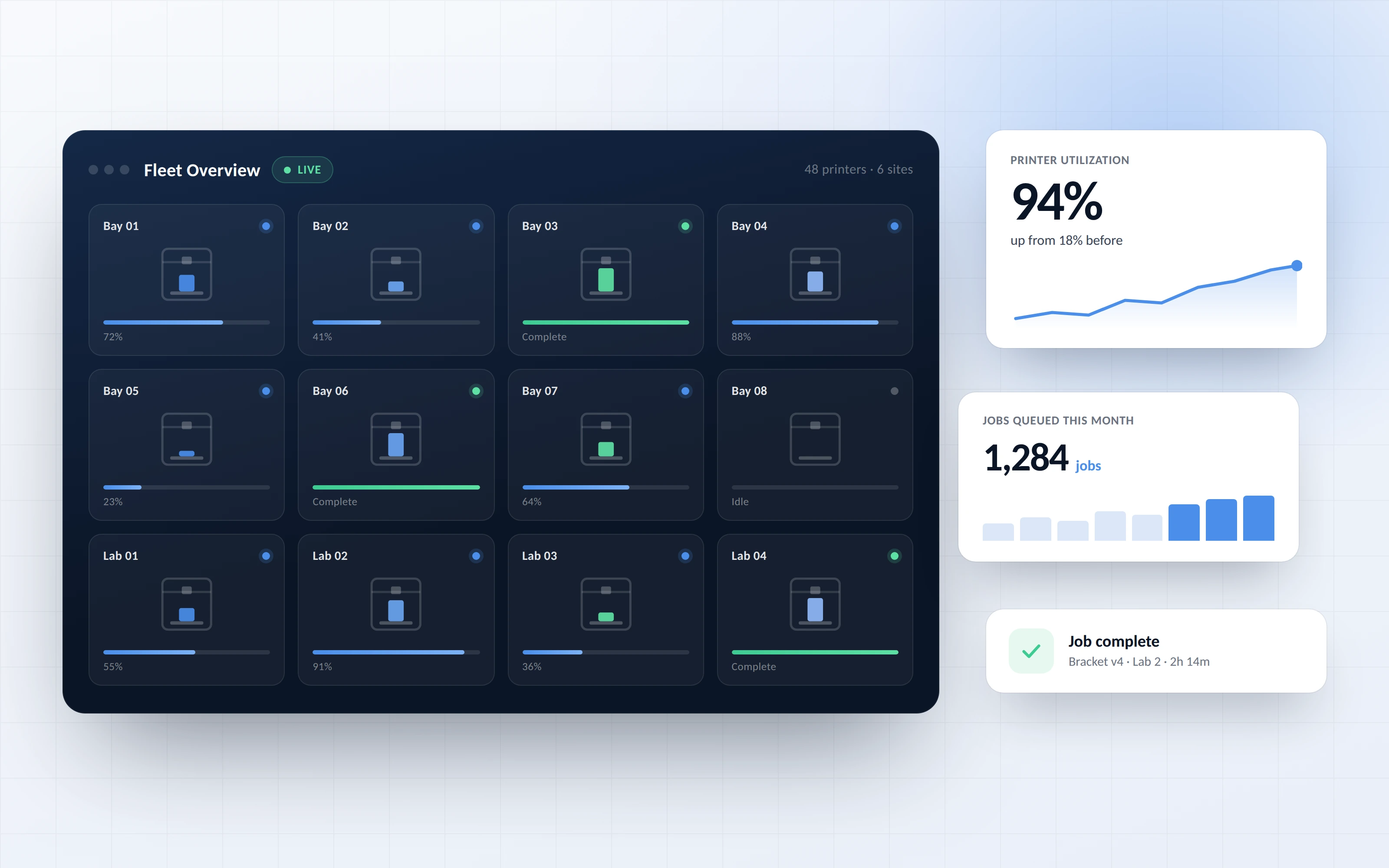
Every user signs in through your institutional identity provider. No shared logins and no manual account management.
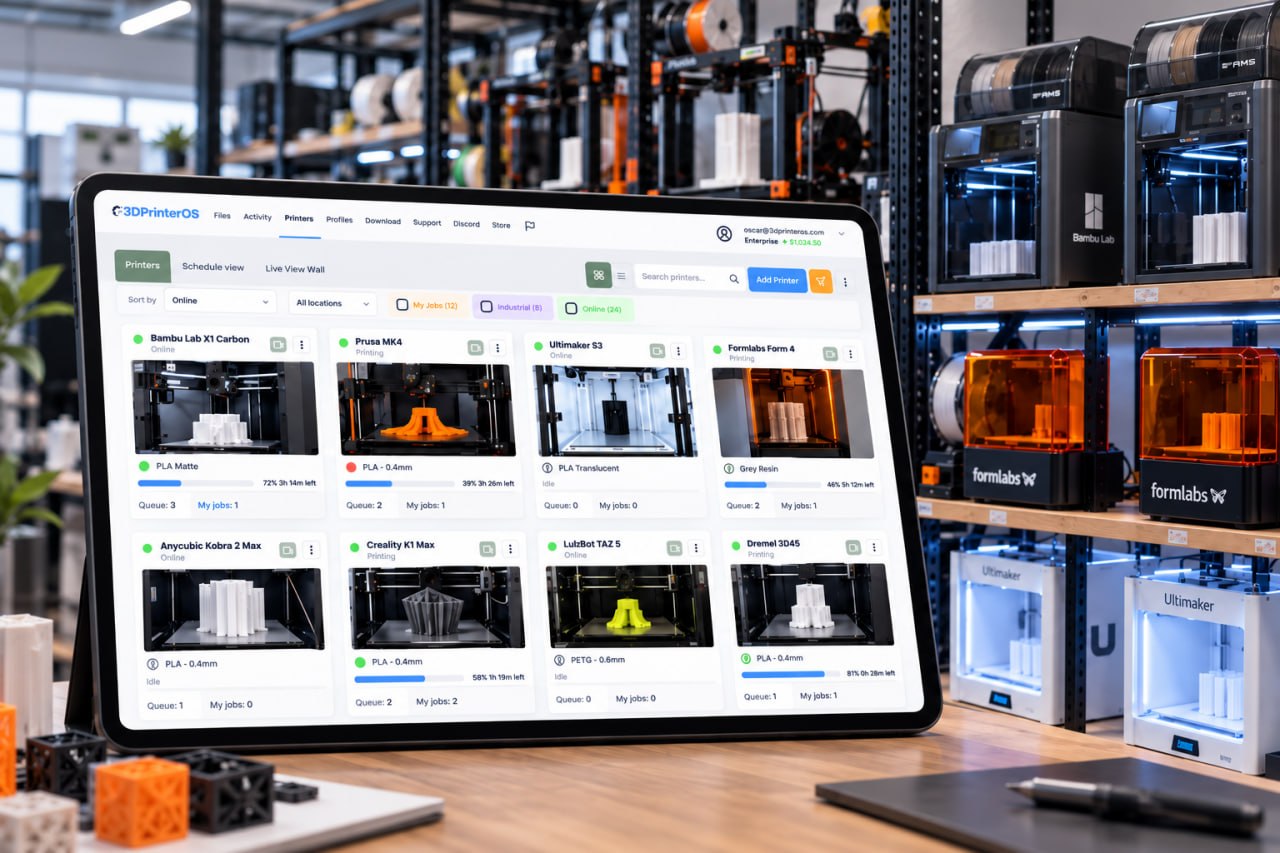
Every job is logged with user, file name, printer, material, time and outcome, and can be exported for compliance reporting, HECVAT reviews, TX-RAMP monitoring or security audits.
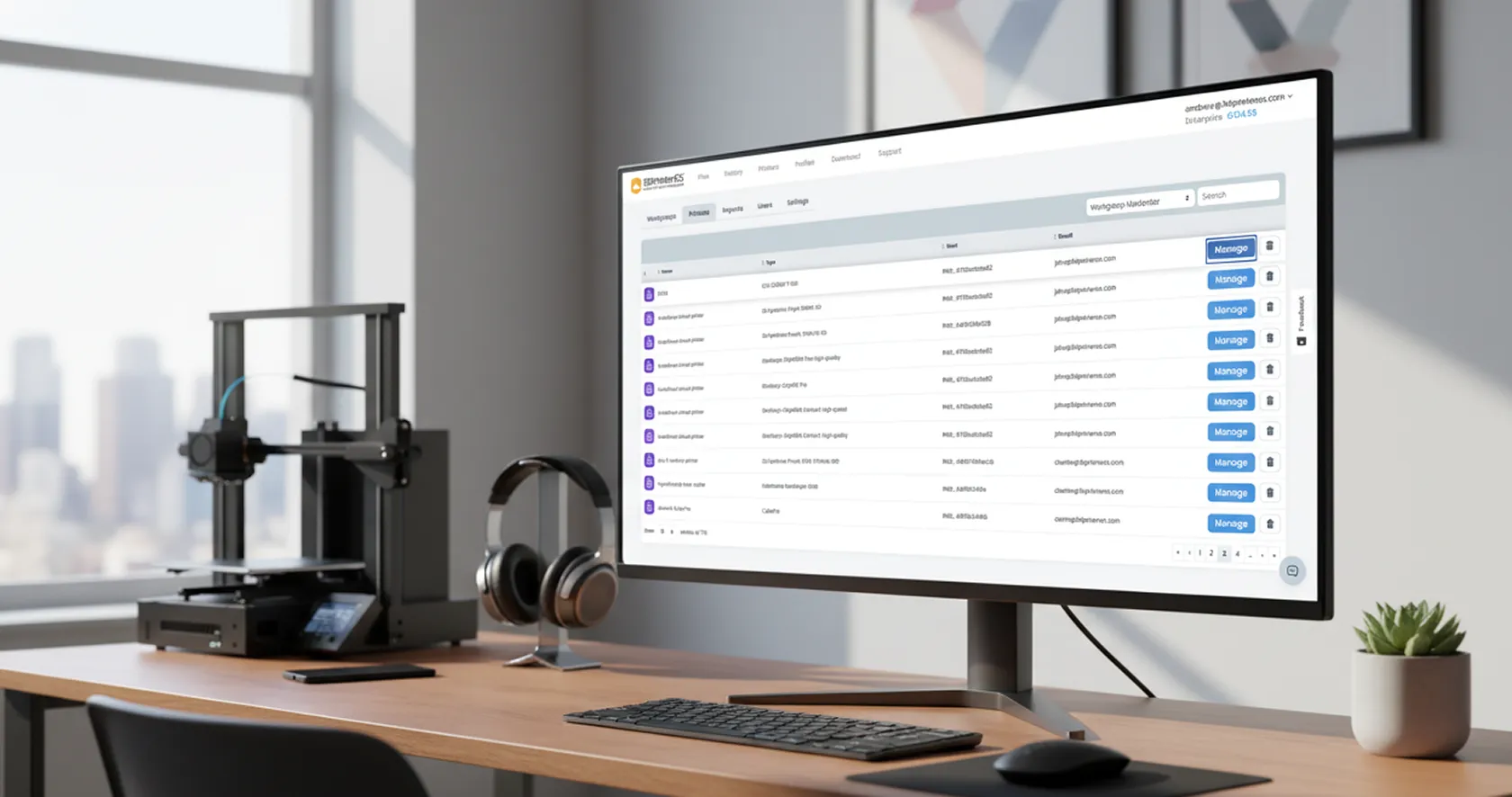
Assign admin, lab manager, operator or student roles. Restrict expensive H2D Pro printers to authorized users while keeping A1 Minis open to everyone.
Click through how users sign in to 3DPrinterOS with your identity provider.
In the default cloud workflow they pass through Bambu Lab cloud infrastructure, which uses Amazon AWS outside China and Alibaba Cloud in China.
It keeps print data local, but you still need user sign-in, queues, cost tracking, audit logs and reporting across your fleet. 3DPrinterOS adds those.
In a managed cloud on Microsoft Azure, on your own local servers, or in your own Azure, AWS or Google Cloud account.
SAML, Shibboleth, OKTA and InCommon.
The A1, P1, X1, X2 and H2 series.
Talk to us about the right deployment for your organization.

Used by higher education, enterprises, and OEMs to manage printers, files, and users from a single, cloud-based platform

Control access, users, and print permissions by team or lab
“This close collaboration has enabled Koenigsegg to tailor the platform to their specific needs, resulting in an optimized and user-friendly system for managing their 3D printers.”

Team Leader
Koenigsegg Automotive AB
Book your personalized assessment now and get your free trial.
