Classes and workgroups
Organize students by class or lab and give each group the right printers.

Polar Cloud is built around K-12 classrooms and 3D design. 3DPrinterOS manages printers and users for schools, districts, universities and companies, with approvals, quotas, billing, single sign-on and analytics in one cloud platform.
Works with 200+ printer models across every major brand.


Just being able to click a few buttons and set the prints going has been huge, and we can have multiple people doing it at the same time without stepping on each other’s toes.
 Vicki SpitalnickInnovation Specialist, Pine Crest School
Organize students by class or lab and give each group the right printers.
Review jobs before they print, so printers and filament are not wasted.
Students sign in with their school account through SAML, Shibboleth, OKTA or InCommon.
Set print limits and balances, and connect PaperCut or CBORD on campus.
Slice on Chromebooks and laptops with teacher-approved profiles.
See printing by student, class, printer and school.
Filter by category or switch on "Show only differences".
| Feature | Polar Cloud | 3DPrinterOS |
|---|---|---|
| Cloud access from any browser | ✓ | ✓ |
| Main audience | K-12 classrooms | K-12 to enterprise |
| Remote job requests | ✓ | ✓ |
| Manage many printers | ✓ | ✓ |
| Printer models supported | Selected models | 200+ models |
| Live camera view | ✓ | ✓ |
| AI print failure detection | – | ✓ |
| Shared queues across printers | ~ | ✓ |
| Student and teacher accounts | ✓ | ✓ |
| Approvals, quotas and print limits | ~ | ✓ |
| Single sign-on (SAML, Shibboleth, OKTA, InCommon) | ~ | ✓ |
| Billing with PaperCut, CBORD or Stripe | – | ✓ |
| Built-in 3D design tools3DPrinterOS integrates with TinkerCAD instead | ✓ | ~ |
| Cloud slicing | ✓ | ✓ |
| TX-RAMP certified deployment | – | ✓ |
| Private cloud or on-premise option | – | ✓ |
| Fleet-wide analytics and reports | ~ | ✓ |
Showing 17 of 17 features
Polar Cloud features as publicly described; check Polar3D for current details.
For a single classroom focused on 3D design, Polar Cloud is a reasonable choice. 3DPrinterOS adds approvals, SSO and analytics if you want more control.
Give each school its own workgroups and printers, while the district sees usage, costs and success rates across every site.
Approvals, quotas, PaperCut or CBORD billing and Shibboleth or InCommon SSO make 3DPrinterOS a fit for busy campus makerspaces.
Secure deployments, audit trails and APIs let engineering teams print across sites with full control.
Connect your existing printers through the 3DPrinterOS client, with set-up help included.
Create workgroups, approval rules and print limits, and connect single sign-on.
Students sign in with their school account and print from any browser.
Connect your printer to 3DPrinterOS once and manage it from any browser.
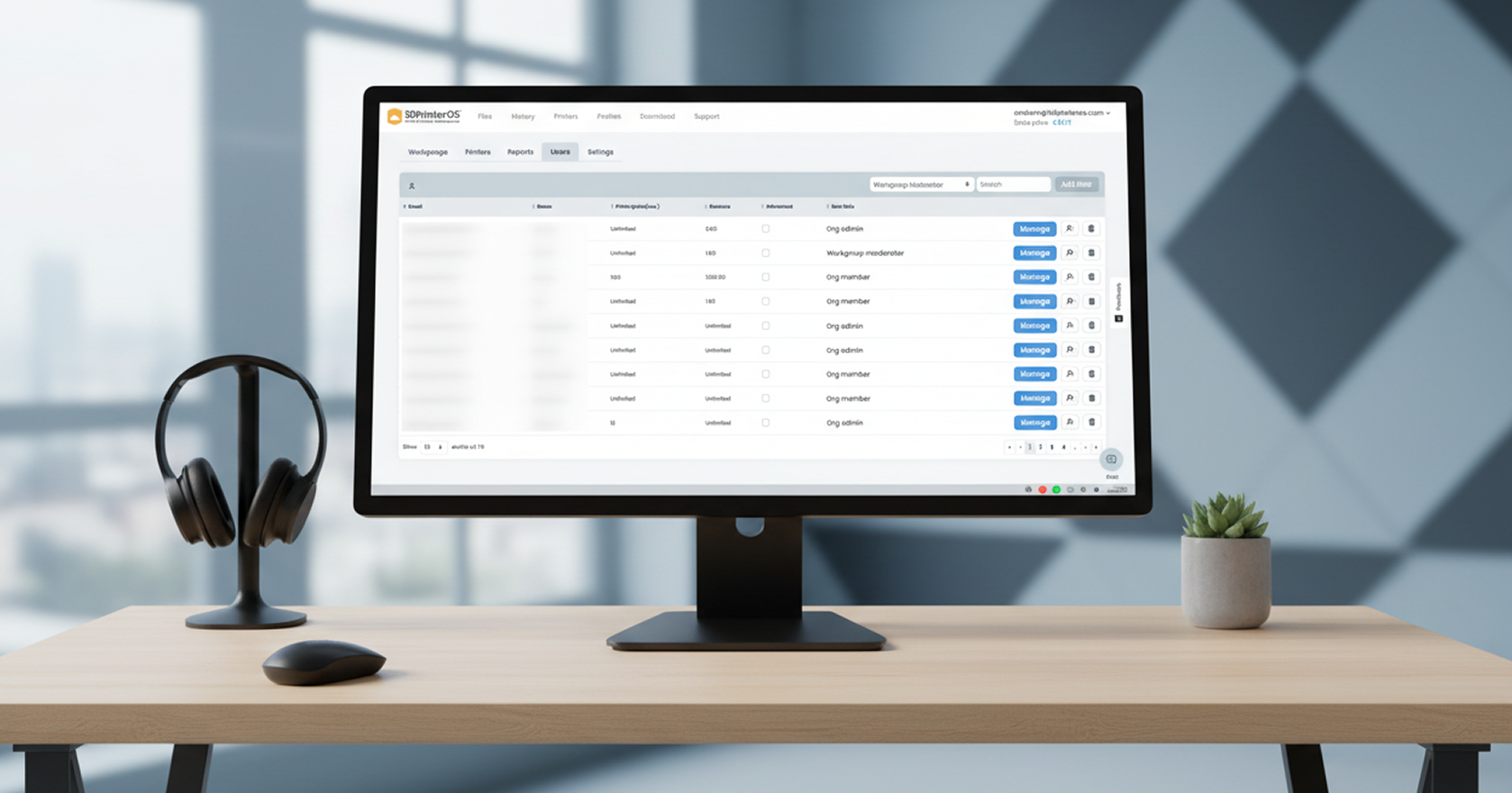
Organize users into classes and labs, set who can print where and approve jobs before they reach the printer.

Track material and machine use, set balances and connect campus payment systems so printing is fair and funded.
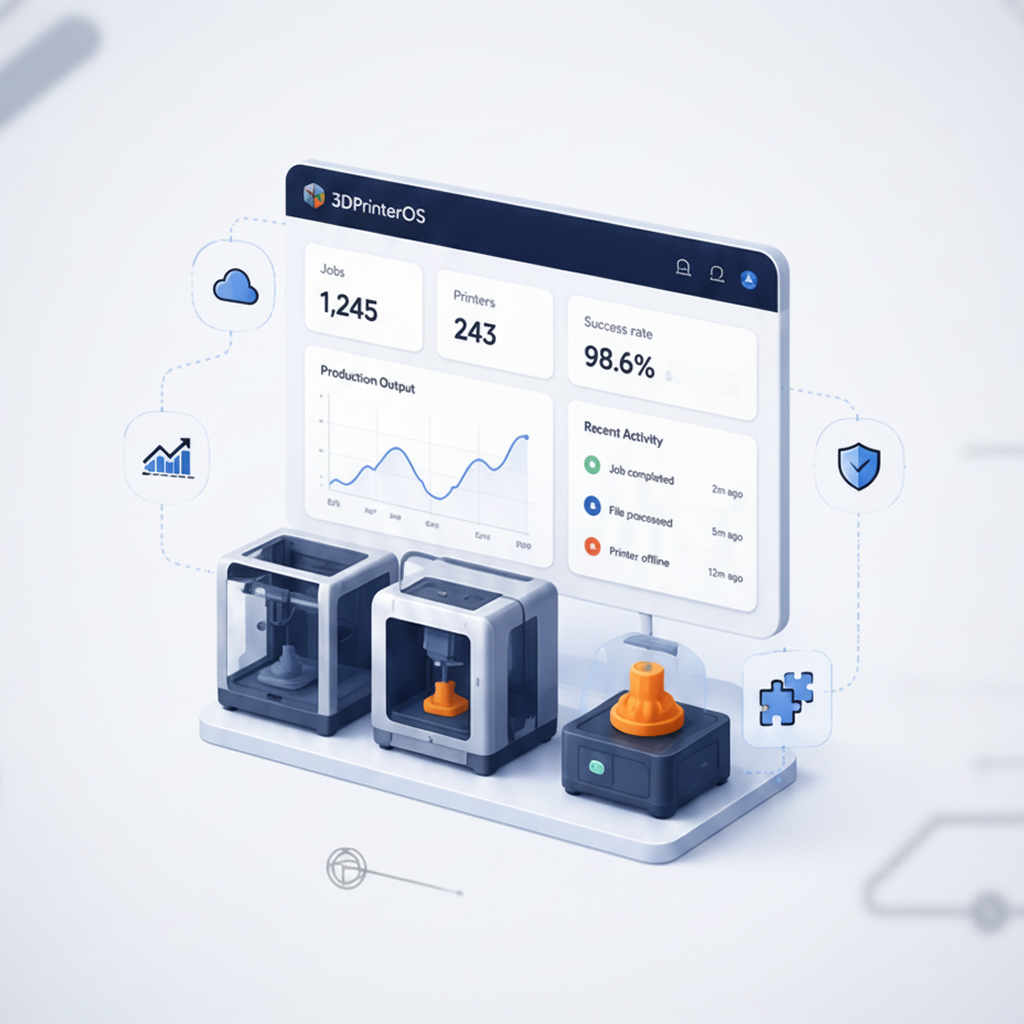
Usage reports by student, class, printer and school help you justify budgets, grants and new printers.
Click through how admins organize users and printers in 3DPrinterOS.
K-12 schools give every student safe, simple access.
K-12 schools →Universities run busy makerspaces with billing and SSO.
Higher education →Companies extend the same platform to engineering teams.
Enterprise →Public organizations keep data on private servers.
Military and government →Polar Cloud focuses on K-12 classrooms and 3D design. 3DPrinterOS focuses on managing printers and users for schools, universities and companies, with approvals, quotas, billing, SSO and analytics.
Yes. K-12 schools and districts use 3DPrinterOS for teacher approvals, student SSO, print limits and browser-based slicing on Chromebooks.
Yes. 3DPrinterOS integrates with TinkerCAD, so students can send designs straight to print.
3DPrinterOS supports 200+ printer models from brands like Bambu Lab, Prusa, Ultimaker, Creality and Dremel.
Yes. 3DPrinterOS supports SAML, Shibboleth, OKTA and InCommon single sign-on.
Talk to an expert about your school, district or campus.

Used by higher education, enterprises, and OEMs to manage printers, files, and users from a single, cloud-based platform

Control access, users, and print permissions by team or lab
“This close collaboration has enabled Koenigsegg to tailor the platform to their specific needs, resulting in an optimized and user-friendly system for managing their 3D printers.”

Team Leader
Koenigsegg Automotive AB
Book your personalized assessment now and get your free trial.
