3D model preparation
Repair and prepare models before slicing, right in the browser.

UltiMaker Cura is an excellent free desktop slicer with deep CAD integration. 3DPrinterOS is a cloud platform that covers the whole workflow: model preparation, browser slicing, remote printing, monitoring, queues, billing and multi-user management.
Already using Cura? The 3DPrinterOS plugin for Cura sends your G-code straight to 3DPrinterOS, so you can keep slicing in Cura.
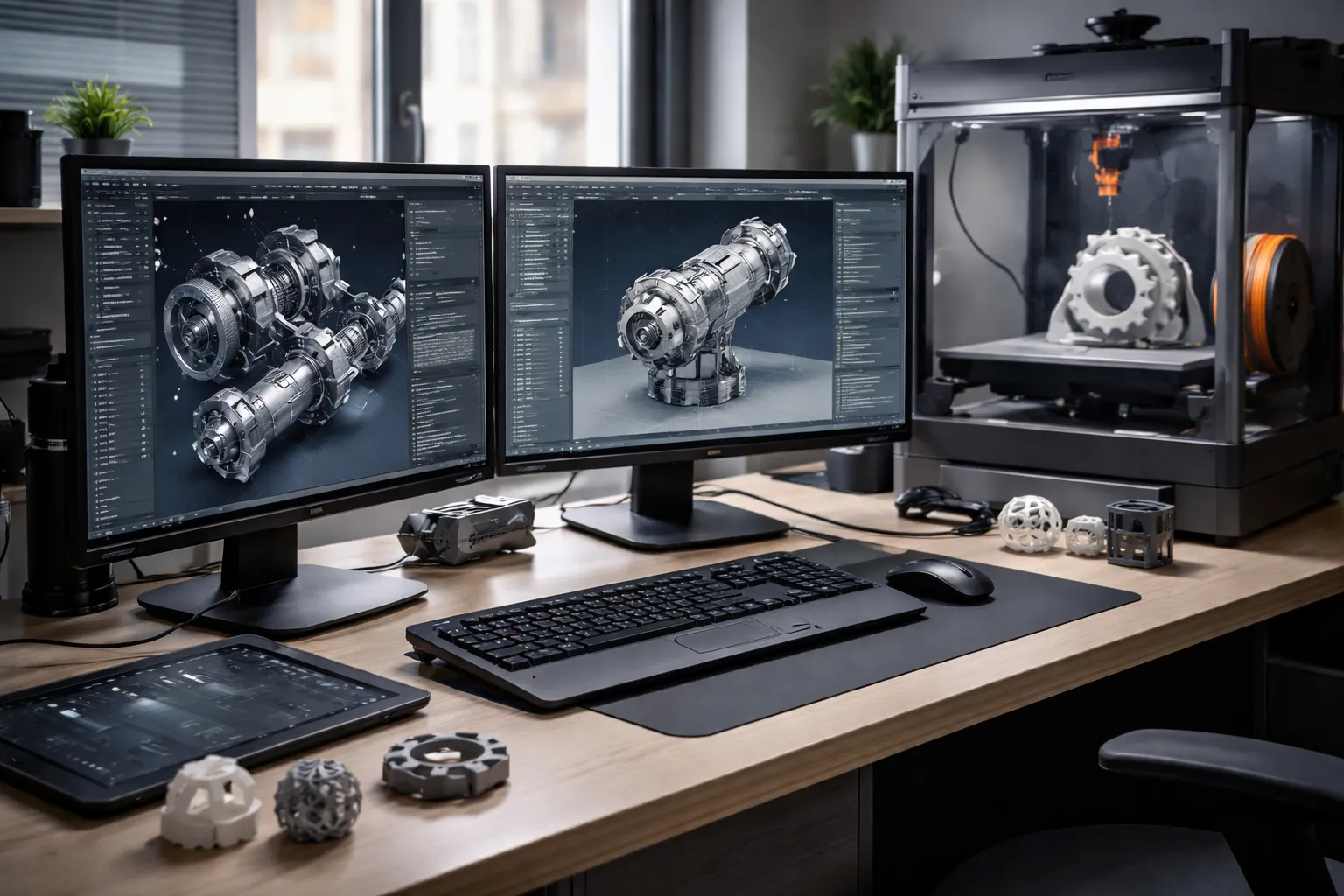


The toolpath visualization within 3DPrinterOS has dramatically increased the 3D print success rate.
Repair and prepare models before slicing, right in the browser.
Slicing for many printer models with shared profiles.
Launch prints wherever you are, on any device.
Watch prints live and catch spaghetti early.
Sequence jobs to maximize printer uptime.
Built-in billing for labs and print services.
Filter by category or switch on "Show only differences".
| Feature | Ultimaker Cura | 3DPrinterOS |
|---|---|---|
| Expert slicing settings | ✓ | ✓ |
| Where it runs | Desktop app | Any browser |
| CAD plugins (SolidWorks, Siemens NX, Inventor) | ✓ | ✓ |
| Send G-code from Cura to 3DPrinterOSWith the 3DPrinterOS plugin for Cura | ✓ | ✓ |
| Wide file supportCura also opens image files; 3DPrinterOS supports STL, OBJ, 3MF, AMF, 3DS and G-code | ✓ | ✓ |
| License | Free | Subscription, free trial |
| Remote printing from anywhere | ~ | ✓ |
| Live monitoring with camera | ~ | ✓ |
| AI spaghetti detection | – | ✓ |
| Print queues across printers | – | ✓ |
| Manage many printers centrally | – | ✓ |
| Multi-user roles and approvals | – | ✓ |
| Billing users | – | ✓ |
| Analytics and reports | – | ✓ |
Showing 14 of 14 features
Cura is a slicer; some remote features need UltiMaker Digital Factory.
If you like slicing locally in Cura, keep it. The 3DPrinterOS plugin for Cura sends your G-code straight to 3DPrinterOS for queueing, monitoring and tracking.
Browser slicing with shared profiles, remote printing and queues for everyone on your team.
Monitoring, failure detection, billing and reports for labs that print for others.
Connect printers through the 3DPrinterOS client.
Send G-code straight from Cura with the 3DPrinterOS plugin, or slice STL and OBJ files in the browser.
Queue, monitor, bill and report from the cloud.
Connect your printer to 3DPrinterOS once and manage it from any browser.
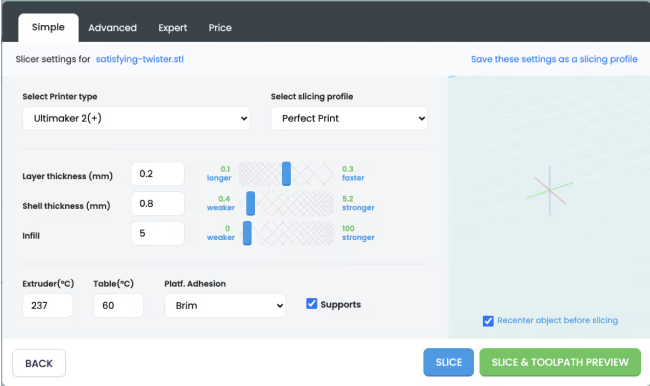
Slice in the browser with profiles for many printer models, and share tested settings with your team.
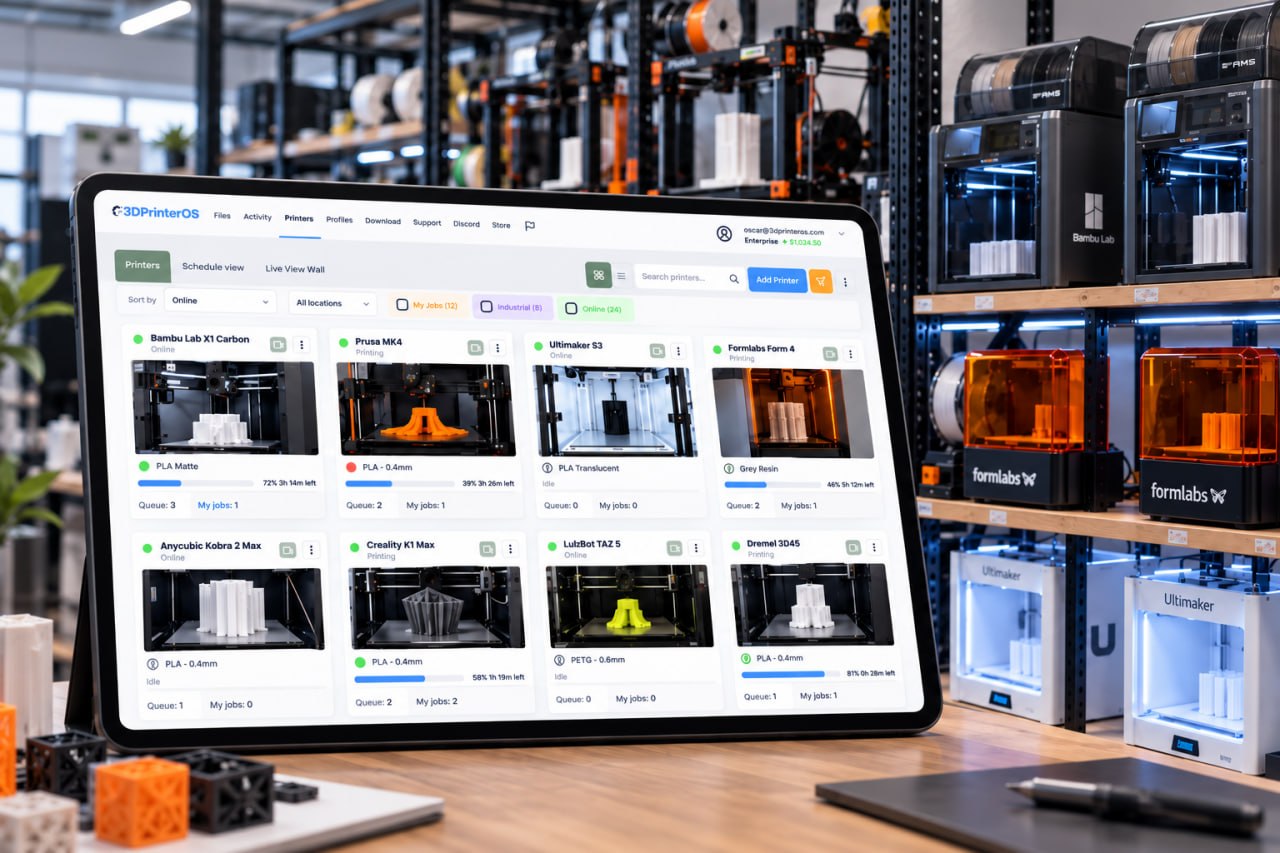
Watch every print live, get notified when it finishes and let AI spot spaghetti before it wastes a spool.
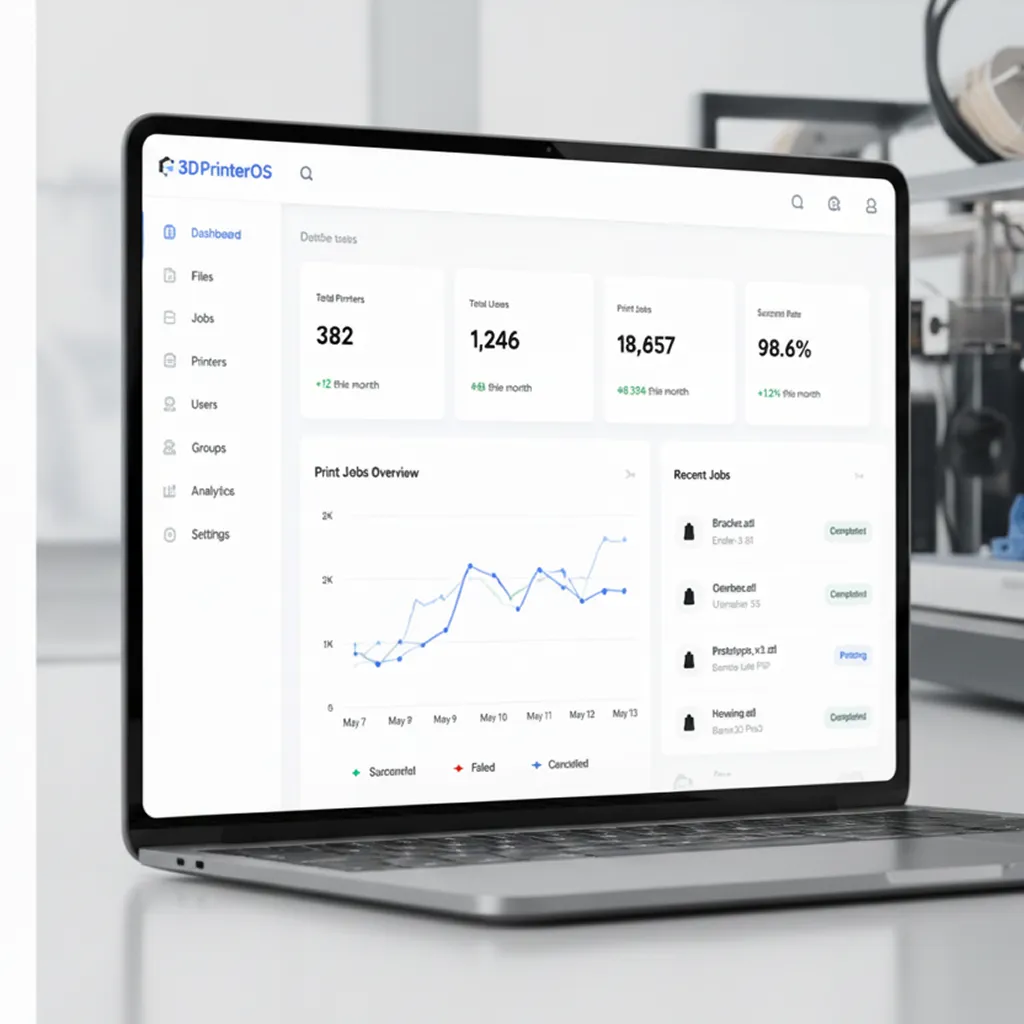
Charge users per gram or per job and keep balances, with campus payment integrations.
Click through preparing a model for printing in 3DPrinterOS.
Universities run print services with billing.
Higher education →Schools slice on Chromebooks without installs.
K-12 schools →Engineers send CAD-based parts to printers anywhere.
Enterprise →Print farms keep every printer busy.
Print farm management →Yes. The 3DPrinterOS plugin for Cura sends G-code straight from Cura to your 3DPrinterOS account. Then use 3DPrinterOS for remote printing, queues, monitoring and management.
Yes. 3DPrinterOS includes a cloud slicer and smart slicer that run in the browser.
Yes. Like Cura, 3DPrinterOS has plugins for SolidWorks, Siemens NX and Inventor.
Yes. AI failure detection spots spaghetti and failed prints early and alerts you.
Yes. Built-in billing supports price per gram, flat fees and balances.
See how 3DPrinterOS manages everything around slicing.

Used by higher education, enterprises, and OEMs to manage printers, files, and users from a single, cloud-based platform

Control access, users, and print permissions by team or lab
“This close collaboration has enabled Koenigsegg to tailor the platform to their specific needs, resulting in an optimized and user-friendly system for managing their 3D printers.”

Team Leader
Koenigsegg Automotive AB
Book your personalized assessment now and get your free trial.
