Every brand, one view
Prusa next to Bambu Lab, Ultimaker, Creality, Dremel and Klipper printers.

Prusa Connect is made for Prusa printers. If your lab also runs Bambu Lab, Ultimaker, Creality or other brands, 3DPrinterOS manages them all in one cloud dashboard, with users, queues, analytics and security on top.
Your Prusa printers work with 3DPrinterOS too, alongside 200+ other models.









We have an amazing group of students working on solving real-world problems using these printers, as opposed to if all these machines were sitting there collecting dust.
 Mitra AnandAdvanced Technology and Prototyping Specialist, Worcester Polytechnic Institute
Prusa next to Bambu Lab, Ultimaker, Creality, Dremel and Klipper printers.
Send jobs to the next free printer, whatever the brand.
Slice for any supported printer in the browser, or upload PrusaSlicer G-code.
Workgroups, approvals and print limits for every user.
Usage, success rates and costs across every brand.
SSO, audit trails and TX-RAMP certified U.S. deployment.
Filter by category or switch on "Show only differences".
| Feature | Prusa Connect | 3DPrinterOS |
|---|---|---|
| Printer brands supported | Prusa only | 200+ models, all major brands |
| Remote monitoring and control | ✓ | ✓ |
| Camera view | ✓ | ✓ |
| Print queue | ✓ | ✓ |
| Mixed-brand fleet in one dashboard | – | ✓ |
| Queue across brands | – | ✓ |
| AI print failure detection | – | ✓ |
| Fleet-wide analytics | ~ | ✓ |
| Share printers with a team | ✓ | ✓ |
| Approvals and print limits | – | ✓ |
| Single sign-on | – | ✓ |
| Billing and balances | – | ✓ |
| Slicer | PrusaSlicer on desktop | In the browser |
| Upload G-code | ✓ | ✓ |
Showing 14 of 14 features
Prusa Connect features as publicly described; check Prusa Research for current details.
If you only own Prusa printers and print alone, Prusa Connect is a natural choice. 3DPrinterOS adds AI failure alerts and room for other brands.
Run every printer in one dashboard with one queue, one file library and one set of users.
Approvals, limits, billing and SSO make shared Prusa labs fair and easy to run.
Connect your Prusa and other printers through the 3DPrinterOS client.
Upload G-code from PrusaSlicer or slice in the browser.
Add users, workgroups and permissions.
Connect your printer to 3DPrinterOS once and manage it from any browser.
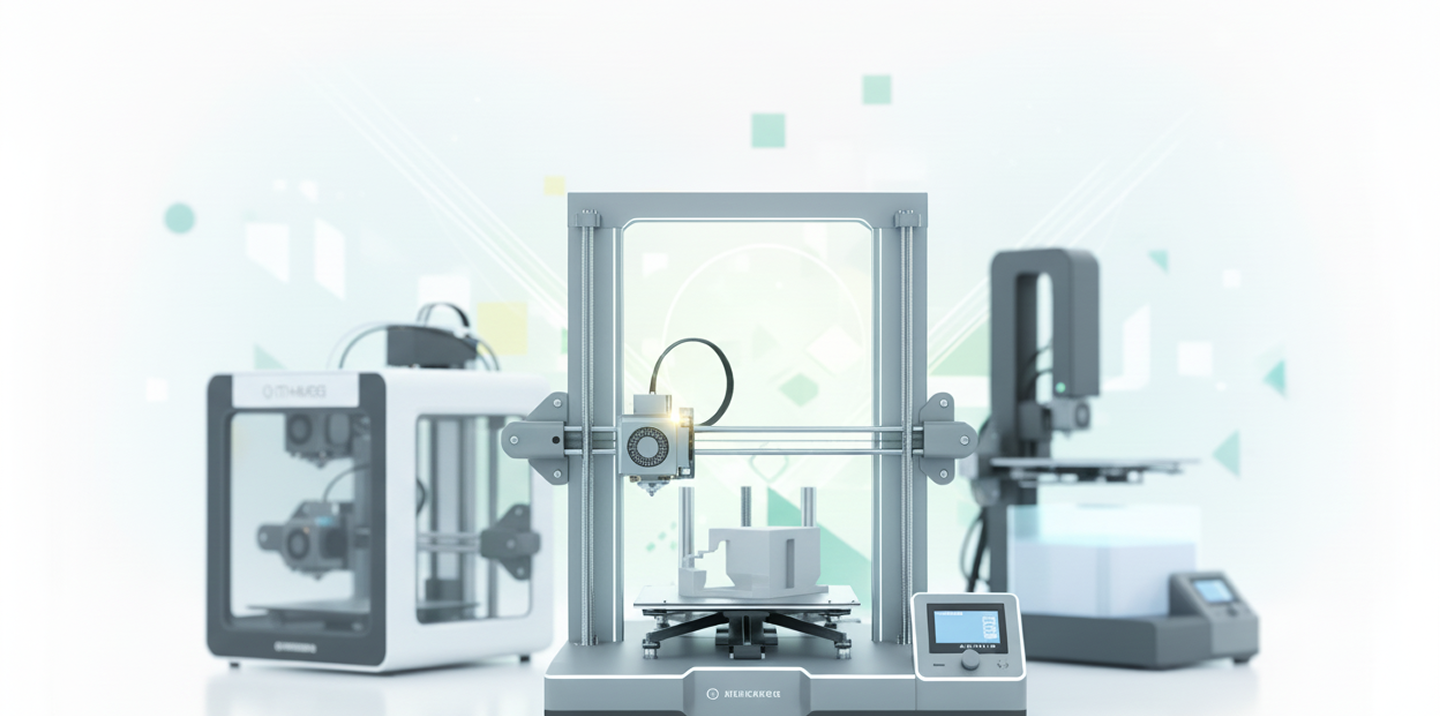
Prusa printers sit next to Bambu Lab, Ultimaker, Creality, Dremel and Klipper printers, with one view of status and queues.
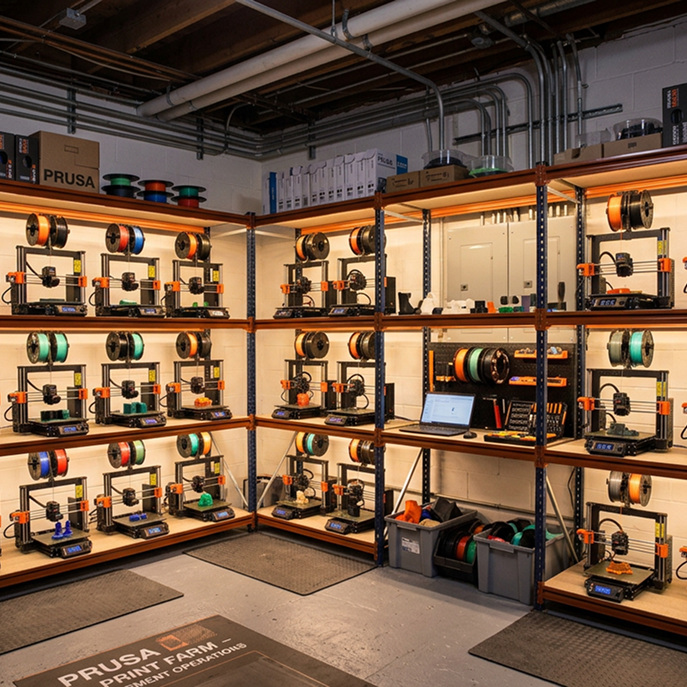
Route jobs automatically, monitor every printer and track utilization across your Prusa racks.
%201%20(1).png)
Decide who prints on which printer, approve jobs and charge for material automatically.
Click through how jobs are queued and routed across printers in 3DPrinterOS.
Universities run mixed Prusa and Bambu Lab labs.
Higher education →Print farms route jobs across racks of Prusa printers.
Print farm management →Schools manage classroom printers from one place.
K-12 schools →Engineering teams prototype across brands.
Enterprise →Yes. 3DPrinterOS works with Original Prusa printers, including the MK4 and i3 MK3 series.
Yes. 3DPrinterOS supports 200+ printer models, so Prusa printers share the same dashboard and queues as other brands.
Yes. Upload G-code from PrusaSlicer, or slice directly in the browser.
Yes. Roles, workgroups, approvals, print limits, billing and single sign-on.
Yes. Start a free trial at cloud.3dprinteros.com.
See your Prusa printers next to the rest of your fleet.

Used by higher education, enterprises, and OEMs to manage printers, files, and users from a single, cloud-based platform

Control access, users, and print permissions by team or lab
“This close collaboration has enabled Koenigsegg to tailor the platform to their specific needs, resulting in an optimized and user-friendly system for managing their 3D printers.”

Team Leader
Koenigsegg Automotive AB
Book your personalized assessment now and get your free trial.
Used by higher education, enterprises, and OEMs to manage printers, files, and users from a single, cloud-based platform
Control access, users, and print permissions by team or lab
“This close collaboration has enabled Koenigsegg to tailor the platform to their specific needs, resulting in an optimized and user-friendly system for managing their 3D printers.”
Team Leader
Koenigsegg Automotive AB
Join us today and become one of our partners

