Every printer in one view
See the live status of each machine across rooms, buildings and campuses.


Schools, universities and enterprises use 3DPrinterOS to manage and monitor hundreds of printers with thousands of users. Share printers and files, keep machines busy around the clock and see exactly how your fleet is used.
Works with 150+ printer models from Bambu Lab, Prusa, Ultimaker, Creality, Dremel and more.
.png)








Admins have a complete line of sight into who is printing what, and on which machine.
 Dan ReisSenior Instructional Technologist, Elon University
Replace spreadsheets, USB sticks and walking between labs with a single cloud dashboard.
See the live status of each machine across rooms, buildings and campuses.
Give users and groups access to the right printers and shared file folders.
Software controls stop users from interfering with previous jobs, so printers can run day and night.
Send jobs to the next available printer and keep the whole fleet busy.
Analyze users and printers to improve efficiency, productivity and innovation.
Connect TinkerCAD, Bambu Lab, Klipper, Prusa, Dremel, Ultimaker and third-party payment platforms.
Link each printer through a PC, a Raspberry Pi or directly for supported cloud-ready models. Mixed brands are welcome.
Invite users, organize them into workgroups and decide who can use which printers and files.
Run jobs from any browser, watch them live and use reports to plan capacity and budgets.
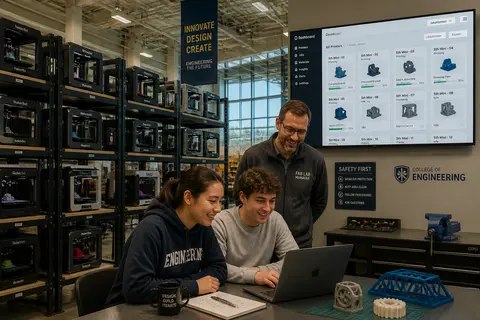
Put every printer on one screen. Staff and students can see which machines are free, busy or need attention without walking the floor.
%201%20(1).png)
Assign printers, file folders and slicing profiles to workgroups. Everyone gets the access they need, and administrators keep control.
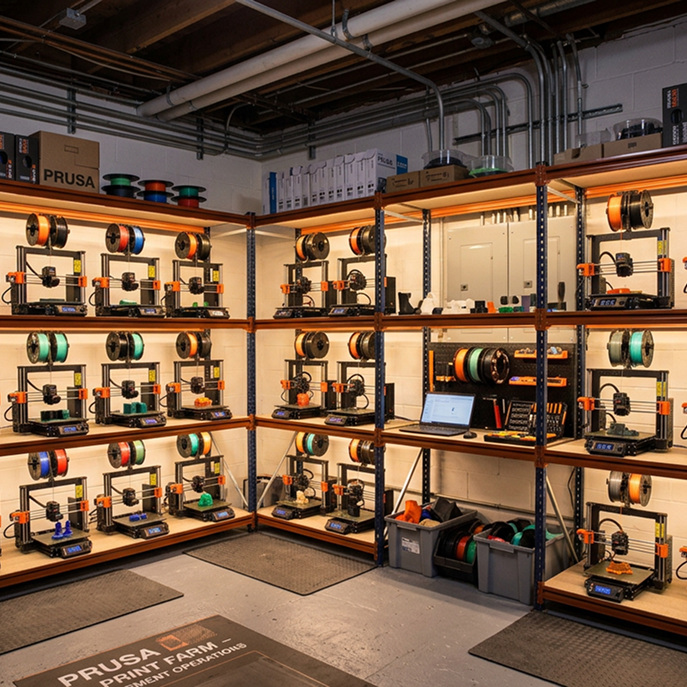
Manage and monitor hundreds of printers with thousands of users. Queues, approvals and remote control let a small team run a large fleet.
.png)
Track usage per user, printer and department. Use real data to plan budgets, show the value of your program and decide where to add capacity.
Click through the 3DPrinterOS dashboard and see how a whole fleet is managed from one place.
Run campus makerspaces with thousands of student users and full oversight.
Higher education →Give teachers control of classroom printers and district leaders usage reports.
K-12 schools →Coordinate prototyping printers across engineering teams and sites.
Enterprise →Keep every machine busy and track output across the whole farm.
Print farm management →3D printer management software lets you control printers, users, files and print jobs from one platform. 3DPrinterOS is a cloud-based system used to manage fleets from a single printer to hundreds of machines.
Organizations use 3DPrinterOS to manage and monitor hundreds of printers with thousands of users across labs, buildings and campuses.
Yes. Assign printers, shared file folders and slicing profiles to workgroups, and control what each role can do.
3DPrinterOS supports 150+ printer models, including Bambu Lab, Prusa, Ultimaker, Creality, Dremel and Klipper-based printers, all in one dashboard.
Yes. You can analyze usage by user, printer and group, review job history and track costs with billing and balance tools.

Used by higher education, enterprises, and OEMs to manage printers, files, and users from a single, cloud-based platform

Control access, users, and print permissions by team or lab
“This close collaboration has enabled Koenigsegg to tailor the platform to their specific needs, resulting in an optimized and user-friendly system for managing their 3D printers.”

Team Leader
Koenigsegg Automotive AB
Book your personalized assessment now and get your free trial.
