Universal compatibility
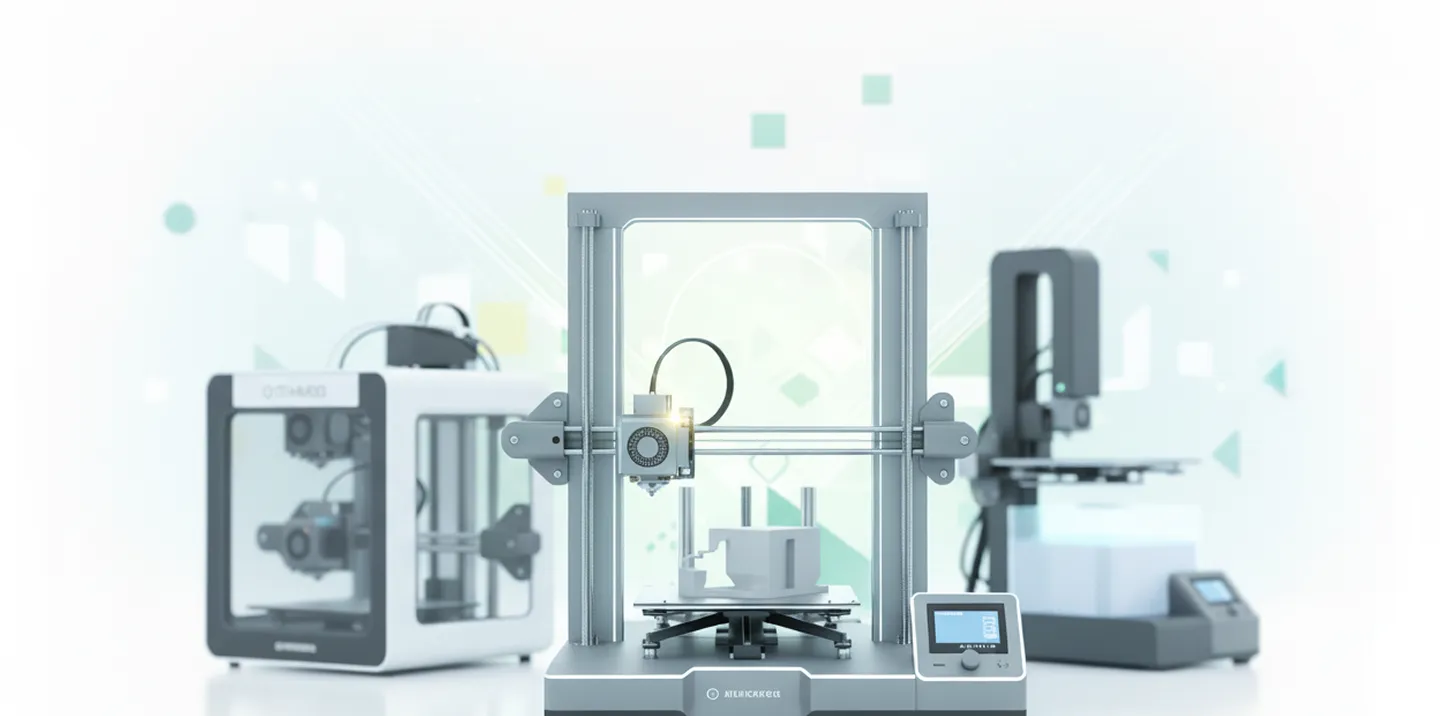
UltiMaker next to Bambu Lab, Prusa, Creality, Dremel and more.
UltiMaker Digital Factory is designed for UltiMaker printers. 3DPrinterOS manages UltiMaker and every other major brand from one cloud platform, with multi-user management that makes shared printing easy for schools and businesses.
Your UltiMaker printers work with 3DPrinterOS, alongside 200+ other models.


This close collaboration has enabled Koenigsegg to tailor the platform to their specific needs, resulting in an optimized and user-friendly system for managing their 3D printers.
Tim BäckTeam Leader, Koenigsegg Automotive ABUltiMaker next to Bambu Lab, Prusa, Creality, Dremel and more.
User-friendly and fast to roll out into existing workflows.
Watch every print in real time, from anywhere.
Remote job queueing across every printer and site.
Many users print in parallel without bottlenecks.
Connect printers through a Raspberry Pi, ROCK Pi or PC.
Filter by category or switch on "Show only differences".
| Feature | Digital Factory | 3DPrinterOS |
|---|---|---|
| Printer brands supported | UltiMaker | 200+ models, all major brands |
| Remote print job queueing | ✓ | ✓ |
| Live monitoring | ✓ | ✓ |
| AI print failure detection | – | ✓ |
| Integrated with UltiMaker CuraThe 3DPrinterOS plugin for Cura sends G-code straight to 3DPrinterOS | ✓ | ✓ |
| Digital part library | ✓ | ✓ |
| Browser slicing | – | ✓ |
| Team accounts | ✓ | ✓ |
| Approvals, quotas and print limits | ~ | ✓ |
| Billing and balances | – | ✓ |
| Single sign-on (SAML, Shibboleth, OKTA, InCommon) | ~ | ✓ |
| TX-RAMP certified deployment | – | ✓ |
| Private cloud or on-premise option | – | ✓ |
Showing 13 of 13 features
Digital Factory features as publicly described; check UltiMaker for current plans.
If every printer you own is an UltiMaker and you live in Cura, Digital Factory is a natural fit. 3DPrinterOS adds approvals, billing and AI failure alerts.
One dashboard, one queue and one set of users for UltiMaker and every other brand.
Multi-user management, SSO and compliance for large groups of users.
Connect UltiMaker and other printers through the 3DPrinterOS client.
Upload your models and G-code to the 3DPrinterOS library.
Add users, workgroups and permissions.
Connect your printer to 3DPrinterOS once and manage it from any browser.
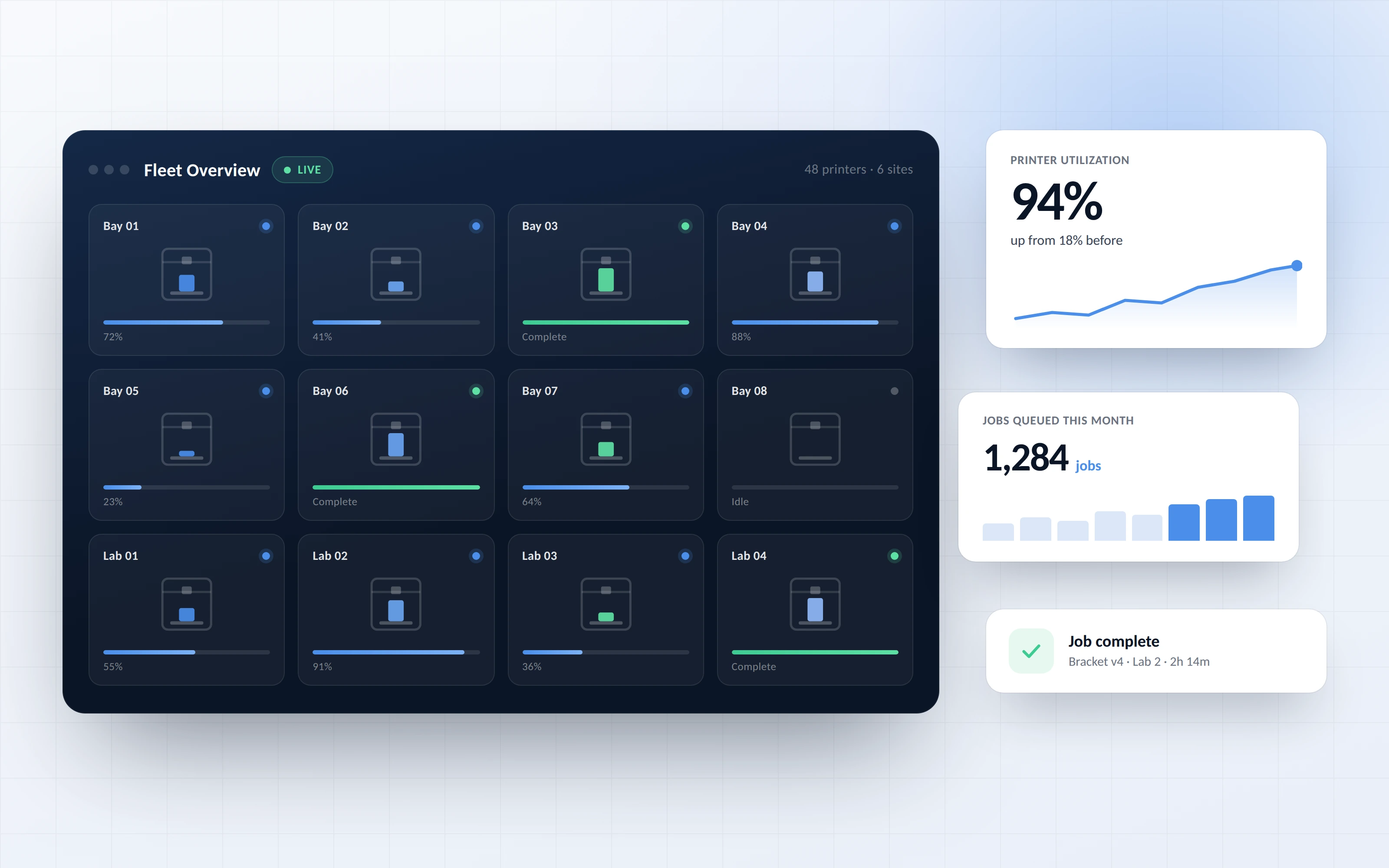
See every printer, queue jobs remotely and monitor prints across locations.
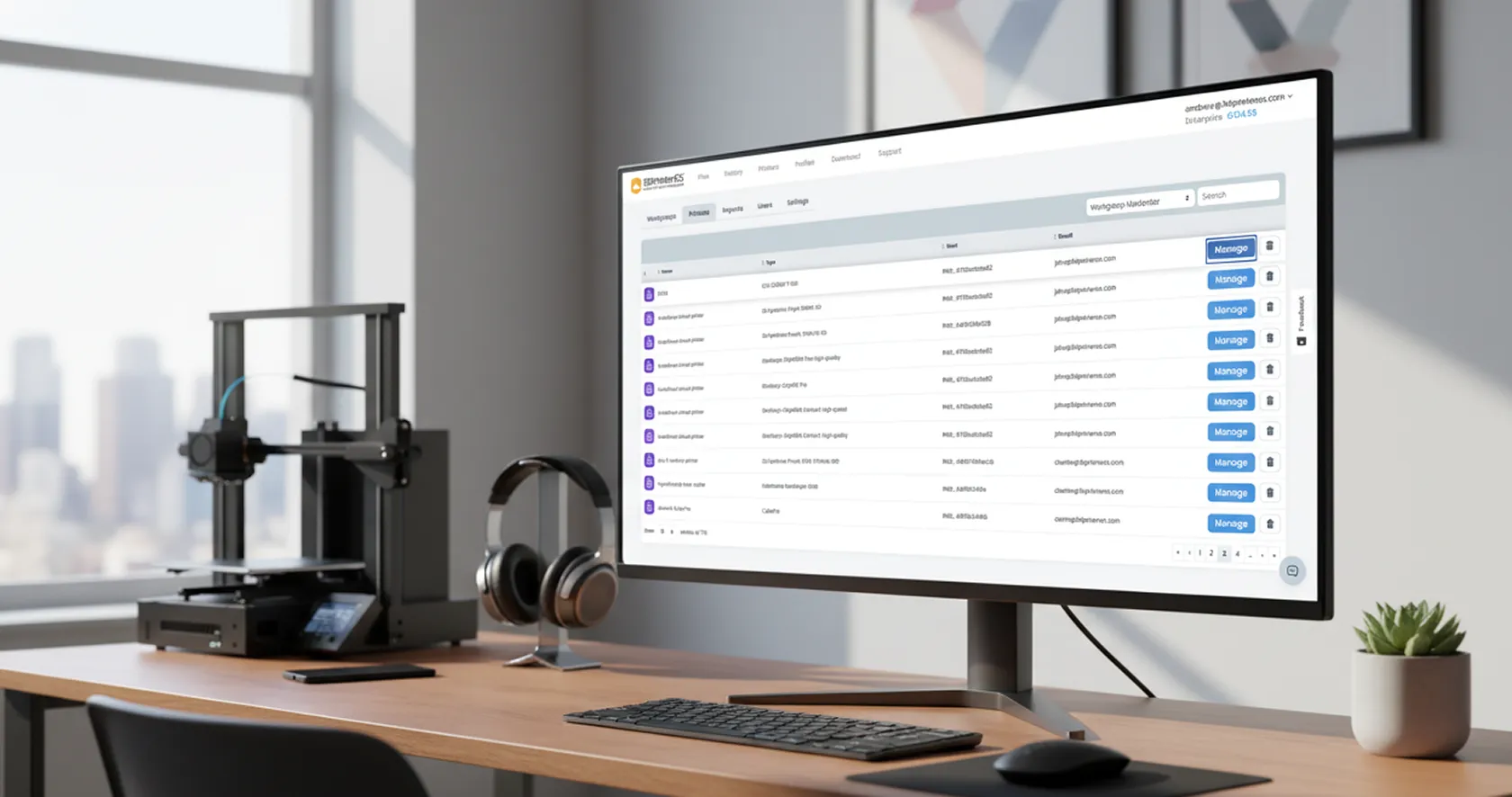
Many users print in parallel, with an interface newcomers learn quickly.
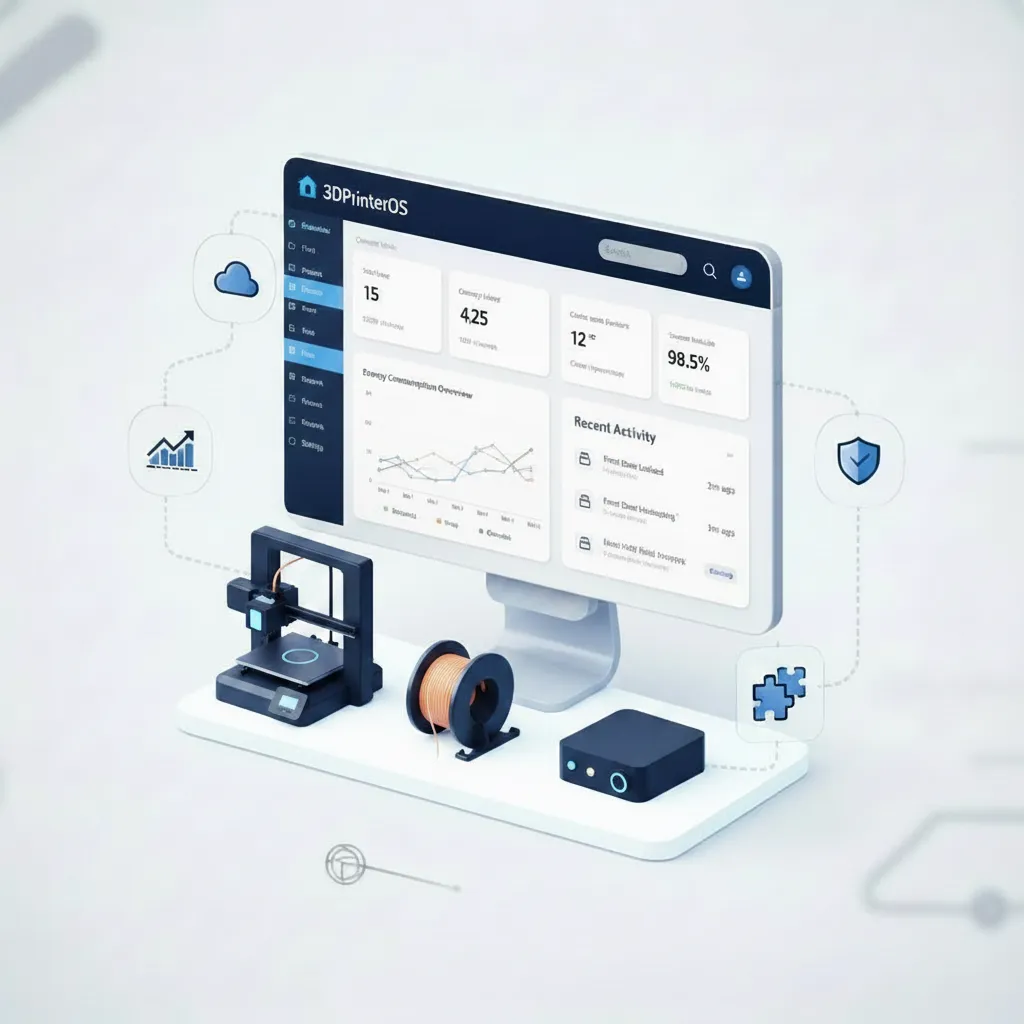
Run the 3DPrinterOS client on a Raspberry Pi, ROCK Pi or PC to bring printers online.
Click through how organizations manage printers and users in 3DPrinterOS.
Universities manage mixed UltiMaker and Prusa labs.
Higher education →Companies run printers across global sites.
Enterprise →Schools give every student easy access.
K-12 schools →Manufacturers track every part printed.
Manufacturing →Yes. UltiMaker printers can be managed in 3DPrinterOS alongside 200+ other printer models.
Digital Factory is designed for UltiMaker printers. 3DPrinterOS supports every major brand and adds multi-user management, billing, SSO and compliance.
Yes. The 3DPrinterOS plugin for Cura sends G-code straight to 3DPrinterOS, or you can slice directly in the browser.
Yes. It is user-friendly, quick to implement and set-up help is included.
Yes. Choose the U.S. or EU cloud, a private cloud, or on-premise.
Talk to an expert about your UltiMaker fleet and beyond.

Used by higher education, enterprises, and OEMs to manage printers, files, and users from a single, cloud-based platform

Control access, users, and print permissions by team or lab
“This close collaboration has enabled Koenigsegg to tailor the platform to their specific needs, resulting in an optimized and user-friendly system for managing their 3D printers.”

Team Leader
Koenigsegg Automotive AB
Book your personalized assessment now and get your free trial.
