Nothing to host
No server PC to keep running, update or secure. 3DPrinterOS runs in the cloud.

Repetier-Server is a capable local server for running several printers from one PC. 3DPrinterOS moves that control to the cloud and adds what organizations need: user permissions, approvals, analytics, billing and security your IT team can sign off on.
Supports 200+ printer models, with STL, 3DS, 3MF, AMF, OBJ and G-code files.
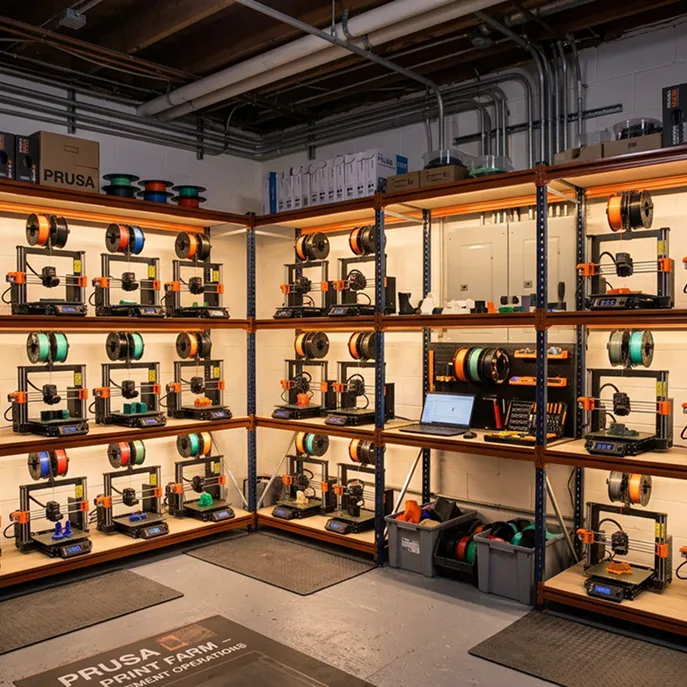


We were able to track individual users, machines and print jobs across the entire network via 3DPrinterOS.
Chip BobbertDigital Media Engineer, Duke UniversityNo server PC to keep running, update or secure. 3DPrinterOS runs in the cloud.
Start, watch, pause and cancel prints from any browser, on or off site.
Roles, workgroups and approvals so beginners and experts can share printers safely.
Integrated cloud slicing with shared profiles, so nobody needs a local slicer.
Track, monitor and audit every printer, user and job across the fleet.
Single sign-on, audit trails and a TX-RAMP certified U.S. hosted deployment.
Filter by category or switch on "Show only differences".
| Feature | Repetier-Server | 3DPrinterOS |
|---|---|---|
| Web interface for printer control | ✓ | ✓ |
| Where it runs | Your own PC or Pi | Cloud, nothing to host |
| Remote access from anywhereRepetier needs its connect service or port forwarding | ~ | ✓ |
| Mobile and tablet access | ✓ | ✓ |
| Multiple printers from one interface | ✓ | ✓ |
| Live camera view | ✓ | ✓ |
| Shared print queues across printers | ~ | ✓ |
| AI print failure detection | – | ✓ |
| Fleet-wide utilization reports | – | ✓ |
| Beginner-friendly for students and staffRepetier is aimed at experienced users | ~ | ✓ |
| Roles, workgroups and job approvals | ~ | ✓ |
| Single sign-on (SAML, Shibboleth, OKTA) | – | ✓ |
| Print limits, quotas and billing | – | ✓ |
| Integrated slicerRepetier-Server prints G-code sliced elsewhere | – | ✓ |
| Shared cloud file library | – | ✓ |
| G-code reused across printers | ✓ | ✓ |
| TX-RAMP certified deployment | – | ✓ |
| Private cloud or on-premise option | ✓ | ✓ |
| Set-up and onboarding included | – | ✓ |
Showing 19 of 19 features
Based on Repetier-Server features as publicly described; check Repetier for the latest Pro features.
If you run a few printers yourself on one network and are comfortable with setup, Repetier-Server works well. Choose 3DPrinterOS if you want cloud access and a browser slicer without hosting anything.
3DPrinterOS gives each person their own account and the right permissions, so a small team can share printers without stepping on each other.
Route jobs to the next free printer, monitor every machine and see utilization, without maintaining a server PC.
Approvals, quotas, billing, single sign-on and audit trails turn your printers into a managed service for hundreds of users.
Your printers stay as they are, and your existing G-code files still work.
Install the 3DPrinterOS client on a PC or Raspberry Pi and connect your printers.
Add users and workgroups, set permissions and start printing from the cloud.
Connect your printer to 3DPrinterOS once and manage it from any browser.
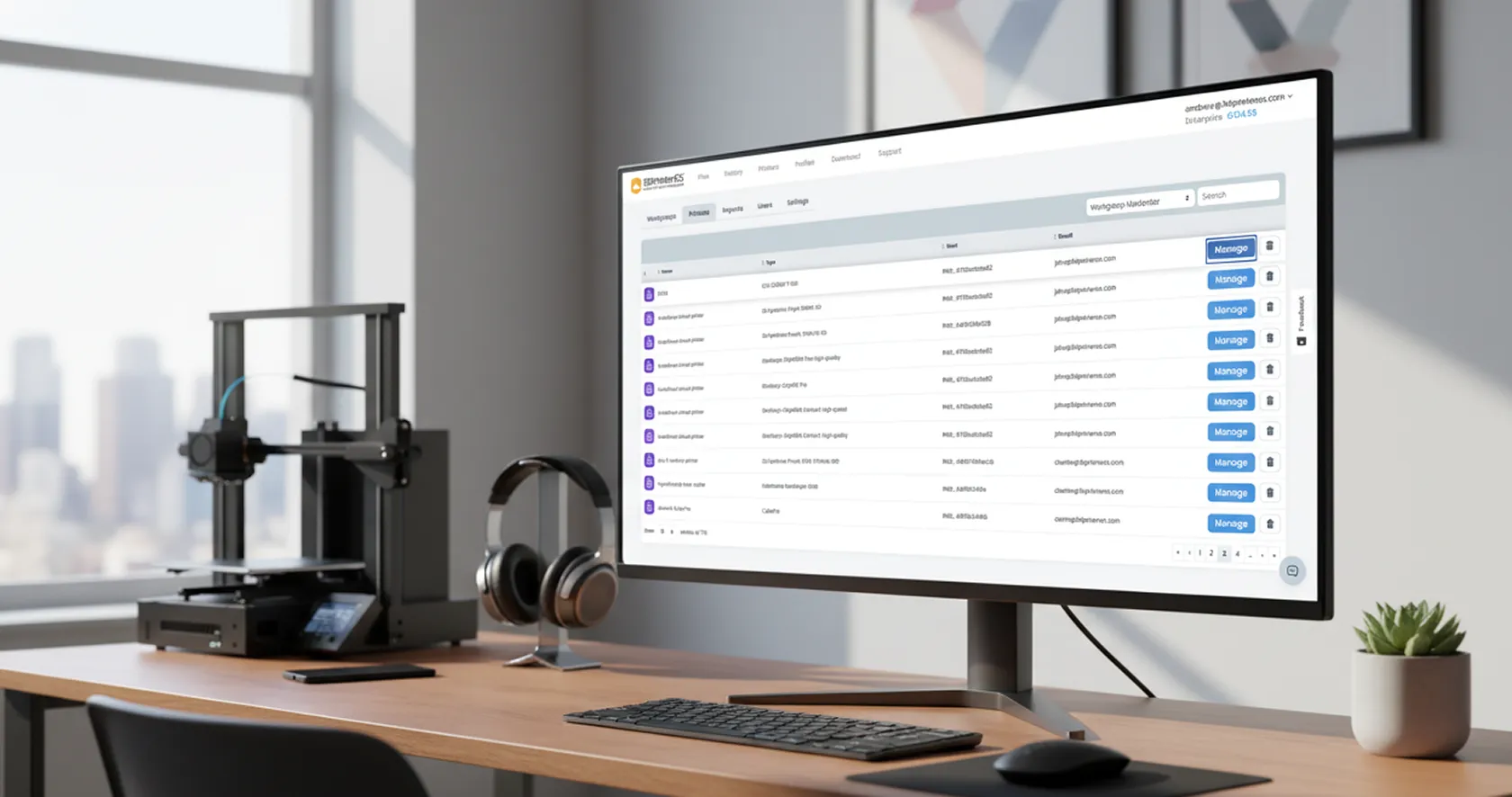
Students and new users get a simple browser interface, while admins control access, approvals and limits for every printer.
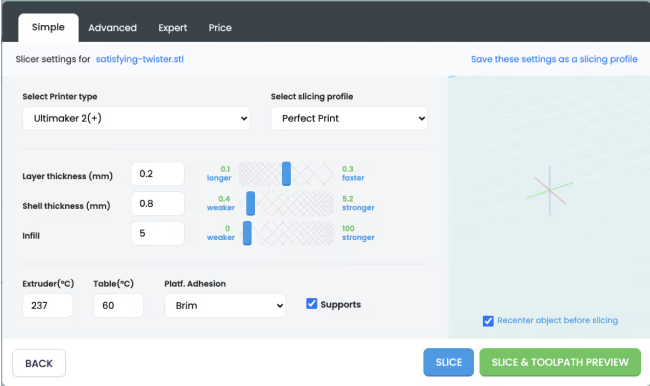
Upload STL, OBJ or 3MF files, slice in the cloud with shared profiles and send the job to any connected printer.
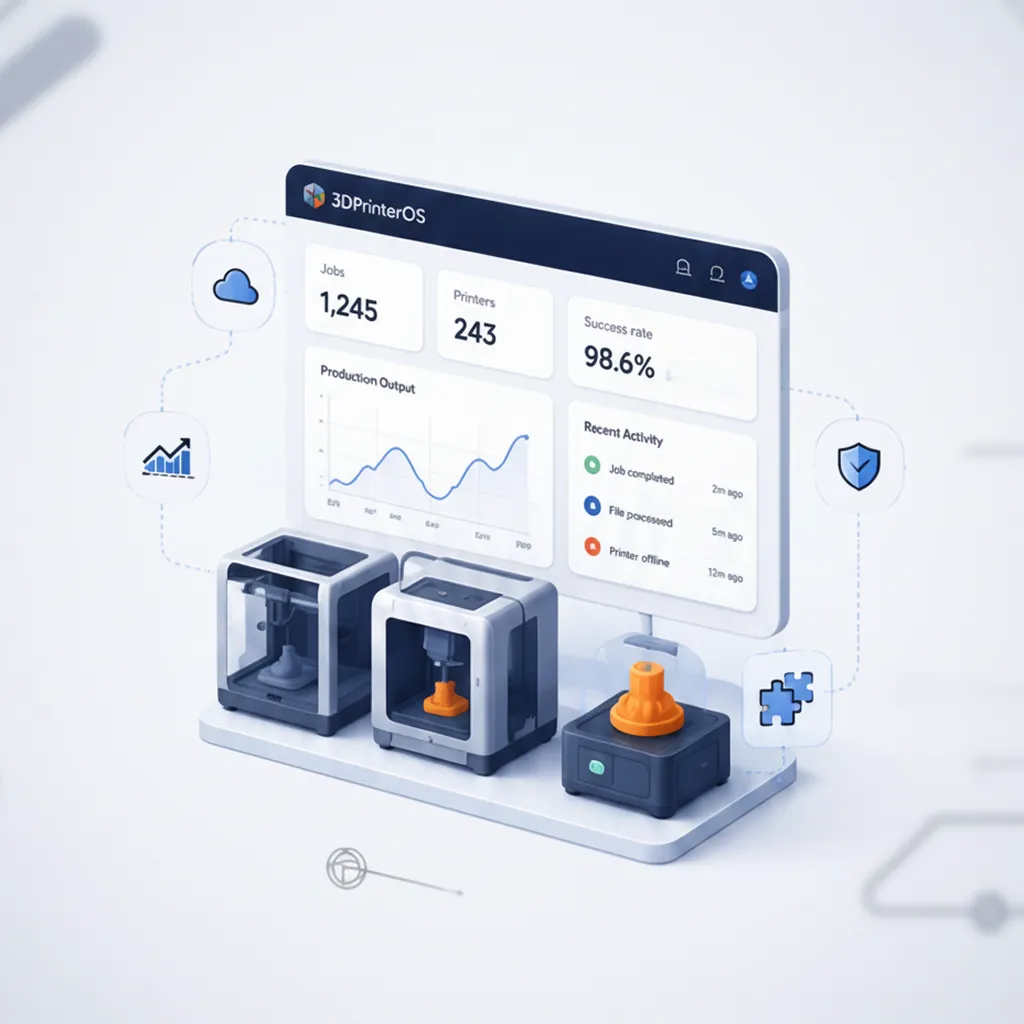
Comprehensive reporting shows who printed what, on which printer and at what cost, so you can optimize your program.
Click through queues, activity tracking and print limits, right in your browser.
Universities give hundreds of students safe access to shared printers.
Higher education →Print farms route jobs without maintaining a server PC.
Print farm management →Companies manage printers across sites with full audit trails.
Enterprise →Schools give beginners a simple, browser-based workflow.
K-12 schools →Repetier-Server is software you install and host on your own computer to control printers on your network. 3DPrinterOS is a cloud platform that adds multi-user management, approvals, analytics, billing and enterprise security.
Yes. Control and monitor multiple printers at the same time, with live view, from one dashboard.
Yes. Users print from a simple browser interface, while admins manage access and settings in the background.
Yes. Upload your G-code, or upload STL, OBJ, 3MF, AMF or 3DS models and slice them in the browser.
Yes. Besides the U.S. and European cloud, 3DPrinterOS can run in your own private cloud or on-premise.
Talk to an expert about moving your printers to 3DPrinterOS.

Used by higher education, enterprises, and OEMs to manage printers, files, and users from a single, cloud-based platform

Control access, users, and print permissions by team or lab
“This close collaboration has enabled Koenigsegg to tailor the platform to their specific needs, resulting in an optimized and user-friendly system for managing their 3D printers.”

Team Leader
Koenigsegg Automotive AB
Book your personalized assessment now and get your free trial.
