

Bambu Slicer
Bambu Studio in the Cloud
The dedicated cloud engine for Bambu Lab printers, based on Bambu Studio. Pick your printer, nozzle, process and filament, assign materials, slice single-plate .3mf files and print multi-colour jobs from any browser.
Open 3DPrinterOS Cloud →

{}Read-only in 3DPrinterOS.Interactive illustration of the slicer settings. Real slicing happens in 3DPrinterOS Cloud.
What Is the Bambu Slicer?
The Bambu Slicer is the 3DPrinterOS cloud slicer for Bambu Lab printers. It runs the Bambu Studio engine in the cloud, slices STL and single-plate .3mf files from any browser, and can produce multi-colour G-code with up to four colours per slice.
How to Slice a Model with the Bambu Slicer
Click through the five steps. Each one shows what you will see in 3DPrinterOS.
Upload Your Model
Add your STL or single-plate .3mf file to the Files page in 3DPrinterOS. Your Bambu Lab printer needs to be connected first. If it is not, install your 3D printer.
Click Slice and Choose the Bambu Slicer
Click the Slice button next to the file and open the Bambu Slicer. For a .3mf file, the slicer loads the file’s 3MF profile and fills the filament table from it.
Set the Five Top-Bar Selections
Dropdowns at the top of the slicer:
- Printer type: selects the machine model
- Slicing profile: loads a pre-defined slicing profile
- Nozzle (mm): sets the nozzle diameter, for example 0.2 or 0.4
- Process: sets the resolution and speed strategy
- Filament: sets the material profile
Check Plate Type and Wall Loops
In Simple Mode, set Wall Loops (Bambu’s term for shells or perimeters) and choose the Plate Type that is physically installed, such as Textured PEI Plate or Cool Plate.
Slice, Preview and Print
Click Slice or Slice & Toolpath Preview. The sliced file appears in your project, and the Toolpath Viewer lets you inspect every layer. Then click Print, choose your printer and start the job or add it to the queue.
Built for Bambu Lab Printers
- Five top-bar picks: printer, profile, nozzle, process, filament
- Filament table with model, support base and support interface
- Up to 4 colours per cloud slice, single-plate .3mf files
- Need more colours? Slice locally and upload the .gcode.3mf

Which 3D Printer Do You Have?
Pick your printer brand and we’ll show you the right 3DPrinterOS cloud slicer.
Use Slicer 5
The recommended default for most standard FDM printers, built on the open-source Cura engine.
Use Slicer for Prusa
A dedicated PrusaSlicer-based engine with printer, print and filament profiles.
Use Bambu Slicer
A dedicated Bambu Studio-based engine with .3mf files and multi-colour slicing.
Use MakerBot Slicer
A dedicated MakerBot engine with Simple and Advanced modes and dual extrusion.
Use Formlabs Slicer
A PreForm-based engine for Formlabs SLA resin printers, sliced per printer.
Bambu Lab Print Farms on 3DPrinterOS
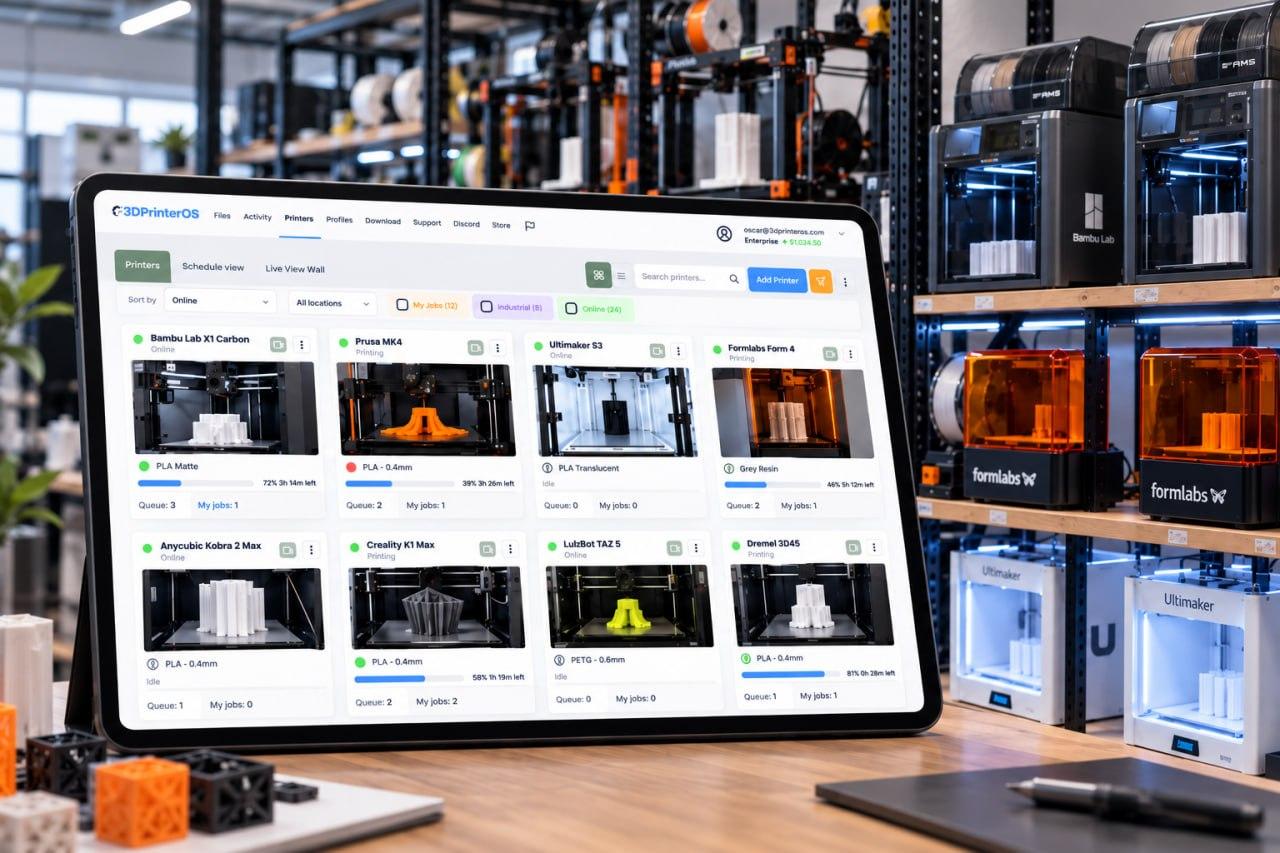
Print farms and schools run their Bambu Lab fleets on 3DPrinterOS, from slicing to queues and live monitoring.

We needed a solution where one or two skilled people could manage everything. 3DPrinterOS worked right out of the box.

Bambu Lab fleet case studies
How schools and print farms run Bambu Lab fleets on 3DPrinterOS.

The Koenigsegg way
How Koenigsegg engineers upload and slice their own designs across 17 printers.

Dublin City University
230 users and 2,353 prints in a single semester on a Prusa-led fleet.
Scaling a Bambu Lab print farm?
See profiles, permissions and print queues in a 30-minute walkthrough with our team.
Common Bambu Slicer Questions
What is the Bambu Slicer in 3DPrinterOS?
The Bambu Slicer crashes before generating anything
The slicer says “no printers available” after slicing
I get a generic “slicing error”
Can I print more than four colours?
Which Bambu Lab printers are supported?
Slice for Your Bambu Lab Fleet in the Cloud
Connect your Bambu Lab printers to 3DPrinterOS and slice with the Bambu Studio engine from any browser. Running a lab or a print farm? Our team can help you set up profiles, permissions and queues.
Already have an account? Open 3DPrinterOS Cloud →


