STL repair
Fix mesh and geometry errors automatically before a model ever reaches a printer.

Upload, repair, orient and slice your 3D models in one cloud platform, then send them straight to any printer in your fleet. No separate apps, no lost files, fewer failed prints.
Supports STL and OBJ files and 150+ printer models, including Bambu Lab, Prusa, Creality, Dremel and Ultimaker.
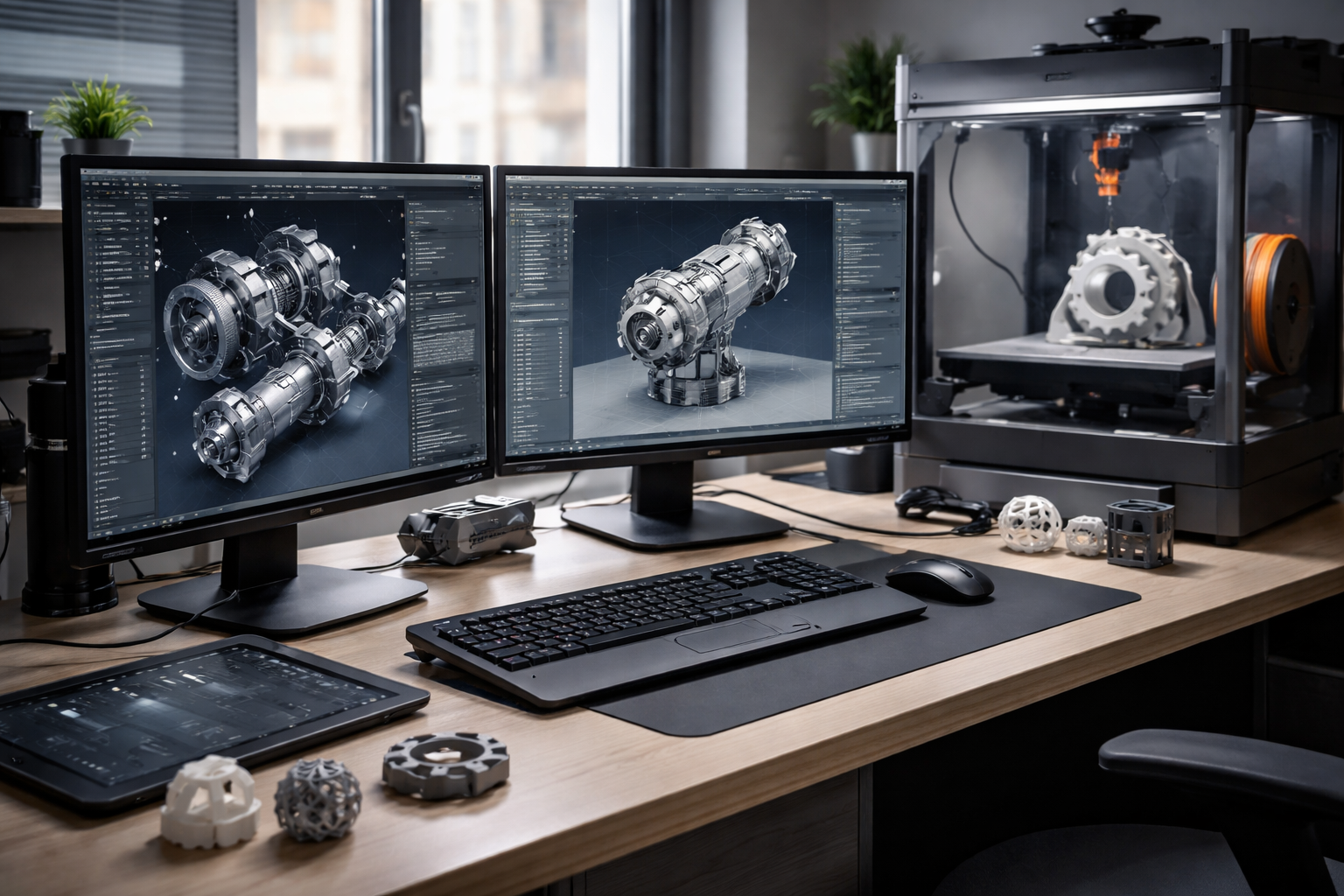








The toolpath visualization within 3DPrinterOS has dramatically increased the 3D print success rate.
Catch problems in the file, not on the build plate.
Fix mesh and geometry errors automatically before a model ever reaches a printer.
Make small edits, use Optimal Rotate and check build plate positioning without leaving the browser.
Analyze mesh, geometry and fit on the build plate so you know the part will print.
Generate supports and slice with the right settings for each printer model in the cloud.
Save every model in one secure cloud location and access it from anywhere.
Queue prepared jobs for any printer and track them through to the finished part.
Import STL or OBJ files from your CAD or 3D modeling software into your 3DPrinterOS library.
Repair mesh issues, rotate for the best orientation, check printability and add supports.
Slice in the cloud for your chosen printer, then send or queue the job and monitor it remotely.
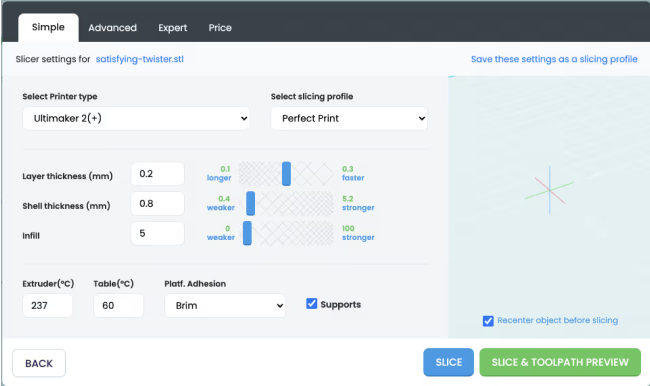
Every preparation tool runs in the cloud, so students, engineers and makers can fix and slice files from a laptop, Chromebook or tablet with nothing to install.
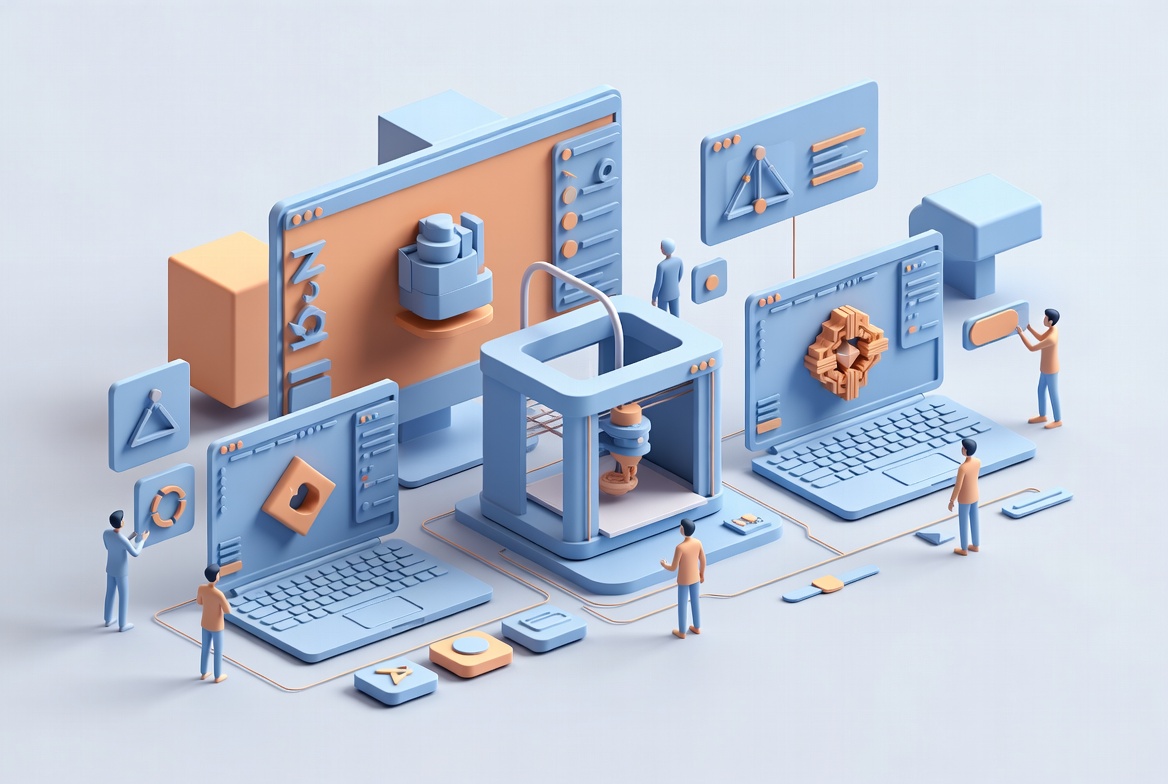
Multiple users can access, review and contribute to the same projects. Shared libraries and approval workflows keep everyone working from the right version.
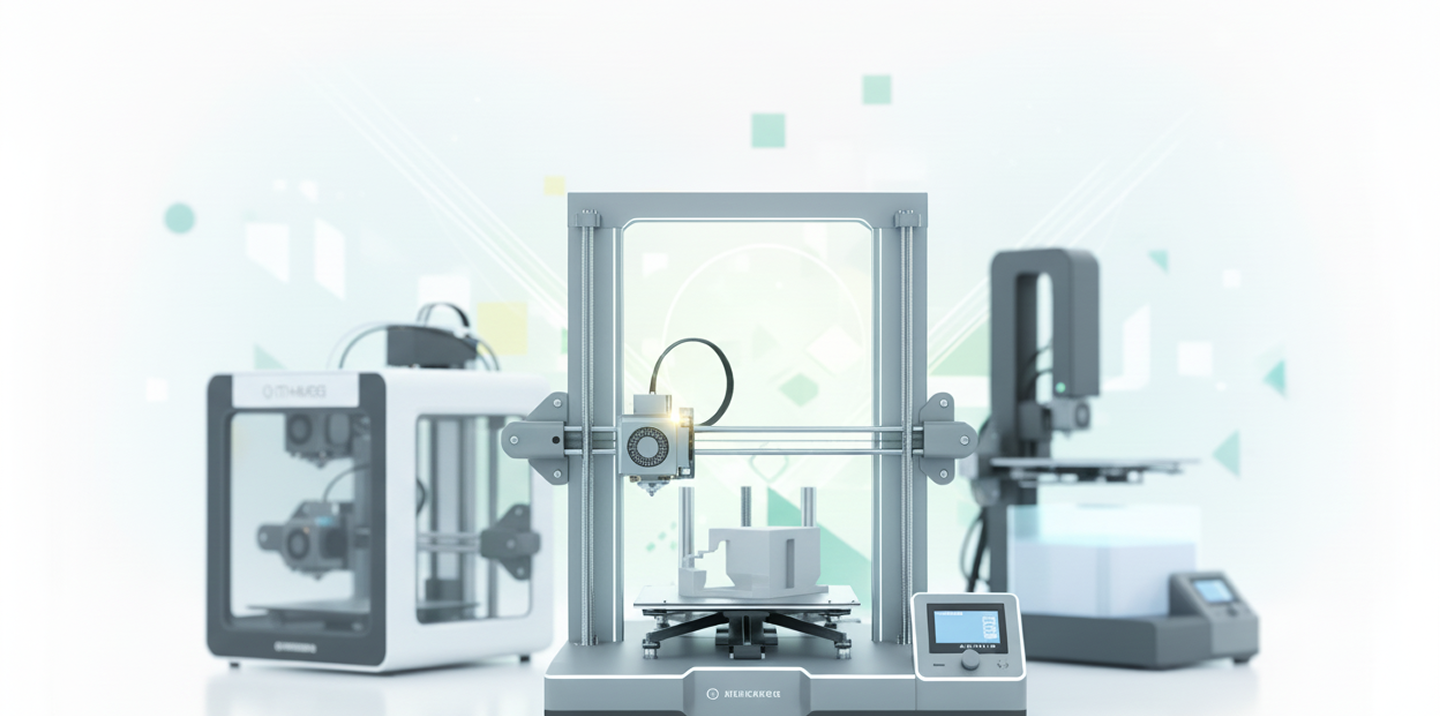
Prepare a model once and send it to any supported machine. 3DPrinterOS works across 150+ printer models and fits into existing design-to-print workflows.
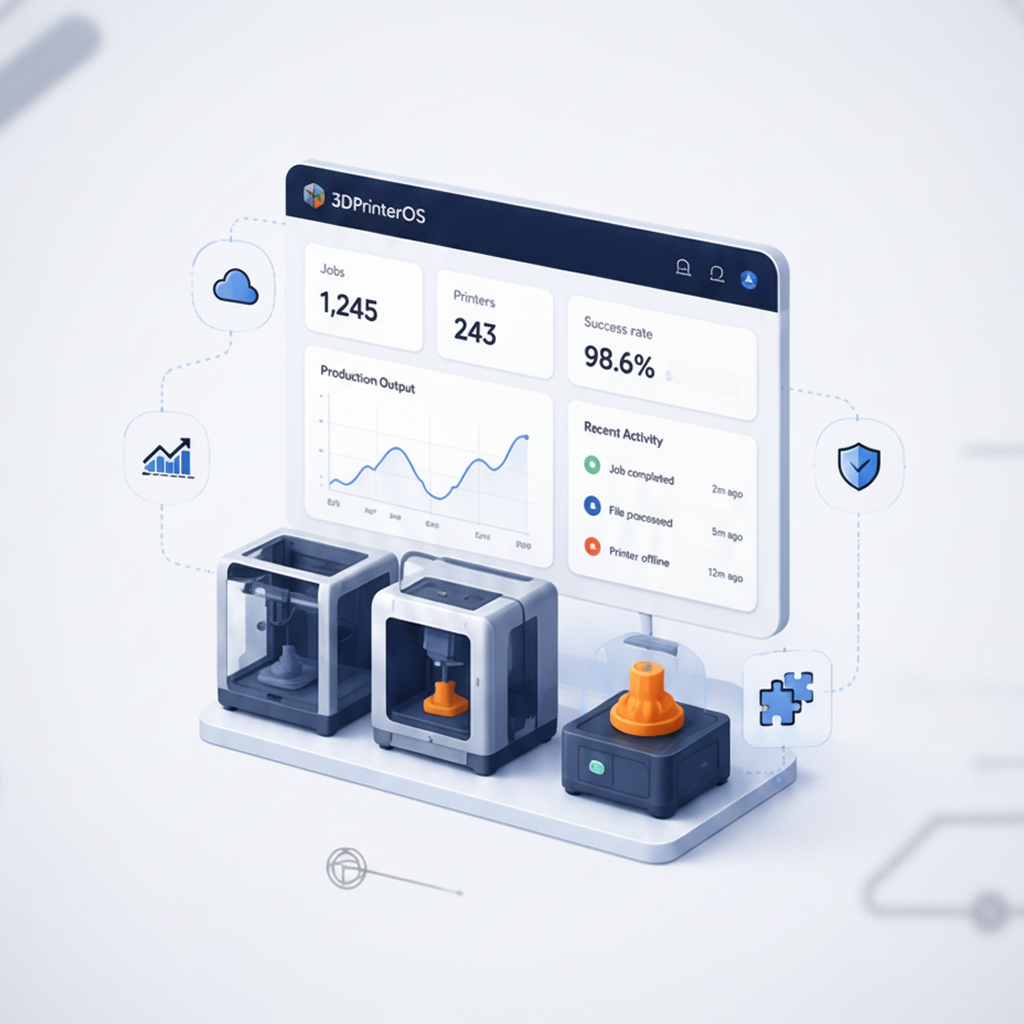
Track printer usage, material consumption and job outcomes to find bottlenecks and reduce failed prints across your whole operation.
Click through the 3DPrinterOS model preparation workflow in your browser, no sign-up needed.
Students prepare and submit models from any device while staff approve jobs before printing.
Higher education →Classrooms go from TinkerCAD design to print without installing desktop software.
K-12 schools →Engineering teams iterate on prototypes faster with shared libraries and consistent settings.
Enterprise →Print farms standardize file preparation and keep every printer fed with print-ready jobs.
Print farm management →The best software supports model creation, STL editing, print preparation, workflow automation and printer management. 3DPrinterOS combines preparation, slicing and printer management in one centralized cloud platform that works alongside your existing CAD tools.
Optimize the orientation, repair mesh errors, check printability, generate supports and slice for your printer. 3DPrinterOS brings all of these steps into one browser-based workflow.
Yes. 3DPrinterOS supports common 3D printing file formats, including STL and OBJ, for model preparation and print management.
Yes. Teams can share model libraries, manage print queues, monitor printers remotely and use approval workflows from one cloud dashboard.
Yes. It is widely used by schools, universities and makerspaces to manage classroom printers, organize student work and simplify 3D printing.

Used by higher education, enterprises, and OEMs to manage printers, files, and users from a single, cloud-based platform

Control access, users, and print permissions by team or lab
“This close collaboration has enabled Koenigsegg to tailor the platform to their specific needs, resulting in an optimized and user-friendly system for managing their 3D printers.”

Team Leader
Koenigsegg Automotive AB
Buchen Sie jetzt Ihr personalisiertes Assessment und erhalten Sie Ihre kostenlose Testversion.
