One platform
Control and monitor every Creality K1 from a single dashboard.

Control and monitor your Creality K1 printers from one cloud platform. Schedule jobs remotely, watch every print and keep profiles consistent across the fleet.
K1 printers share queues with the other 200+ printer models 3DPrinterOS supports.









There is actually not enough capacity, and we need more of them.
 Mitra AnandAdvanced Technology and Prototyping Specialist, Worcester Polytechnic Institute
Control and monitor every Creality K1 from a single dashboard.
Schedule jobs across your printers to use every machine well.
Keep an eye on each print from anywhere.
One central library of filament profiles for every K1.
Reports on print jobs and printer performance across your network.
Share printers with roles, approvals and print limits.
Start a free trial of 3DPrinterOS.
Add your Creality K1 printers to your 3DPrinterOS organization.
Upload, slice and send jobs to any K1 from your browser.
Connect your printer to 3DPrinterOS once and manage it from any browser.

The K1 prints fast with advanced motion and vibration compensation. Queue jobs ahead so the next print starts as soon as the last one is removed.
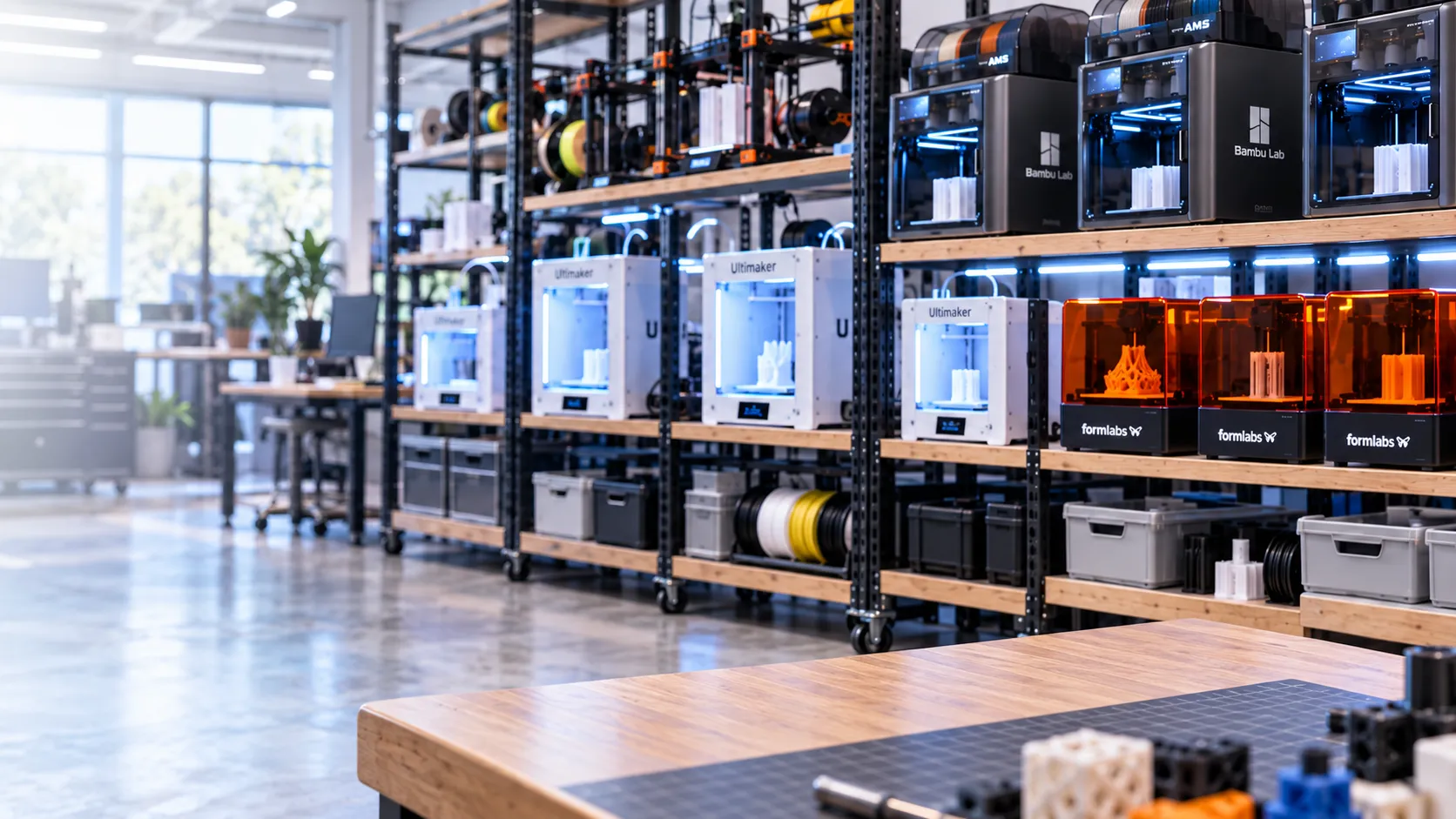
Manage and monitor hundreds of printers with thousands of users, with controls that protect jobs already on the bed.
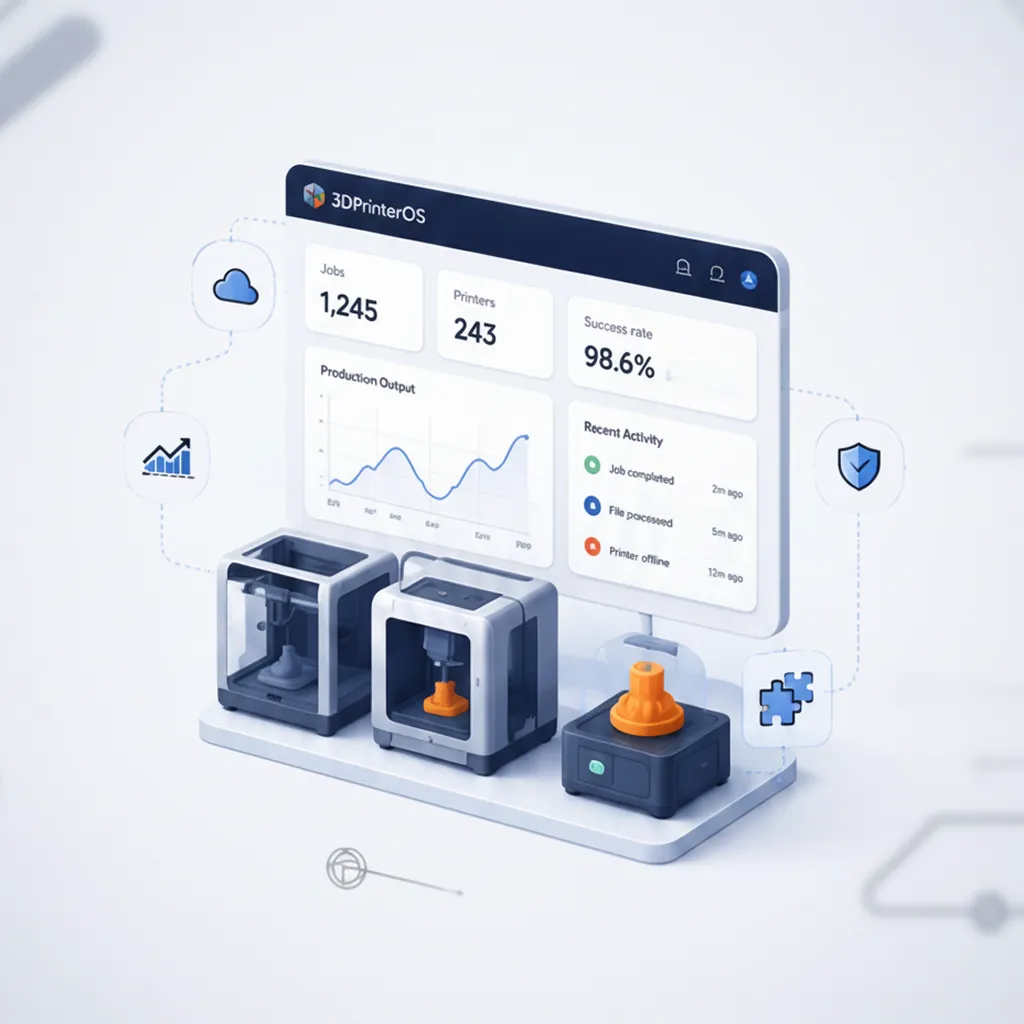
Track jobs, materials and success rates per printer and user, and use the data to plan maintenance and new capacity.
Click through managing a fleet of printers in 3DPrinterOS.
Yes. You can control and monitor Creality K1 printers from the 3DPrinterOS dashboard.
Yes. Queue and schedule jobs across your printers from any browser.
Yes. Keep a central library of filament profiles for consistent results.
Yes. Creality printers share dashboards and queues with Bambu Lab, Prusa, Ultimaker and more.
Start a free trial or talk to an expert about your fleet.

Hochschulen, Unternehmen und OEMs verwalten damit Drucker, Dateien und Nutzer über eine zentrale Cloud-Plattform

Zugriffe, Nutzer und Druckrechte nach Team oder Labor steuern
„Diese enge Zusammenarbeit hat es Koenigsegg ermöglicht, die Plattform genau auf die eigenen Anforderungen zuzuschneiden – mit dem Ergebnis eines optimierten, benutzerfreundlichen Systems zur Verwaltung der 3D-Drucker.“

Teamleiter
Koenigsegg Automotive AB
Buchen Sie jetzt Ihre persönliche Beratung und sichern Sie sich Ihre kostenlose Testphase.
