Click and go
Start the next job on every available printer with one click.


Collect every print request in shared queues, approve and prioritize jobs, and start the next job on all available printers in one click. No more SD cards, spreadsheets or email requests.
Works across 150+ printer models and mixed-brand fleets.
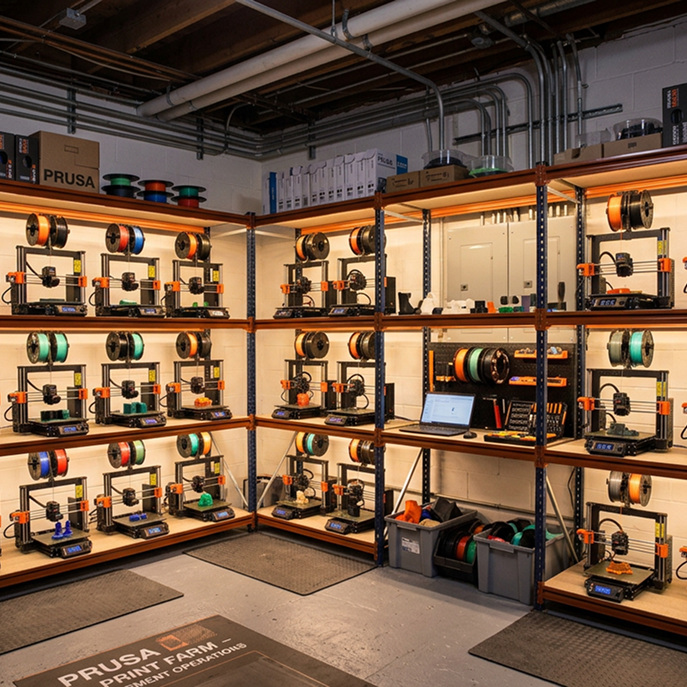








Just being able to click a few buttons and set the prints going has been huge, and we can have multiple people doing it at the same time without stepping on each other’s toes.
 Vicki SpitalnickInnovation Specialist, Pine Crest School
Start the next job on every available printer with one click.
Collect requests in one queue that workgroups can submit to.
Review, reorder and prioritize requests before they print.
Route each job to the next free compatible printer automatically.
Get notified when new jobs are added and when prints finish.
Monitor queued and running jobs and act remotely to minimize downtime.
Users upload and slice their files, then add them to a shared queue.
Admins review, reorder and prioritize requests in one place.
Jobs start on the next available printer, and everyone is notified when they finish.
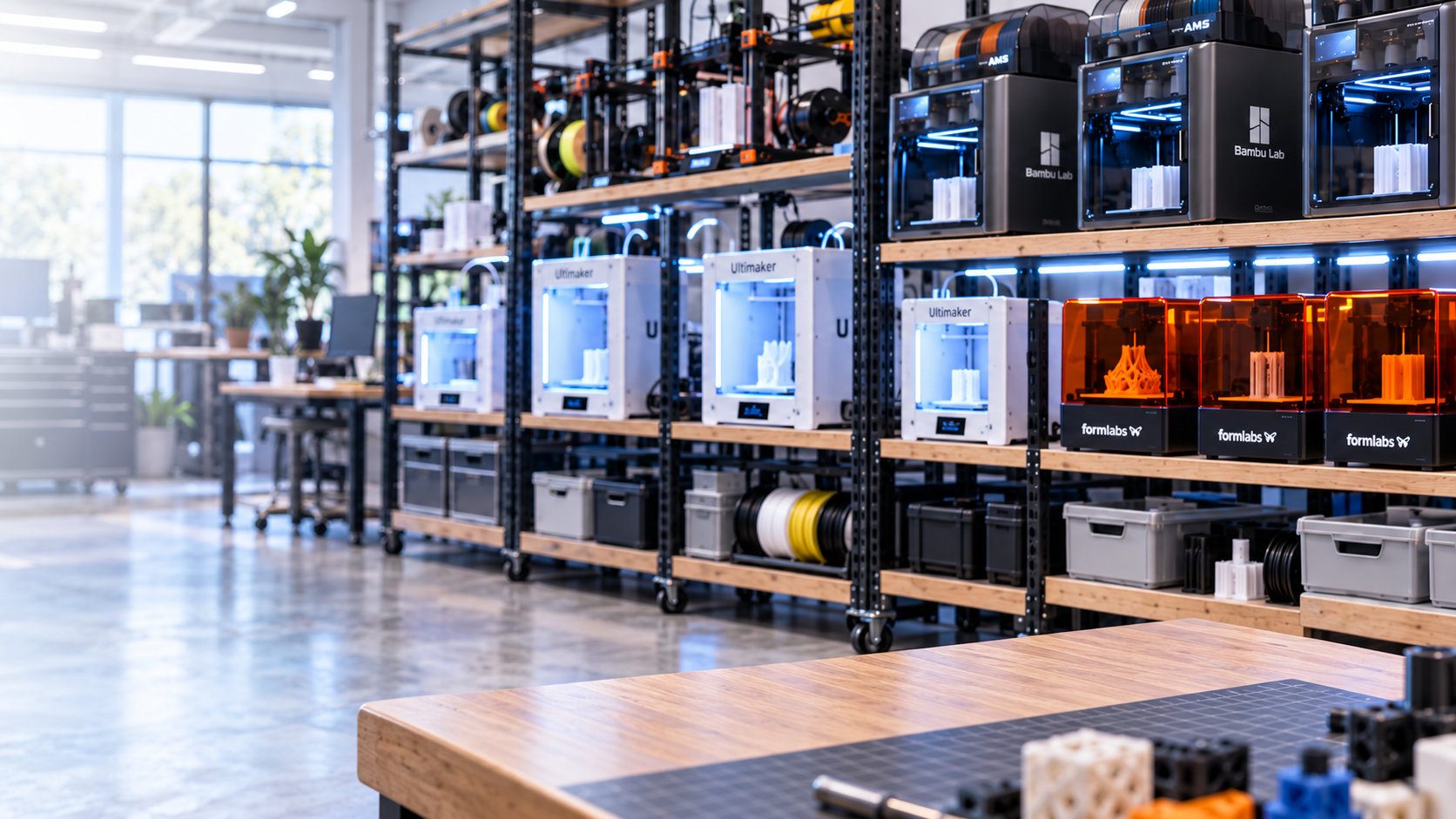
Prioritize and schedule jobs across your fleet to increase throughput. Printers pick up the next job as soon as they are free.
%201%20(1).png)
Create workgroups that share queue access. Members submit jobs, admins manage the printing process and nobody steps on anyone else’s print.
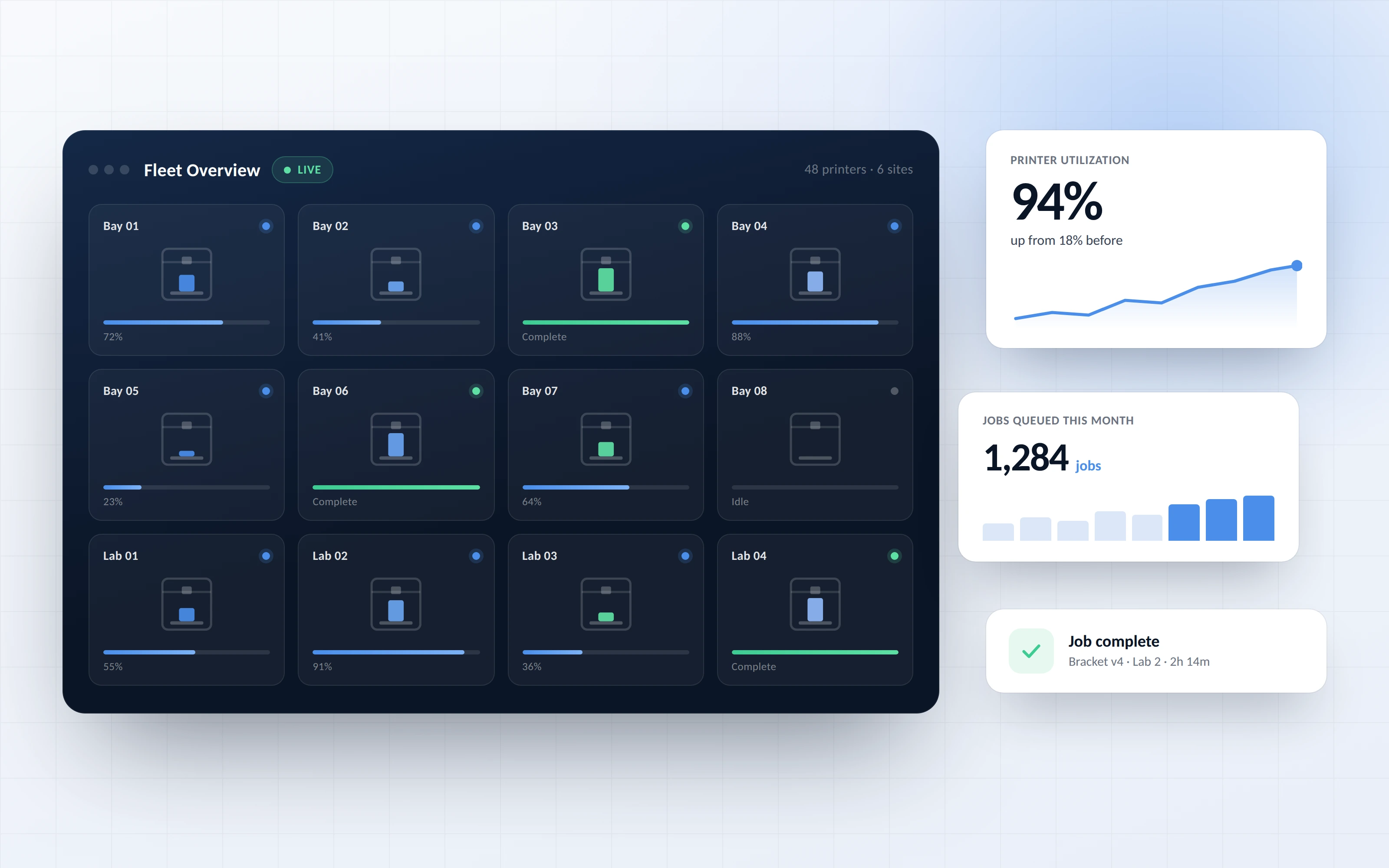
See what is queued, printing and finished across the whole fleet. Integrate queues into your existing workflow and scale without losing control.
Click through a real queue workflow in 3DPrinterOS, right in your browser.
Makerspaces collect student requests and keep every printer running.
Higher education →Teachers approve class prints and run them in order.
K-12 schools →Engineering teams share printers with priority for urgent prototypes.
Enterprise →Farms keep machines busy around the clock with automatic routing.
Print farm management →It is a way to collect, approve and schedule print jobs in one place, then send them to available printers automatically instead of handling each request by hand.
Yes. 3DPrinterOS routes queued jobs to the next free compatible printer, and you can start the next job on all available printers with one click.
Yes. Admins can approve, reorder and prioritize requests in a single queue.
Yes. Workgroups can share queue access, while administrators manage the printing process.
Yes. 3DPrinterOS notifies you when new jobs are added to the queue and when prints finish.

Used by higher education, enterprises, and OEMs to manage printers, files, and users from a single, cloud-based platform

Control access, users, and print permissions by team or lab
“This close collaboration has enabled Koenigsegg to tailor the platform to their specific needs, resulting in an optimized and user-friendly system for managing their 3D printers.”

Team Leader
Koenigsegg Automotive AB
Buchen Sie jetzt Ihr personalisiertes Assessment und erhalten Sie Ihre kostenlose Testversion.
