Status notifications
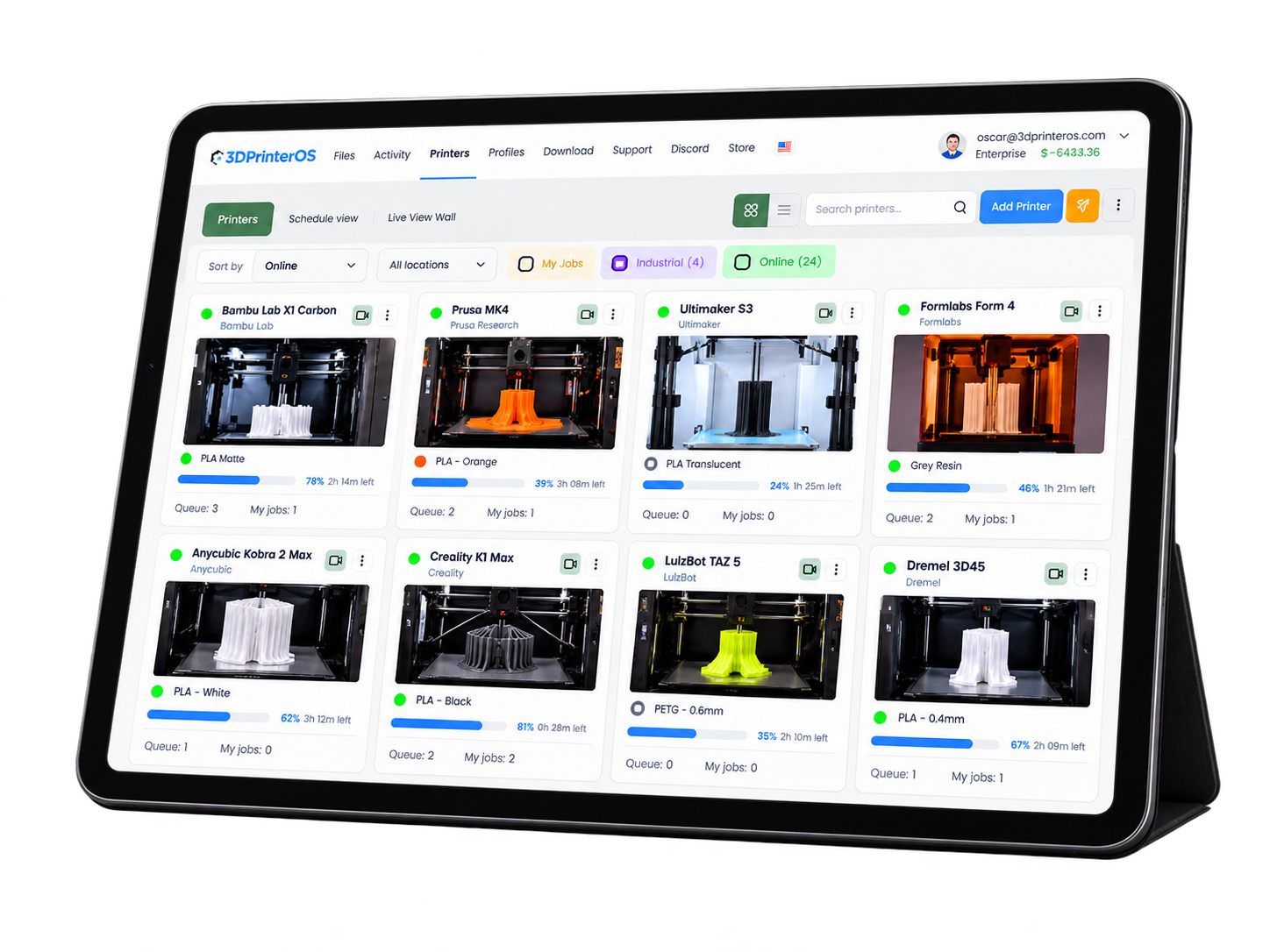
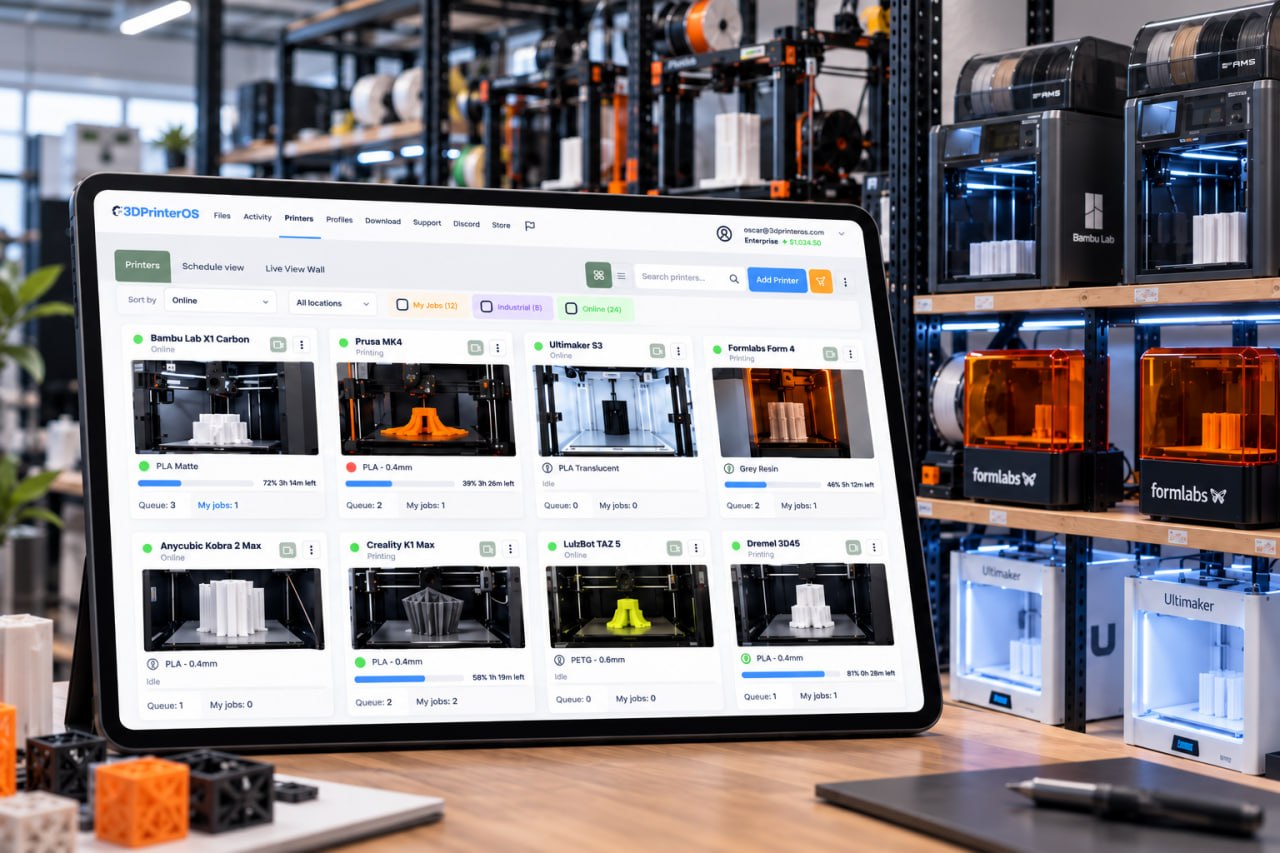
Real-time updates on printer and job status, without manual checking.

3DPrinterOS tells you what your printers are doing without you standing next to them. Get notified when a print finishes or needs attention, then review the time-lapse, history and analytics for every job.
Works across every printer connected to 3DPrinterOS.








You can be in your dorm room, or you can be in Africa, but as long as you have an internet connection, you can upload your file.
 Brian SlocumLehigh University
Real-time updates on printer and job status, without manual checking.
An email the moment your print is ready, so you can collect it right away.
Alerts when a print fails or needs someone to step in.
Record a time-lapse of each print to share or review later.
Every job logged with its file, printer, user and result.
Data on your jobs to spot issues and plan better.
Link printers and cameras to 3DPrinterOS.
Send a job from any browser or device.
Receive updates when the job finishes or needs attention, then review the time-lapse.
.png)
Users get an email the moment a print completes, so the next step in the project starts right away and printers do not sit idle with finished parts.
Record a time-lapse of each job. Share it, use it in class or review exactly where a print went wrong.
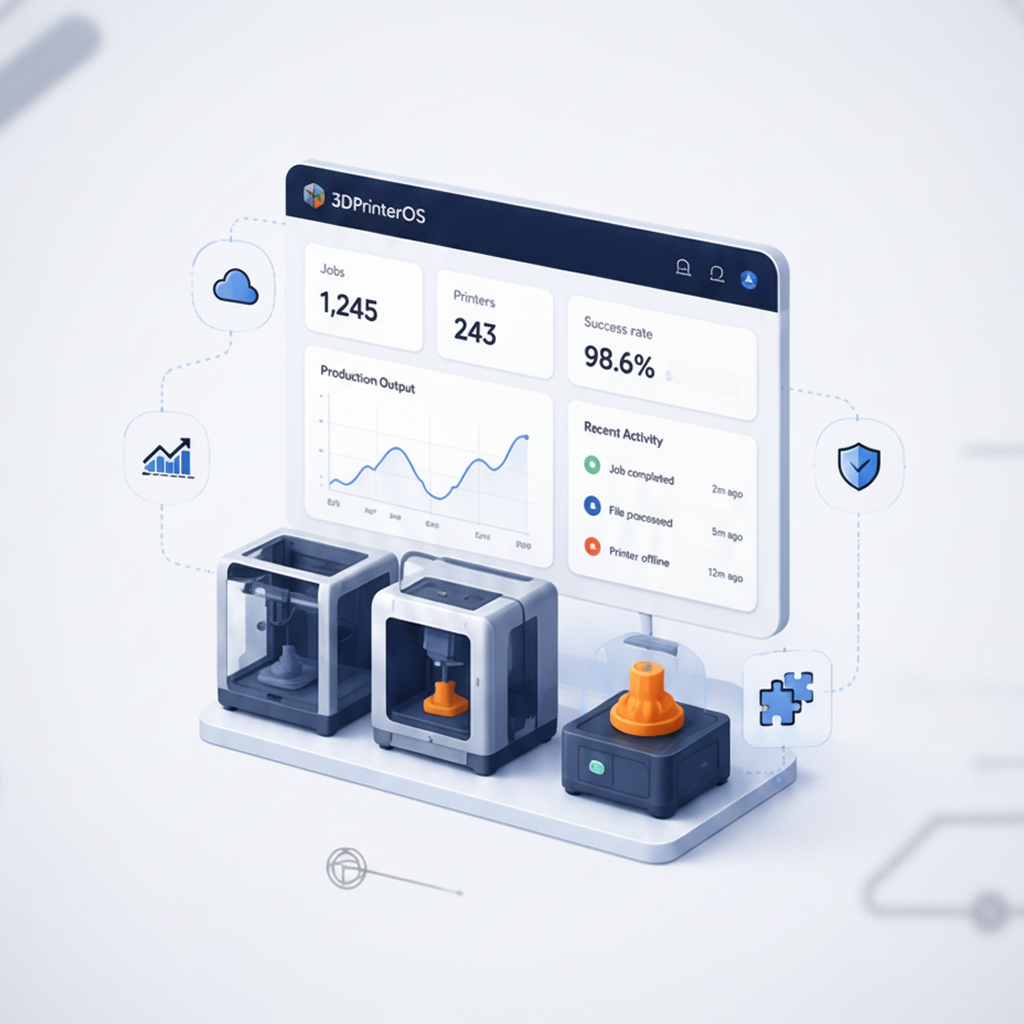
See past projects, spot patterns and use the data to improve settings, plan capacity and reduce failures.
Click through how 3DPrinterOS detects a failed print and notifies you.
Students know when to pick up their prints, without asking staff.
Higher education →Teachers hear when class prints are done and ready to hand out.
K-12 schools →Engineers get notified the moment a prototype is ready to test.
Enterprise →Operators react to finished and failed jobs without walking the floor.
Print farm management →Yes. 3DPrinterOS sends an email the moment a print completes and shows the status in the dashboard.
Yes. With failure detection on a camera-equipped printer, you are alerted as soon as a likely failure is detected.
Yes. Printers with a connected camera can record a time-lapse of each print for review or sharing.
Yes. Every job is logged with its file, printer, user and result, along with analytics on your printing.
Notifications work for any printer connected to 3DPrinterOS. Time-lapses need a camera on the printer.

Used by higher education, enterprises, and OEMs to manage printers, files, and users from a single, cloud-based platform

Control access, users, and print permissions by team or lab
“This close collaboration has enabled Koenigsegg to tailor the platform to their specific needs, resulting in an optimized and user-friendly system for managing their 3D printers.”

Team Leader
Koenigsegg Automotive AB
Buchen Sie jetzt Ihr personalisiertes Assessment und erhalten Sie Ihre kostenlose Testversion.
