Watches every layer
AI analyzes the camera feed of each active print and looks for the early signs of a failure.


3DPrinterOS watches every camera-equipped printer in your fleet, recognizes a failing print at the first sign of trouble and alerts you in real time. It can pause the job automatically, so a small defect never turns into a wasted spool and a lost day.
Works with camera-equipped printers connected to 3DPrinterOS, including USB and Raspberry Pi cameras.








3DPrinterOS gave us structure without sacrificing creativity. It’s like gaining a staff member without hiring one.
Catch failures in minutes instead of discovering them hours later.
AI analyzes the camera feed of each active print and looks for the early signs of a failure.
Recognizes spaghetti and detached prints, plus warping, layer shifts and under-extrusion.
Notifies the job owner and printer admins the moment a likely failure is detected.
Pause the print at the first sign of trouble, then decide whether to resume or cancel.
Frames from the moment of detection are saved with the job, so remote users can check without walking over.
Set sensitivity and automatic actions per printer or workgroup.
Camera frames from each printer stream into the detection model while the job runs.
The AI recognizes failure patterns such as spaghetti, warping and layer shifts as they begin.
Depending on your settings, 3DPrinterOS alerts the owner or pauses the print automatically.
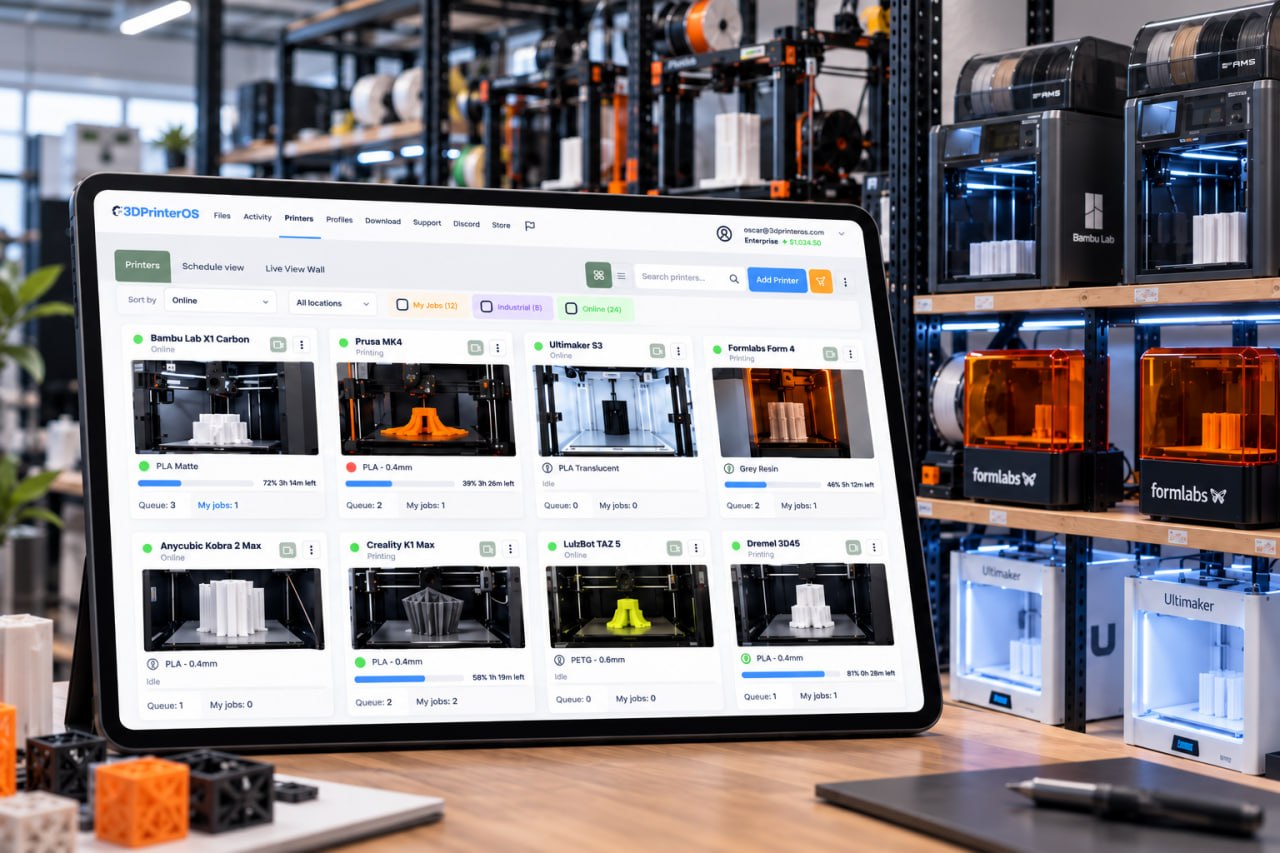
Overnight and weekend jobs run with an inspector watching. When something goes wrong, the right person hears about it immediately and the printer stops wasting material.
.png)
Lab managers respond to specific alerts instead of walking rounds all day. Admins decide which teams get notified and who may resume a paused job.
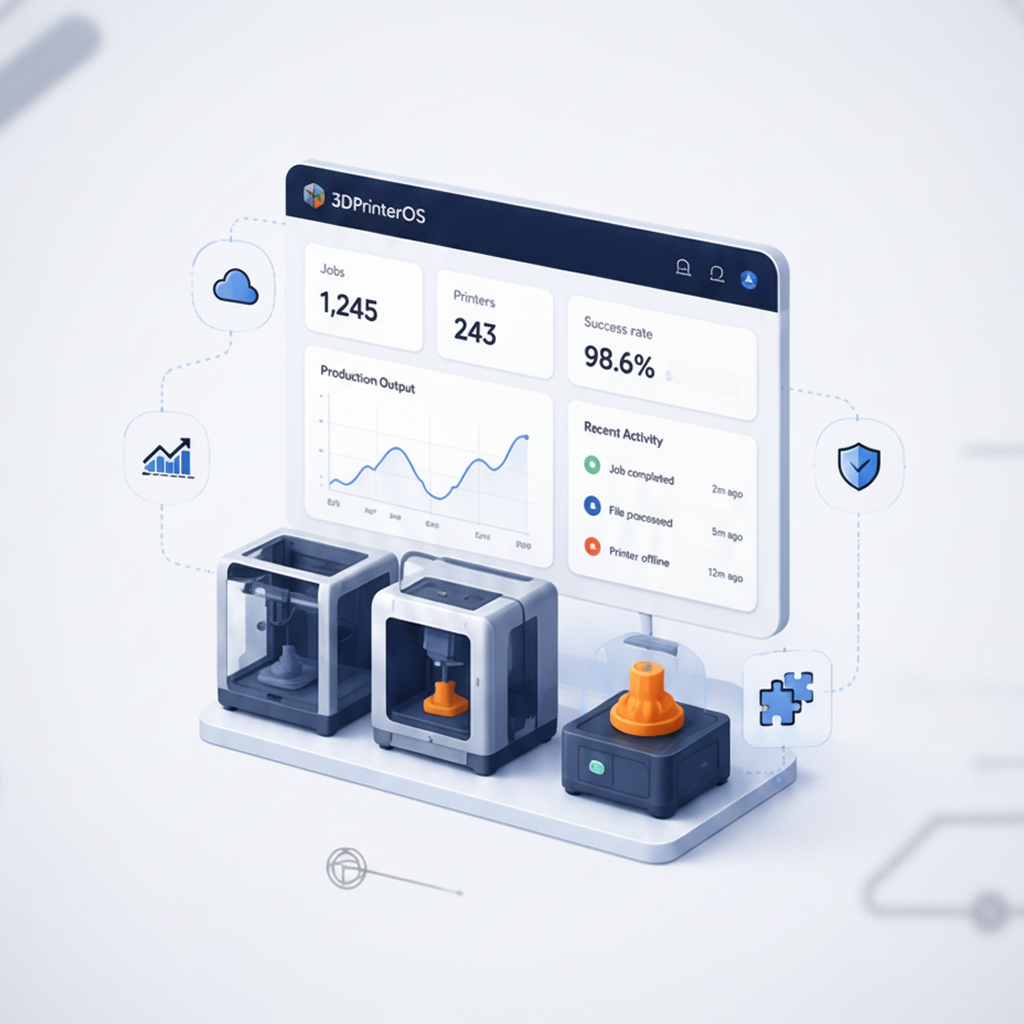
Every detection is logged against the job, printer and user. See which printers, materials and models fail most often, and fix the root cause.
Click through how 3DPrinterOS spots a failed print and alerts you, right in your browser.
Makerspaces run student prints overnight without staff watching every machine.
Higher education →Print farms stop failed jobs early and get printers back to work faster.
Print farm management →Engineering labs protect long prototype prints and expensive materials.
Enterprise →Production teams track failure causes and improve yield.
Manufacturing →It is software that watches a print through a camera and recognizes when filament is being extruded into a tangled mess instead of the part. 3DPrinterOS uses AI to detect this and other failures early, then alerts you or pauses the print.
Spaghetti and detached prints, as well as warping, layer shifts and under-extrusion. Sensitivity can be adjusted per printer or workgroup.
Yes. You can choose whether 3DPrinterOS only alerts or also pauses the job automatically. An authorized user can then resume or cancel it.
You need a camera on the printer. Printers with built-in cameras work, as do printers connected through a 3DPrinterOS host with a USB or Raspberry Pi camera.
Alerts appear in the dashboard and by email, and go to the job owner and the printer administrators.

Used by higher education, enterprises, and OEMs to manage printers, files, and users from a single, cloud-based platform

Control access, users, and print permissions by team or lab
“This close collaboration has enabled Koenigsegg to tailor the platform to their specific needs, resulting in an optimized and user-friendly system for managing their 3D printers.”

Team Leader
Koenigsegg Automotive AB
Buchen Sie jetzt Ihr personalisiertes Assessment und erhalten Sie Ihre kostenlose Testversion.
