One farm queue
Send a job to a printer group instead of one machine. The next free printer in the group takes it, so MINIs and MK4s stay busy without someone walking the rack.
Prusa print farm software connects every Original Prusa printer in a farm to one dashboard, so a team can queue jobs, watch each machine and control who prints. 3DPrinterOS does this for MK4, i3 MK3 and MINI fleets through a client on a PC or Raspberry Pi, with one shared queue that sends each job to the next free printer.
Free 14-day trial. Prusa printers can share the farm with 200+ other printer models.
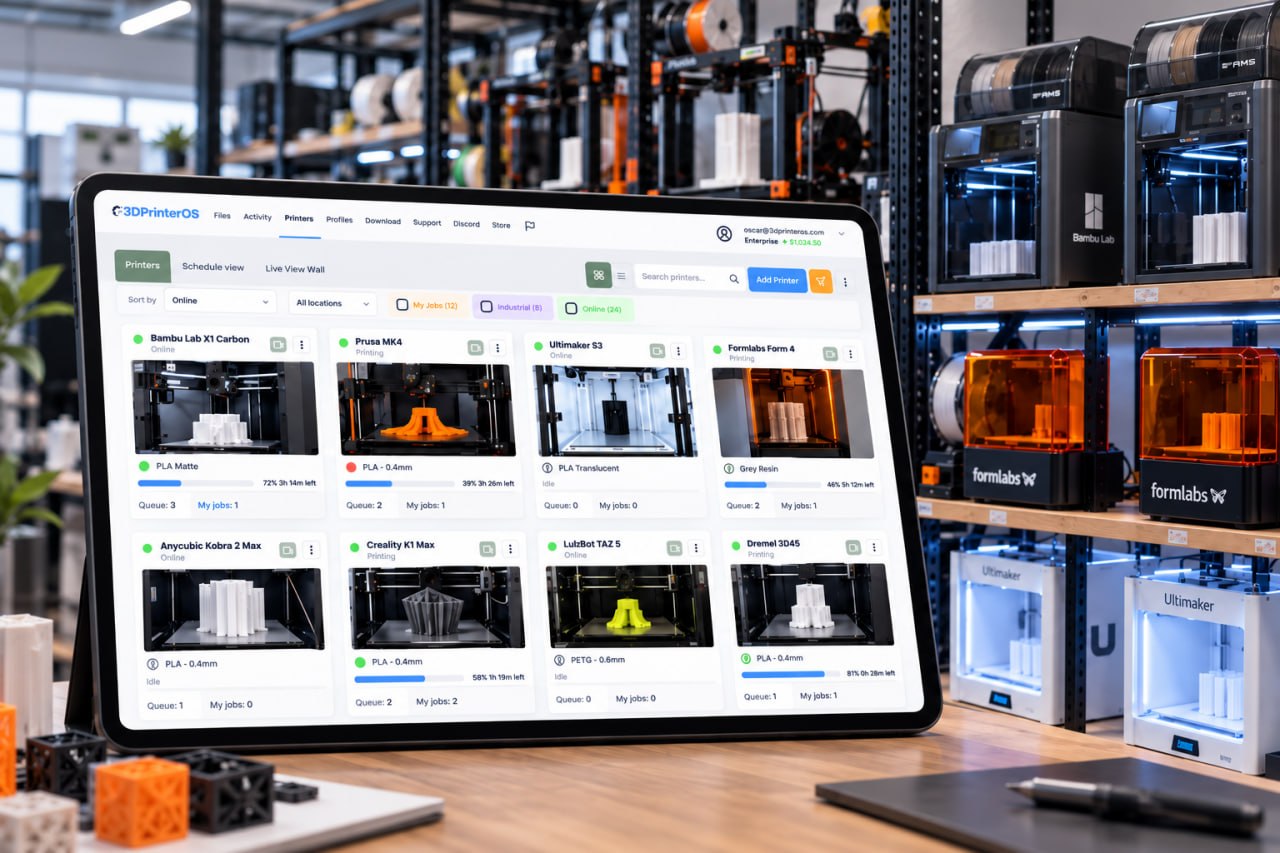


The makerspace at Dublin City University runs 18 Prusa MINI printers, a Prusa MK4 and 2 Ultimakers on 3DPrinterOS. Makerspace lead Liam Domican needed queues that avoid confusion and give each student fair access. In the most recent semester, 3DPrinterOS recorded 230 users completing 2,353 prints and 4,800 hours of printing, using more than 50 kg of material. The fleet has passed 8,000 hours of printing.
A single Original Prusa is easy to run from PrusaSlicer and a USB stick or Prusa Connect. A rack of MINIs and MK4s is a production system. Someone has to decide which printer takes the next job, which filament and profile it uses, who is allowed to print, and what each print cost. Without a central system those answers live in spreadsheets, chat threads and SD cards.
Prusa print farm software puts those decisions in one place. 3DPrinterOS is vendor-neutral 3D printer management software, so the same queue, permissions and reports cover your Prusa printers and any other brand you add later.
Send a job to a printer group instead of one machine. The next free printer in the group takes it, so MINIs and MK4s stay busy without someone walking the rack.
Status, temperatures, progress and camera feeds for each printer, with remote start, pause and cancel from any browser or phone.
The build plate is watched for failed prints, and the team gets an alert, so a failed job on one printer does not waste a whole shift.
Workgroups, roles, job approval, print limits and quotas per user, so operators, students or customers only print what they are allowed to.
Filament use, print time and success rate for every printer and user, plus usage reports and a searchable print history.
Every job is linked to a user, printer, material and cost, with balances, chargebacks and billing when the farm prints for other people.
Many Prusa farms already have tuned PrusaSlicer profiles. You can keep them: upload the G-code you sliced in PrusaSlicer and send it to the right printer group. Or slice in the browser with printer profiles, preview the model and toolpath before printing, and adjust layer height, infill and speed without installing anything on the operator's computer.
For a farm, the slicing step matters as much as the printer. The farm platform supports locked slicing profiles and version history for files, so every operator prints the same part with the same settings. Files go in one shared library in STL, OBJ, 3MF or G-code.
| Farm task | Prusa Connect | 3DPrinterOS |
|---|---|---|
| Remote monitoring, control and camera view | ✓ | ✓ |
| Print queue and G-code upload | ✓ | ✓ |
| Printer brands in one viewPrusa Connect: Prusa only. 3DPrinterOS: 200+ models | ~ | ✓ |
| One queue across brands, routed to the next free printer | – | ✓ |
| AI failure detection | – | ✓ |
| Approvals and print limits per user | – | ✓ |
| Single sign-on and billing | – | ✓ |
| Fleet-wide analytics | ~ | ✓ |
Prusa Connect features as publicly described, checked 16 Nov 2026; check Prusa Research for current details. "–" means not described. Full comparison: 3DPrinterOS vs Prusa Connect.
Start a free 14-day trial and create your organization in the 3DPrinterOS cloud, or ask about a private cloud or on-premise installation.
Install the 3DPrinterOS client on a PC or Raspberry Pi and connect your Prusa printers to it. They appear in the dashboard, ready to receive jobs.
Group printers by model, nozzle or filament, then set roles, approvals, print limits and the slicing profiles each group should use.
Send jobs to a group and let the next free printer take them. Add more Prusa printers, or other brands, to the same queue as the farm grows.
Connect each printer to 3DPrinterOS once and manage the whole farm from any browser.
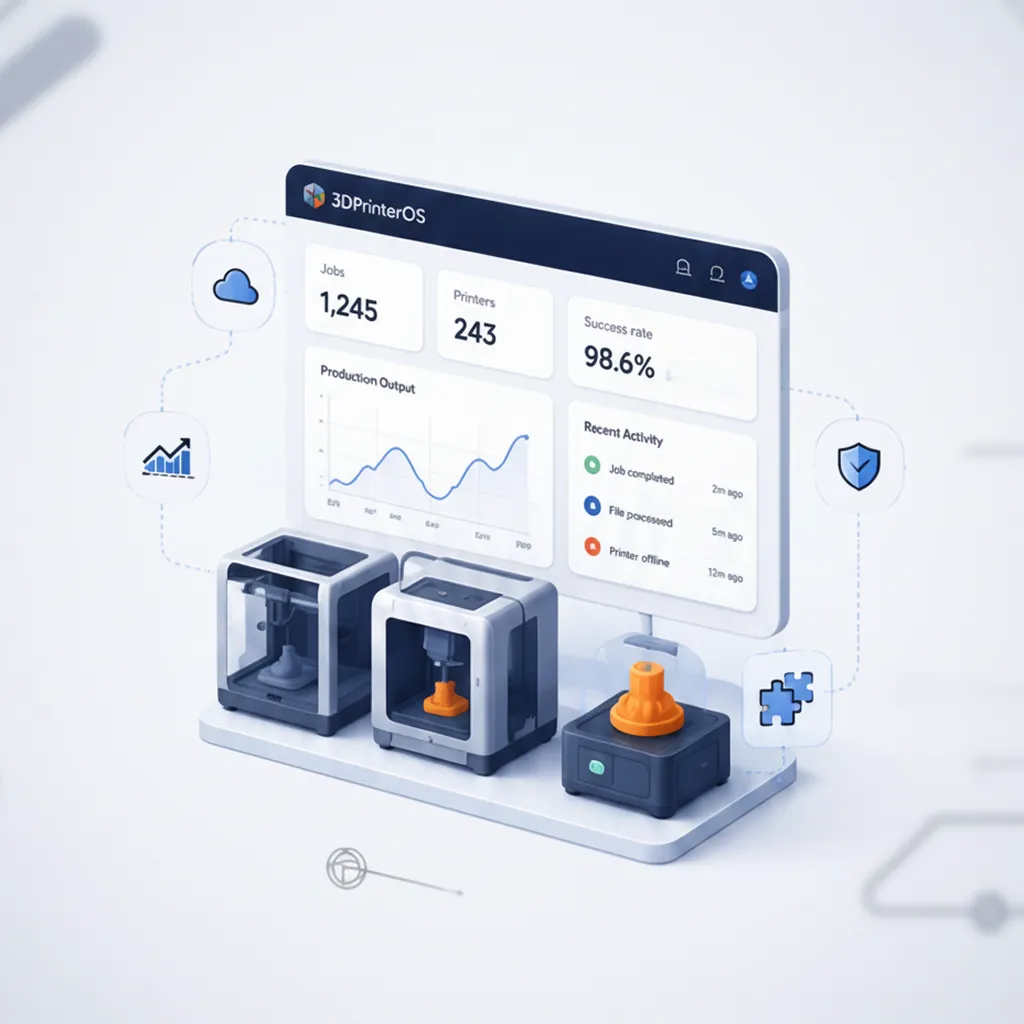
See which Prusa printers are busiest, which jobs fail and what each group costs. Reports cover usage by user and group, print history and success rates per printer.
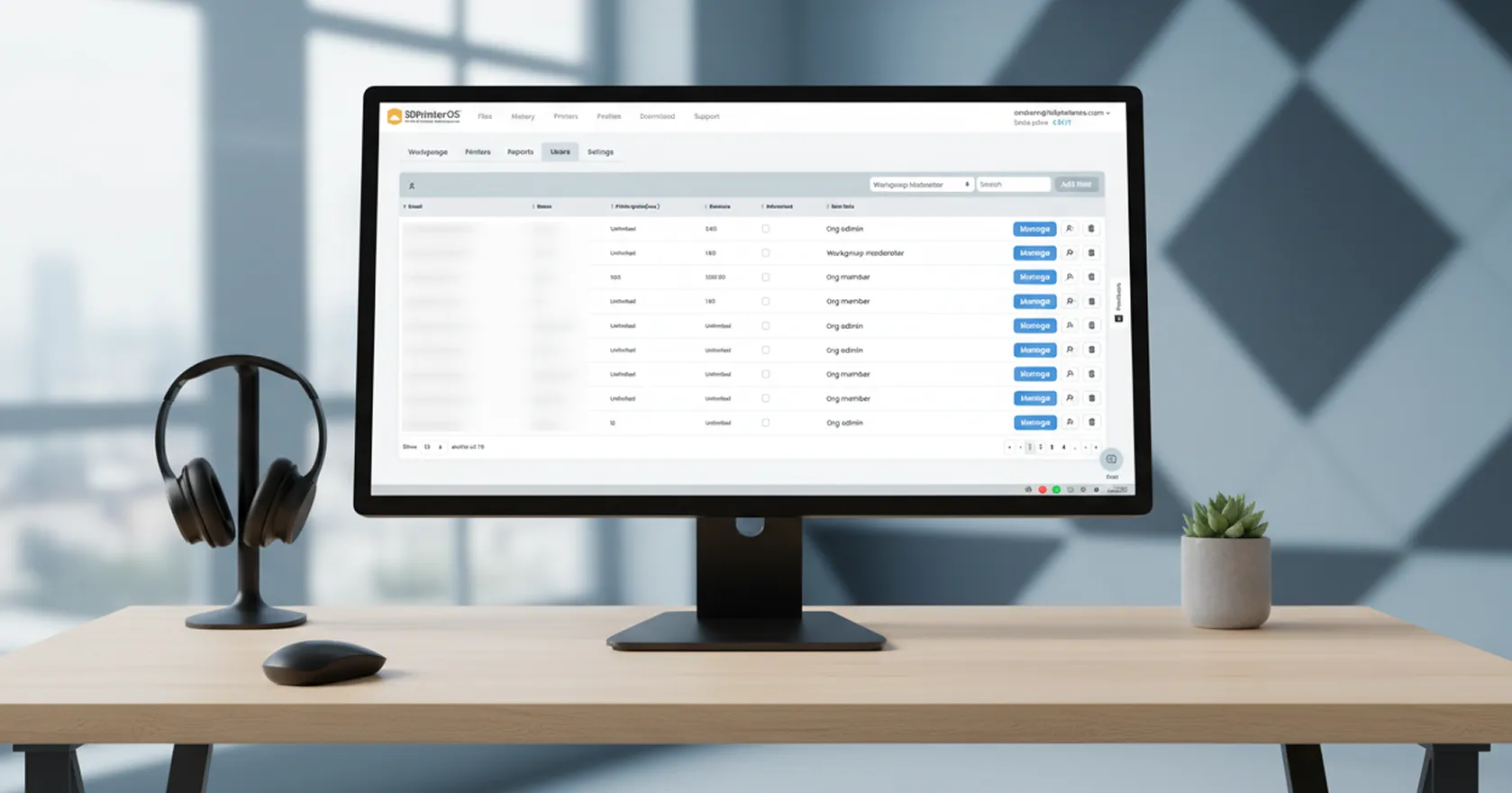
Operators, students or staff get roles and workgroups, with approval before a job starts and limits on what each user can print. Single sign-on works with SAML, Shibboleth, OKTA and InCommon.
Run on the managed cloud on Microsoft Azure in the U.S. or Europe, on your own cloud, or on an on-premise or air-gapped server. An API connects the farm to your own tools.
Few farms stay single-brand. Dublin City University runs Ultimakers next to its Prusa printers, and many farms add Bambu Lab, Creality or Dremel machines over time. 3DPrinterOS supports 200+ printer models, so a new brand joins the same dashboard, queue and reports instead of adding another app. For the full feature set of a multi-brand farm, see 3D printer farm management software.
Click through how teams manage printers and users in 3DPrinterOS.
For a farm shared by several people or run as a business, a vendor-neutral platform such as 3DPrinterOS. It adds one queue that routes jobs to the next free printer, AI failure detection, roles, approvals, quotas, cost tracking and reports, and it runs Prusa printers next to 200+ other models.
3DPrinterOS works with the Original Prusa MK4 and the i3 MK3 series, and Dublin City University runs 18 Prusa MINI printers and a MK4 on it. Contact the team to confirm a specific model.
Yes. Upload the G-code you slice in PrusaSlicer and send it to a printer or group, or slice in the browser with printer profiles and preview the toolpath before printing.
Install the 3DPrinterOS client on a PC or Raspberry Pi and connect the printers to it. They then appear in the cloud dashboard, where you can upload, slice and send jobs.
It covers what Prusa Connect does for monitoring, queues and G-code upload, and adds cross-brand queues, AI failure detection, approvals, print limits, single sign-on and billing. If you only own Prusa printers and print alone, Prusa Connect is a natural choice.
Yes. 3DPrinterOS tracks filament use, print time and success rate for every printer and user, with usage reports and a searchable print history.
See how 3DPrinterOS queues, monitors and reports on every Prusa printer in your farm.

Hochschulen, Unternehmen und OEMs verwalten damit Drucker, Dateien und Nutzer über eine zentrale Cloud-Plattform

Zugriffe, Nutzer und Druckrechte nach Team oder Labor steuern
„Diese enge Zusammenarbeit hat es Koenigsegg ermöglicht, die Plattform genau auf die eigenen Anforderungen zuzuschneiden – mit dem Ergebnis eines optimierten, benutzerfreundlichen Systems zur Verwaltung der 3D-Drucker.“

Teamleiter
Koenigsegg Automotive AB
Buchen Sie jetzt Ihre persönliche Beratung und sichern Sie sich Ihre kostenlose Testphase.
Hochschulen, Unternehmen und OEMs verwalten damit Drucker, Dateien und Nutzer über eine zentrale Cloud-Plattform
Zugriffe, Nutzer und Druckrechte nach Team oder Labor steuern
„Diese enge Zusammenarbeit hat es Koenigsegg ermöglicht, die Plattform genau auf die eigenen Anforderungen zuzuschneiden – mit dem Ergebnis eines optimierten, benutzerfreundlichen Systems zur Verwaltung der 3D-Drucker.“
Teamleiter
Koenigsegg Automotive AB
Buchen Sie jetzt Ihre persönliche Beratung und sichern Sie sich Ihre kostenlose Testphase.

