Slicing for 200+ printers
The cloud slicer has profiles for 200+ printer models and runs in any browser, including on Chromebooks and tablets, so no one installs a desktop slicer.
The best Creality Print alternative for printers that many people share is 3DPrinterOS. Creality Print is Creality's open-source desktop slicer, forked from OrcaSlicer. 3DPrinterOS slices in any browser for 200+ printer models, then sends each job to a shared queue with roles, approval, quotas, single sign-on and reports.
Free 14-day trial, no credit card required.








Creality Print is the slicer Creality publishes for FDM printers. Its official repository describes it as an open-source slicer, licensed under the GNU Affero General Public License version 3 and originally forked from OrcaSlicer, which itself grew out of Bambu Studio. It installs on your own computer: there are builds for 64-bit Windows, for macOS on Apple Silicon and Intel, and a Linux AppImage tested on Ubuntu. The project lists automatic calibrations for all printers, a sandwich (inner-outer-inner) wall mode, polyhole conversion, Klipper support and more granular controls among its features.
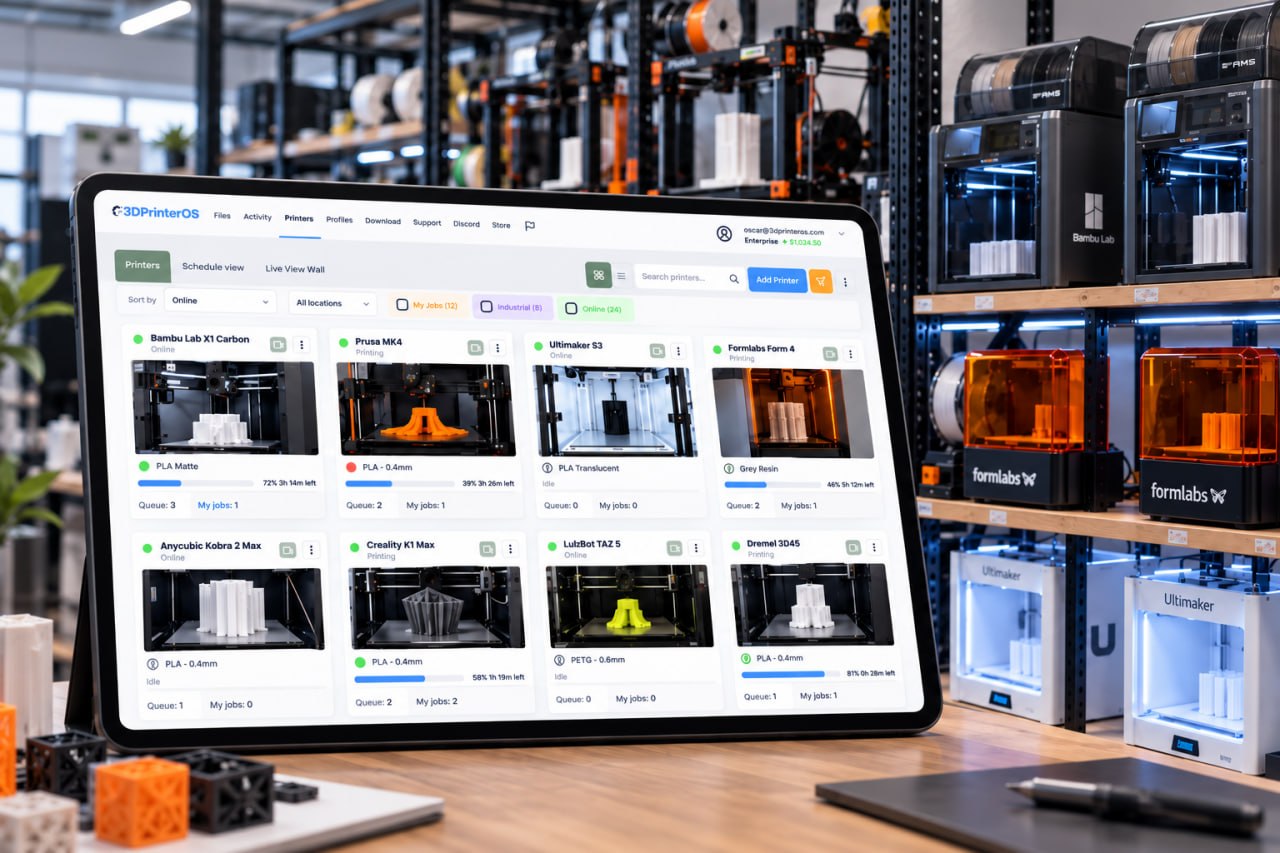
That makes Creality Print a strong choice for one person who slices on one machine. It is a slicer, not a print platform, and the repository does not describe a shared queue, user accounts, approval steps or usage reports. A school lab, makerspace or print farm needs those as soon as several people share several printers: locked profiles so every job uses approved settings, a queue that routes work to the next free printer, approval before a file prints, and a record of who printed what. Those controls are the core of 3D printer management software such as 3DPrinterOS.
The cloud slicer has profiles for 200+ printer models and runs in any browser, including on Chromebooks and tablets, so no one installs a desktop slicer.
Slicer 5 (Cura-based), Slicer for Prusa, Bambu Slicer, MultiSlicer (beta), MakerBot Slicer and Formlabs Slicer cover a room with several brands.
Save settings as reusable profiles and lock them for a team, so students and new staff print with parameters you have already tested.
Send jobs to a printer group and 3DPrinterOS routes each one to the next free printer, whether it is a Creality K1 or another brand.
Staff review a file before it reaches a printer, and balances and print limits per user can be charged through PaperCut, Stripe or CBORD.
Sign in with SAML, Shibboleth, OKTA or InCommon, so there are no shared logins and access ends when people leave.
Both slice models for FDM printers and both work with Klipper printers. Switch on "Show only differences" to see where they differ.
| Feature | Creality Print | 3DPrinterOS |
|---|---|---|
| Slice in a browser, Chromebook or tabletCreality Print: desktop app for Windows, macOS and Linux | – | ✓ |
| Open sourceCreality Print: AGPL-3.0. 3DPrinterOS: 14-day free trial, then paid plans | ✓ | – |
| Works with Klipper printers | ✓ | ✓ |
| Several slicing enginesCreality Print: one OrcaSlicer-based engine. 3DPrinterOS: six | – | ✓ |
| Shared, locked profiles for a team | – | ✓ |
| Shared queue across printers and brands3DPrinterOS: routes each job to the next free printer | – | ✓ |
| Private cloud, on-premise or air-gapped deployment | – | ✓ |
| Roles, workgroups and job approval | – | ✓ |
| Quotas, balances and billing (PaperCut, Stripe, CBORD) | – | ✓ |
| Usage, cost and success-rate reports | – | ✓ |
| Single sign-on (SAML, Shibboleth, OKTA, InCommon) | – | ✓ |
Showing 11 of 11 features
Creality Print features as described in its official GitHub repository, checked 24 Nov 2026. "–" means not described there. Features change, so check Creality for current details.
Creality Print is open-source software under AGPL-3.0, published by Creality in its official repository. What it costs you is setup time on each computer: every person who slices installs and updates it on the machine they use.
3DPrinterOS Premium starts at $19 a month for 2 printers and 1 user, with a 14-day free trial and no credit card required. Education and Enterprise plans are priced by your number of printers, users and sites, and extended trials are available on request.
On a K1 Max or Ender-3 V3 KE, update the firmware to 1.3.2.1 or later, allow network access to builds.3dprinteros.com, then enable root access and connect over SSH.
The script installs Moonraker if it is missing and asks for your 3DPrinterOS login. Open the printer's IP address on port 8008, log in and pick the printer type.
Create workgroups for classes or teams, or connect single sign-on, then turn on job approval and print limits.
Upload G-code sliced in Creality Print on your desktop, or slice in the browser and send the job straight to the queue.
The setup above covers the K1 Max, Ender-3 V3 KE and K2 Pro/Plus. See Creality 3D printer software for shared queues, remote start and cancel, and live print monitoring.
Dublin City University runs a 21-printer makerspace, 18 Prusa Mini, 2 Ultimaker and 1 Prusa MK4, on 3DPrinterOS print queues, multi-user management, print history and reports. In its most recent semester, 230 users ran 2,353 prints and 4,800 printing hours, with fair access for every student and data to find bottlenecks. Read the Dublin City University story →
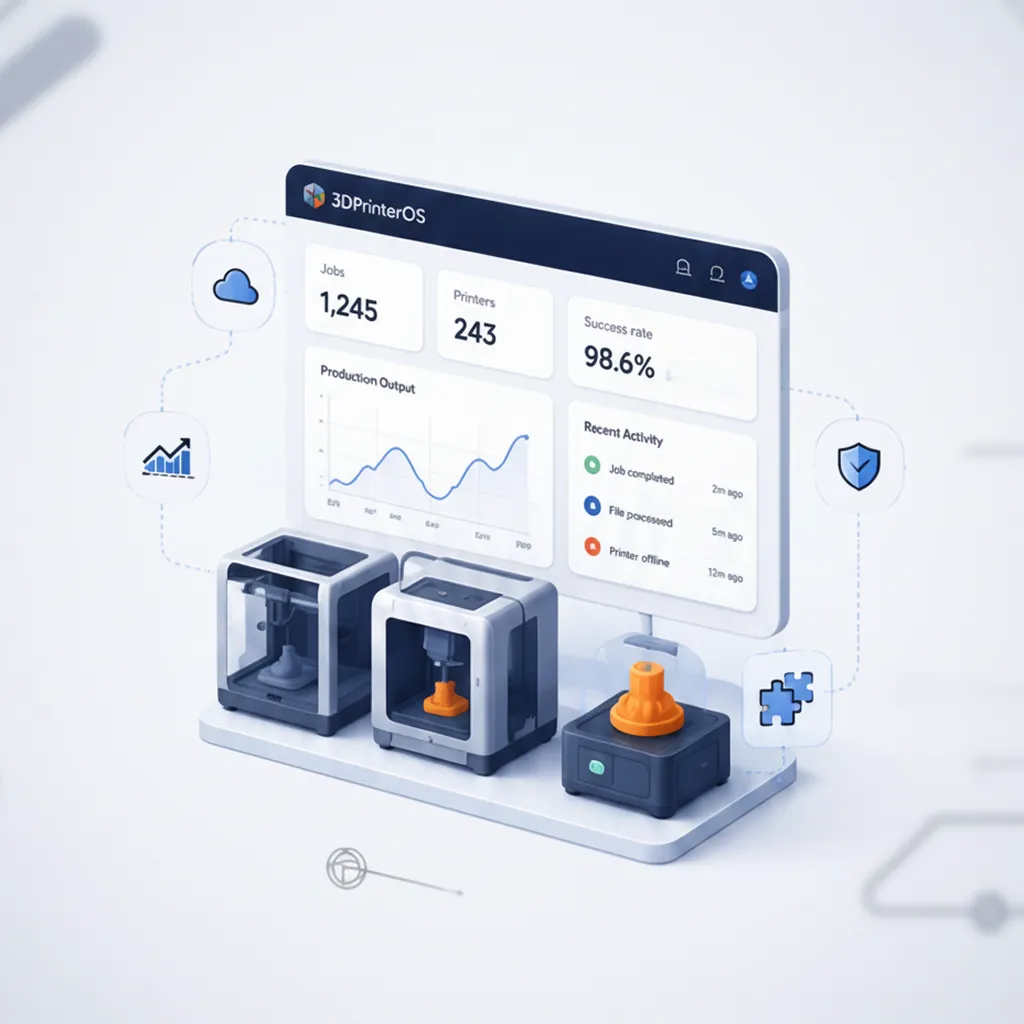
3DPrinterOS reports usage, cost and success rates per user, printer and department, and keeps a full print history for audits. A school or department can see which printers are busy and bill material back.
Run 3DPrinterOS in the managed cloud, in a private cloud, on-premise or air-gapped. NASA, NIH, Google and Koenigsegg are among the organizations that use 3DPrinterOS.
Need a browser slicer only? See the online slicer, or read the Creality Cloud comparison.
For printers shared by many people, 3DPrinterOS. It slices in any browser for 200+ printer models, locks profiles for your users, and sends jobs to a shared queue with roles, approval, quotas, single sign-on and reports.
Yes. The K1 Max, Ender-3 V3 KE and K2 Pro/Plus connect through the 3DPrinterOS install script, and then share a dashboard and queues with your other printers.
Yes. Upload G-code sliced in Creality Print on your computer, or slice in the browser with the 3DPrinterOS cloud slicer.
Yes. The cloud slicer runs in any browser, including Chromebooks and tablets, with nothing to install.
Premium starts at $19 a month for 2 printers and 1 user, with a 14-day free trial and no credit card. Education and Enterprise plans are priced by printers, users and sites.
See how 3DPrinterOS queues, approves, bills and reports every print, on every brand.

Hochschulen, Unternehmen und OEMs verwalten damit Drucker, Dateien und Nutzer über eine zentrale Cloud-Plattform

Zugriffe, Nutzer und Druckrechte nach Team oder Labor steuern
„Diese enge Zusammenarbeit hat es Koenigsegg ermöglicht, die Plattform genau auf die eigenen Anforderungen zuzuschneiden – mit dem Ergebnis eines optimierten, benutzerfreundlichen Systems zur Verwaltung der 3D-Drucker.“

Teamleiter
Koenigsegg Automotive AB
Buchen Sie jetzt Ihre persönliche Beratung und sichern Sie sich Ihre kostenlose Testphase.
Hochschulen, Unternehmen und OEMs verwalten damit Drucker, Dateien und Nutzer über eine zentrale Cloud-Plattform
Zugriffe, Nutzer und Druckrechte nach Team oder Labor steuern
„Diese enge Zusammenarbeit hat es Koenigsegg ermöglicht, die Plattform genau auf die eigenen Anforderungen zuzuschneiden – mit dem Ergebnis eines optimierten, benutzerfreundlichen Systems zur Verwaltung der 3D-Drucker.“
Teamleiter
Koenigsegg Automotive AB
Buchen Sie jetzt Ihre persönliche Beratung und sichern Sie sich Ihre kostenlose Testphase.

