Slicing for 200+ printers
The cloud slicer has ready-made profiles for 200+ printer models and runs in any browser, including on Chromebooks and tablets.
The best Prusa EasyPrint alternative for classrooms and labs that share printers is 3DPrinterOS. EasyPrint is a free cloud slicing tool from Prusa with a 60-second slicing limit per bed. 3DPrinterOS slices in any browser for 200+ printer models, then sends each job to a shared queue with roles, approval, quotas and reports.
Free 14-day trial, no credit card required.
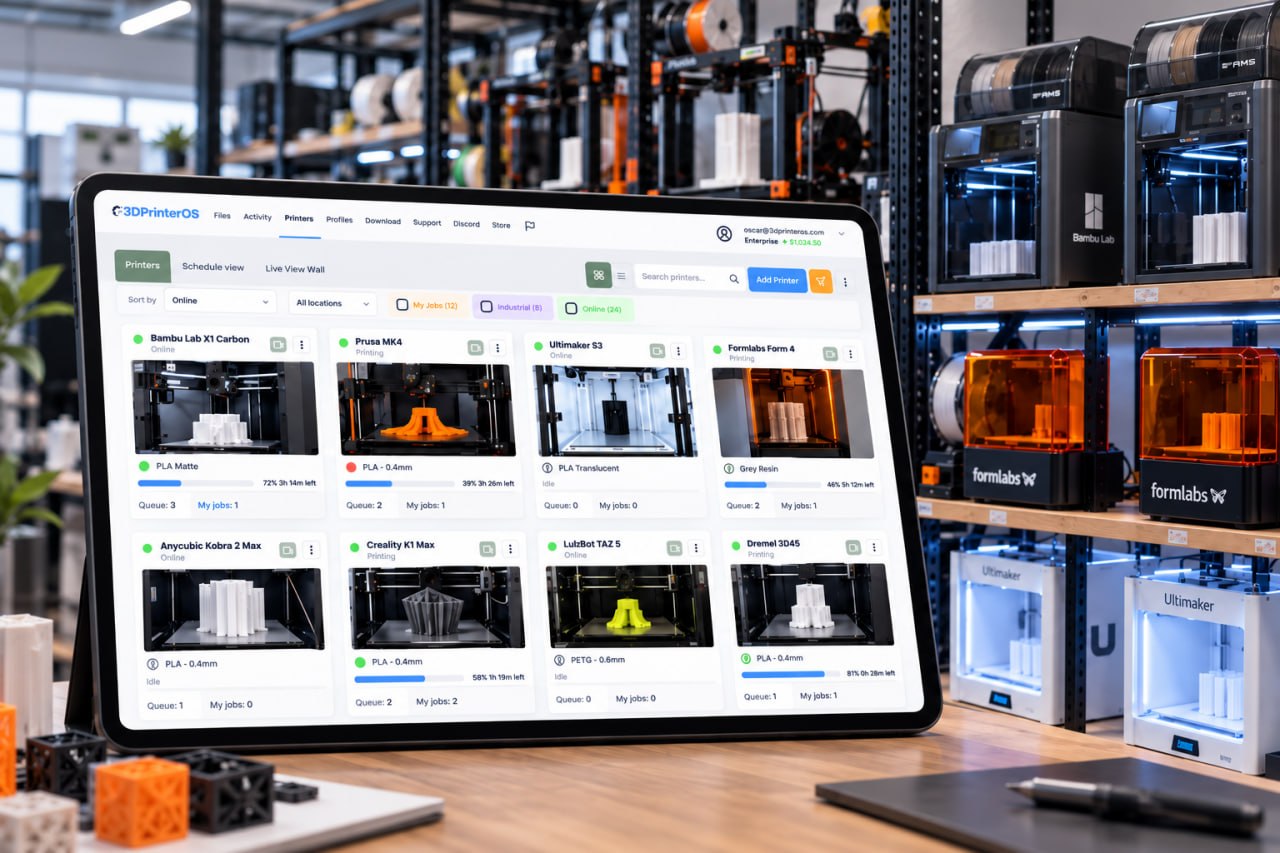


Prusa EasyPrint is a cloud-based slicing utility from Prusa Research. Prusa explains that it is a web front end that runs the public PrusaSlicer release on Prusa servers. You open it from Printables, where an EasyPrint button sits next to compatible models, or from the Prusa App. You choose a print profile, infill pattern, supports, automatic brims and filament, move, rotate and scale models, and use multicolor painting on supported printers; harder settings are set for you. Prusa printers registered in Prusa Connect receive the file directly, and a busy printer puts it in its own queue. Other printers can be added offline, and non-Prusa printers can receive files over the local network from a desktop browser with a browser extension.
EasyPrint is free, with limits. Slicing is capped at 60 seconds per bed, uploads count toward 1 GB of cloud storage shared with Prusa Connect, one job runs at a time, very large or detailed models may be refused, and total slicing time resets every 24 hours. That works well for a Prusa owner who wants to print a Printables model from a phone. A classroom or lab needs more: shared profiles, many users, approval before printing and a record of who printed what. Those controls are the core of 3D printer management software such as 3DPrinterOS.
The cloud slicer has ready-made profiles for 200+ printer models and runs in any browser, including on Chromebooks and tablets.
Slicer 5, Slicer for Prusa, Bambu Slicer, MultiSlicer (beta), MakerBot Slicer and Formlabs Slicer, so one tool covers a mixed room.
Standardize settings across your team so every print uses approved parameters, which matters when students slice their own files.
Send the sliced file to a connected printer or to a queue, then monitor the job remotely with camera views and alerts.
Staff approve files before they print, and balances and print limits keep shared printers fair.
Single sign-on with SAML, Shibboleth, OKTA or InCommon, so there are no shared logins and access ends when people leave.
Both slice in the browser without installing a desktop app. Switch on "Show only differences" to see where they differ.
| Feature | Prusa EasyPrint | 3DPrinterOS |
|---|---|---|
| Slice in a browser, phone or tablet | ✓ | ✓ |
| Free to useEasyPrint: free with limits. 3DPrinterOS: 14-day free trial, then paid plans | ✓ | ~ |
| Profiles for many brandsEasyPrint: Prusa printers, others offline or over LAN. 3DPrinterOS: 200+ models | ~ | ✓ |
| Several slicing engines3DPrinterOS: Slicer 5, Slicer for Prusa, Bambu Slicer, MultiSlicer (beta), MakerBot Slicer, Formlabs Slicer | – | ✓ |
| Shared, locked profiles for a team | – | ✓ |
| Send to a printer remotelyEasyPrint: through Prusa Connect | ✓ | ✓ |
| Shared queue across printers and brandsEasyPrint: queue on each Prusa printer | ~ | ✓ |
| Camera-based failure detection3DPrinterOS: Print Fail Detector notifies, with an Organizational License | – | ✓ |
| Roles, workgroups and job approval | – | ✓ |
| Quotas, balances and billing (PaperCut, Stripe, CBORD) | – | ✓ |
| Usage reports by user, printer and group | – | ✓ |
| Single sign-on (SAML, Shibboleth, OKTA, InCommon) | – | ✓ |
Showing 12 of 12 features
EasyPrint features as described in the Prusa help center and on the Prusa blog, checked 22 Nov 2026. "–" means not described there. Features change, so check Prusa for current details.
EasyPrint is free to use on Printables and in the Prusa App, within its limits: 60 seconds of slicing per bed, a daily slicing time limit, one job at a time and 1 GB of cloud storage shared with Prusa Connect. A Prusa Subscription raises the slicing limits and adds parallel priority slicing for multi-bed projects; Prusa does not list its price on the EasyPrint help page.
3DPrinterOS Premium starts at $19 a month for 2 printers and 1 user, with a 14-day free trial and no credit card required. Education plans add role-based access for teachers, lab admins and students and job approval, and Education and Enterprise plans are priced by the number of printers, users and sites.
Install the 3DPrinterOS client on a PC or Raspberry Pi and connect your Original Prusa printers, including the MK4 and i3 MK3 series, next to printers from other brands.
Choose Slicer for Prusa or another engine, then save and lock the profiles your users should print with.
Create workgroups for classes or teams, or connect single sign-on, then turn on job approval and print limits.
Upload G-code sliced in PrusaSlicer on your desktop, or slice in the browser and send the job straight to the queue.
3DPrinterOS supports 200+ printer models from brands such as Bambu Lab, Prusa, Creality, ELEGOO, FlashForge, Anycubic, Ultimaker and Formlabs. See the supported printers list.
Fantasy Pets, a product print farm, runs 116 printers from one 3DPrinterOS interface and plans to grow to 200. Batch queueing sends one job to several printers at once, often 10, one or two skilled people run production around the clock, and new operators are productive after a brief training session. Read the Fantasy Pets story →
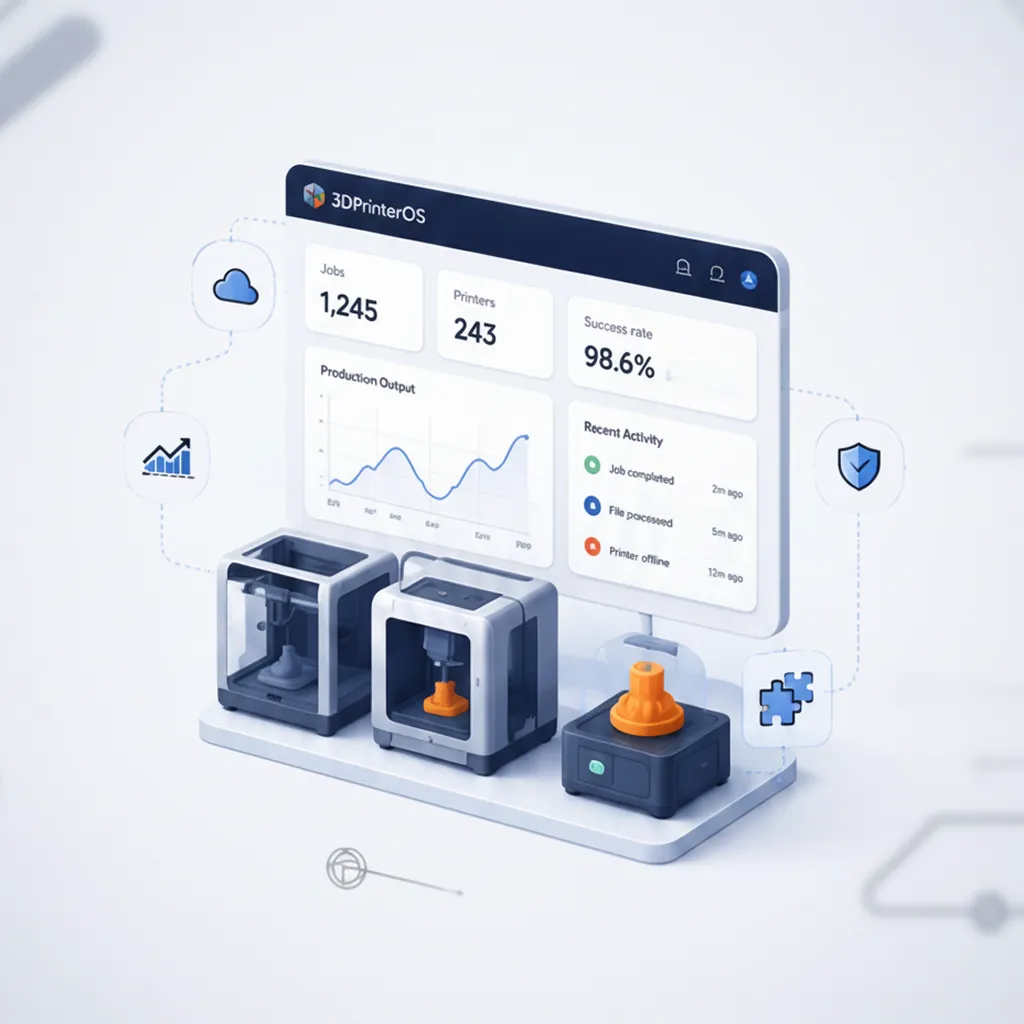
3DPrinterOS logs every job with its user, printer and file. Reports show usage by user, printer and group, job history and success rates, and turn material use into costs a school or department can bill back.
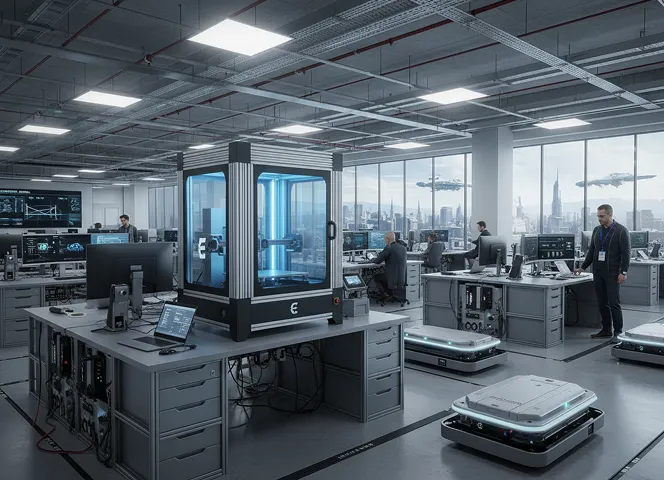
Use the managed cloud on Azure in the U.S. or Europe, your own AWS, Azure or Google Cloud account, or air-gapped servers. NASA, NIH, Google and Koenigsegg are among the organizations that use 3DPrinterOS.
Need a browser slicer only? See the online slicer, or read the Prusa Connect comparison.
For printers shared by many people, 3DPrinterOS. It slices in any browser for 200+ printer models, locks profiles for your users, and sends jobs to a shared queue with roles, approval, quotas, single sign-on and reports.
Yes. 3DPrinterOS works with Original Prusa printers, including the MK4 and i3 MK3 series, through the 3DPrinterOS client on a PC or Raspberry Pi, and they share a dashboard and queues with other brands.
Yes. Upload G-code sliced in PrusaSlicer on your computer, or slice in the browser with Slicer for Prusa and the printer profiles in 3DPrinterOS.
Yes. The cloud slicer runs in any browser, including Chromebooks and tablets, with nothing to install.
3DPrinterOS supports STL and OBJ models and G-code files, and other common 3D printing formats for supported printers.
See how 3DPrinterOS queues, approves, bills and reports every print, on every brand.

Used by higher education, enterprises, and OEMs to manage printers, files, and users from a single, cloud-based platform

Control access, users, and print permissions by team or lab
“This close collaboration has enabled Koenigsegg to tailor the platform to their specific needs, resulting in an optimized and user-friendly system for managing their 3D printers.”

Team Leader
Koenigsegg Automotive AB
Book your personalized assessment now and get your free trial.
Used by higher education, enterprises, and OEMs to manage printers, files, and users from a single, cloud-based platform
Control access, users, and print permissions by team or lab
“This close collaboration has enabled Koenigsegg to tailor the platform to their specific needs, resulting in an optimized and user-friendly system for managing their 3D printers.”
Team Leader
Koenigsegg Automotive AB
Book your personalized assessment now and get your free trial.

