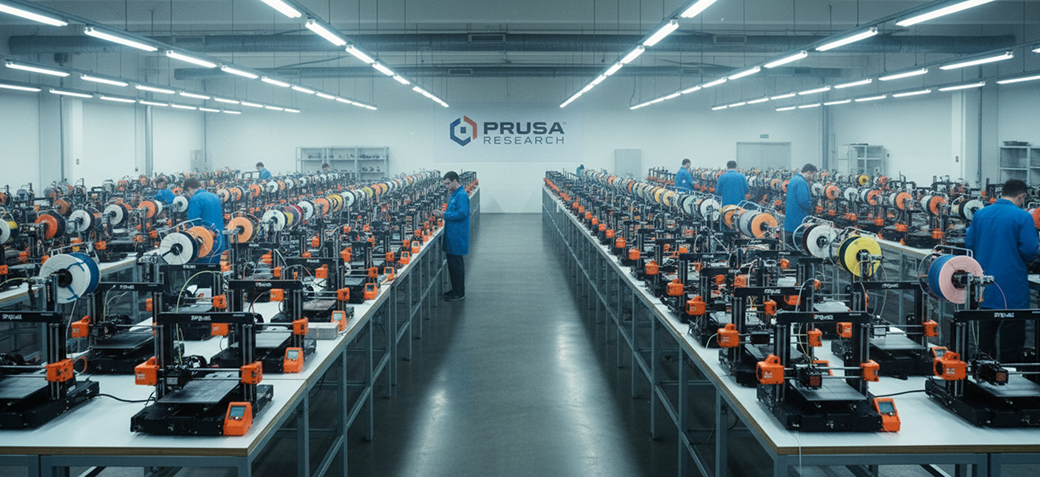



In many 3D printing environments, inefficiency is not caused by a lack of resources but by how those resources are managed. It is common to see some Prusa printers sitting idle while others are overloaded with queued jobs. This imbalance reduces overall productivity and increases turnaround times, making it difficult for organizations to meet their goals.
A tool that can automatically assign jobs to free Prusa printers addresses this challenge by introducing intelligence and automation into the workflow. Instead of relying on manual decisions, organizations can leverage software to distribute work evenly and optimize performance across their entire printer fleet.
The Challenges of Manual Job Assignment
Manual job assignment becomes increasingly difficult as the number of printers grows. Operators must constantly monitor machine availability, decide where to send each job, and adjust workloads as conditions change. This process is not only time-consuming but also prone to errors, as decisions are often made without complete or real-time information.
As a result, some printers may remain underutilized while others become bottlenecks. This imbalance leads to longer wait times, reduced efficiency, and missed opportunities to maximize output.
Automating Job Distribution with Intelligent Software
Modern 3D printing platforms solve this problem by automatically detecting available printers and assigning jobs based on real-time conditions. The system continuously monitors printer status, queue length, and workload distribution, ensuring that each job is sent to the most appropriate machine.
This intelligent approach eliminates the need for manual intervention and ensures that all printers are used efficiently. By balancing workloads dynamically, organizations can maintain consistent output and avoid bottlenecks.
Maximizing Output Without Additional Hardware
One of the key benefits of automated job assignment is the ability to increase productivity without investing in more printers. By ensuring that all machines are utilized effectively, organizations can produce more with the same resources. This not only reduces costs but also improves return on investment for existing equipment.
Over time, this optimization leads to a more efficient and scalable operation, where resources are allocated intelligently and performance is continuously improved.
Enabling Teams to Focus on High-Value Work
By removing the burden of manual job assignment, teams can focus on more strategic activities such as design, prototyping, and innovation. This shift allows organizations to fully leverage the potential of 3D printing, turning it from an operational challenge into a competitive advantage.