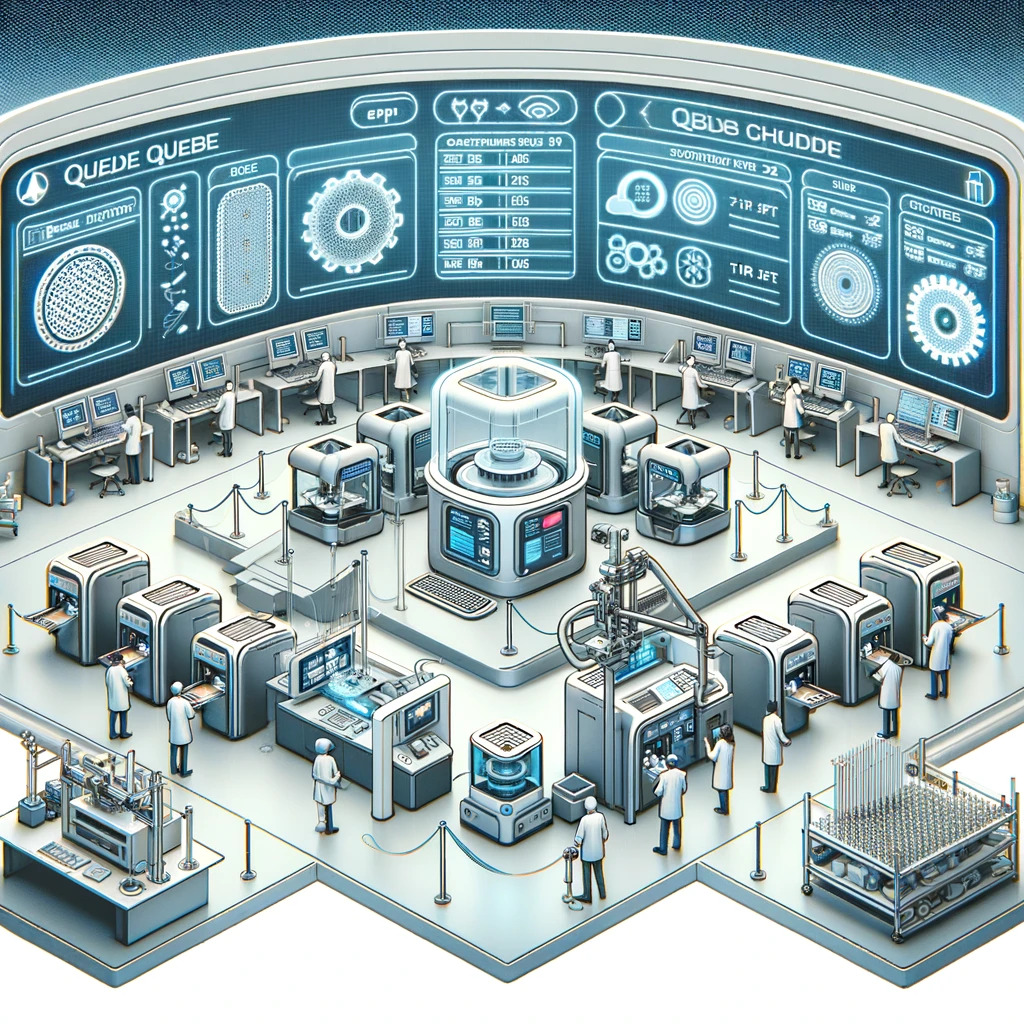


Running a Prusa print farm at scale requires more than reliable hardware. The real challenge lies in building a workflow that connects file preparation, job management, and printer execution into a consistent and repeatable system. Without a structured workflow, even the most advanced printers will suffer from inefficiencies, delays, and inconsistent results.
The foundation of any production workflow starts with slicing. Slicing is the process of converting an STL file into Gcode, which contains all the instructions required for the printer to execute a job. In a production environment, relying on local slicing creates inconsistencies and slows down operations. Cloud-based slicing solves this by standardizing how files are prepared and ensuring that all prints follow the same rules.
Standardizing Slicing for Consistency
Using a dedicated slicer for Prusa machines ensures that every file is prepared with the correct parameters. The Prusa slicer engine allows teams to define printer models, filament types, and print quality settings in a structured way. Parameters such as layer height, perimeters, infill density, and temperature profiles directly impact both quality and speed, making consistency critical.
Organizations often restrict access to advanced settings to avoid variability between users. By enforcing predefined profiles, teams can ensure that every print meets the same quality standards without requiring deep technical knowledge from each operator.
From File Preparation to Execution
Once a file is sliced, it becomes part of the production workflow. A strong system allows users to upload, preview, and validate toolpaths before sending jobs to printers. The ability to inspect layers ensures that errors are caught early, reducing failed prints and wasted materials.
After validation, jobs should enter a centralized queue where they can be managed efficiently. Instead of assigning jobs manually, the system should handle distribution based on printer availability and compatibility.
Automation and Continuous Production
Automation is what transforms a workflow into a production system. When printers are connected to a centralized platform, jobs can be distributed automatically as soon as a machine becomes available. This eliminates idle time and ensures continuous operation.
By combining standardized slicing, centralized job management, and automation, organizations can create a workflow that scales with demand while maintaining quality and efficiency.
Conclusion
The best workflow for Prusa print farm production is one that connects every stage of the process into a unified system. From slicing to execution, consistency and automation are the key drivers of efficiency. When these elements are in place, a print farm can operate as a true production environment rather than a collection of individual machines.