

Discover the ease of 3D printing from a Chromebook with 3DPrinterOS! As the ultimate 3D printer slicer for Chromebooks, you can effortlessly prepare designs, upload and fine-tune STL files, and adjust support structures and infill density for perfect prints every time. Forget downloading and installing software – streamline your workflow with 3D printing slicing software for Chromebook with 3DPrinterOS.

3DPrinterOS is a cloud-based 3D printing software for Chromebook that allows users to slice, prepare, and manage 3D prints directly from a web browser—without installing any desktop software. Designed specifically to overcome Chromebook limitations, it enables students, educators, and professionals to use a reliable 3D printer slicer for Chromebook with ease.
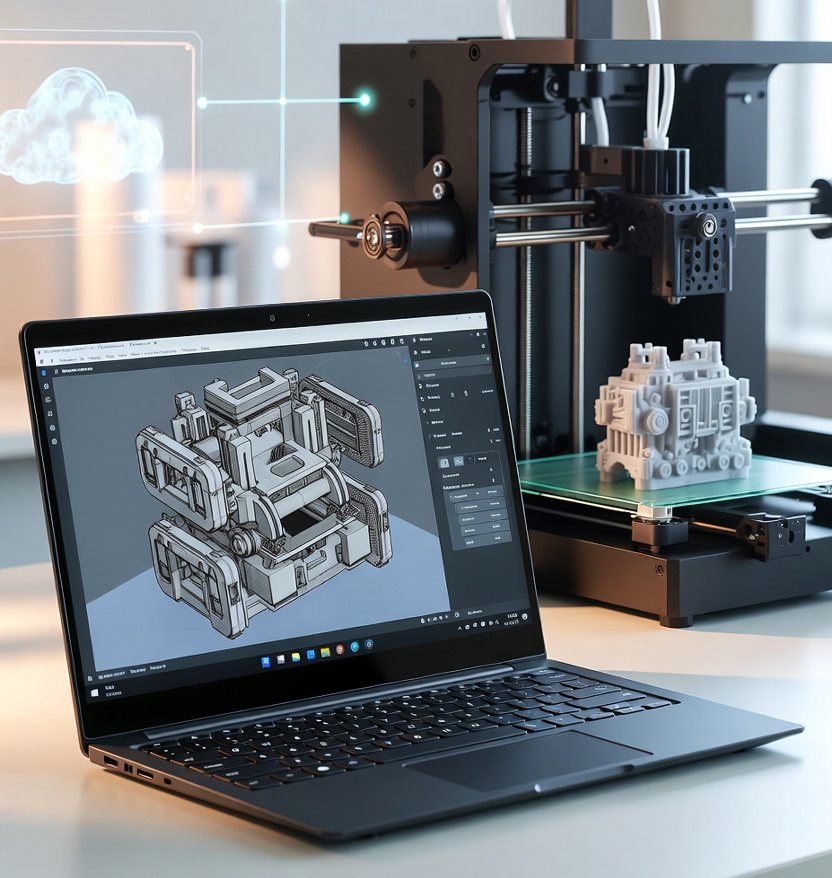
3DPrinterOS is a cloud-based 3D printer slicer for Chromebook that allows users to slice STL files, generate G-code, and manage 3D printers directly from a web browser—without installing software. It is ideal for Chromebooks used in education, makerspaces, and professional environments.
With 3DPrinterOS, slicing is handled in the cloud. Users upload STL files, adjust print settings, and generate G-code online, making it one of the most reliable slicing software options for Chromebook users.

Traditional desktop slicers often fail on Chrome OS due to hardware and installation limitations. 3DPrinterOS solves this by offering browser-based slicing software for Chromebook, making it ideal for classrooms, labs, and organizations that rely on Chrome devices.
You can maximize your 3D printing capabilities with our advanced slicing software for Chromebook. From uploading files to enjoying seamless integration, we can help you get efficient. Connect with an expert now for tailored guidance on 3D printing software for Chromebook. Designed for compatibility with various 3D printers, our platform is also an ideal solution for users searching for the best 3D printer slicer for Chromebook devices. No downloads, no installs—just instant slicing and printing through the cloud.

Prepare your designs for printing with ease after utilizing the 3D printer slicer for Chromebooks. Upload and fine-tune your STL files in the 3DPrinterOS interface. Enjoy simple adjustments, from support structures to infill density, ensuring a perfect print every time. With over 210 searches monthly, users are actively seeking a reliable 3D printer slicer for Chromebook, and 3DPrinterOS delivers with intuitive design and powerful slicing performance.
Unlike traditional slicers that require Windows or macOS, 3DPrinterOS enables slicing software for Chromebook users through a fully cloud-based workflow, ensuring consistent performance without hardware dependency.
Easily convert your 3D models into G-code. With a click of the "Print" button in 3DPrinterOS, download your G-code, transfer it to your printer, and watch your designs materialize. This efficient process makes 3D printing from a Chromebook a breeze. Our robust 3D printing software for Chromebook ensures accurate slicing, fast G-code generation, and minimal errors—crucial for students, teachers, and professionals who demand precision and efficiency.


Using a Chromebook with 3DPrinterOS offers advantages such as low hardware dependency, easy setup, and remote accessibility. Since everything runs in the cloud, users can manage printers, monitor jobs, and access files from anywhere without needing high-performance local machines.
With 3DPrinterOS, users can access a built-in cloud slicer to prepare models for printing. This eliminates the need for heavy desktop software and allows Chromebook users to generate print-ready files (G-code) directly in the cloud with minimal hardware requirements.
Yes, 3DPrinterOS is a browser-based platform, so it can run directly on a Chromebook without requiring local installation. Users can upload, prepare, and send print jobs entirely through a web browser, making it ideal for ChromeOS environments.
No, you do not need to install any software. 3DPrinterOS is a fully cloud-based 3D printing software for Chromebook, allowing users to slice and prepare prints directly from their browser with no downloads or system configuration required.
Yes, 3DPrinterOS is well-suited for Chromebook-based classrooms. Its browser-based 3D printer slicer for Chromebook allows students and teachers to slice and manage prints without installing software, making it easy to deploy across multiple devices.
Chromebooks can convert STL files to G-code using cloud-based 3D printing software for Chromebook like 3DPrinterOS. The slicing process is handled online, eliminating hardware limitations and ensuring accurate G-code generation.
The best slicing software for Chromebook is one that runs entirely in the cloud without installation. 3DPrinterOS allows users to upload STL files, adjust print settings, and generate G-code online, making it ideal for students, educators, and professionals using Chromebooks.
Yes, you can use a 3D printer slicer on a Chromebook by choosing cloud-based software like 3DPrinterOS. Unlike traditional desktop slicers that require Windows or macOS, 3DPrinterOS works directly in a web browser, making it fully compatible with Chrome OS.
It’s time you experience the complete capabilities of 3D printing software for Chromebook. 3DPrinterOS offers a powerful, intuitive, and accessible platform for all your printing needs, right from your browser. Whether you need a reliable 3D printer slicer for Chromebook or high-performance slicing software for Chromebook, 3DPrinterOS meets all demands with speed and cloud-based convenience. Join thousands already benefiting from Chromebook-compatible 3D printing solutions.


Used by higher education, enterprises, and OEMs to manage printers, files, and users from a single, cloud-based platform

Control access, users, and print permissions by team or lab
“This close collaboration has enabled Koenigsegg to tailor the platform to their specific needs, resulting in an optimized and user-friendly system for managing their 3D printers.”

Team Leader
Koenigsegg Automotive AB
Join us today and become one of our partners
