.jpg)



Businesses are adopting remote 3D printing capabilities at an increasing rate, which is drastically changing the production landscape. Geographical constraints are eliminated by this technical development, giving designers, producers, and business owners hitherto unheard-of flexibility.
The Freedom of Remote 3D Printing
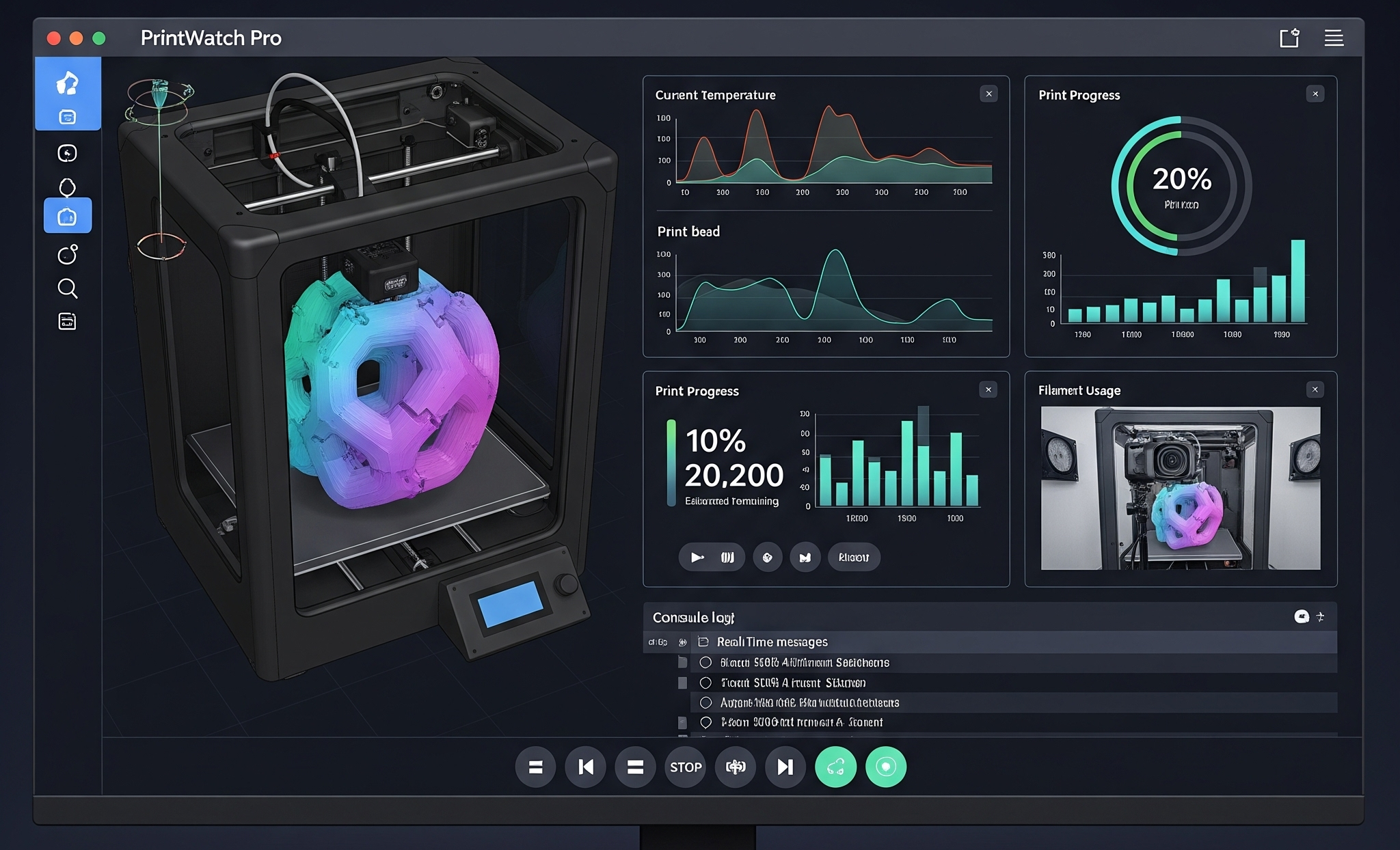
A paradigm change from conventional manufacturing operations is represented by remote printing. Organizations may now start, monitor, and oversee print operations from almost any location with internet access, eliminating the need for physical closeness to production equipment. This distributed approach enables significant operational efficiency, cross-time zone collaboration, and 24-hour production cycles.
Understanding 3D Printer Remote Control Technology
Three key elements make up a remote-controlled 3D printer system: cloud-based management software, secure data protocols, and connected printing gear. Without the need for human involvement, these components turn computer plans into real products. These days, technology gives you complete control over the printing configuration options, materials, and product quality characteristics.
Essential Hardware for Successful Remote Printing
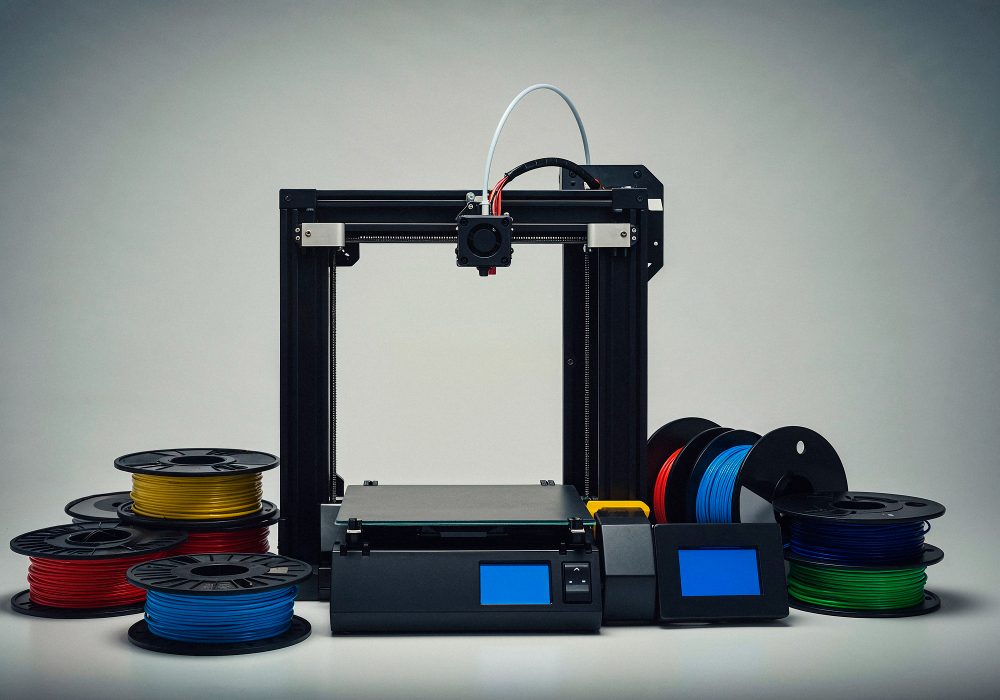
The user experience depends mainly on software, yet specific hardware elements remain vital. When establishing remote operations, the initial requirement must include network-ready printers, which need robust connectivity capabilities. An automated material handling system combined with dependable power backup solutions and high-definition cameras enhances remote operations while minimizing on-site requirements.
Setting Up Your First Remote 3D Printing Workflow
Your organization must choose a management platform that matches its operational requirements. 3DPrinterOS provides enterprise-level remote printing solutions that seamlessly integrate with existing technological frameworks. After installation, organizations must create specific workflow processes, assign permissions to roles, and create backup procedures when network connections fail. This is where 3DPrinterOS steps in.
Troubleshooting Common Remote Printing Challenges
Even the most sophisticated systems encounter occasional challenges. Network reliability, print adhesion issues, and material handling errors are common hurdles in remote 3D printing environments. 3DPrinterOS helps develop standardized troubleshooting protocols, and predictive maintenance can minimize disruptions and maintain production continuity.
Security Considerations for Remote 3D Printer Access
With connectivity comes responsibility. Protecting intellectual property, preventing unauthorized access, and securing data transmission are paramount concerns. To protect your remote-controlled 3D printer operations, use secure communication methods, strong authentication procedures, and frequent security audits.
Businesses Transformed by Remote Printing
- Medical device manufacturers now coordinate production across multiple facilities using remote capabilities through remote control software for 3d printers.
- Architectural firms print client prototypes on demand from any location.
- Remote 3D printing has revolutionized operations for businesses in a variety of industries.
- Many report significant reductions in lead times.
- Businesses gain the ability to serve clients regardless of geographic location.
As manufacturing continues its digital evolution, mastering remote 3D printing capabilities will increasingly distinguish industry leaders from followers. 3DPrinterOS helps businesses combat 3D printing challenges. By adopting this technology now, businesses are leading the way in a more responsive, connected, and efficient production paradigm—in other words, printing without boundaries.