OrcaSlicer vs Bambu Studio: Differences and Which One to Use
How OrcaSlicer and Bambu Studio differ, and which slicer fits Bambu-only setups versus mixed printer fleets.




Short answer: OrcaSlicer and Bambu Studio share the same roots and most of the same features. Choose Bambu Studio if you only use Bambu Lab printers and want the official, tightly integrated app. Choose OrcaSlicer if you run several printer brands or want built-in calibration tests and more fine-tuning options.
Bambu Studio is Bambu Lab's official slicer and was built on the open-source PrusaSlicer. OrcaSlicer began as a community fork of Bambu Studio and grew into a slicer for many printer brands. Both are free and open source, and both run on Windows, macOS and Linux.
| Area | Bambu Studio | OrcaSlicer |
|---|---|---|
| Made by | Bambu Lab | Open-source community |
| Best for | Bambu Lab printers only | Mixed brands, tinkerers |
| Printer profiles | Bambu Lab, plus some third-party | Bambu Lab, Prusa, Creality, Voron, Klipper printers and many more |
| Built-in calibration tests | Basic, mainly run on the printer | Flow rate, pressure advance, temperature, retraction and max volumetric speed |
| Bambu integration (AMS, cloud, MakerWorld) | Deepest, first to get new features | Good, sometimes a release behind |
| Price | Free | Free |
Because the two share a codebase, their project files and many settings are similar. Export filament and process presets from one and import them into the other, then check temperatures and speeds before a long print, as defaults can differ between versions.
A slicer prepares one file for one printer. Once several people share a room of printers, you also need to decide who can print, which machine each job goes to and how material is tracked. That is a management job, not a slicing job.
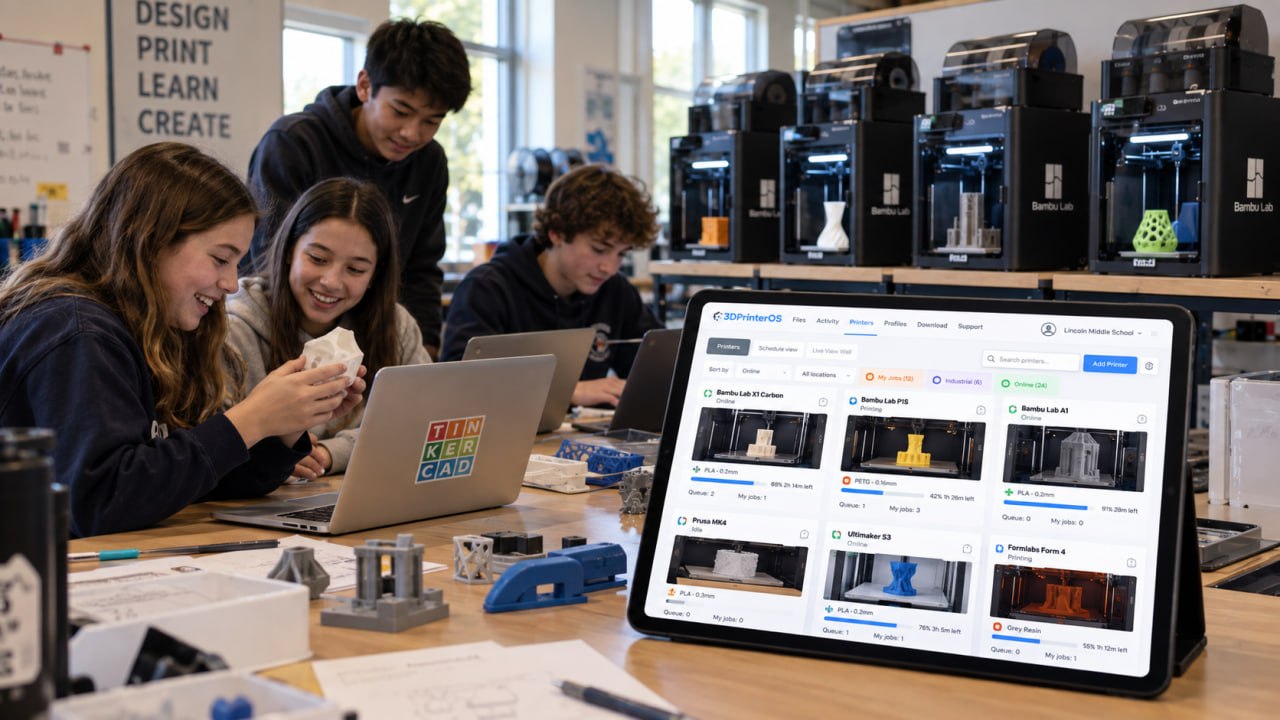
3DPrinterOS adds that layer on top of whichever slicer your team prefers. Users can upload sliced files or slice in the browser with the cloud slicer, and admins manage queues, permissions and reports across 200+ printer models, Bambu Lab included. See Bambu Lab fleet management, how 3DPrinterOS compares with OrcaSlicer and Bambu Studio, or explore 3D printer farm management software.
Neither is better for everyone. Bambu Studio has the deepest integration with Bambu Lab printers. OrcaSlicer adds built-in calibration tests and better support for other printer brands, so many people with mixed or non-Bambu printers prefer it.
Yes. OrcaSlicer started as a community fork of Bambu Studio, which itself was built on PrusaSlicer. That is why the two look and work alike.
Yes. OrcaSlicer includes Bambu Lab printer profiles and can send jobs to Bambu printers, either over the local network or through Bambu's network plugin.
Yes. Both are free, open-source desktop slicers for Windows, macOS and Linux.
Use a cross-brand management platform. With 3DPrinterOS, users can slice in the browser or upload sliced files, and every printer, user and job is managed in one dashboard.

Used by higher education, enterprises, and OEMs to manage printers, files, and users from a single, cloud-based platform

Control access, users, and print permissions by team or lab
“This close collaboration has enabled Koenigsegg to tailor the platform to their specific needs, resulting in an optimized and user-friendly system for managing their 3D printers.”

Team Leader
Koenigsegg Automotive AB
Join us today and become one of our partners