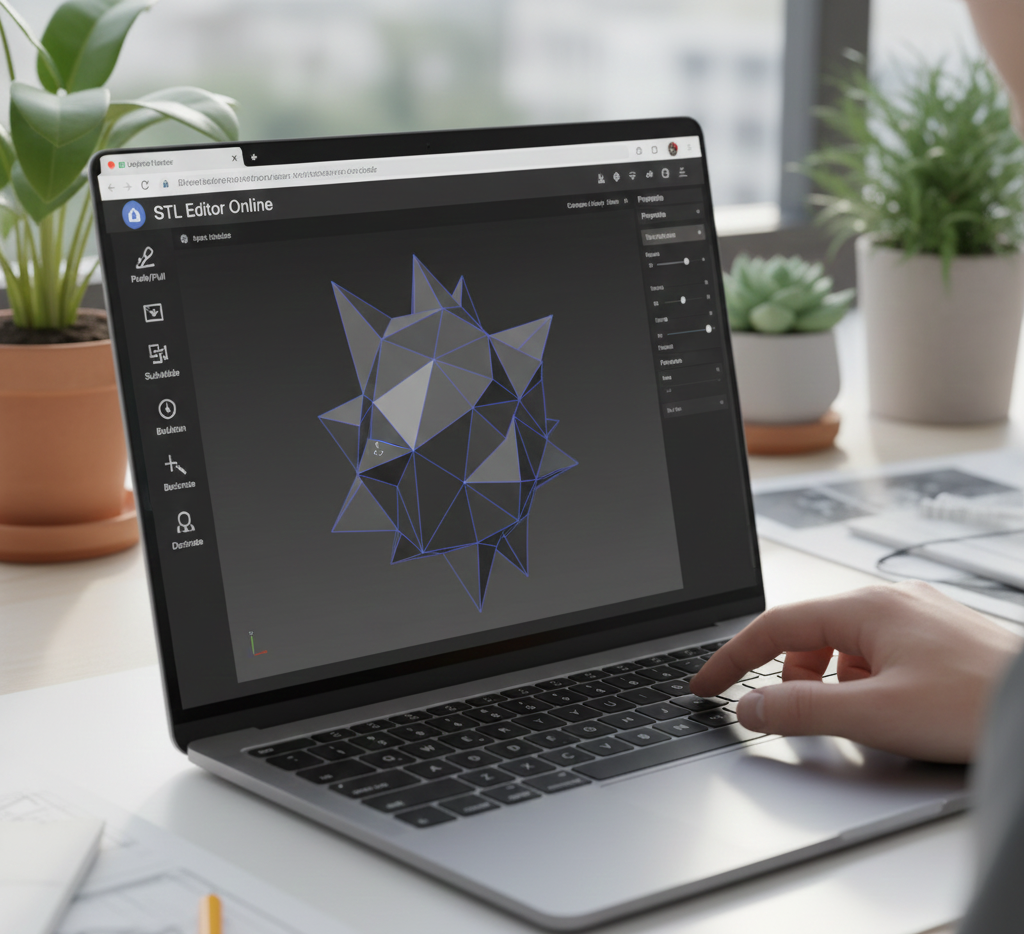
How to Enable WebGL in Chrome, Edge, Firefox and Safari
Check WebGL and turn it on in Chrome, Edge, Firefox, Safari and ChromeOS so 3D model previews and cloud slicers work.





Short answer: WebGL is the browser technology that draws 3D graphics, such as an STL preview in a cloud slicer. It is on by default in every current version of Chrome, Edge, Firefox and Safari. When a 3D viewer shows a blank area or says "WebGL is not supported", the cause is almost always hardware acceleration being turned off or an outdated graphics driver.
This guide shows how to check WebGL and turn it back on in each major browser, so 3D model previews and browser-based tools like the 3DPrinterOS cloud slicer work properly.
chrome://settings/system in the address bar).chrome://gpu and check that WebGL and WebGL2 show "Hardware accelerated".If WebGL is still unavailable because your graphics card is on Chrome's blocklist, open chrome://flags, enable Override software rendering list and relaunch. Use this only if updating the graphics driver did not help.
edge://settings/system.edge://gpu.about:config in the address bar, accept the warning and search for webgl.disabled. It must be set to false.WebGL and WebGL 2 are on by default in current Safari versions. If 3D content will not load:
WebGL is built into ChromeOS. If it stops working, open Settings, then System, check that graphics acceleration is on and restart. Chromebooks are a popular way to run browser-based 3D printing in schools; see 3D printing on a Chromebook.
Cloud 3D printing tools run in the browser, so they rely on WebGL to show and rotate models, preview supports and layers, and place parts on the build plate. With WebGL working, a student or engineer can upload an STL, slice it and send it to a printer from any computer, with no software to install. 3DPrinterOS uses this approach to let schools and companies manage 3D printers and users from one dashboard.
Open get.webgl.org in your browser. If you see a spinning cube, WebGL works. In Chrome or Edge you can also open chrome://gpu or edge://gpu and check that WebGL and WebGL2 say Hardware accelerated.
Usually hardware acceleration is turned off, the graphics driver is outdated or blocklisted, or an extension or company policy disables WebGL. Turn on hardware acceleration, update the graphics driver and restart the browser.
Yes. Browser-based slicers and 3D model viewers, including the 3DPrinterOS cloud slicer, draw the model in 3D with WebGL. Without it the preview stays blank.
Yes. WebGL is on by default in ChromeOS. If it stops working, check that graphics acceleration is on in Settings, then System, and restart the Chromebook.

Used by higher education, enterprises, and OEMs to manage printers, files, and users from a single, cloud-based platform

Control access, users, and print permissions by team or lab
“This close collaboration has enabled Koenigsegg to tailor the platform to their specific needs, resulting in an optimized and user-friendly system for managing their 3D printers.”

Team Leader
Koenigsegg Automotive AB
Join us today and become one of our partners