


A 3D printing operation rarely becomes complex overnight. It may begin with one printer and a few trained users. Over time, more machines, departments, files, and requests enter the workflow.
The transition from owning a printer to managing a program is easy to miss. Teams often recognize it only after delays, failed jobs, or access conflicts become routine. These five signs indicate that manual processes can no longer support the scale of the operation.
1. You Are Tracking Print Jobs in a Spreadsheet or From Memory
Spreadsheets may work when print volume is low, and one person controls the equipment. They become unreliable as demand increases.
A spreadsheet cannot always show whether a job is printing, waiting, completed, or canceled. Updates depend on users entering information consistently. If someone forgets, the record becomes outdated.
This form of manual print tracking creates uncertainty. Users begin sending messages or visiting the printer to check availability. Administrators spend more time answering status questions instead of managing the program.
Mature 3D printer programs require a shared view of active jobs, available machines, and queue status.
2. Print Failures Are Discovered After the Job Ends
Without live monitoring, a failed print may continue consuming material and machine time for hours. By the time someone checks the printer, the opportunity to intervene has passed.
This delay affects more than one job. A failed overnight print can leave the machine unavailable the following morning. The queued work must then be rescheduled, creating avoidable 3D printer downtime.
Failure notifications and remote visibility allow staff to respond while a job is still running. They also help teams identify recurring problems by reviewing where and when failures occur.
3. Users Cannot See One Another’s Print Queues
As participation grows, several people may attempt to use the same machine without knowing what others have submitted. The result is often duplicate jobs, unclear priorities, and disagreements over machine access.
These print farm bottlenecks are coordination problems. Adding another printer may increase capacity, but it does not create a reliable process for assigning that capacity.
Centralized queues help users understand when their jobs will run. Administrators can review demand, assign priorities, and direct work to suitable printers. This becomes especially important in universities, shared labs, and enterprises where many users depend on the same equipment.
4. You Cannot Confirm Who Printed What, When, or Where
Usage records may seem unnecessary when a 3D printer program is small. They become essential when budgets, material consumption, access policies, or project accountability enter the discussion.
Without reliable records, administrators cannot easily determine which user submitted a file, which printer completed it, or how frequently equipment is used. File handling chaos can also develop when models are stored across personal computers, shared folders, email threads, and removable drives.
A structured system creates a consistent record of users, files, jobs, and machines. This information supports reporting, resource planning, and clearer access decisions.
5. One Person Leaving Would Disrupt the Entire Operation
Many 3D printing systems depend heavily on one knowledgeable employee, technician, or faculty member. That person understands the printers, manages requests, stores the files, and resolves scheduling conflicts.
This arrangement may function well until that individual is absent, changes roles, or leaves the organization. If essential knowledge exists only in one person’s memory, continuity is at risk.
A scalable program turns individual knowledge into repeatable processes. Shared workflows, defined permissions, centralized files, and visible queues allow operations to continue even when personnel change.
Growth Requires a Better Operating Structure
These warning signs do not indicate a lack of effort or technical ability. They show that the program’s operating structure has not kept pace with its growth.
Hiring more staff may temporarily reduce the workload, but it does not resolve fragmented queues, limited visibility, inconsistent file control, or missing usage records. The more sustainable response is centralized management.
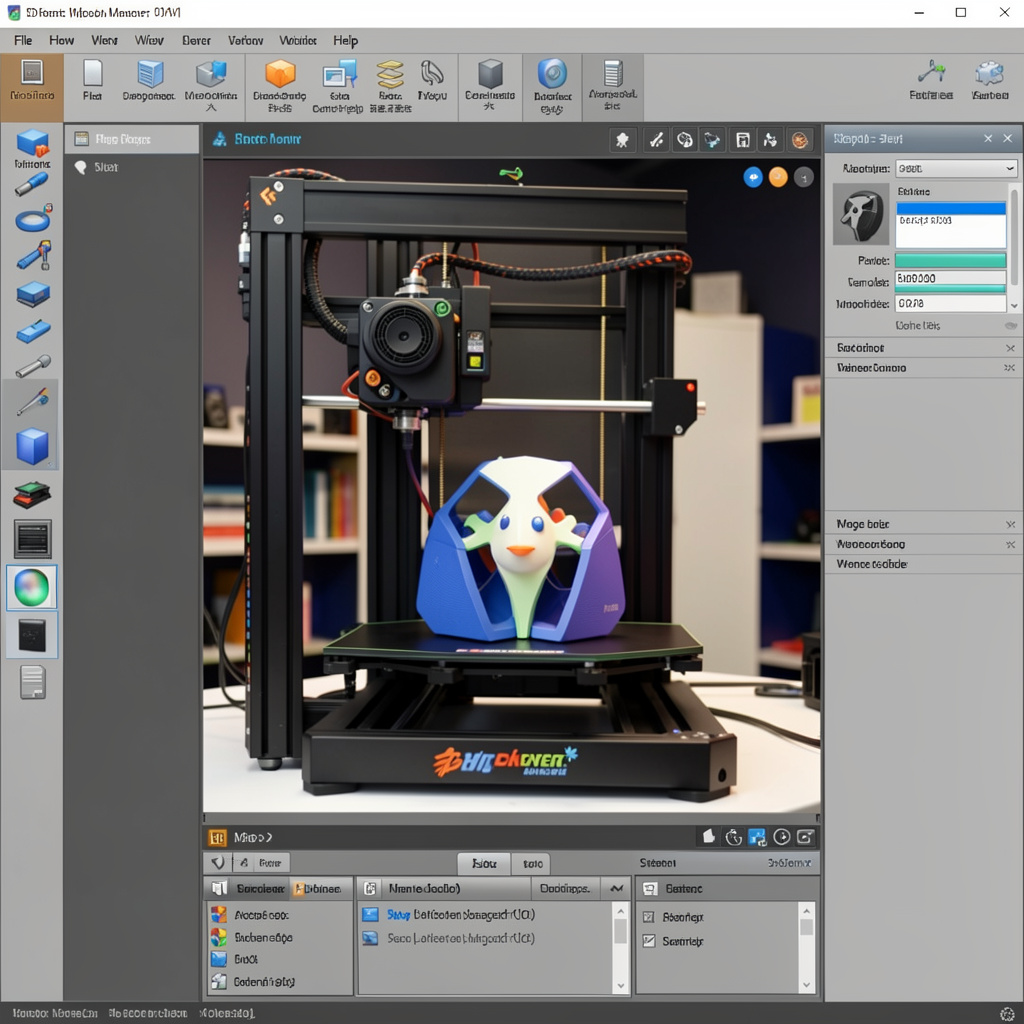
3DPrinterOS brings printers, users, files, queues, and monitoring into one connected environment. This 3D printing operations stack gives educational institutions and enterprises the control needed to manage expanding 3D printer programs without adding unnecessary administrative complexity.
Book a demo with 3DPrinterOS to see how centralized management can support a more visible, consistent, and scalable 3D printing workflow.