One platform
Control and monitor every Creality K1 from a single dashboard.

Creality 3D printer software from 3DPrinterOS is a cloud platform for running Creality K1-series printers with the rest of your fleet. After a one-time install on the printer, teams schedule jobs remotely, watch every print and keep profiles consistent, and K1 printers share queues with other brands.
K1 printers share queues with the other 200+ printer models 3DPrinterOS supports.


There is actually not enough capacity, and we need more of them.
 Mitra AnandAdvanced Technology and Prototyping Specialist, Worcester Polytechnic Institute
Control and monitor every Creality K1 from a single dashboard.
Schedule jobs across your printers to use every machine well.
Keep an eye on each print from anywhere.
One central library of filament profiles for every K1.
Reports on print jobs and printer performance across your network.
Share printers with roles, approvals and print limits.
Allow network access to builds.3dprinteros.com, and on the K1 Max and Ender-3 V3 KE update the firmware to 1.3.2.1 or later.
Enable root access on the printer (agree to the disclaimer), then connect over SSH.
Run the 3DPrinterOS install script. It installs Moonraker if it is not detected, then asks for your 3DPrinterOS login.
Open the printer's IP address on port 8008, log in, and pick the printer type (K1 Max, 3V3 KE or K2 Pro/Plus). The printer is detected automatically.
Full setup commands in the 3DPrinterOS help center →
Connect your printer to 3DPrinterOS once and manage it from any browser.

The K1 prints fast with advanced motion and vibration compensation. Queue jobs ahead so the next print starts as soon as the last one is removed.
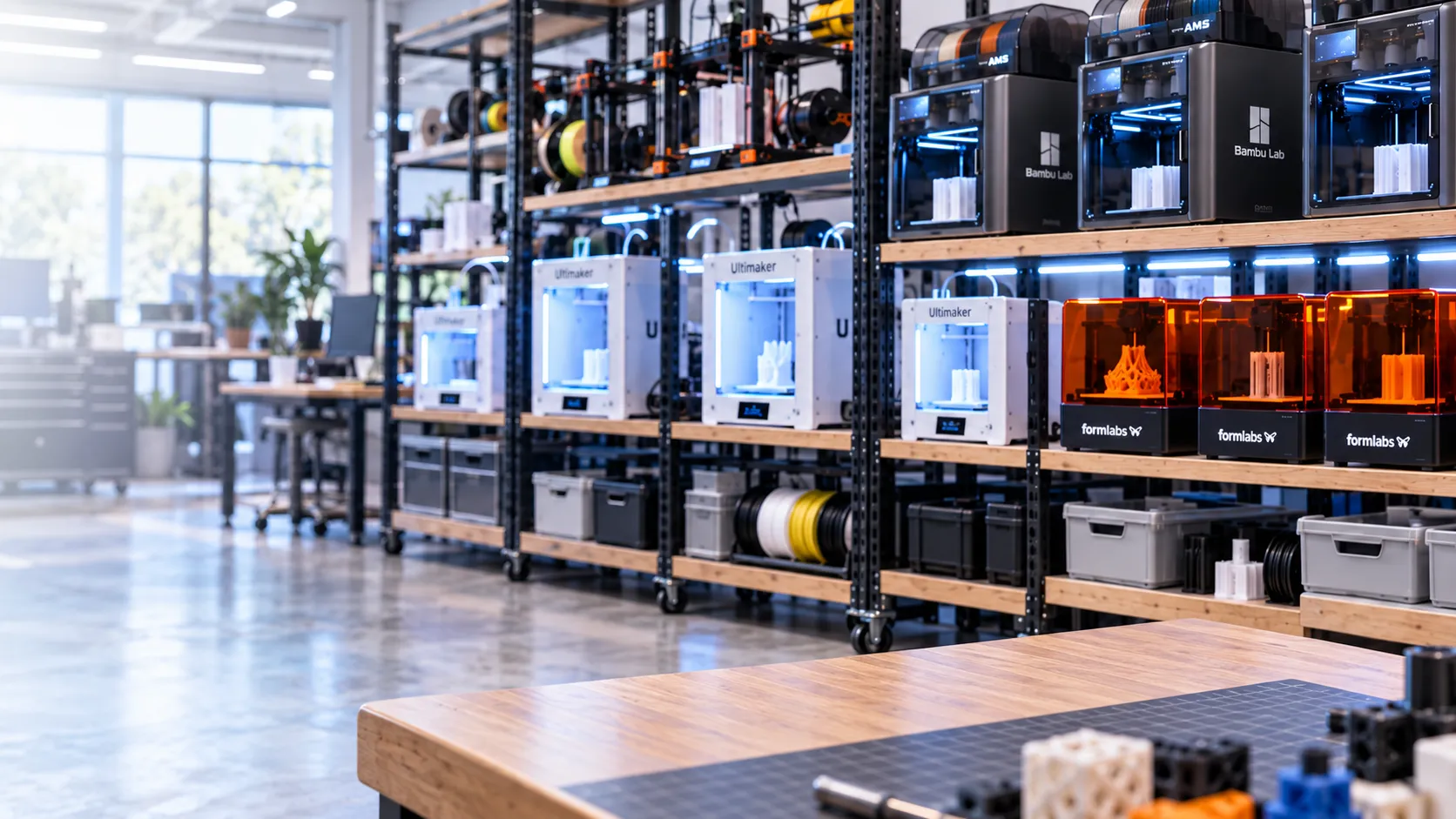
Manage and monitor hundreds of printers with thousands of users, with controls that protect jobs already on the bed.
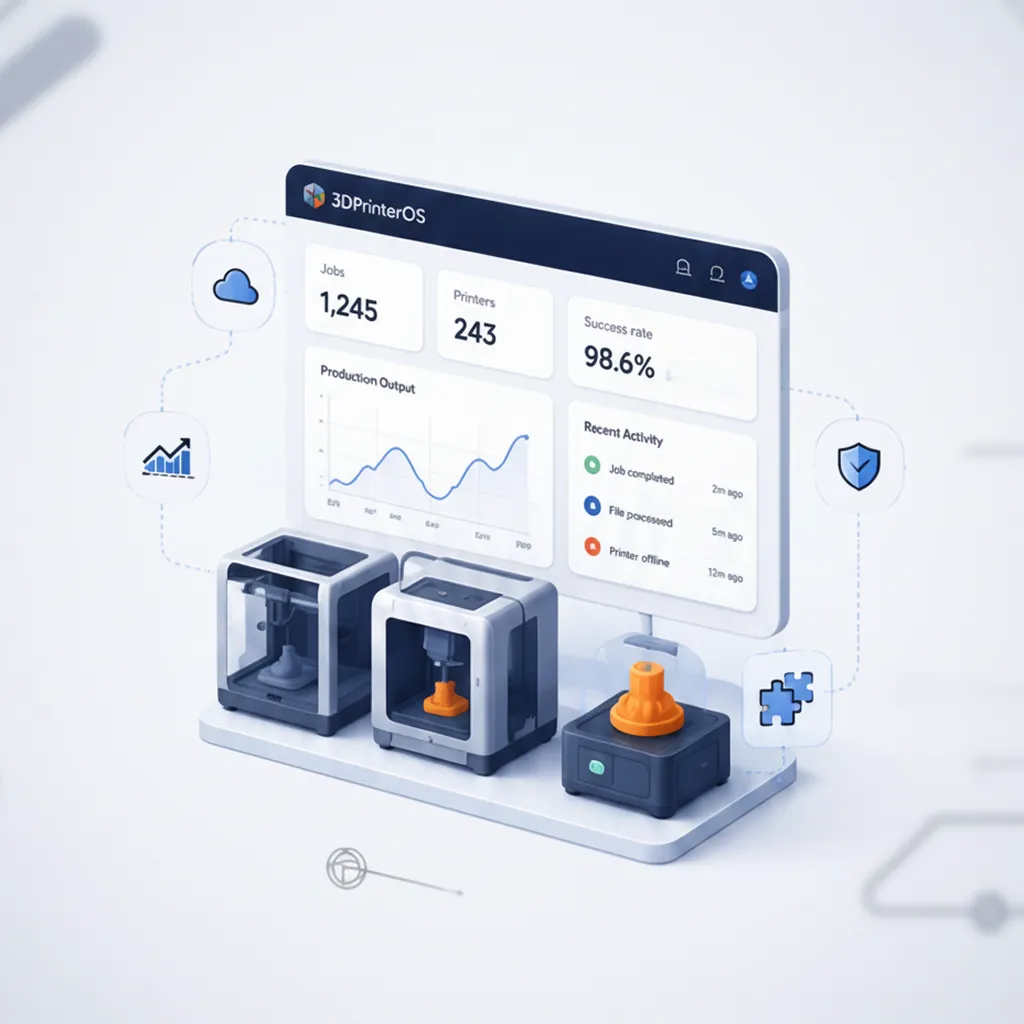
Track jobs, materials and success rates per printer and user, and use the data to plan maintenance and new capacity.
Click through managing a fleet of printers in 3DPrinterOS.
Yes. You can control and monitor Creality K1 printers from the 3DPrinterOS dashboard.
Yes. Queue and schedule jobs across your printers from any browser.
Yes. Keep a central library of filament profiles for consistent results.
Yes. Creality printers share dashboards and queues with Bambu Lab, Prusa, Ultimaker and more.
You do not need to install it first. The 3DPrinterOS install script installs Moonraker if it is not found on the printer. For settings, see the Moonraker config guide.
The 3DPrinterOS help article covers the K1 Max, Ender-3 V3 KE and K2 Pro/Plus.
Start a free trial or talk to an expert about your fleet.

Used by higher education, enterprises, and OEMs to manage printers, files, and users from a single, cloud-based platform

Control access, users, and print permissions by team or lab
“This close collaboration has enabled Koenigsegg to tailor the platform to their specific needs, resulting in an optimized and user-friendly system for managing their 3D printers.”

Team Leader
Koenigsegg Automotive AB
Book your personalized assessment now and get your free trial.
