Monitor
Live status, camera views and alerts for every printer.

3DPrinterOS is 3D printer management software that schools, universities and enterprises use to manage and monitor hundreds of 3D printers with thousands of users from one cloud dashboard. Share printers and files, keep machines busy around the clock and see exactly how your fleet is used.
Works with 200+ printer models from Bambu Lab, Prusa, Ultimaker, Creality, Dremel, Klipper-based printers and more.








3D printer management is running many 3D printers as one fleet. One system decides who can print, which printer each job goes to and how every print is tracked, instead of staff handling each machine by hand.
3D printer management software puts that system in one dashboard. 3DPrinterOS is a cloud-based 3D printer management platform that does this for 200+ printer models from different brands.
You need it when
What it covers
Live status, camera views and alerts for every printer.
Approve jobs and send each one to the next free printer.
Roles, workgroups and SSO decide who prints where.
Usage, cost and success rates per user, printer and lab.
Admins have a complete line of sight into who is printing what, and on which machine.
 Dan ReisSenior Instructional Technologist, Elon University
Ratings from verified user reviews, checked November 2026. Read the reviews on G2 and Capterra.
Replace spreadsheets, USB sticks and walking between labs with one cloud dashboard for every printer, user and file.
See the live status of each machine across rooms, buildings and campuses.
Give users and workgroups access to the right printers, shared folders and slicing profiles.
Controls stop users from starting a job on a printer whose bed hasn't been cleared, so machines can run day and night.
Approve jobs, send them to the next available printer and keep the whole fleet busy.
Track usage and cost per user, printer and department, and charge for prints when you need to.
Connect TinkerCAD, Bambu Lab, Klipper, Prusa, Dremel, Ultimaker and payment platforms, or build on the 3DPrinterOS API.
Link each printer through a PC, a Raspberry Pi or directly for supported cloud-ready models. Mixed brands are welcome.
Invite users, group them by lab, class or team, and decide who can use which printers and files.
Send jobs from any browser, watch them live and use reports to plan capacity and budgets.
Connect your printer to 3DPrinterOS once and manage it from any browser.
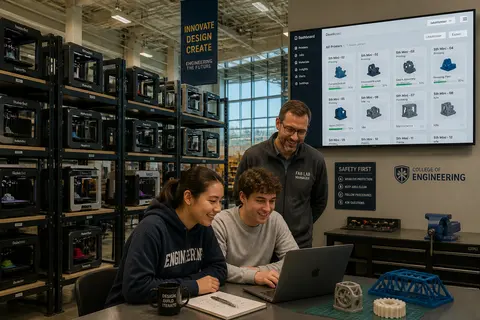
Put every printer on one screen. Staff and students can see which machines are free, busy or need attention without walking the floor.
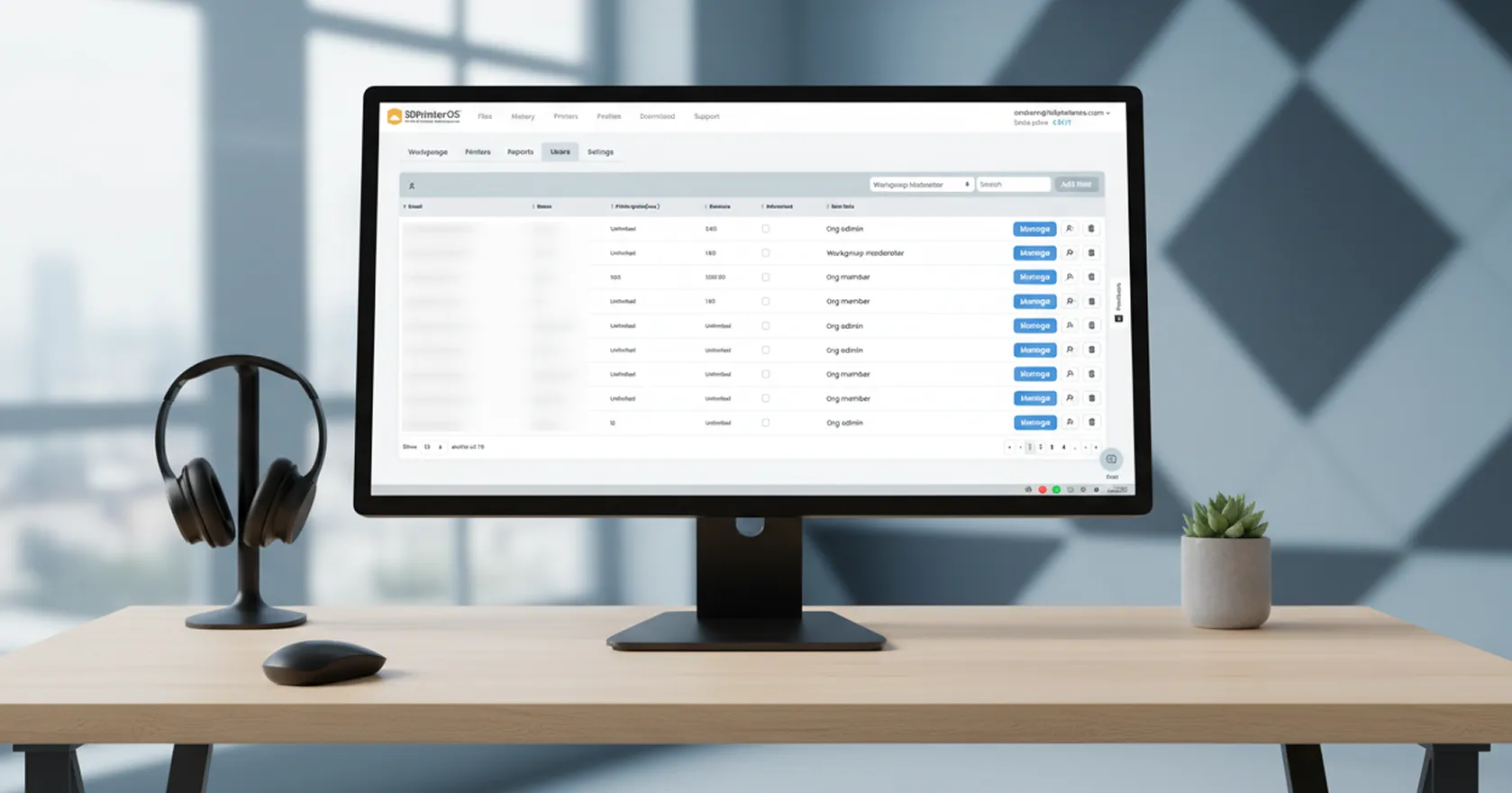
Assign printers, file folders and slicing profiles to workgroups. Everyone gets the access they need, and administrators keep control.
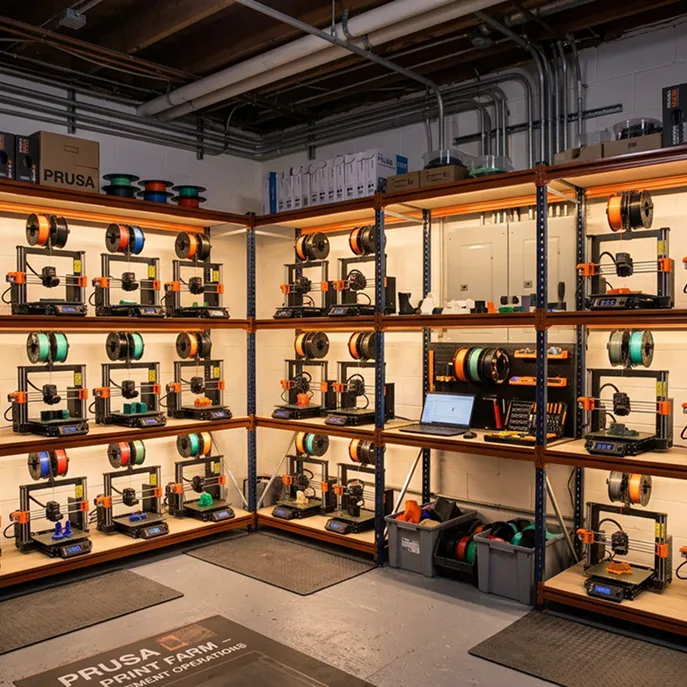
Manage and monitor hundreds of printers with thousands of users. Queues, approvals and remote control let a small team run a large fleet.
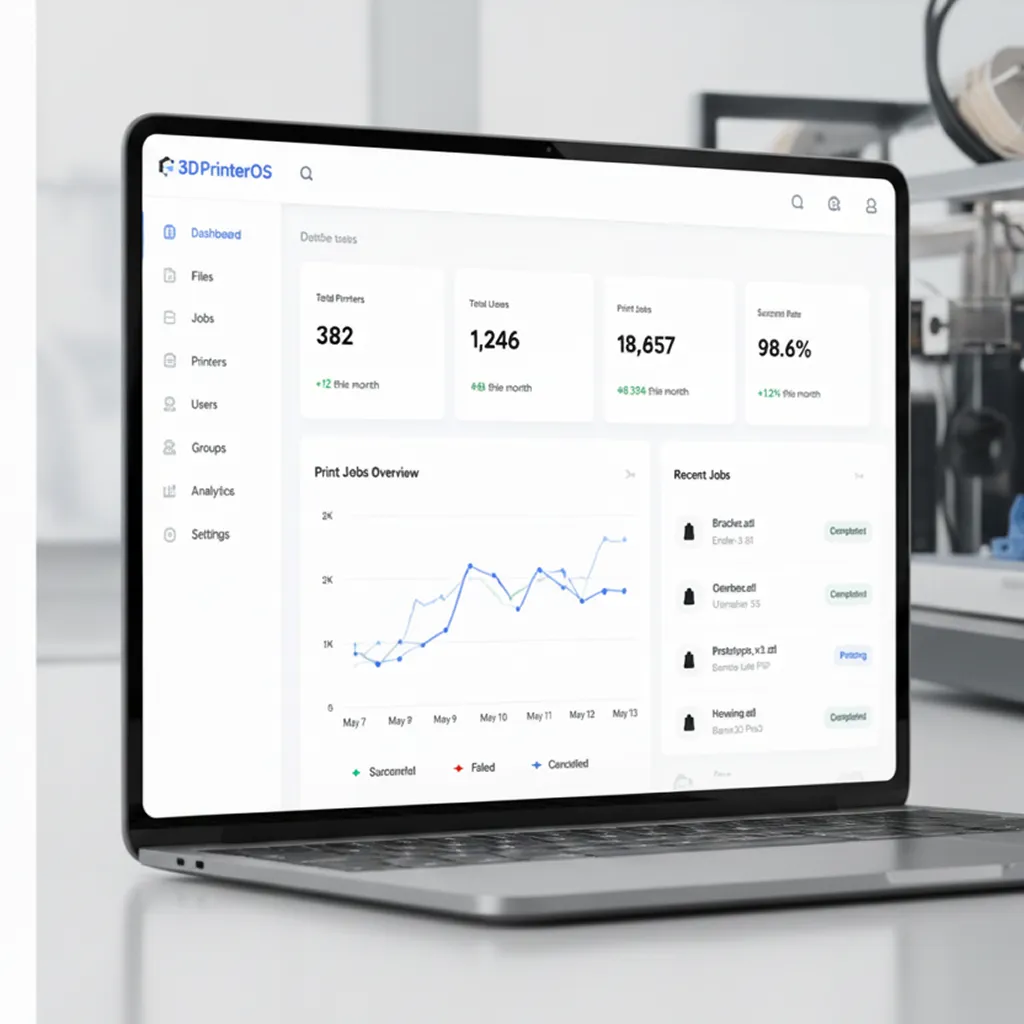
Track usage per user, printer and department. Use real data to plan budgets, show the value of your program and decide where to add capacity.
Pick what you use today and see what changes with a cross-brand 3D printer management platform.
Bambu Farm Manager, Formlabs Fleet Control, UltiMaker Digital Factory and Markforged Eiger Fleet work well for one brand. 3DPrinterOS manages every brand you own in one place.
| Feature | 3DPrinterOS | Manufacturer tools |
|---|---|---|
| Printer brands | 200+ models from many brands | Mainly their own brand |
| Users, roles and SSO | Roles, workgroups, approvals and SSO | Varies by vendor |
| Shared print queues | Across the whole fleet | For their own printers |
| Usage reports and billing | Per user, printer and department | Varies by vendor |
| Deployment | Cloud, private cloud or on-premise | The vendor's app or cloud |
Choose a manufacturer tool if all your printers are one brand and only a few people use them. Choose 3DPrinterOS when you run mixed brands, many users or several sites.
OctoPrint is a free, self-hosted tool that usually runs one printer per Raspberry Pi. It works well for a single maker. 3DPrinterOS adds the fleet layer on top: users, queues and reports across every printer.
| Feature | 3DPrinterOS | OctoPrint |
|---|---|---|
| Printers per setup | Whole fleet in one dashboard | One printer per instance |
| Remote access | Any browser, from anywhere | Local network by default |
| Users, roles and SSO | Roles, workgroups, approvals and SSO | Basic accounts |
| Shared print queues | Next free printer, fleet-wide | Through plugins |
| Fleet reports | Per user, printer and department | Per printer, through plugins |
Choose OctoPrint for one or two printers you look after yourself. Choose 3DPrinterOS when several people share printers or you run more than one room or site.
Cura, Bambu Studio, Orca Slicer and PrusaSlicer turn models into print files. 3DPrinterOS includes a cloud slicer and manages everything that happens after slicing.
| Feature | 3DPrinterOS | Desktop slicers |
|---|---|---|
| Slice models | Cloud slicer in the browser | Installed on each computer |
| Send jobs across printers | Shared queues, any brand | Varies by app |
| Live monitoring | Every printer, with camera | Some apps, own brand only |
| Users and permissions | Roles, workgroups and SSO | None |
| Usage reports | Per user, printer and department | None |
Keep your slicer if you like it. You can send files to 3DPrinterOS from Cura with the plugin, or slice in the browser, and still manage every printer and user in one place.
Run 3DPrinterOS in the managed cloud, in your own cloud or on your own servers, with the access controls IT teams expect.
Users sign in with their organization account through SAML, Shibboleth, OKTA or InCommon, and land in the right workgroup.
Single sign-on →Certified for Texas public agencies and aligned with NIST 800-53 controls, with role-based access and a full print history for audits.
Security and compliance →Use the managed cloud on Azure in the U.S. or Europe, your own AWS, Azure or Google Cloud account, or air-gapped servers.
Deployment options →Run campus makerspaces with thousands of student users and full oversight.
Higher education →Give teachers and librarians control of shared printers and district leaders usage reports.
K-12 schools →Coordinate prototyping printers across engineering teams and sites.
Enterprise →Keep every machine busy and track output across the whole farm.
Print farm management →Five tools people shortlist for running more than one printer. The facts below come from each vendor's own website, checked on 22 November 2026. Where a vendor's page does not say, the cell says so.
| Software | Printers supported | Multi-user permissions | Print queue | Cloud or on-premise | Pricing model |
|---|---|---|---|---|---|
| 3DPrinterOS | 200+ FDM and SLA printer models, any brand | Roles, groups and permissions; role-based access for teachers, admins and students; fine-grained roles on Enterprise | Approve, prioritize, pause and reassign jobs; auto-assign by material, availability and priority on Enterprise | Cloud (Microsoft Azure by default); private cloud or on-premise on Enterprise, on request for Education | Premium $19/month for 2 printers and 1 user; Education and Enterprise priced by printers, users and sites; 14-day free trial |
| SimplyPrint | Print farm pages for Bambu Lab, Prusa, Creality, Anycubic, ELEGOO and Flashforge, plus a compatibility checker | Shared files, slicer profiles and permissions for teams; SSO and enforced 2FA on Enterprise | Print queue from the Pro plan; teacher and librarian approvals on Education | Cloud; on-premise listed as an Enterprise deployment choice | Free plan for 2 printers; Basic $5.99, Pro $9.99, Print Farm $39.99, Enterprise $299 per month |
| OctoPrint | Most consumer 3D printers | Not described on octoprint.org | Not described on octoprint.org (job progress only); plugins extend it | Runs locally and self-hosted | Free, open source (AGPL), funded by donations |
| Printago | Dozens of brands, no proprietary hardware required | Unlimited free team members with fine-grained permissions | Smart queue routing matches each job to a compatible printer by material, capability and rules | Cloud; a self-hosted option is listed | Per production slot, from $3.67 per slot per month; first slot free; printers connect free |
| Bambu Farm Manager | Bambu Lab X1C, P1S, P1P, A1 and A1 mini | Multi-user management with a local administrator account | Print job queue management | Local network only, on a Windows 10 or later PC | Free (current version); paid features planned |
Short answer: for one or two printers you look after yourself, OctoPrint or a single-brand tool such as Bambu Farm Manager is enough. When several people share printers from more than one brand, across rooms or sites, choose 3D printer management software with roles, approvals, shared queues and reports, such as 3DPrinterOS.
Sources: 3DPrinterOS pricing, SimplyPrint pricing, octoprint.org, Printago pricing, Bambu Lab wiki and Bambu Lab blog. Prices are list prices shown on 22 November 2026 and can change. See all 3D printer management software alternatives.
3D printer management software lets you control printers, users, files and print jobs from one platform. 3DPrinterOS is a cloud-based system used to manage fleets from a single printer to hundreds of machines.
Organizations use 3DPrinterOS to manage and monitor hundreds of printers with thousands of users across labs, buildings and campuses.
Yes. Assign printers, shared file folders and slicing profiles to workgroups, and control what each role can do.
3DPrinterOS supports 200+ printer models, including Bambu Lab, Prusa, Ultimaker, Creality, Dremel and Klipper-based printers, all in one dashboard.
Yes. You can analyze usage by user, printer and group, review job history and track costs with billing and balance tools.
It depends on the fleet. For one or two printers you look after yourself, OctoPrint (free, self-hosted) or Bambu Farm Manager (free, Bambu Lab printers only) is enough. When many users share printers from several brands across rooms or sites, 3DPrinterOS manages 200+ printer models with roles, approvals, shared queues, reports and cloud or on-premise deployment.
3DPrinterOS Premium starts at $19 per month for 2 printers. There are also Education and Enterprise plans with custom pricing for larger fleets, and a free 14-day trial. See pricing plans for current options.
It runs in the cloud by default, with private cloud and on-premise deployment options for organizations with strict data requirements.
Yes. A, P, X and H series printers can be managed alongside other brands. See Bambu Lab fleet management.
OctoPrint controls one printer per host. 3DPrinterOS manages a whole fleet, with users, permissions, shared queues and reporting in one dashboard.

Used by higher education, enterprises, and OEMs to manage printers, files, and users from a single, cloud-based platform

Control access, users, and print permissions by team or lab
“This close collaboration has enabled Koenigsegg to tailor the platform to their specific needs, resulting in an optimized and user-friendly system for managing their 3D printers.”

Team Leader
Koenigsegg Automotive AB
Book your personalized assessment now and get your free trial.
