Usage and cost reports
Usage, cost and success rates per user, printer and department, plus a full print history for audits.
The best OctoEverywhere alternative for shared printers is a platform that manages people as well as printers. OctoEverywhere gives makers remote access, webcam streaming and AI failure detection. 3DPrinterOS adds a shared print queue, user roles, job approval, quotas and billing, single sign-on and reports across 200+ printer models.
Free 14-day trial, no credit card required.
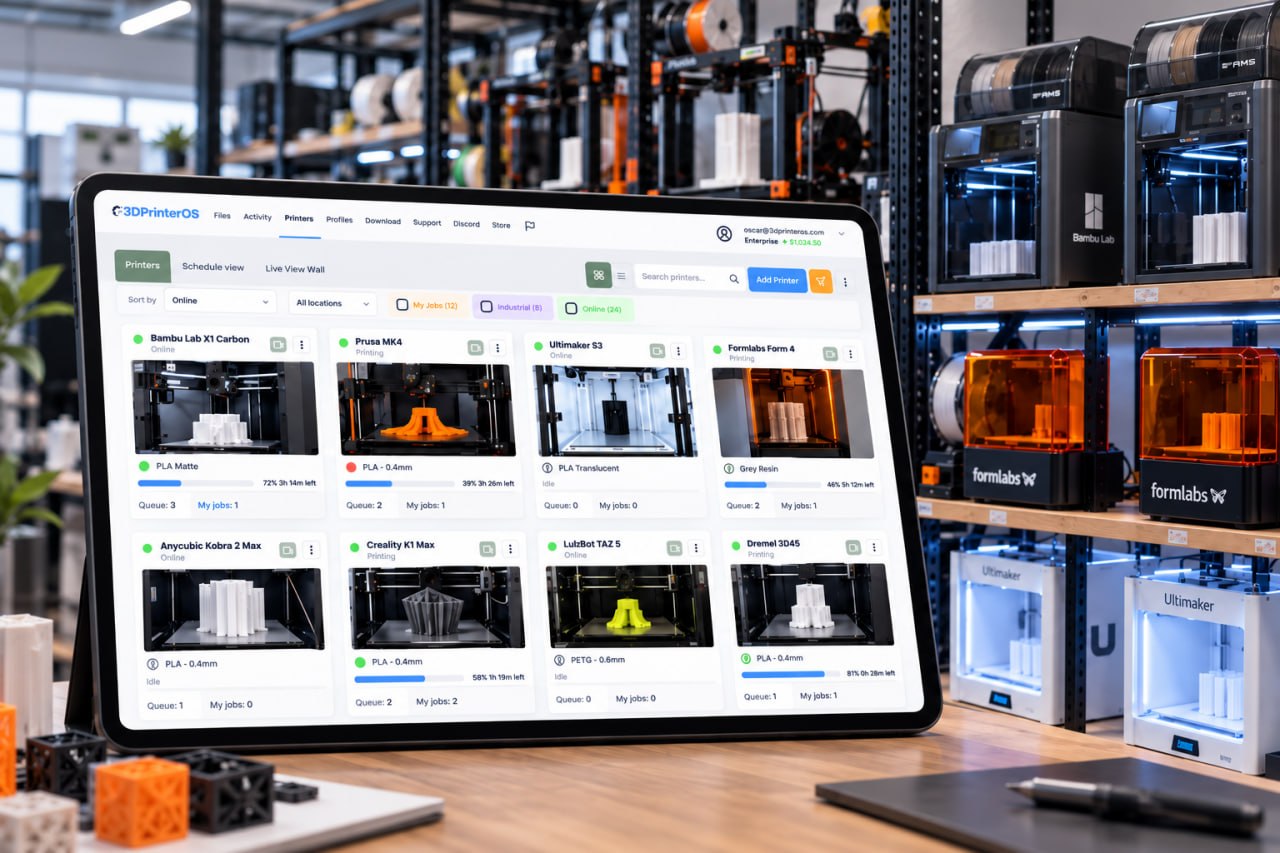


3DPrinterOS gave us structure without sacrificing creativity.
OctoEverywhere is a cloud service built around remote access. It connects OctoPrint, Klipper (Fluidd, Mainsail and Moonraker), PrusaLink, Bambu Lab, Elegoo, Anycubic, Creality and Prusa printers, with a free tier and optional paid Supporter Perks. Its Gadget AI watches prints for spaghetti and layer shifts and can pause a job. That covers what a maker with a few printers at home needs.
A school lab, university makerspace or print farm has a different problem: many people share the same printers. Someone has to decide who may print, which machine takes each job, how much each user may spend, and who printed what. OctoEverywhere does not describe team roles, permissions, queues or single sign-on. Those are the core of 3D printer management software such as 3DPrinterOS.
Usage, cost and success rates per user, printer and department, plus a full print history for audits.
Assign printers, shared folders and slicing profiles to workgroups, with role permissions for each user.
SAML, Shibboleth, OKTA and InCommon sign-in, so there are no shared logins and access ends when people leave.
Balances and printing limits per user, charged per gram, per job or flat fee through PaperCut, Stripe or CBORD.
Detects spaghetti, warping, layer shifts and more, then alerts, recommends a fix or pauses the job.
TX-RAMP certified U.S. deployment, NIST 800-53 aligned assessments, private cloud or on-premise.
Remote access and failure detection are close. Switch on "Show only differences" to see the team and security features.
| Feature | OctoEverywhere | 3DPrinterOS |
|---|---|---|
| Remote access from any browser | ✓ | ✓ |
| Live webcam view | ✓ | ✓ |
| Print notificationsOctoEverywhere: SMS, email, Telegram, Discord, Slack and more | ✓ | ✓ |
| Slice in the browser3DPrinterOS: Slicer 5, Slicer for Prusa, Bambu Slicer, MakerBot Slicer, Formlabs Slicer | – | ✓ |
| AI print failure detection with auto-pause | ✓ | ✓ |
| Multi-printer dashboard | ✓ | ✓ |
| Shared print queue that sends jobs to the next free printer | – | ✓ |
| Mixed-brand fleetsOctoEverywhere: OctoPrint, Klipper, PrusaLink, Bambu Lab, Elegoo, Anycubic, Creality, Prusa | ✓ | ✓ |
| Share access with other peopleOctoEverywhere: Shared Connections, with Supporter Perks | ~ | ✓ |
| Roles, workgroups and per-printer permissions | – | ✓ |
| Job approval before a print starts | – | ✓ |
| Quotas, balances and billing (PaperCut, Stripe, CBORD) | – | ✓ |
| Single sign-on (SAML, Shibboleth, OKTA, InCommon)OctoEverywhere sign-up: email, Apple or Google | – | ✓ |
| TX-RAMP certified U.S. deployment | – | ✓ |
| Private cloud, on-premise or air-gapped | – | ✓ |
| API for print farms and developers | ✓ | ✓ |
Showing 16 of 16 features
OctoEverywhere features as described on octoeverywhere.com, checked 15 Nov 2026. "–" means not described. Plans and limits change, so check OctoEverywhere for current details.
Run the 3DPrinterOS Cloud Client on a Raspberry Pi, ROCK Pi or PC next to the printers. Bambu Lab printers connect in LAN Only Mode on the same network. Set-up help is included.
Group printers by material, size or location, so jobs sent to a group go to the next free printer.
Create workgroups and roles, or connect single sign-on, then turn on job approval and quotas where you need them.
Upload sliced files as before, or slice in the cloud with Slicer 5, Slicer for Prusa or Bambu Slicer, including on Chromebooks.
Connect your printer to 3DPrinterOS once and manage it from any browser.
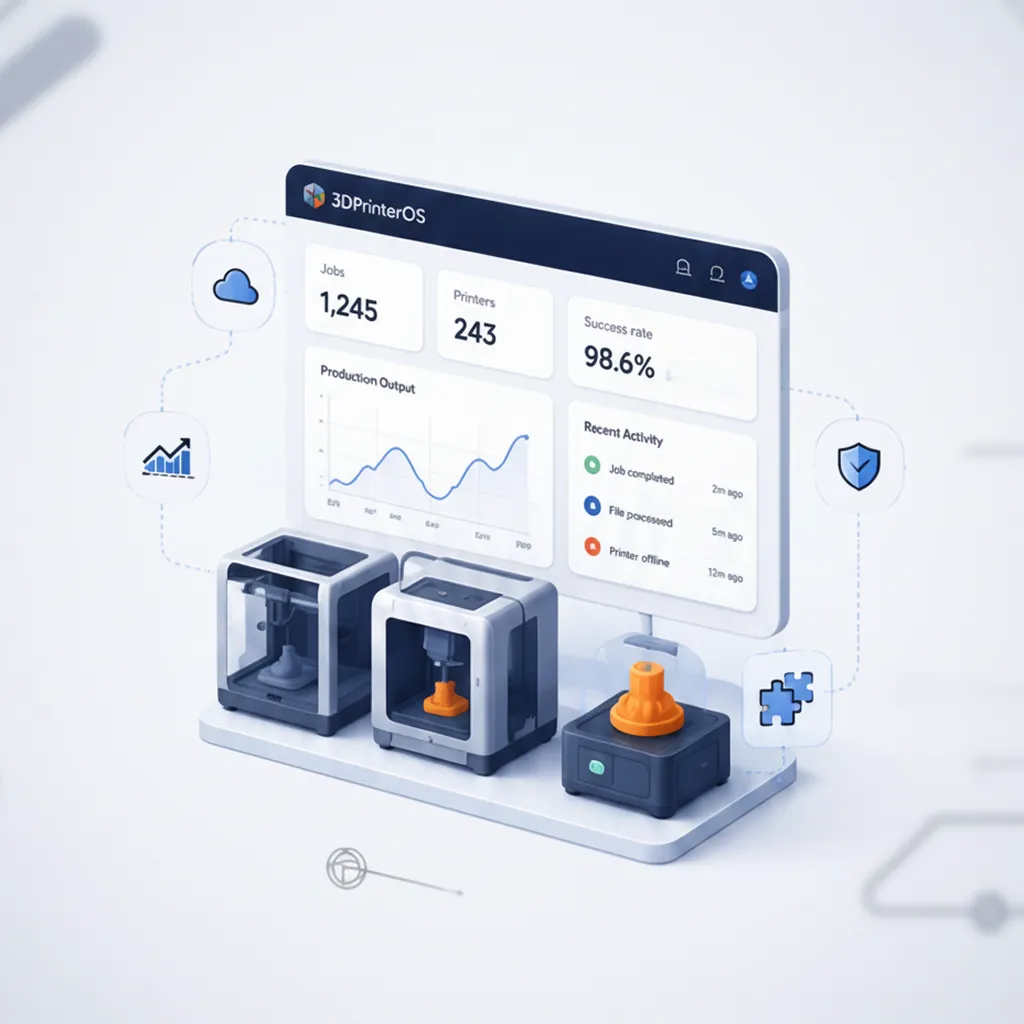
Which printers are busiest? Which users fail most? What does the lab cost? 3DPrinterOS reports show you.
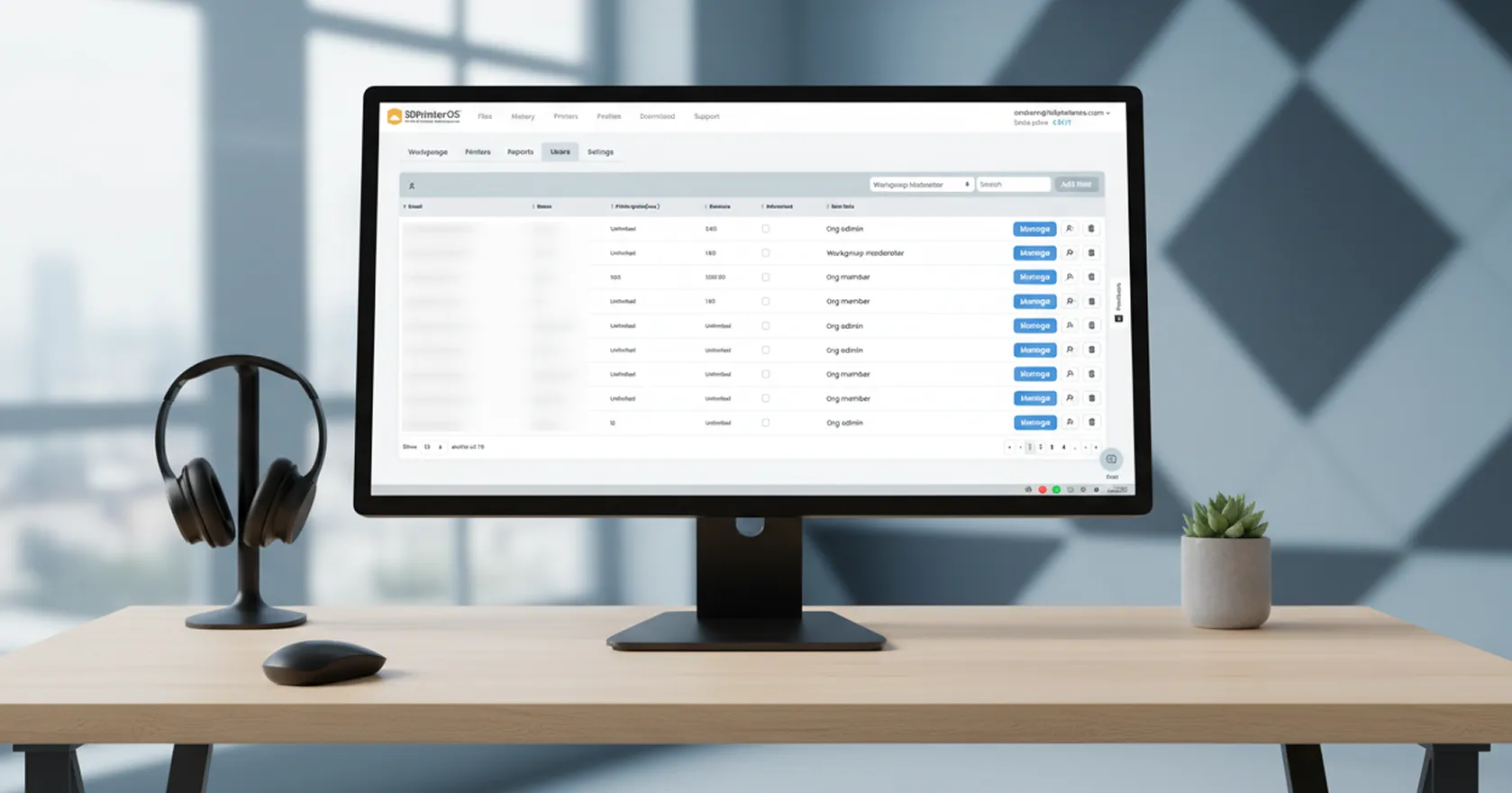
Allocate access to specific users and printers, with queueing or printing rights and approvals.
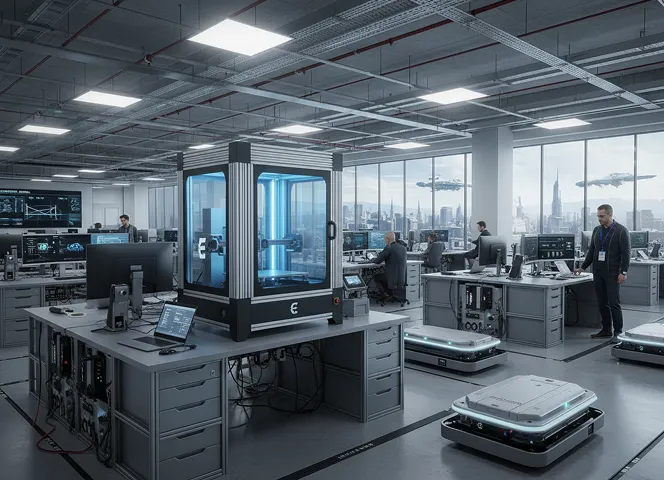
Choose the U.S. or European cloud, your own private cloud, or an on-premise, air-gapped installation.
Click through how organizations manage printers and users in 3DPrinterOS.
Shared labs with approvals, balances and usage data.
Higher education →Teachers approve every job before it prints.
K-12 schools →One queue across printer groups, with cost per job.
3D printer farm management →Audit logs, SSO and private deployment.
Enterprise →For shared printers, 3DPrinterOS. It keeps remote access and AI failure detection, and adds a shared queue, roles and workgroups, job approval, quotas and billing, single sign-on and usage reports.
It includes remote printing, live monitoring and notifications, but its main job is managing a fleet: printers, users, files, queues and costs from one cloud dashboard.
Yes. AI Print Guardian uses the printer's camera to detect spaghetti, warping, layer shifts and other failures, then alerts the job owner, recommends a fix or pauses the print.
3DPrinterOS works with Klipper-based printers and connects other printers through its own Cloud Client on a Raspberry Pi, ROCK Pi or PC. You can keep slicing in your desktop slicer and upload the files.
Yes. 3DPrinterOS is free for 14 days with no credit card required, and Education and Enterprise plans offer an extended trial on request.
See how 3DPrinterOS queues, approves, bills and reports every print.

Hochschulen, Unternehmen und OEMs verwalten damit Drucker, Dateien und Nutzer über eine zentrale Cloud-Plattform

Zugriffe, Nutzer und Druckrechte nach Team oder Labor steuern
„Diese enge Zusammenarbeit hat es Koenigsegg ermöglicht, die Plattform genau auf die eigenen Anforderungen zuzuschneiden – mit dem Ergebnis eines optimierten, benutzerfreundlichen Systems zur Verwaltung der 3D-Drucker.“

Teamleiter
Koenigsegg Automotive AB
Buchen Sie jetzt Ihre persönliche Beratung und sichern Sie sich Ihre kostenlose Testphase.
Hochschulen, Unternehmen und OEMs verwalten damit Drucker, Dateien und Nutzer über eine zentrale Cloud-Plattform
Zugriffe, Nutzer und Druckrechte nach Team oder Labor steuern
„Diese enge Zusammenarbeit hat es Koenigsegg ermöglicht, die Plattform genau auf die eigenen Anforderungen zuzuschneiden – mit dem Ergebnis eines optimierten, benutzerfreundlichen Systems zur Verwaltung der 3D-Drucker.“
Teamleiter
Koenigsegg Automotive AB
Buchen Sie jetzt Ihre persönliche Beratung und sichern Sie sich Ihre kostenlose Testphase.

