

Drag and drop your GCode 3D printer file into 3DPrinterOS. The platform processes your file quickly, displaying a real-time view of the toolpath for better planning.
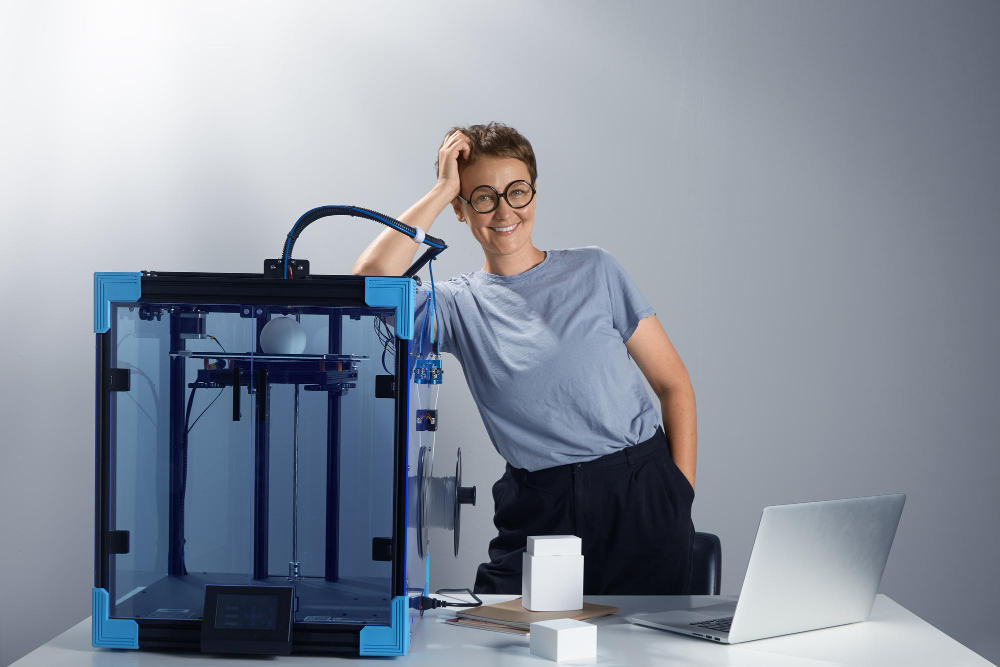

With Toolpath Viewer, see every movement of your 3D printer before it prints. This helps catch issues early and gives full confidence in your print setup.
Mit einem Experten sprechenUse insights from the toolpath preview to adjust layer height, speed, or infill. Fine-tuning your GCode 3D printer file helps ensure a smooth, high-quality print.

Stop printing blindly. Upload your GCode to 3DPrinterOS and use the Toolpath Viewer to preview, adjust, and perfect every print before hitting start.


Hochschulen, Unternehmen und OEMs verwalten damit Drucker, Dateien und Nutzer über eine zentrale Cloud-Plattform

Zugriffe, Nutzer und Druckrechte nach Team oder Labor steuern
„Diese enge Zusammenarbeit hat es Koenigsegg ermöglicht, die Plattform genau auf die eigenen Anforderungen zuzuschneiden – mit dem Ergebnis eines optimierten, benutzerfreundlichen Systems zur Verwaltung der 3D-Drucker.“

Teamleiter
Koenigsegg Automotive AB
Starten Sie noch heute und werden Sie Teil unseres Partnernetzwerks
