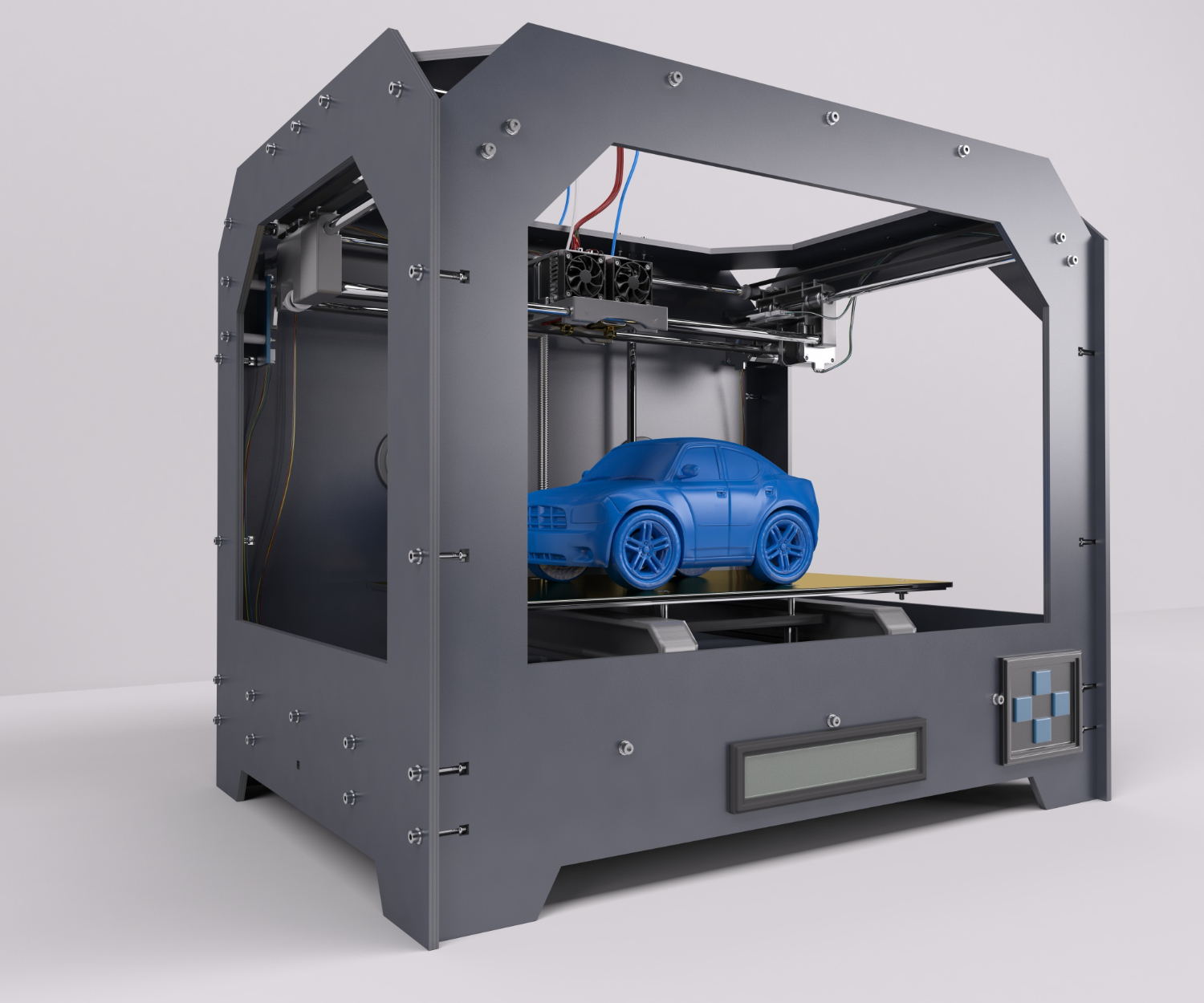
In today's fast-paced manufacturing environment, remote 3D printing capabilities have transformed from a luxury to a necessity. At 3DPrinterOS, we've seen firsthand how cloud-based management solutions revolutionize production workflows for businesses of all sizes. This guide explores how remote 3D print management can streamline operations while providing unprecedented flexibility.
Benefits of Remote 3D Printing
The advantages of implementing remote 3D printing extend beyond simple convenience:
- Continuous Operation: Print jobs can be monitored and managed remotely, enabling round-the-clock production cycles without the need for physical presence.
- Resource Optimization: Allocate print jobs across multiple devices based on availability, capability, and current workload
- Real-time decision-making: Address issues immediately through live video feeds and real-time data, reducing failed prints and material waste
- Collaborative Possibilities: Enable team members across different locations to collaborate on projects simultaneously
Organizations implementing our cloud platform report up to 40% improvement in printer utilization and significant reductions in downtime.
Key Features to Look for in Remote Management Software
When evaluating remote 3D print management solutions, consider these essential capabilities:
- Comprehensive Monitoring: Live camera streams, temperature monitoring, and progress tracking
- Queue Management: Support for remote addition, queuing, postponing, or cancellation of print jobs
- User Authentication: Role-based access control that only allows approved staff to create or update jobs
- Cross-platform Compatibility: Multimodel support for multiple printer models, no need for different management systems
- Data Analytics: Reporting tools that track usage patterns, success rates, and material consumption
3DPrinterOS integrates these features intuitively, providing comprehensive control without technical complexity.
Implementing Remote 3D Printing in Your Workflow
Transitioning to remote management requires thoughtful implementation:
- Assess Current Infrastructure: Evaluate network reliability and camera placement for optimal monitoring
- Start With Pilot Projects: Begin with non-critical prints to familiarize teams with remote processes
- Establish Clear Protocols: Define procedures for initiating prints, addressing failures, and performing maintenance
- Provide Adequate Training: Ensure all users understand both software interfaces and physical requirements
- Document Best Practices: Create reference materials based on successful implementations
Our platform simplifies this transition with guided setup processes and comprehensive documentation tailored to different operational environments.
Challenges and Solutions
While powerful, remote management does present some challenges:
Network reliability: Implement backup connections and offline operation modes
Physical interventions: Develop clear protocols for on-site assistance when necessary
Security concerns: Utilize encrypted connections and robust authentication systems
Print quality verification: Incorporate high-resolution cameras and automated quality checks
3DPrinterOS addresses these concerns through redundant systems and comprehensive security measures explicitly designed for distributed manufacturing environments.
Conclusion
Adopting remote 3D printing management enhances operational efficiency while offering greater control over production. The ability to monitor, adjust, and optimize printing operations from anywhere transforms organizations' approaches to additive manufacturing.
By implementing robust remote capabilities through platforms like 3DPrinterOS, manufacturers can maximize equipment utilization, respond rapidly to production challenges, and maintain consistent output quality—regardless of physical location. This flexibility in an increasingly distributed work environment provides a significant competitive advantage while reducing operational costs and expanding production possibilities. Contact us today to learn how remote management can enhance your workflow!