Move up
All success stories
Higher EducationArt & tech makerspace

How NYU Tisch ITP/IMA turned a 3D printing Wild West into a data-driven makerspace

The ITP/IMA Makerspace Lab serves 600 to 650 students across art, design and technology. With 3DPrinterOS it replaced unlimited, untracked printing with fair usage rules, skill-based user groups and the metrics to grow its fleet from three printers to nine.

NYU Tisch ITP/IMA Makerspace Lab
NYU Tisch ITP/IMA logo3DPrinterOS

The story in brief

  • The challenge: high demand on just three printers, no technician, no usage tracking, and filament use that once hit 125 kg every three months.
  • The solution: 3DPrinterOS cloud printer management, with a 12-hour print limit, one machine per student and basic and advanced user groups.
  • The result: a fleet grown to nine printers running almost constantly during the semester, with metrics staff use to track trends and justify budgets.
600–650
students served by the makerspace
9
printers in the fleet, up from 3
12 h
continuous print limit per student
125 kg
of filament every 3 months at the old peak
1The challenge

High demand, three printers and no oversight

The ITP/IMA Makerspace Lab sits in the Emerging Media building in Brooklyn and serves three programs: the Interactive Telecommunications Program (ITP), the Interactive Media Arts (IMA) undergraduate program and a low-residency master’s program. Together that is 600 to 650 students working on everything from VR installations to sculptures and robots.

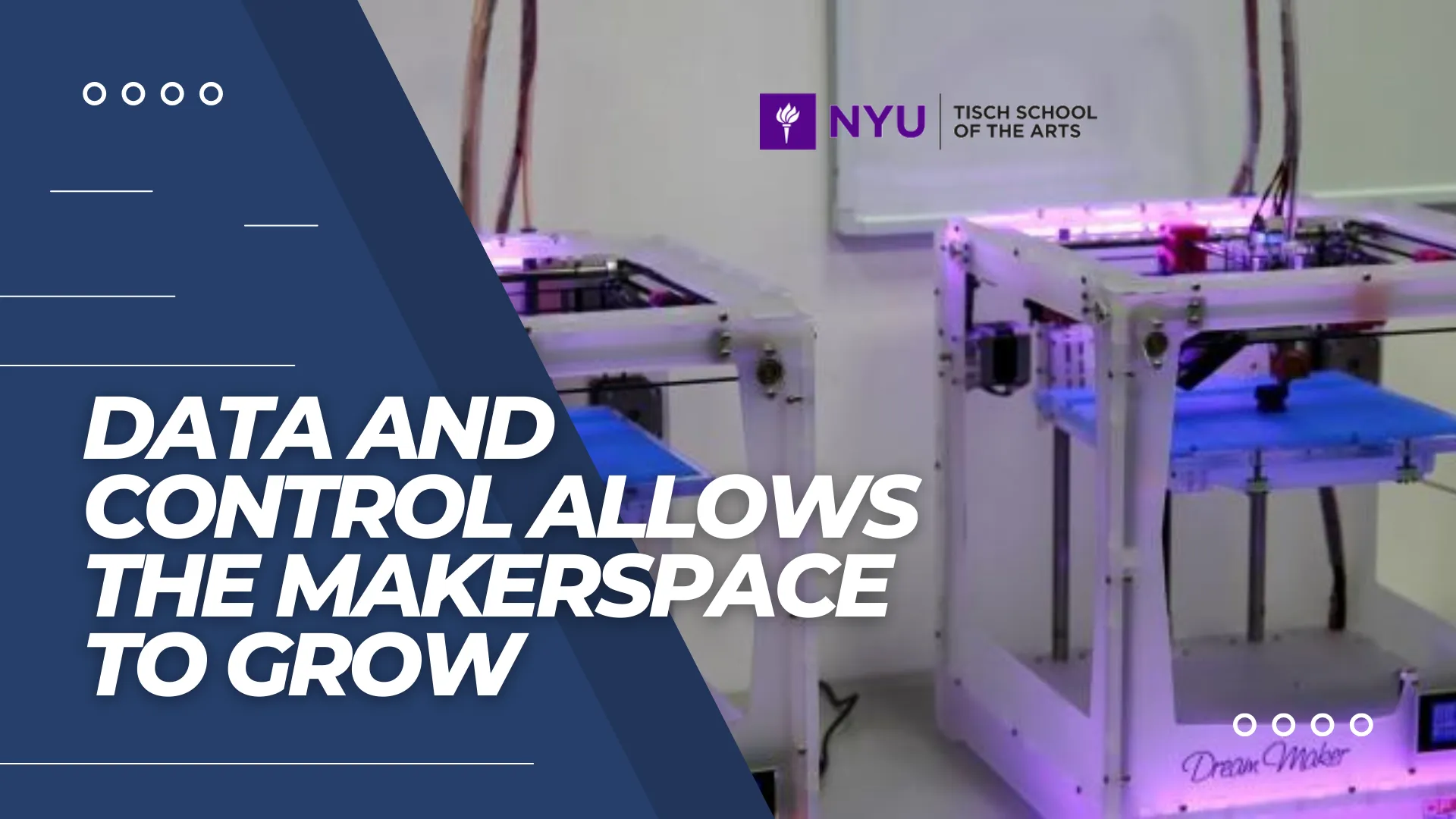
A few years ago, demand for 3D printing was high but the space housed just three printers. There was no central system to track maintenance or usage and no designated technician. Students printed without limits, sometimes running large prints on several machines at once, and filament use at one point reached 125 kilograms every three months. Shop manager Phil Caridi called it the Wild West.

2The solution

Clear rules and skill-based access, enforced by software

The staff weighed a calendar system or hiring a technician, but both looked impractical given the budget and scale. Instead they adopted 3DPrinterOS to manage the printers and track and optimize resource use.

Students are now limited to 12 continuous hours of printing and to one machine at a time, so nobody can dominate the fleet. Longer jobs start with a conversation with staff about printing more efficiently. With user groups, new users start with “training wheels”: limited infill, capped print times and a baseline resolution of 0.15 mm or higher. Advanced users who have shown competence earn more freedom.
3DPrinterOS at the NYU Tisch ITP/IMA Makerspace
3The results

Data and control that let the makerspace grow

The fleet has grown to nine printers on 3DPrinterOS, plus one experimental Bambu printer used for offsite events, workshops, maker fairs and filament testing. During the semester the printers run almost constantly, on projects ranging from Halloween masks and robot housings to an open-source MRI unit and Project Mjolnir, an adaptive mountain bike.

Staff now watch material usage, print history and project details to track trends and justify budgets. The limits also push students toward better design: to unlock higher settings they have to justify why, which Phil describes as design thinking at work.


Interactive

How NYU ITP/IMA runs 3D printing on 3DPrinterOS

Click through each step to see how the workflow runs day to day.

Step 1 at NYU ITP/IMA

Students start with training wheels

Every user is placed in a basic or advanced group. Beginners get limited infill, capped print times and a baseline resolution of 0.15 mm or higher; advanced users earn more control.

  • Skill-based permissions
  • Settings unlocked with experience
Explore multi-user management

“It’s almost like it gives you another staff member without adding staff.”

Phil CaridiShop Manager, ITP/IMA Makerspace Lab, NYU Tisch
FAQ

Questions about NYU Tisch ITP/IMA and 3DPrinterOS

How does the NYU Tisch ITP/IMA Makerspace use 3DPrinterOS?

It runs its fleet of nine 3D printers on 3DPrinterOS, enforcing a 12-hour continuous print limit, one machine per student at a time, and basic and advanced user groups with different print settings.

Why did the makerspace choose software over a calendar or a new hire?

Staff considered a calendar system or hiring a dedicated technician, but both seemed impractical given the budget and the scale of operations. 3DPrinterOS gave them management and resource tracking without adding staff.

How does 3DPrinterOS support students with different skill levels?

New users work with limited infill, capped print times and a baseline resolution of 0.15 mm or higher. Advanced users who have demonstrated competence gain more freedom, so everyone learns at their own pace while waste stays low.

What results has the makerspace seen?

The fleet grew from three printers to nine, the printers run almost constantly during the semester, and staff use metrics on material usage and print history to track trends and justify budgets.

3DPrinterOS Logo

Book your Demo Now

See how NYU Tisch's ITP/IMA Makerspace runs nine printers for 600+ students with fair limits and usage data.

Set a Meeting Now

“This close collaboration has enabled Koenigsegg to tailor the platform to their specific needs, resulting in an optimized and user-friendly system for managing their 3D printers.”

Tim Back
Tim Bäck

Team Leader
Koenigsegg Automotive AB

Quick and easy setup

Book your personalized assessment now and get your free trial.

Thank you! One of our representatives will get in touch as soon as possible.
Oops! Something went wrong while submitting the form.