


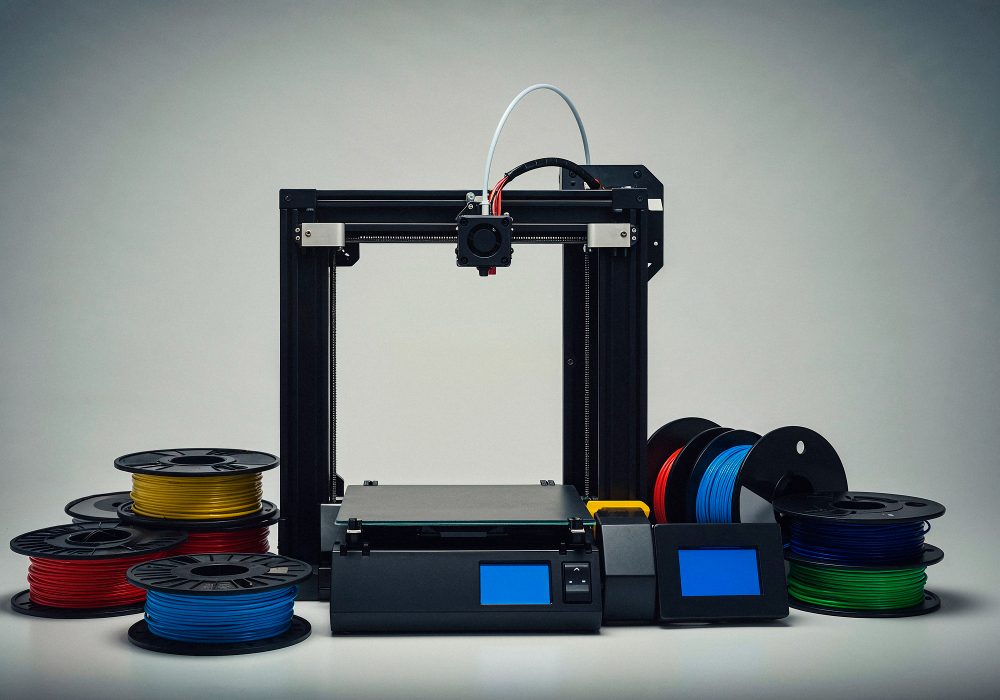



Cloud-based 3D printing has revolutionized the way printers are managed. Rather than being tied to a single workstation, operators can monitor and control their printers from anywhere, improving efficiency and reducing downtime. Connecting your 3D printer to a cloud platform allows you to streamline operations, coordinate multiple machines, and respond quickly to issues especially important for labs, businesses, and educational institutions managing large or distributed printer fleets.
In this post, we’ll explore how to connect a 3D printer to a cloud platform, the methods available, and the benefits of remote 3D printing.
The Advantages of Cloud Printing
Using a cloud platform for 3D printing provides several key benefits:
- Remote Access: Start, pause, and manage print jobs from any internet-connected device.
- Centralized Management: Monitor multiple printers from a single interface.
- Efficient Job Scheduling: Queue and prioritize jobs to optimize printer utilization.
- Notifications and Alerts: Receive updates when prints complete or fail, ensuring timely intervention.
These capabilities are essential for anyone running multiple machines or managing printers across multiple locations.
How to Connect Your 3D Printer
Using the 3DPrinterOS Client
The 3DPrinterOS Client is the most common and versatile method for connecting a printer to a cloud platform. It is compatible with:
- Windows and Ubuntu: Standard installations provide immediate connectivity.
- macOS: Install using a simple terminal command for stable, beta, or testing versions.
- Raspberry Pi: Lightweight client options allow flexible deployment.
After installing the client, you simply go to the Printers page, select your printer model, and follow the setup wizard. Within minutes, your printer is visible on the cloud dashboard, ready for remote management.
Native Printer Integration
Some 3D printers allow direct cloud connectivity via an access code. Supported models include Dremel 3D40 and 3D45, Loop3D, Hercules HG2, Robo3D, Ultimaker, and Formlabs machines. Native integration often simplifies setup and ensures stable communication between the printer and cloud platform.
Custom Hardware and Operating Systems
For printers with unique hardware or custom operating systems, 3DPrinterOS provides ZIP archives and custom client options. These allow engineers to integrate proprietary machines into the cloud platform without major hardware changes.
Getting Started Step by Step
Connecting a printer to the cloud is straightforward:
- Add the Printer: Navigate to the Printers page and click Add Printer.
- Select Model or Enter Access Code: Choose your printer model or enter the native integration code.
- Install the Client Software: Follow the installation instructions for your operating system.
Once connected, the printer appears on the dashboard with an Idle status, ready to accept print jobs remotely.
Benefits of Cloud-Connected 3D Printing
Cloud connectivity brings a range of operational advantages:
- Enhanced Workflow: Easily manage multiple printers simultaneously.
- Reduced Downtime: Monitor jobs in real time and respond immediately to issues.
- Scalability: Adding new printers to your fleet is quick and simple.
- Insightful Analytics: Track material usage, printer efficiency, and job completion rates to optimize operations.
For labs, schools, and businesses, cloud connectivity allows 3D printing to scale smoothly while minimizing the need for constant manual supervision.
Conclusion
Connecting your 3D printer to a cloud printing platform is a critical step for modern 3D printing workflows. Platforms like 3DPrinterOS offer remote control, workflow management, and detailed analytics, empowering operators to scale operations efficiently. By embracing cloud-based 3D printing, you gain flexibility, control, and the ability to maximize productivity across any printer fleet.


.png)


