.png)


How to Calculate Cost and Throughput on Prusa Printers
Meta Description:
Learn how to calculate cost and throughput on Prusa printers using slicing data, material usage, and real production metrics.
How to Calculate Cost and Throughput on Prusa Printers
Understanding cost and throughput is essential for any organization running a Prusa print farm. Without accurate data, it becomes difficult to measure performance, optimize workflows, or justify investment in 3D printing. Many teams rely on rough estimates, but true efficiency comes from using detailed metrics derived from the slicing and printing process.
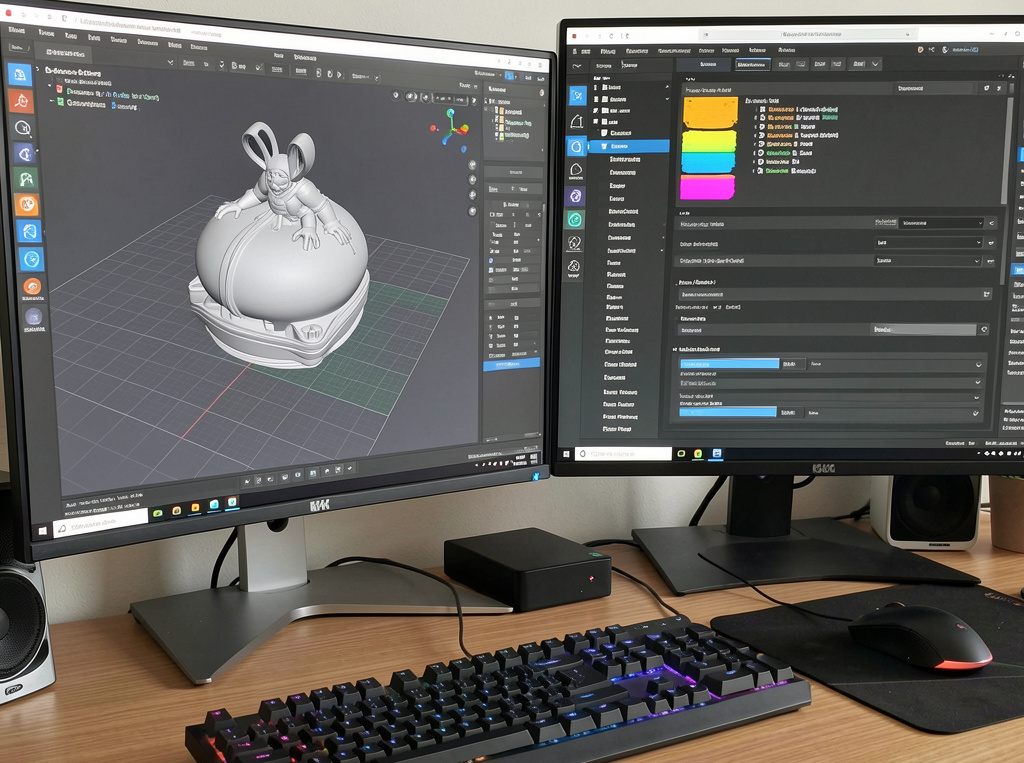
The calculation begins at the slicing stage. When a model is converted into Gcode, the slicer determines key parameters such as print time, material usage, and layer structure. These values provide the foundation for both cost and throughput analysis.
Using Slicing Data for Cost Estimation
Every sliced file contains information about filament usage and estimated print time. Filament consumption is directly tied to infill density, wall thickness, and layer height. For example, higher infill percentages increase strength but also raise material costs, while lower layer heights improve detail but extend print duration.
Temperature settings, support structures, and adhesion methods also influence cost. Supports and rafts add extra material usage, while slower speeds increase machine time. By analyzing these parameters, organizations can estimate the cost of each print with a high level of accuracy.
Measuring Throughput Across the Farm
Throughput refers to how many parts a printer or a fleet can produce over a given period. It is influenced by print speed, job scheduling, and machine utilization. A printer that spends time idle or waiting for the next job reduces overall throughput.
By tracking print times and completion rates, organizations can identify bottlenecks in their workflow. Adjusting slicing parameters such as layer height and speed can help balance quality and production efficiency.
Connecting Data to Real Operations
To move beyond estimates, organizations need a system that tracks real performance data. This includes actual print times, success rates, and material usage. Comparing this data with slicing estimates allows teams to refine their processes and improve accuracy over time.
A centralized platform provides visibility into these metrics, enabling better decision making and more precise cost calculations.
Conclusion
Calculating cost and throughput on Prusa printers requires a combination of slicing data and real production metrics. By understanding how parameters influence material usage and print time, organizations can optimize their workflows and achieve greater efficiency.