Magic Fix
Prepares designs automatically for 3D printing. Magic Fix analyzes, repairs and rotates files for printing on your specific 3D printer.
3DPrinterOS bundles the 3D printing tools and applications a team uses every day: Magic Fix file repair, an STL editor, a cloud slicer, a toolpath viewer, live monitoring, AI failure detection and notifications, all in one browser platform for 200+ printer models.
Every app works across Bambu Lab, Prusa, Ultimaker, Creality, Dremel and 200+ other printer models.
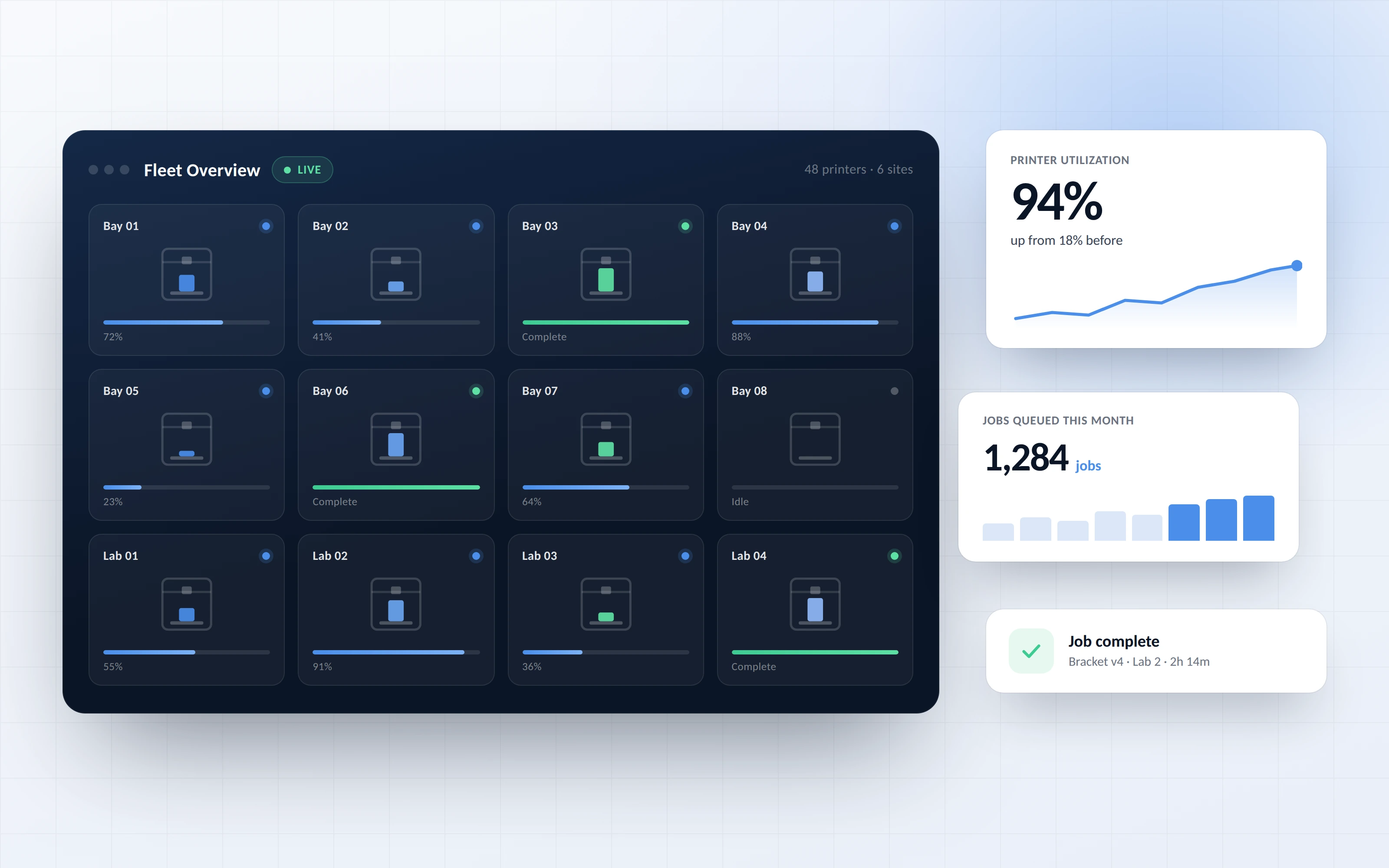


3D printing tools and applications are the software steps between a 3D model and a finished print: file repair, positioning, slicing, toolpath checks, printing and monitoring. In 3DPrinterOS these apps share one cloud file library and one login, so a file moves from Magic Fix to the slicer to the printer without exports or separate programs.
Prepares designs automatically for 3D printing. Magic Fix analyzes, repairs and rotates files for printing on your specific 3D printer.
Move, rotate and scale multiple STLs, use hot-keys for fast editing, and position models precisely on your printer's build platform from every angle.
Like Cura, Slic3r or PrusaSlicer, but in the cloud. Slice 3D models into layers and generate the G-code your printer runs, for 200+ printers.
See the layer-by-layer speed and exact path your G-code will take, with the full slicing settings, so admins can check a file before the job starts.
Watch every print in real time, with status, progress and camera feeds from any browser.
AI-based failure detection spots failed prints early, and push notifications keep you updated on printer status.
Upload a model to the cloud library and run Magic Fix to repair and orient it for your printer.
Arrange parts in the STL Editor, then slice in the Cloud Slicer with your printer's profile.
Open the Toolpath Viewer to review layers, speeds and settings before printing.
Send the job to a printer or queue, then follow it with live monitoring, AI detection and notifications.
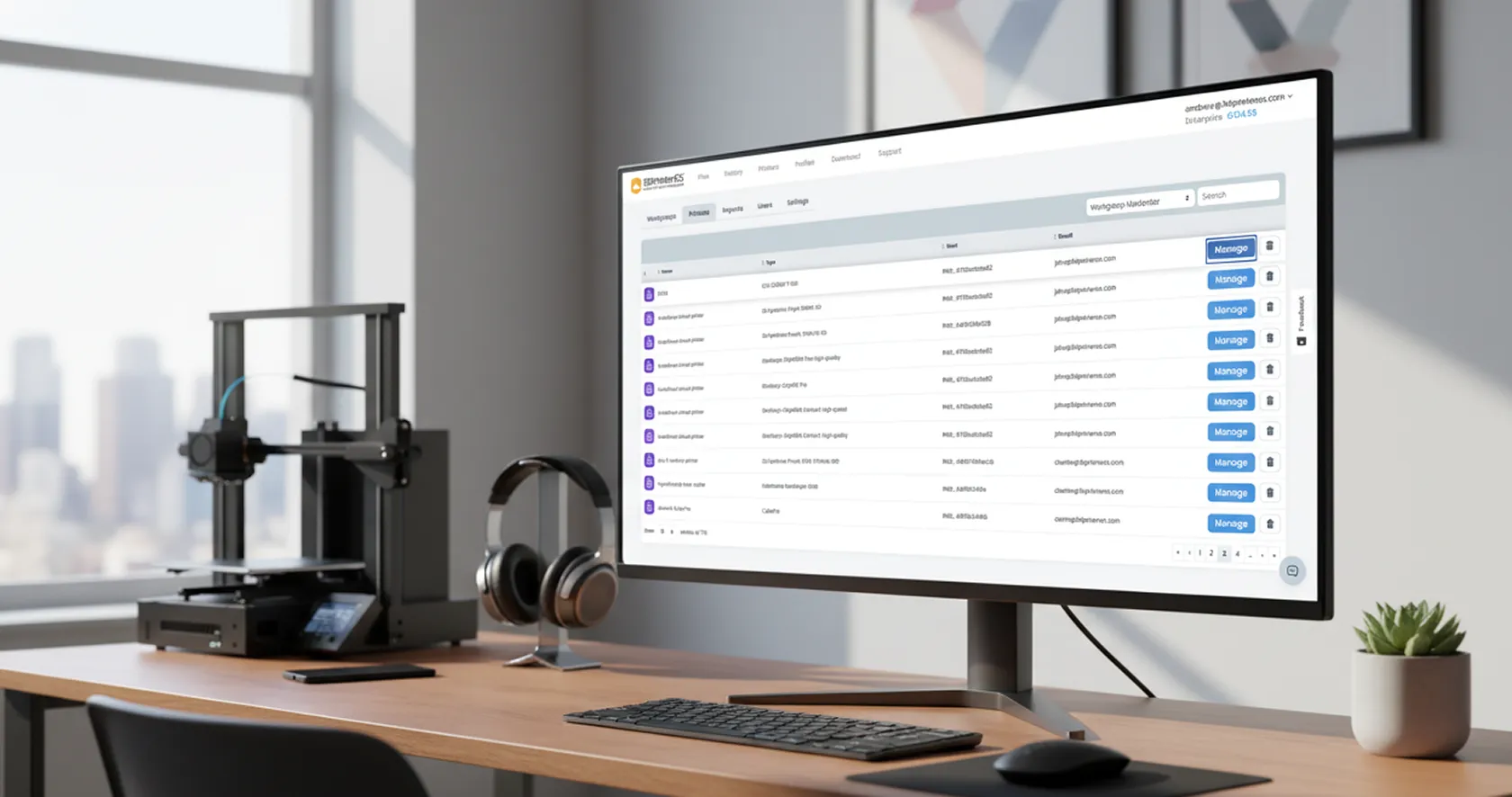
Share files and 3D printers with queueing or full print privileges, which suits educators with many students and print jobs to manage. Single sign-on through Shibboleth and SAML gives users secure access with their existing accounts.
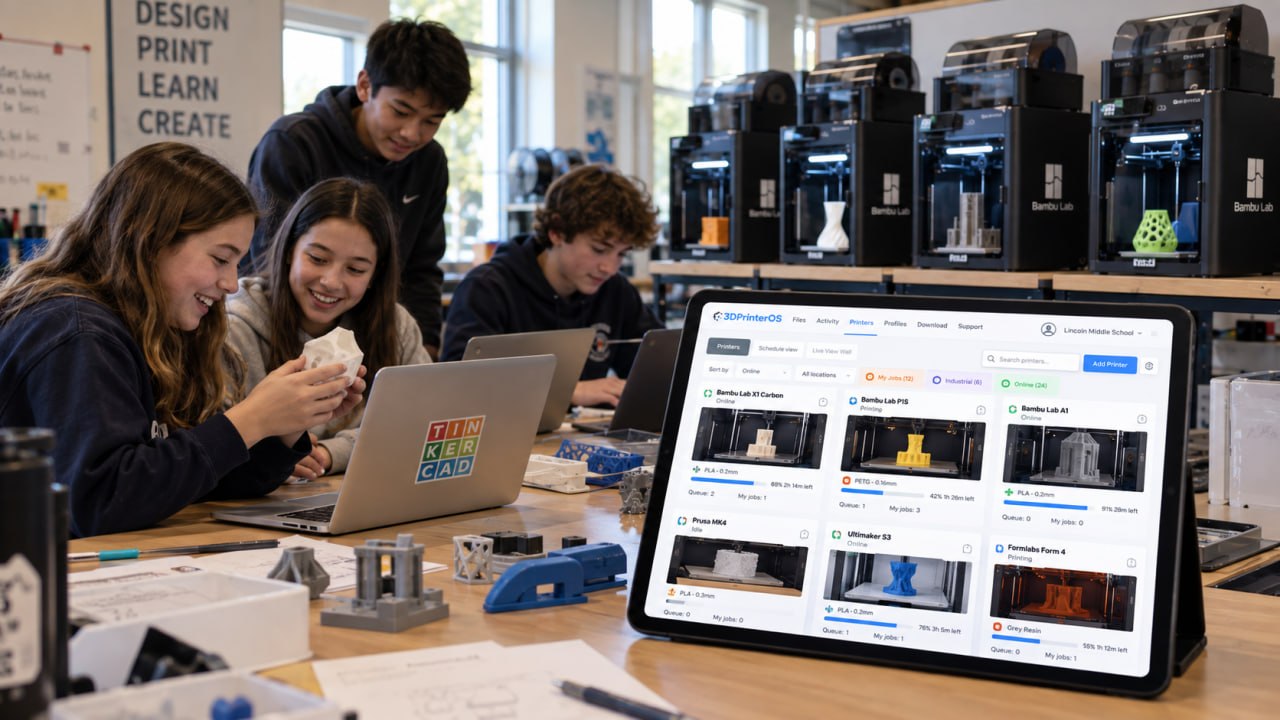
The same apps work for every printer you connect, whatever the brand. That keeps one workflow for a mixed lab, a print farm or an engineering team, managed from one dashboard.
Magic Fix prepares designs automatically for 3D printing. It analyzes, repairs and rotates files so they print on your specific 3D printer.
Yes. It works like Cura, Slic3r or PrusaSlicer, but in the cloud: you slice 3D models into layers and generate G-code in the browser, for 200+ printers.
It shows the layer-by-layer speed and exact path your G-code will take, plus the full slicing settings, so admins can check whether a file is printable before a job starts.
No. The 3DPrinterOS apps run in a browser and share one cloud file library and login.
Yes. 3DPrinterOS integrates with Shibboleth and SAML for single sign-on, giving users seamless and more secure access.

Used by higher education, enterprises, and OEMs to manage printers, files, and users from a single, cloud-based platform

Control access, users, and print permissions by team or lab
“This close collaboration has enabled Koenigsegg to tailor the platform to their specific needs, resulting in an optimized and user-friendly system for managing their 3D printers.”

Team Leader
Koenigsegg Automotive AB
Book your personalized assessment now and get your free trial.
