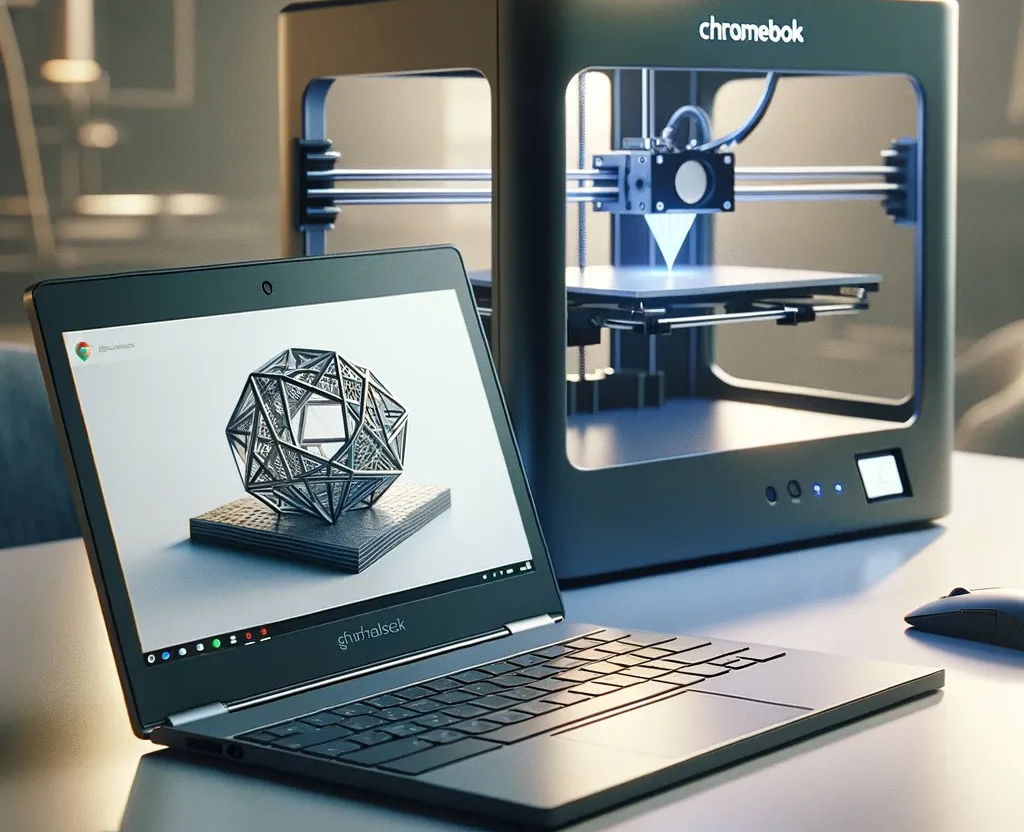



Can a Chromebook handle modern 3D printing workflows without compromise? The answer depends heavily on choosing the right 3D printer slicer for Chromebook, one that aligns with cloud-first environments and limited local processing power.
Chromebooks have become common in schools, labs, and enterprise environments. However, traditional slicers often require heavy installations and local GPU resources. This creates a gap that only optimized or cloud-based 3D printing software for Chromebooks can fill. The right slicer ensures smooth file preparation, reliable print outputs, and seamless device management.
People Also Ask
What is the best 3D printer slicer for Chromebooks in 2026?
The best option is a cloud-based slicer like 3DPrinterOS, which provides browser access, remote management, and high-performance slicing without relying on local hardware.
Can Chromebooks run traditional 3D slicing software?
Most traditional slicers require installation and system resources that Chromebooks lack. Cloud-based platforms offer a more practical alternative for reliable slicing and print management.
What Makes a 3D Printer Slicer Compatible with Chromebook?
Not every slicer works well in a Chromebook ecosystem. Compatibility depends on how the software is built and deployed.
A Chromebook-ready slicer typically offers:
- Browser-based access instead of downloadable software
- Cloud slicing capabilities to reduce reliance on device hardware
- Cross-platform support for managing printers remotely
- Minimal local processing requirements
These factors allow Chromebook users to bypass hardware limitations while maintaining control over slicing accuracy and print quality.
Key Features to Look for in the Best 3D Printer Slicer for Chromebook
Choosing the right slicer requires focusing on performance and usability rather than brand popularity. The best solutions share a few critical features:
- Cloud slicing engine: Handles complex models without slowing down the device
- Remote print management: Enables control over multiple printers from a single dashboard
- File compatibility: Supports STL, OBJ, and other standard formats
- User access controls: Essential for schools and enterprise environments
- Queue management: Helps prioritize and organize multiple print jobs
A reliable 3D printer slicer for Chromebook integrates these features into a single workflow, reducing friction between design and production.
Top Considerations When Choosing a Slicer for Chromebook in 2026
As 3D printing adoption grows, expectations from slicers continue to rise. Decision-makers must evaluate:
- Scalability: Can the platform handle multiple users and printers?
- Security: Are files protected during upload and slicing?
- Ease of deployment: Does it require installation, or does it work instantly in the browser?
- Integration: Can it connect with existing design tools and printer networks?
The best 3D printing software for Chromebooks addresses these points while maintaining a simple interface for beginners and advanced users alike.
Why Cloud-Based Slicers Are Leading Chromebook 3D Printing
Cloud-based slicers have become the preferred choice for Chromebook users. They eliminate the need for high-performance hardware and allow slicing tasks to run on remote servers.
This approach offers:
- Faster processing for complex models
- Centralized control across multiple locations
- Real-time monitoring and job tracking
- Reduced device dependency
Platforms like 3DPrinterOS exemplify this shift by combining slicing, printer management, and workflow automation into a single cloud environment. This model supports institutions and enterprises managing large fleets of printers without adding hardware strain.
Choosing the Best 3D Printer Slicer for Chromebook
Selecting the right slicer comes down to performance, accessibility, and scalability. Chromebook users benefit most from cloud-driven solutions that simplify workflows and remove hardware constraints.
3DPrinterOS stands out as a complete solution, offering cloud slicing, remote management, and seamless integration across devices. For organizations aiming to improve print success rates and streamline operations, adopting a robust slicing software for Chromebooks is a strategic move.
Get started with 3DPrinterOS today and bring consistency, control, and efficiency to every 3D print job.