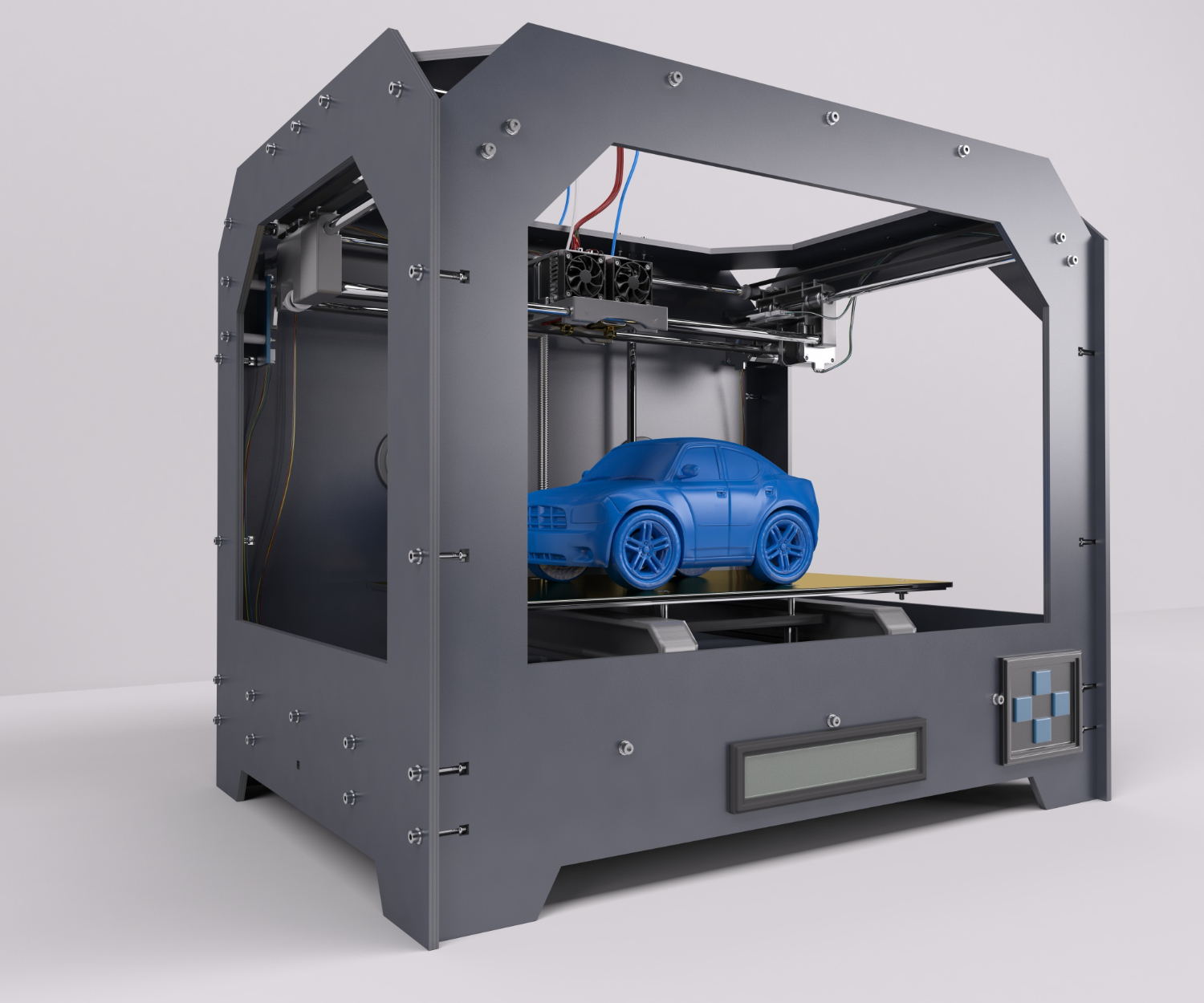
Unboxing MakerBot Replicator 2 for testing
Unbox and test the MakerBot Replicator 2. Explore its features and performance in this comprehensive review




Part of the fun in building 3DPrinterOS is testing our 3D Printer operating system with the many printers available in the world. Even though we are around a wide variety of 3D Printers every day, we still get excited every time a new one makes it into the office and gets tested.Aaron picked up a MakerBot Replicator 2 yesterday and documented the unboxing to printing process at his home in New York.[caption id="attachment_10" align="aligncenter" width="500"]

All ready to start printing[/caption][caption id="attachment_13" align="aligncenter" width="500"]

Installing the spool holder and test filament[/caption][caption id="attachment_15" align="aligncenter" width="500"]

Calibrating the build plate[/caption][caption id="attachment_17" align="aligncenter" width="500"]

Almost ready for the first print[/caption][caption id="attachment_19" align="aligncenter" width="500"]

Performing a test print[/caption][caption id="attachment_20" align="aligncenter" width="500"]

Voila! First print completed on this machine.[/caption][caption id="attachment_21" align="aligncenter" width="500"]

Only the first of many successful 3D Prints ahead![/caption]

Used by higher education, enterprises, and OEMs to manage printers, files, and users from a single, cloud-based platform

Control access, users, and print permissions by team or lab
“This close collaboration has enabled Koenigsegg to tailor the platform to their specific needs, resulting in an optimized and user-friendly system for managing their 3D printers.”

Team Leader
Koenigsegg Automotive AB
Join us today and become one of our partners