


Ever tried to convert an STL file, only to get stuck installing slicer software, configuring settings, or waiting for updates to load? For many hobbyists, students, and professionals working across different devices, this process slows down productivity. That’s why using an online STL slicer is becoming a preferred choice for fast, convenient conversions.
An online slicer eliminates software installs and long setup times. With just a browser and an internet connection, it's possible to convert STL to G-code online instantly. This is especially useful for distributed teams, schools, and makerspaces that rely on multiple users accessing shared printers from various locations.
Why Online Slicing Is Gaining Popularity
Cloud-based slicing solves one of the biggest challenges in 3D printing—accessibility. Users can upload designs, adjust settings, and generate G-code from any device without installing anything. There’s no risk of version conflicts or outdated software. It also removes barriers for beginners who just need to get a print-ready file without a steep learning curve.
With an STL to G-code slicer online, the slicing process becomes consistent and repeatable. Whether accessing from a school computer lab or a remote design team, users benefit from real-time processing and reliable file output every time.
Convert STL to G-code with 3D Printer OS
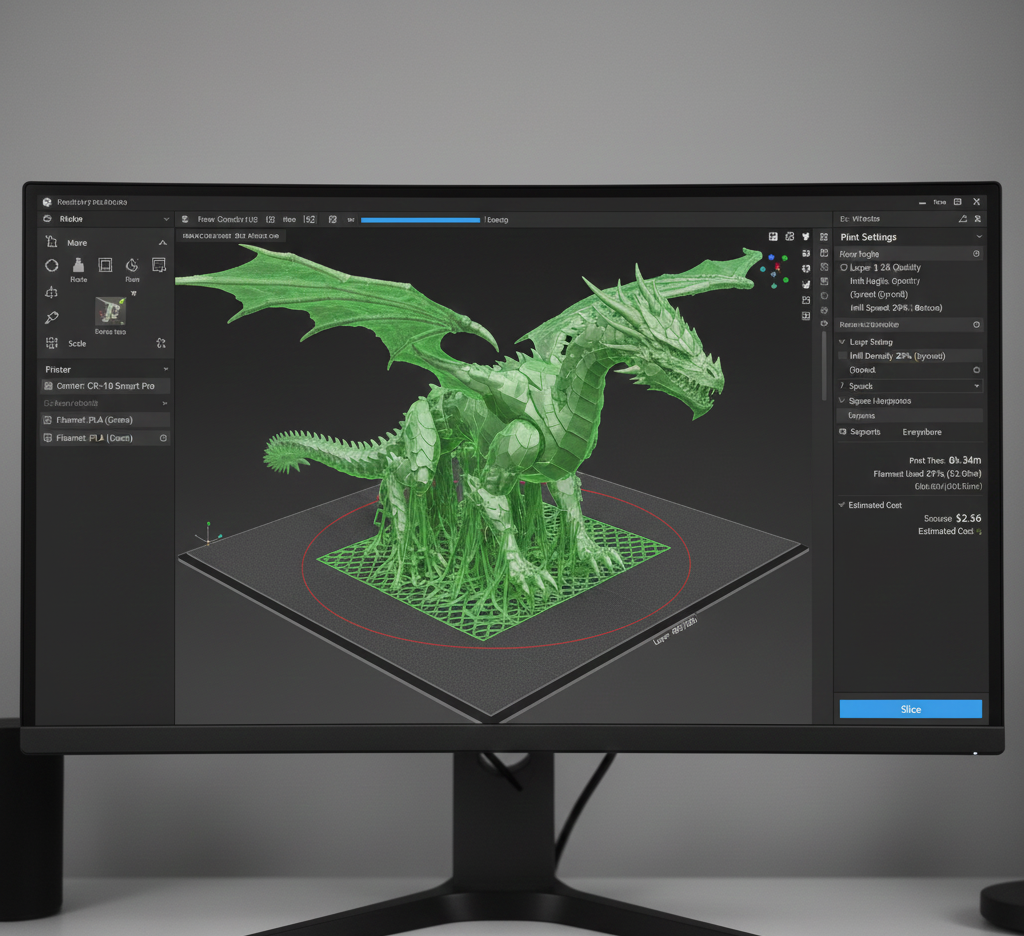
3D Printer OS makes it fast and easy to convert STL to G-code online. Here’s how:
- Sign in to a 3D Printer OS account from any device.
- Upload the STL file through the browser interface.
- Select a printer profile and slicing engine from the dropdown.
- Adjust slicing settings like layer height, infill, and temperature.
- Click “Slice” to generate G-code instantly.
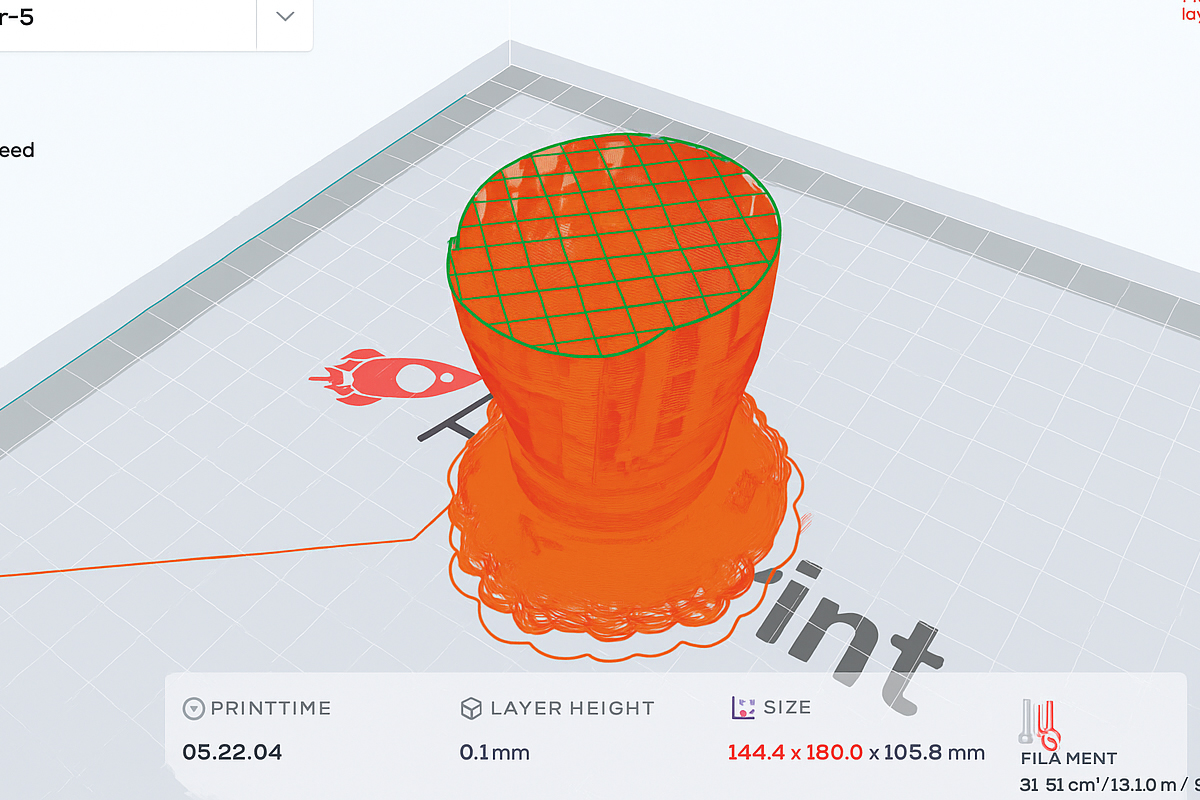
- Preview, download, or send the G-code directly to a connected printer.
No installation. No updates. Just efficient slicing within seconds.
Supported Formats and Compatible Devices
3D Printer OS supports not just STL but also OBJ and 3MF files for broader compatibility. The platform runs on Windows, macOS, Linux, and even Raspberry Pi, allowing users to connect to and manage printers remotely. Its cloud-based structure means users only need a browser, no matter the operating system or device.
Answers to Common User Concerns
- Speed: Cloud slicing is near-instant for most files.
- Accuracy: The platform supports multiple slicing engines, including Cura, with precision settings.
- Privacy: Files are encrypted and stored securely. Admins can control access and file retention policies.
3D Printer OS addresses these concerns with a robust infrastructure designed for teams and organizations that value speed and control.
Smarter Slicing for Distributed Workflows
Converting STL to G-code online no longer requires bulky software. With an online STL slicer like the one from 3D Printer OS, the slicing process becomes flexible, fast, and frustration-free.
Start slicing smarter with 3D Printer OS—no installs, just results. Try it free today.