The power of integration: How 3DPrinterOS streamlines 3D printing across Bambu Lab, Ultimaker, Prusa … and more
Everyone loves 3D printing and being able to quickly turn an idea into reality, create intricate designs, or make a prototype. Of course, as new players enter the market and existing ones make improvements to their products, the industry landscape changes and grows. And as is always the case, the challenge is managing and streamlining these changes.
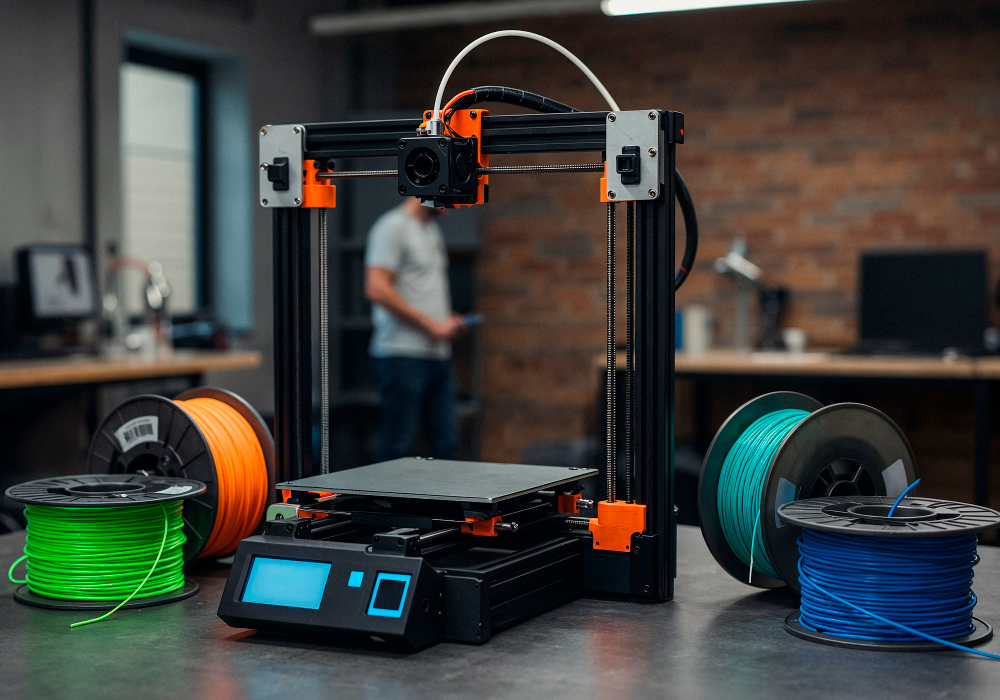
Imagine a makerspace bustling with activity. An architecture student is refining a prototype of her next project on an Ultimaker, a hobbyist is printing customized board game pieces on a Prusa, while a few steps away, a product designer is testing a new component on a Bambu Lab machine. Each of these 3D printers has its unique strengths, and it's not uncommon for a university makerspace to provide a variety of 3D printers for students to use. However, managing all of these machines, each with its own interface and features, is no small feat. Enter 3DPrinterOS … drum roll, please!
Why integration matters
Makerspaces often house an array of 3D printers, whether in universities, K12 schools, or public libraries. Each of these 3D printers, though revolutionary in their own right, comes with its own set of operational nuances.
By integrating platforms like Bambu Lab, Ultimaker, and Prusa and others under one umbrella, 3DPrinterOS tackles one of the most significant pain points in 3D printing: fragmentation. The old saying "time is money" rings especially true here. Instead of juggling multiple software platforms or interfaces, users only need one and can streamline their work, saving precious time and avoiding potential mistakes.
The magic behind the screen
At the heart of 3DPrinterOS's integration prowess is its commitment to user experience. Be it the intricacies of the Bambu Lab workflow management, the renowned reliability of Ultimaker, or the versatility of Prusa, 3DPrinterOS has a solution.
And because students and staff can use a single interface for all their 3D printing, it means their whole workflow is simpler.
The future of unified 3D printing
Going back to the fact that the 3D printing industry is constantly evolving, we’re bound to continue to see new 3D printers and new applications, each with its own merits. Platforms like 3DPrinterOS will continue to play a key role in unifying these technologies. By offering a centralized control panel from which users can operate a myriad of printers, 3DPrinterOS is not just simplifying the present; it's setting a standard for the future.
For universities and libraries, this means more streamlined workshops and sessions. It means an easier way to 3D print on the appropriate machine for the required use. It also enables them to help more people to learn 3D printing, and with simpler workflows, reduces the load on admin staff.
Platforms like 3DPrinterOS, with their ability to seamlessly merge the worlds of Bambu Lab, Ultimaker, and Prusa, and so many more…are leading the way, ensuring that the power of 3D printing is accessible, manageable, and more potent than ever before.