Access from anywhere
Reach every printer from any browser without port forwarding, VPNs or extra plugins.
OctoPrint is a great way to control one printer from a Raspberry Pi. When you run several printers, share them with many people or need access from anywhere, 3DPrinterOS gives you one secure cloud dashboard for the whole fleet.
Already on OctoPrint? You can reuse your Raspberry Pi as a 3DPrinterOS host.
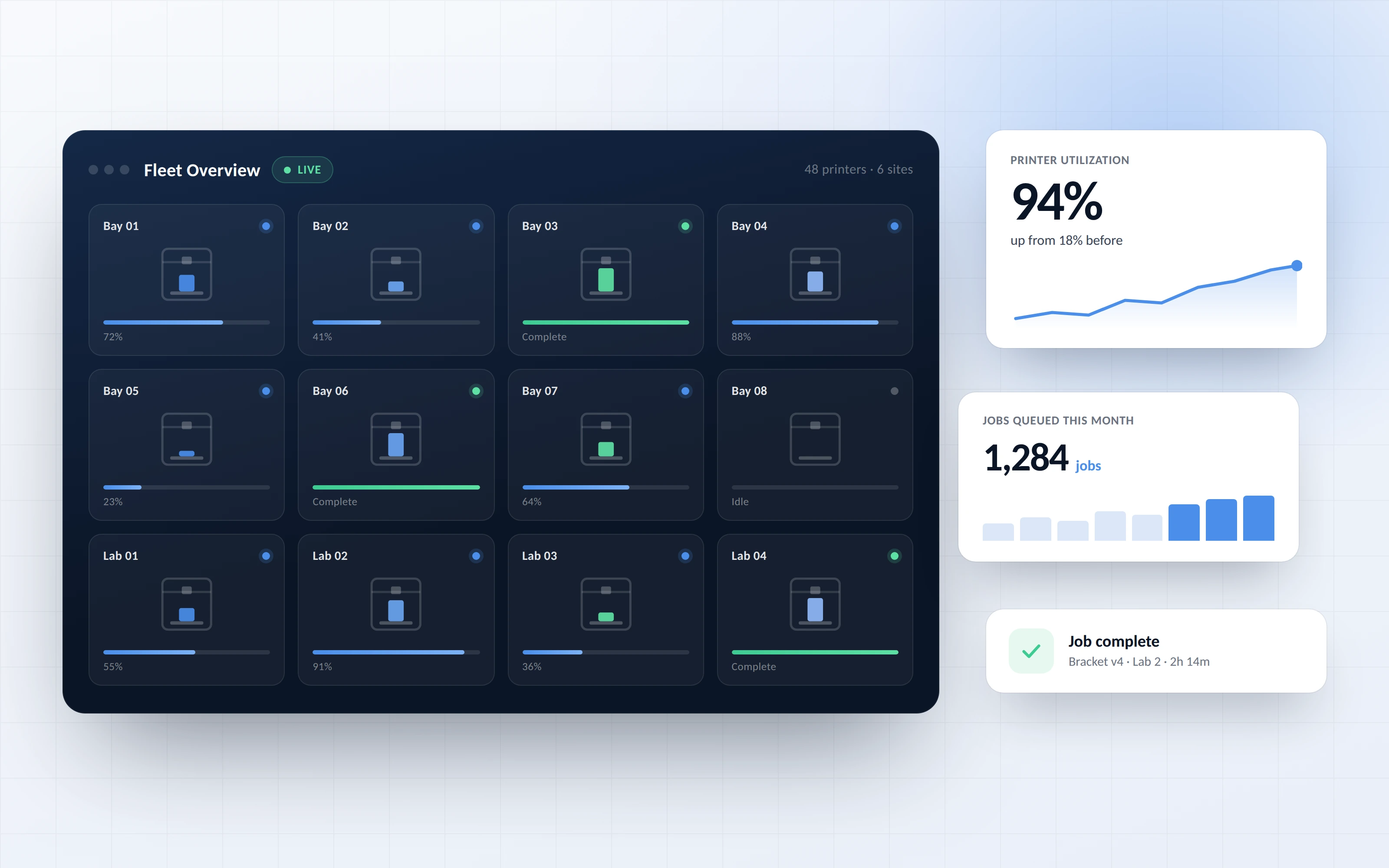








Statistics drive a lot of our decision-making for our space, whether it’s door counts or usage statistics. What do we invest in next? What do we think students engage with the most?
Everything you rely on today, plus the tools you need once printing becomes a shared service.
Reach every printer from any browser without port forwarding, VPNs or extra plugins.
Run the 3DPrinterOS client on a PC or Raspberry Pi and connect several printers to it, instead of one Pi per machine.
Collect jobs from every user and send each one to the next free printer.
Give students, staff and engineers the right access, with approvals and print limits.
See usage, success rates and costs across every printer and user in one place.
Single sign-on, audit trails and a TX-RAMP certified U.S. hosted deployment for Texas state agencies and public universities.
Filter by category or switch on "Show only differences" to see where the two tools really differ.
| Feature | OctoPrint | 3DPrinterOS |
|---|---|---|
| Remote access from anywhereOctoPrint needs a plugin, VPN or port forwarding outside your network | ~ | ✓ |
| Runs in any web browser | ✓ | ✓ |
| Typical setup | One Pi per printer | One host, many printers |
| License | Free, open source | Subscription, free trial |
| All printers in one dashboardOctoPrint runs a separate instance for each printer | ~ | ✓ |
| Mixed brands, including networked printers3DPrinterOS supports 200+ printer models | ~ | ✓ |
| Shared print queues across printersPossible in OctoPrint with plugins | ~ | ✓ |
| Live camera view | ✓ | ✓ |
| AI print failure detectionThird-party plugins for OctoPrint | ~ | ✓ |
| User accounts and permissions | ✓ | ✓ |
| Organization roles, workgroups and approvals | – | ✓ |
| Single sign-on (SAML, Shibboleth, OKTA) | – | ✓ |
| Print limits, quotas and billing | – | ✓ |
| Usage analytics across the fleet | – | ✓ |
| Slice in the browserMost OctoPrint users slice on a desktop app | ~ | ✓ |
| Shared file library and profiles | – | ✓ |
| Upload STL, OBJ, 3MF and G-codeOctoPrint works mainly with G-code | ~ | ✓ |
| TX-RAMP certified (Texas state agencies, public universities) | – | ✓ |
| Private cloud or on-premise optionOctoPrint is self-hosted on your local network | ~ | ✓ |
| Professional onboarding and supportOctoPrint relies on community support | – | ✓ |
| Extensible with plugins or APIs | ✓ | ✓ |
Showing 21 of 21 features
Based on standard OctoPrint features without third-party plugins.
Pick the option closest to you and see our honest recommendation.
If you print at home on a single printer on your own network, OctoPrint is a solid free choice. Consider 3DPrinterOS if you want cloud access, a browser slicer and AI failure alerts without managing plugins.
Juggling several OctoPrint instances gets slow. 3DPrinterOS puts every printer in one dashboard, with one queue and one file library.
At this scale you need queues, monitoring and data across the fleet. 3DPrinterOS routes jobs to the next free printer and shows utilization for every machine.
When many people share printers, you need roles, approvals, quotas, billing and single sign-on. That is exactly what 3DPrinterOS is for.
Your printers stay exactly as they are. No firmware changes are needed for USB-connected printers.
Install the 3DPrinterOS client on a PC or reuse your Raspberry Pi, and connect your printers to it.
Add users, set permissions and start printing from any browser.
Connect your printer to 3DPrinterOS once and manage it from any browser.
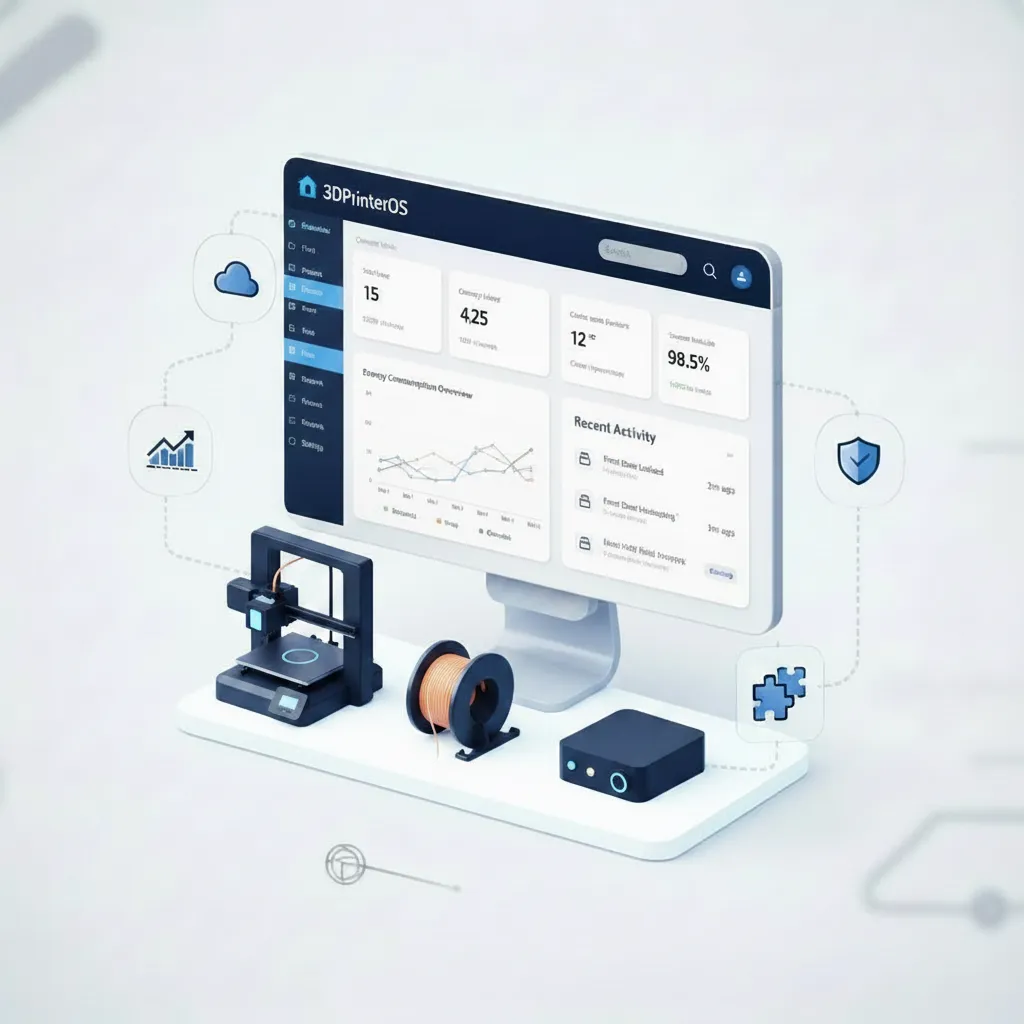
One 3DPrinterOS host can run several printers, so you stop updating and backing up a separate Pi and plugin set for every machine.
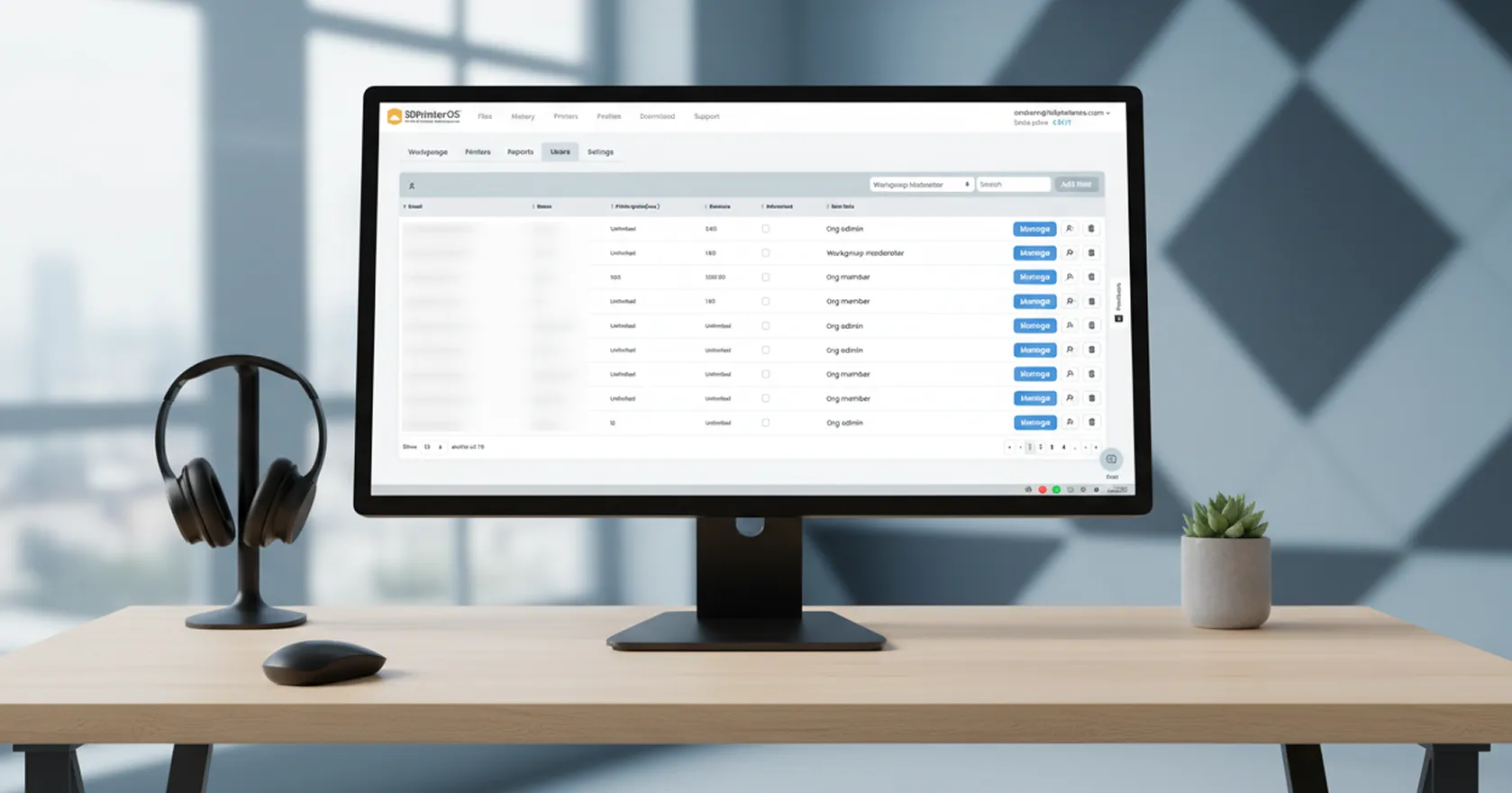
Give each person or team access to the right printers, approve jobs before they print and set limits so everyone gets a fair turn.
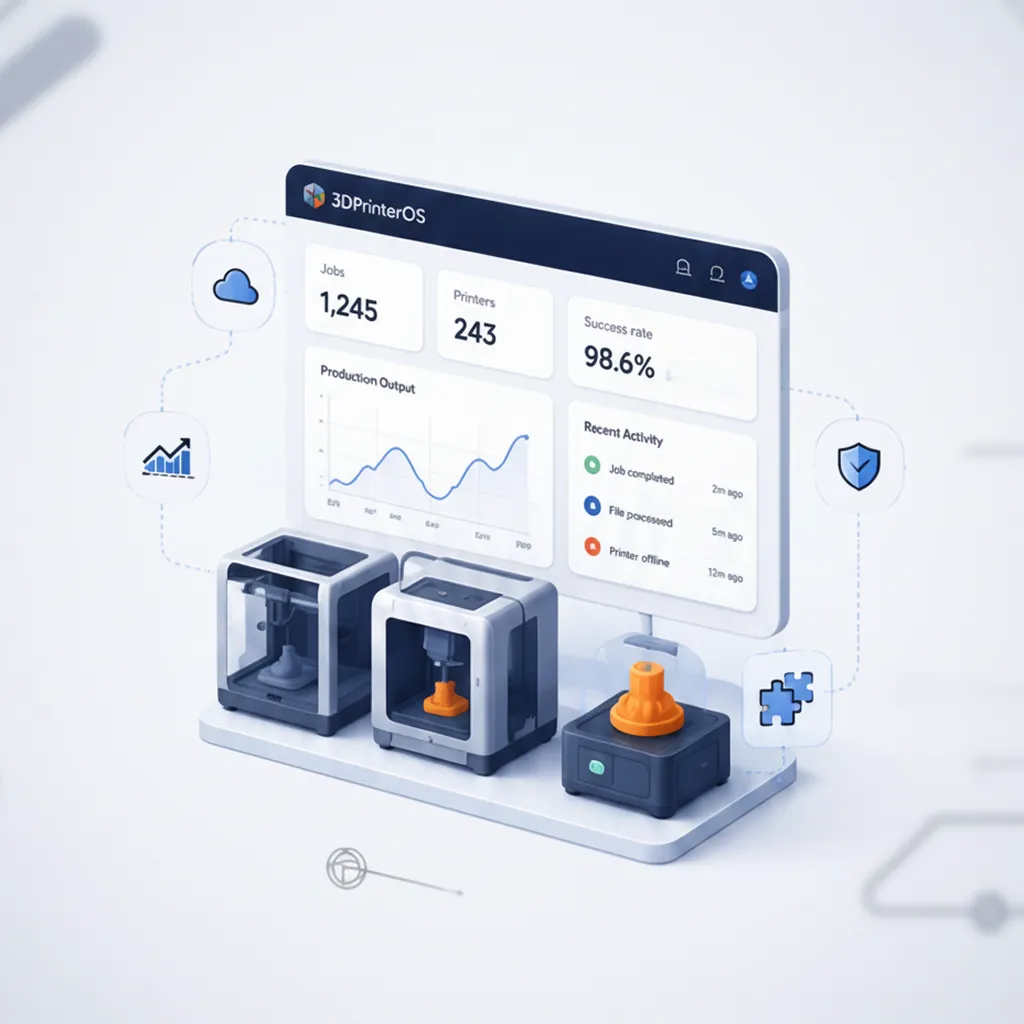
Track usage, success rates and material costs across the fleet and use the numbers to plan budgets and new printers.
Click through queues, activity tracking and print limits, right in your browser.
Universities run shared makerspaces with approvals and usage data.
Higher education →Schools give every student secure, browser-based access.
K-12 schools →Print farms route jobs across dozens of printers automatically.
Print farm management →Engineering teams print securely across sites.
Enterprise →Yes, especially if you manage several printers or many users. 3DPrinterOS adds cloud access, shared queues, roles and approvals, analytics and enterprise security on top of remote control.
Yes. The 3DPrinterOS client runs on Raspberry Pi, so you can turn an existing OctoPrint Pi into a 3DPrinterOS host for one or more printers.
Yes. 3DPrinterOS is cloud based, so you can start and monitor prints from any browser without port forwarding or a VPN.
Yes. OctoPrint is free and open source. 3DPrinterOS is a subscription platform with a free trial, aimed at teams and organizations that need fleet management.
3DPrinterOS supports 200+ printer models, including Bambu Lab, Prusa, Ultimaker, Creality, Dremel and Klipper-based printers.
Yes. Upload your STL, OBJ, 3MF or G-code files to your 3DPrinterOS library and share them with your team.
See how 3DPrinterOS runs your whole fleet from one dashboard.

Utilisé par l'enseignement supérieur, les entreprises et les OEM pour gérer imprimantes, fichiers et utilisateurs depuis une plateforme cloud unique

Contrôlez les accès, les utilisateurs et les droits d'impression par équipe ou par laboratoire
« Cette étroite collaboration a permis à Koenigsegg d'adapter la plateforme à ses besoins spécifiques, pour aboutir à un système optimisé et simple d'utilisation pour la gestion de ses imprimantes 3D. »

Chef d'équipe
Koenigsegg Automotive AB
Réservez dès maintenant votre évaluation personnalisée et profitez de votre essai gratuit.
Utilisé par l'enseignement supérieur, les entreprises et les OEM pour gérer imprimantes, fichiers et utilisateurs depuis une plateforme cloud unique
Contrôlez les accès, les utilisateurs et les droits d'impression par équipe ou par laboratoire
« Cette étroite collaboration a permis à Koenigsegg d'adapter la plateforme à ses besoins spécifiques, pour aboutir à un système optimisé et simple d'utilisation pour la gestion de ses imprimantes 3D. »
Chef d'équipe
Koenigsegg Automotive AB
Réservez dès maintenant votre évaluation personnalisée et profitez de votre essai gratuit.

