Any browser, any device
Slice from a laptop, Chromebook or tablet. No downloads, no installs and no admin rights needed.

Slice, prepare and send 3D print jobs from any web browser. 3DPrinterOS turns your models into printer-ready G-code in the cloud, so nobody has to install or update desktop slicers on every computer.
Slice for 150+ printer models from any browser, including Chromebooks and tablets.








3DPrinterOS allowed us to maximize output while minimizing input and gave a tool to makers that is simple, easy to use, and requires minimal training.
Chip BobbertSenior Technologist and Innovation CoLab Architect, Duke UniversityOne slicer for every printer, every user and every device.
Slice from a laptop, Chromebook or tablet. No downloads, no installs and no admin rights needed.
Pick your printer and slice with settings made for it, then send the job directly.
Set layer thickness, shell, infill, temperatures, adhesion and supports, or keep it simple.
Standardize settings across your team so every print uses approved parameters.
Preview the toolpath before printing to catch problems early.
The slicer updates in the cloud, so every user is always on the latest version.
Upload STL, OBJ or another supported 3D model file to your 3DPrinterOS library.
Choose the printer and profile, adjust settings if needed and generate printer-ready G-code in the cloud.
Send the file straight to a connected printer or queue, then monitor the job remotely.
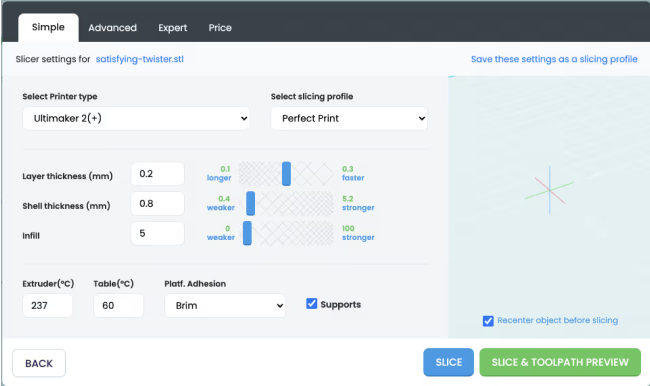
Beginners pick a printer and a profile. Experienced users fine-tune layer thickness, shells, infill, temperatures and adhesion, then check the toolpath before printing.
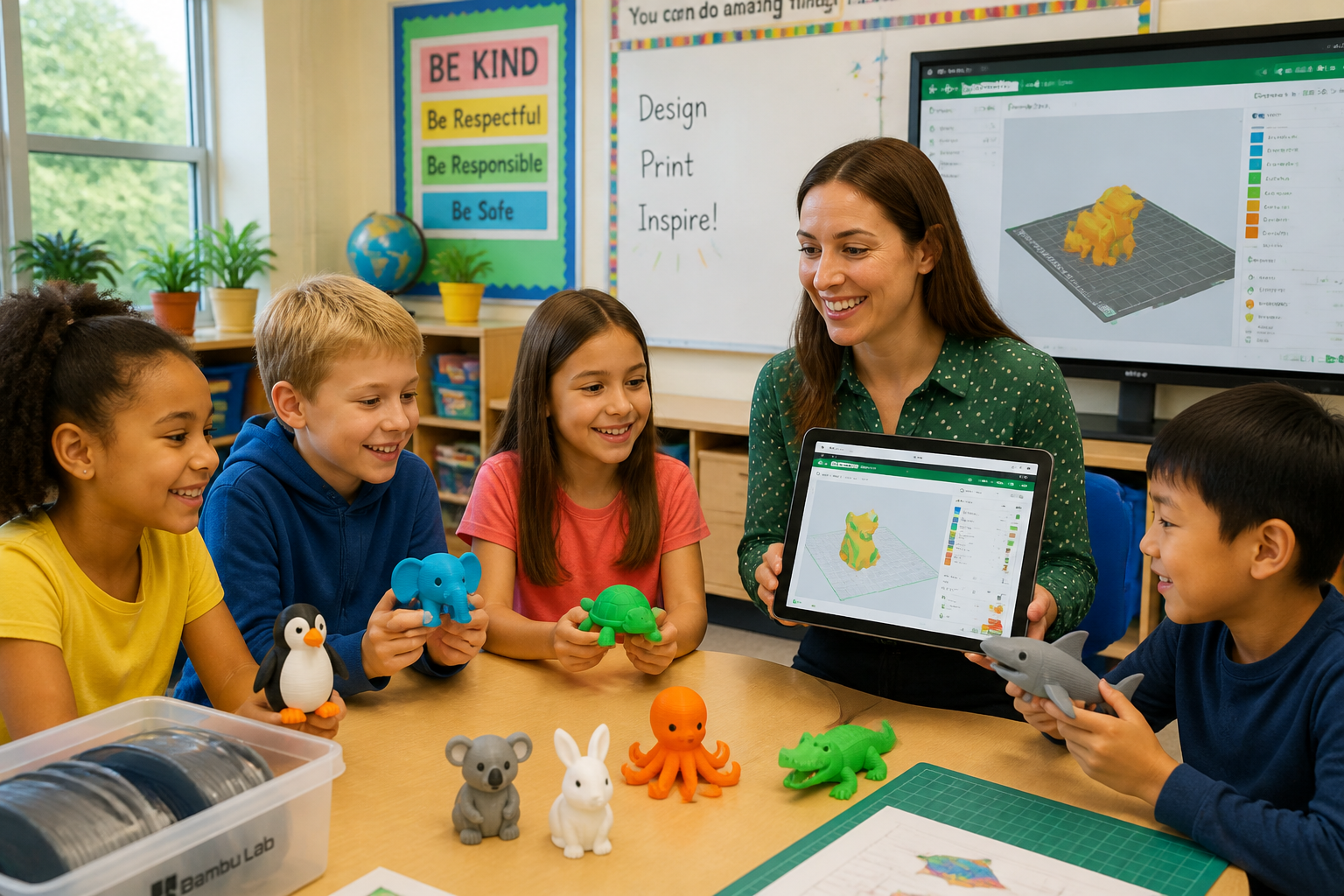
Because the slicer runs in the browser, classrooms and shared labs can slice on Chromebooks and tablets without installing desktop software.
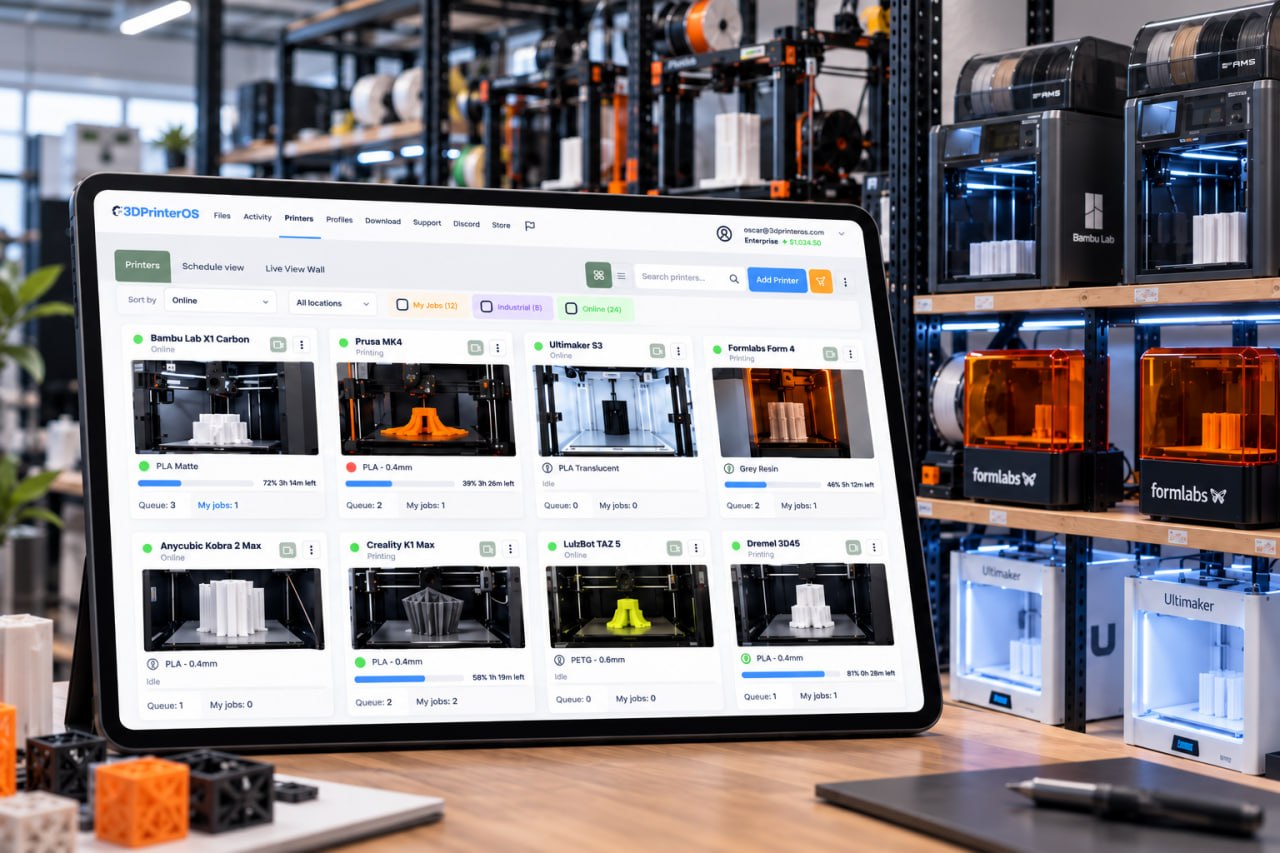
Prepare and send jobs to many printers across locations from one place, instead of switching between a different desktop slicer for every brand.
| Feature | Desktop slicer | 3DPrinterOS cloud slicer |
|---|---|---|
| Installation | Required on each device | None, runs in the browser |
| Access | One device | Any browser or device |
| Remote printing | Limited | Yes |
| Multi-printer management | Often manual | Central dashboard |
| Team collaboration | Restricted | Cloud-enabled |
| Updates | Manual | Automatic |
Click through a real slicing workflow in 3DPrinterOS, from slicing a model to sending it to a printer.
Students slice on Chromebooks and send prints for teacher approval.
K-12 schools →Labs standardize profiles so every student print uses tested settings.
Higher education →Engineering teams slice and send prototypes to printers at any site.
Enterprise →Operators prepare jobs once and route them across the whole fleet.
Print farm management →It is a browser-based tool that converts 3D models into printer-ready files without installing desktop software. 3DPrinterOS also sends the sliced file straight to your connected printers.
You upload a 3D file, choose the printer and settings, generate G-code in the cloud and send the job directly to a connected printer.
3DPrinterOS supports STL and OBJ models and G-code files, and other common 3D printing formats for supported printers.
No. The 3DPrinterOS slicer runs in the browser, so there is nothing to download, install or update on each computer.
Yes. 3DPrinterOS lets you slice, queue and send jobs across many connected printers and locations from one dashboard.

Used by higher education, enterprises, and OEMs to manage printers, files, and users from a single, cloud-based platform

Control access, users, and print permissions by team or lab
“This close collaboration has enabled Koenigsegg to tailor the platform to their specific needs, resulting in an optimized and user-friendly system for managing their 3D printers.”

Team Leader
Koenigsegg Automotive AB
Réservez votre évaluation personnalisée dès maintenant et profitez de votre essai gratuit.
