Workgroups
Group users by team, lab or class and assign printers, shared folders and slicing profiles to each group.


Give hundreds of people access to your 3D printers without losing control. Set roles and permissions, organize users into workgroups and decide who can slice, print, share files and manage queues.
Works with 150+ printers and single sign-on for managed organizations.
.png)








3DPrinterOS allows me to track usage and tie it to individual users. This provides oversight: students learn that even when printing for fun there's a real dollar value attached to it.
 Brian SlocumManaging Director, The Wilbur Powerhouse, Lehigh University
Group users by team, lab or class and assign printers, shared folders and slicing profiles to each group.
Restrict access to specific functions by role, so users only see what they need.
Review and approve jobs before they reach a printer to avoid wasted material.
Set print limits and user balances to keep costs under control.
Users sign in with their existing organization accounts.
Watch prints from a phone, iPad or laptop and get push notifications on status changes.
Add users manually or let them sign in with single sign-on.
Assign users, printers, shared file folders and slicing profiles to each group.
Choose roles, approvals and limits, then let the platform enforce them automatically.
%201%20(1).png)
Set specific roles and permissions for secure fleet access. Students, staff, engineers and admins each get the right level of control.

Create workgroups and assign users, printers, shared file folders and slicing profiles. Group queues let members share printers without stepping on each other.
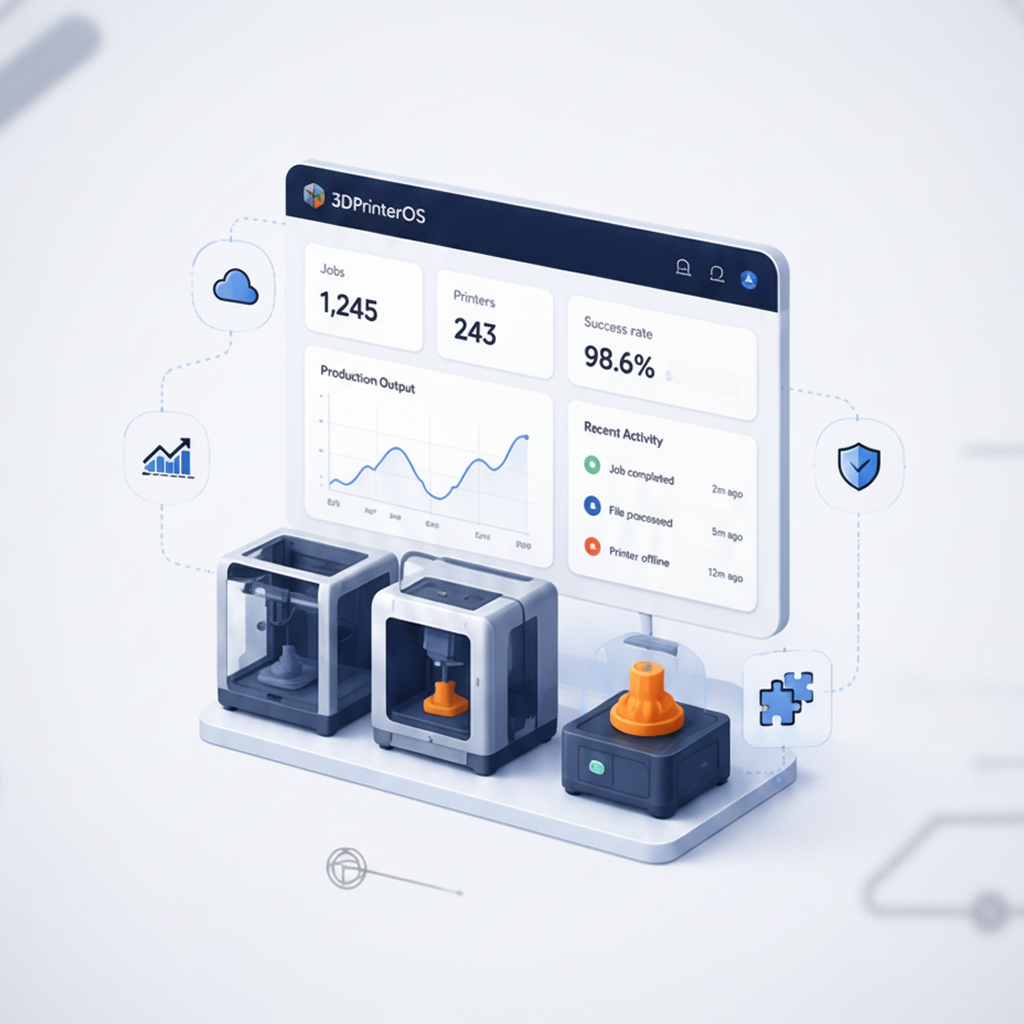
High printing costs are hard to manage when everyone has access. Approvals, print limits, balances and billing tie every print to a user and a budget.
Click through how admins set up workgroups, users and printer access in 3DPrinterOS.
Universities give thousands of students access with SSO, approvals and balances.
Higher education →Teachers approve student prints and manage each class as a group.
K-12 schools →Engineering departments share printers with per-team access and cost tracking.
Enterprise →Print farm operators control which staff can run which machines.
Print farm management →It lets many people share 3D printers safely. Administrators set roles, permissions and workgroups so each user can only access the printers, files and functions they need.
Yes. You can enable or restrict slicing, printing, file sharing, monitoring and queue management by role.
Yes. Jobs can be reviewed and approved before they are sent to a printer.
Use print limits, user balances and billing tools to tie every print to a user and keep spending under control.
Yes. Users can sign in with their existing organization accounts through single sign-on.

Used by higher education, enterprises, and OEMs to manage printers, files, and users from a single, cloud-based platform

Control access, users, and print permissions by team or lab
“This close collaboration has enabled Koenigsegg to tailor the platform to their specific needs, resulting in an optimized and user-friendly system for managing their 3D printers.”

Team Leader
Koenigsegg Automotive AB
Réservez votre évaluation personnalisée dès maintenant et profitez de votre essai gratuit.
