Dedicated controller
A Raspberry Pi or ROCK Pi runs the client, so your main PC no longer has to sit next to the printer.


The 3DPrinterOS client turns a Raspberry Pi, ROCK Pi or computer into a dedicated 3D printer controller. Connect your printers once, then slice, print and monitor them from any browser.
Runs on Raspberry Pi, ROCK Pi, Windows, macOS and Linux.
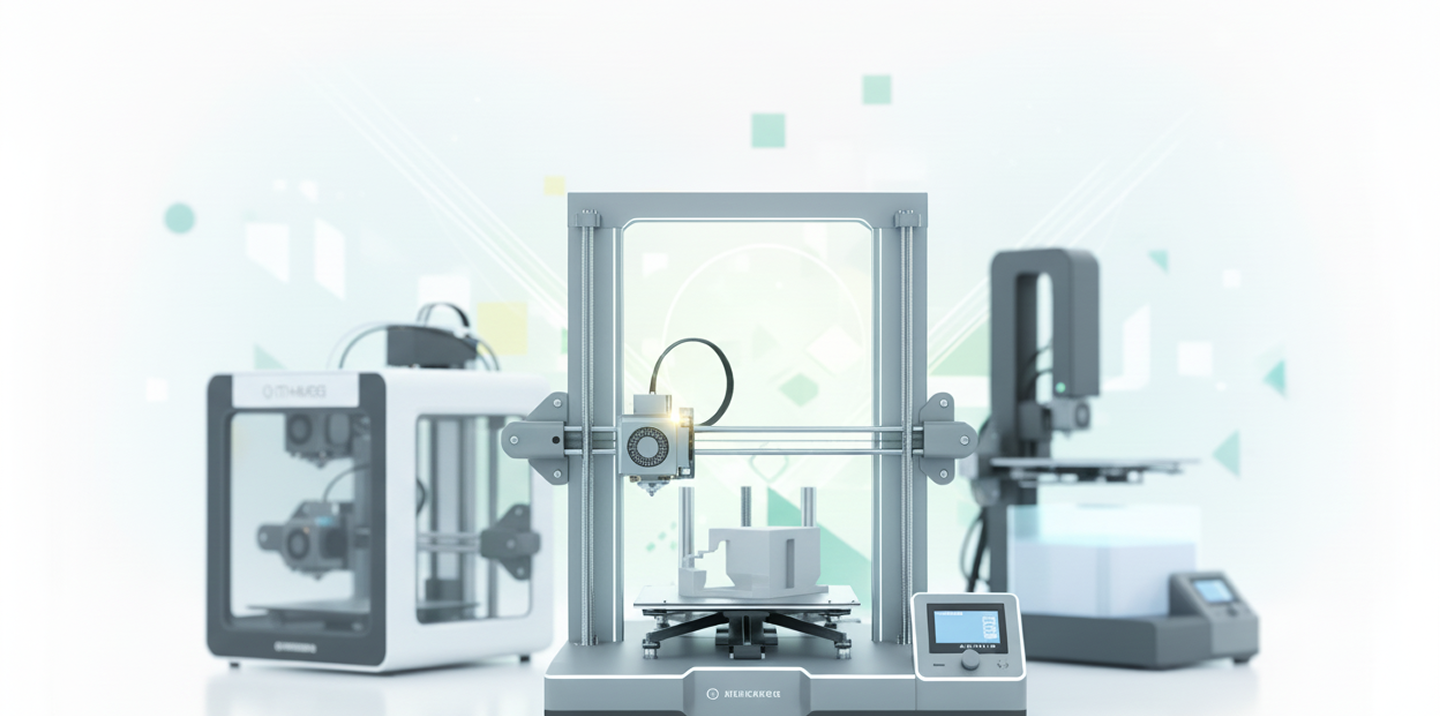








We needed a solution where one or two skilled people could manage everything. 3DPrinterOS worked right out of the box.
A Raspberry Pi or ROCK Pi runs the client, so your main PC no longer has to sit next to the printer.
Download the image, flash it to an SD card and boot.
Printers join the 3DPrinterOS cloud for remote printing and monitoring.
Connect a wide range of 3D printer brands and models.
Boards connect to printers and networks over Ethernet, WiFi and USB.
Password protection, SSH access and encrypted cloud connections.
Go to Downloads in 3DPrinterOS and select Get Image.
Extract the image, flash it to an SD card and start the board.
Connect your printers and they appear in your 3DPrinterOS dashboard.
.png)
One Raspberry Pi can host up to 15 printers, and a computer can host 50 or more. Live camera feeds need more headroom, so large fleets often spread printers across several hosts.
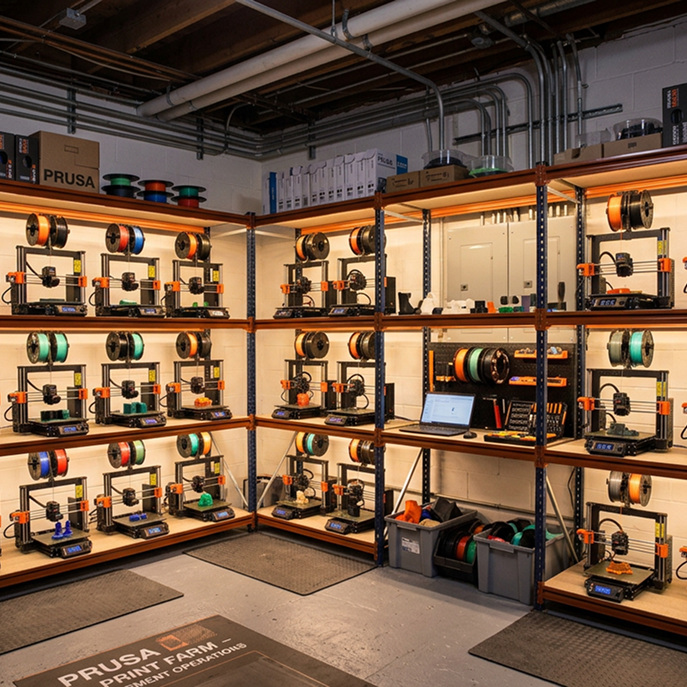
Multi-user access, queue management and resource tracking make the controller setup ideal for schools, businesses and makerspaces.
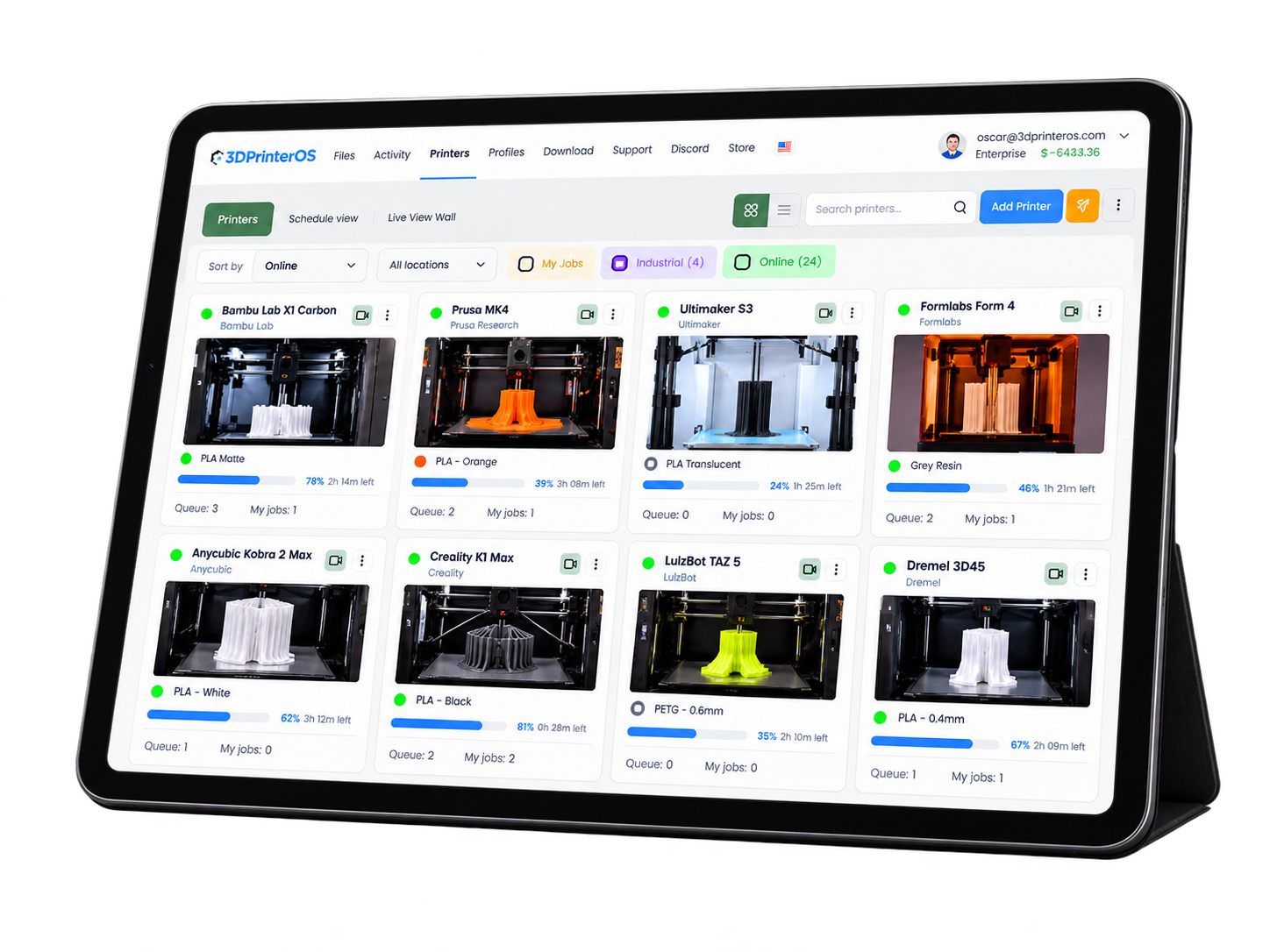
Once connected, printers can be managed from a PC, tablet or phone, at home, in the lab or on the go.
Click through slicing a model and sending it to a connected printer.
Labs give every printer a small, dedicated controller.
Higher education →Schools connect classroom printers without tying up a PC.
K-12 schools →Print farms run many printers from a few low-cost hosts.
Print farm management →Engineering teams connect printers across sites to one dashboard.
Enterprise →It is software that runs on a small computer next to your printers and connects them to a management platform. The 3DPrinterOS client does this on a Raspberry Pi, ROCK Pi or regular computer.
One Raspberry Pi can host up to 15 printers, and a computer can host 50 or more. Camera feeds use more resources, so plan for extra headroom.
Download the image from the Downloads section in 3DPrinterOS, flash it to an SD card and boot the board.
Yes. Raspberry Pi and ROCK Pi boards typically include Ethernet, WiFi and USB.
Yes. It supports password protection and SSH, and connects to the cloud over encrypted connections. Change the default password during setup.

Used by higher education, enterprises, and OEMs to manage printers, files, and users from a single, cloud-based platform

Control access, users, and print permissions by team or lab
“This close collaboration has enabled Koenigsegg to tailor the platform to their specific needs, resulting in an optimized and user-friendly system for managing their 3D printers.”

Team Leader
Koenigsegg Automotive AB
Réservez votre évaluation personnalisée dès maintenant et profitez de votre essai gratuit.
