Filament per print
See how much material each job used, right in the printing history.

3DPrinterOS records how much filament each print uses, so you can see consumption by user, printer and group, put a cost on every job and plan your material budget with real data.
Built into 3DPrinterOS, alongside printing history and billing.
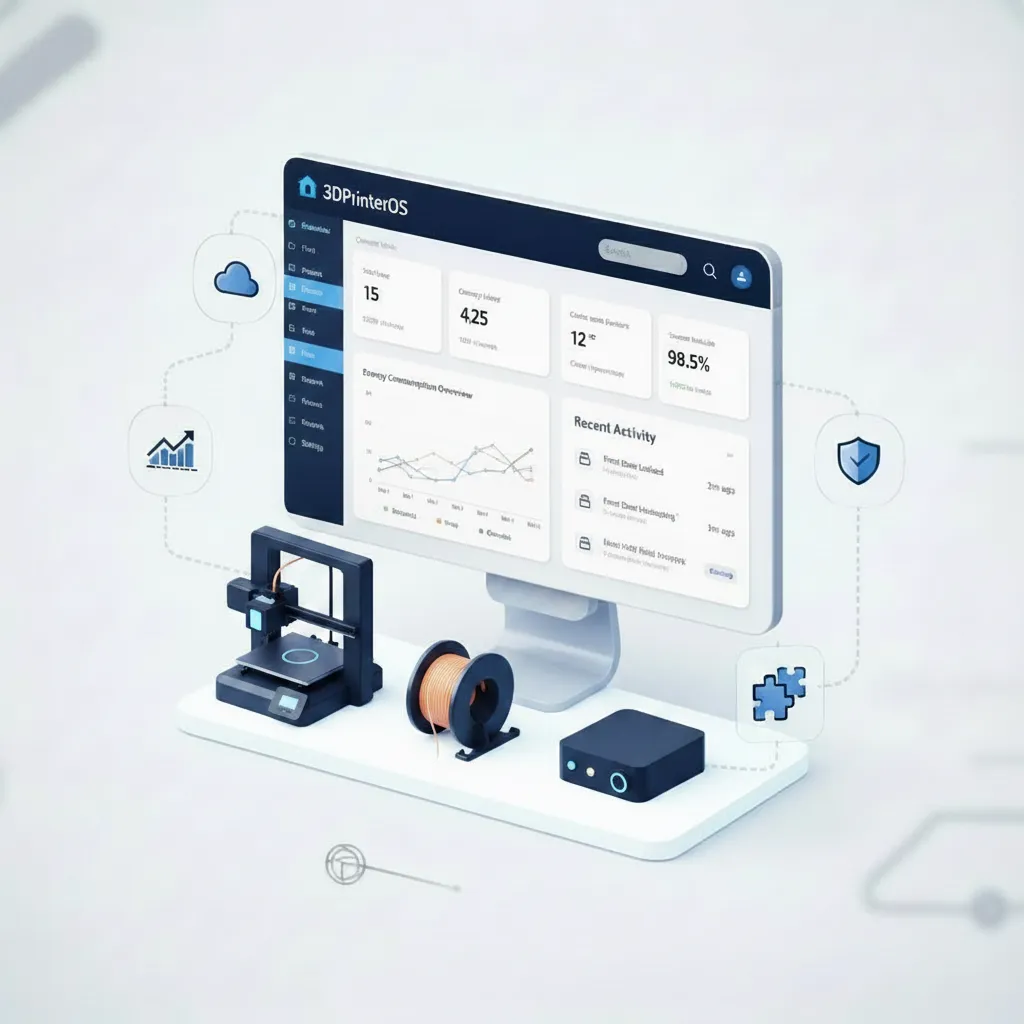








3DPrinterOS allows me to track usage and tie it to individual users. This provides oversight: students learn that even when printing for fun there's a real dollar value attached to it.
 Brian SlocumManaging Director, The Wilbur Powerhouse, Lehigh University
See how much material each job used, right in the printing history.
Find out who prints the most and how material is shared across teams.
Compare filament consumption across printers and locations.
Turn material use into a cost with a price per gram set by admins.
Follow total filament used over time in your dashboard.
Combine usage data with quotas and balances to keep shared printers fair.
Users slice and send jobs to any connected printer.
The filament each job uses is logged with the user, printer and file.
Check usage in your reports, set prices per gram and adjust limits.
Connect your printer to 3DPrinterOS once and manage it from any browser.
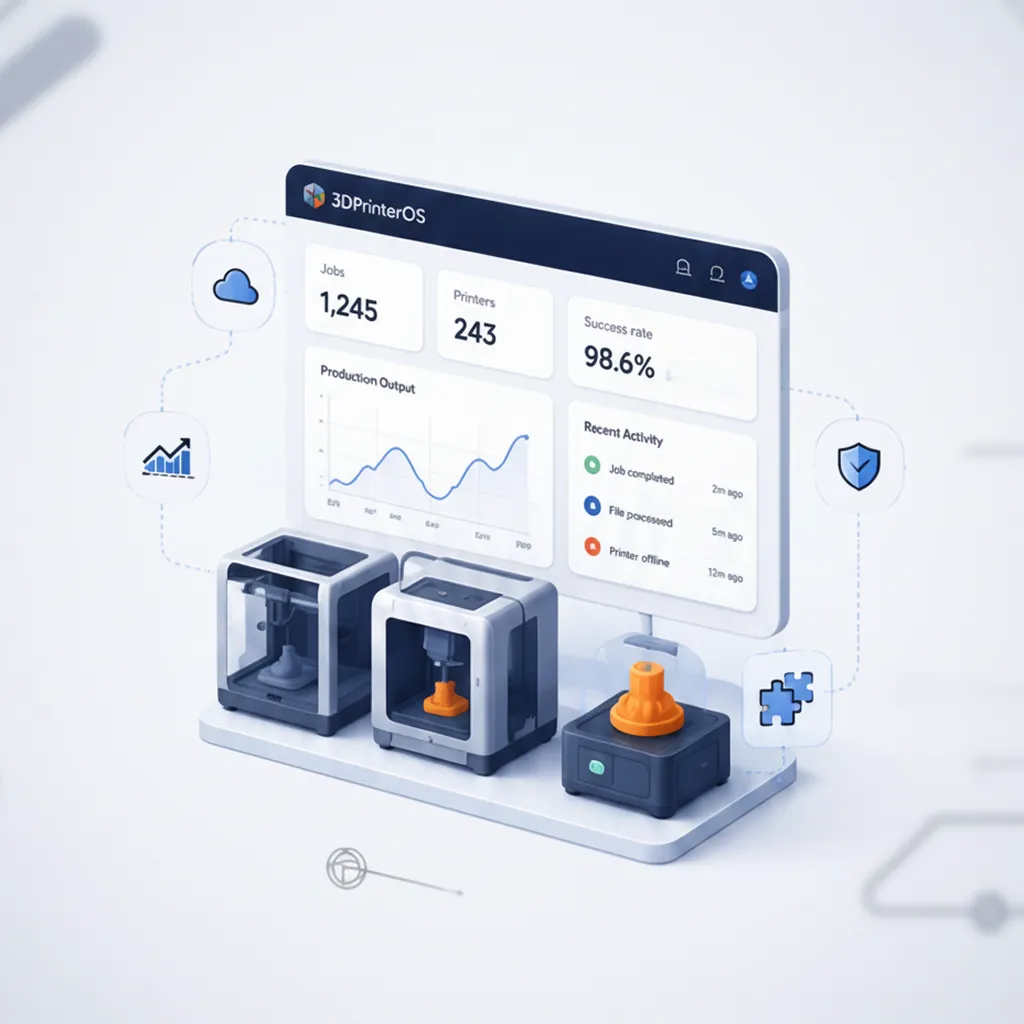
Your dashboard shows how much filament your organization has used, with a breakdown by user, group and printer.
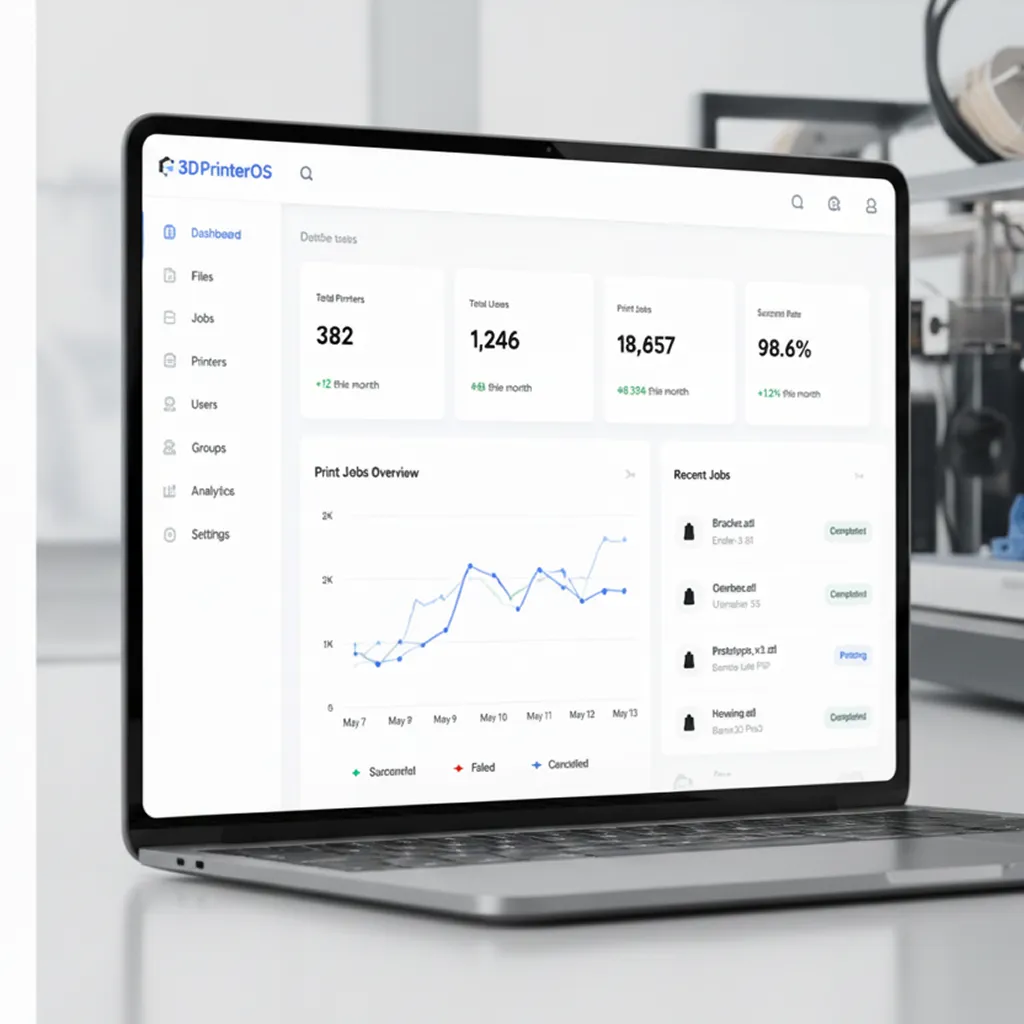
Set a price per gram and 3DPrinterOS turns material use into a cost for every job. Use it for budgets, chargebacks and billing.
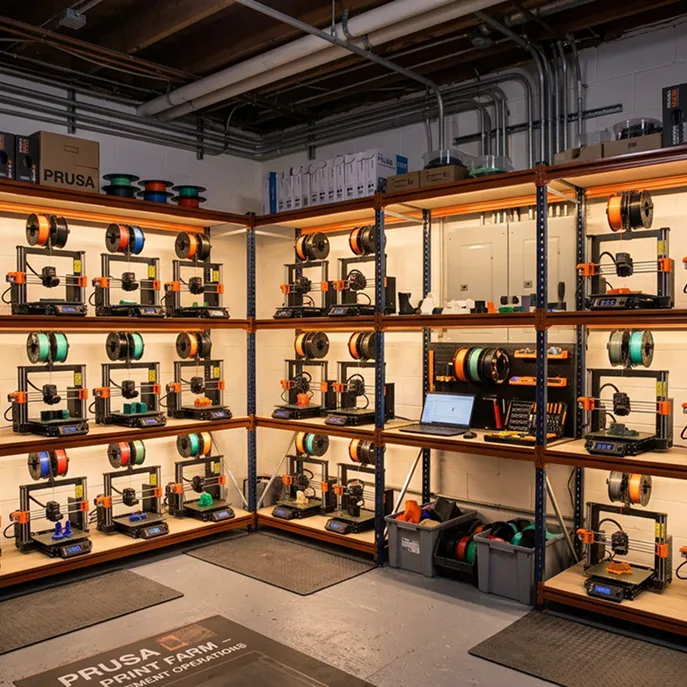
Know how much filament your fleet actually uses, so you can budget and order with confidence instead of guessing.
Click through printing history and filament tracking in an enterprise 3DPrinterOS workspace.
Makerspaces see material use per student and project.
Higher education →Print farms track consumption across the whole fleet.
Print farm management →Engineering teams allocate material costs to projects.
Enterprise →Schools stretch their filament budget and avoid surprises.
K-12 schools →Yes. 3DPrinterOS records how much filament each print uses and shows usage by user, printer and group.
Yes. Admins set a price per gram, and 3DPrinterOS turns material use into a cost for every print, user and group.
No. 3DPrinterOS tracks the filament your prints use, not the spools on your shelves. Use the usage totals to plan how much material to order.
Yes. Combine usage data with quotas, balances and printing-hour limits for users and workgroups.
In your dashboard and printing history, with data for every job, user and printer.

Utilisé par l'enseignement supérieur, les entreprises et les OEM pour gérer imprimantes, fichiers et utilisateurs depuis une plateforme cloud unique

Contrôlez les accès, les utilisateurs et les droits d'impression par équipe ou par laboratoire
« Cette étroite collaboration a permis à Koenigsegg d'adapter la plateforme à ses besoins spécifiques, pour aboutir à un système optimisé et simple d'utilisation pour la gestion de ses imprimantes 3D. »

Chef d'équipe
Koenigsegg Automotive AB
Réservez dès maintenant votre évaluation personnalisée et profitez de votre essai gratuit.
