Any brand
MakerBot next to Bambu Lab, Prusa, Ultimaker, Creality and more.
MakerBot CloudPrint is built for MakerBot classrooms. 3DPrinterOS manages printers from every major brand, with comprehensive reporting, per-user printing rights, billing and the security universities and enterprises need.
Works with 200+ printer models across every major brand.
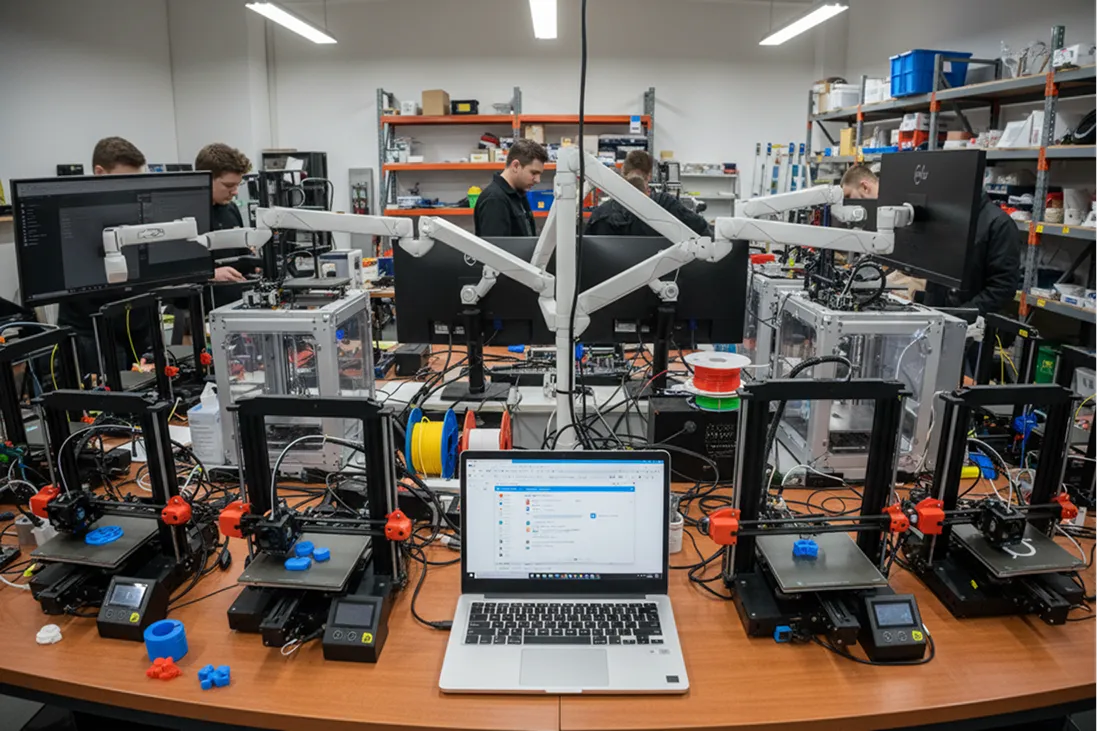








3DPrinterOS allowed us to maximize output while minimizing input and gave a tool to makers that is simple, easy to use, and requires minimal training.
Chip BobbertSenior Technologist and Innovation CoLab Architect, Duke UniversityMakerBot next to Bambu Lab, Prusa, Ultimaker, Creality and more.
Track, monitor and audit every printer, user and job.
Allocate access to specific users and printers with queueing or printing rights.
Price per gram, balances and PaperCut, CBORD or Stripe.
SAML, Shibboleth, OKTA and InCommon.
TX-RAMP certified U.S. deployment, private cloud or on-premise.
Filter by category or switch on "Show only differences".
| Feature | MakerBot CloudPrint | 3DPrinterOS |
|---|---|---|
| Remote printer access | ✓ | ✓ |
| Real-time print monitoring | ✓ | ✓ |
| Main audience | K-12 and education | Education and enterprise |
| Printer brands supported | Mainly MakerBot | 200+ models, all major brands |
| Queue managementCloudPrint offers basic queues | ~ | ✓ |
| AI print failure detection | – | ✓ |
| Track, monitor and audit reports | ~ | ✓ |
| Student and educator controls | ✓ | ✓ |
| Queueing or printing rights per printer | ~ | ✓ |
| Billing with PaperCut, CBORD or Stripe | – | ✓ |
| Single sign-on (SAML, Shibboleth, OKTA, InCommon) | ~ | ✓ |
| TX-RAMP certified deployment | – | ✓ |
| Private cloud or on-premise option | – | ✓ |
Showing 13 of 13 features
MakerBot CloudPrint features as publicly described; check MakerBot for current details.
For a single classroom of MakerBot printers, CloudPrint covers the basics. 3DPrinterOS adds reporting, billing and room for other brands.
Manage MakerBot printers next to every other brand in one dashboard and one queue.
Billing, SSO, audit trails and TX-RAMP certification for large organizations.
Connect MakerBot and other printers through the 3DPrinterOS client.
Create workgroups, rights and approval rules, or connect SSO.
Students and staff print from any browser.
Connect your printer to 3DPrinterOS once and manage it from any browser.

Students slice and print from any browser with teacher-approved profiles and approvals.
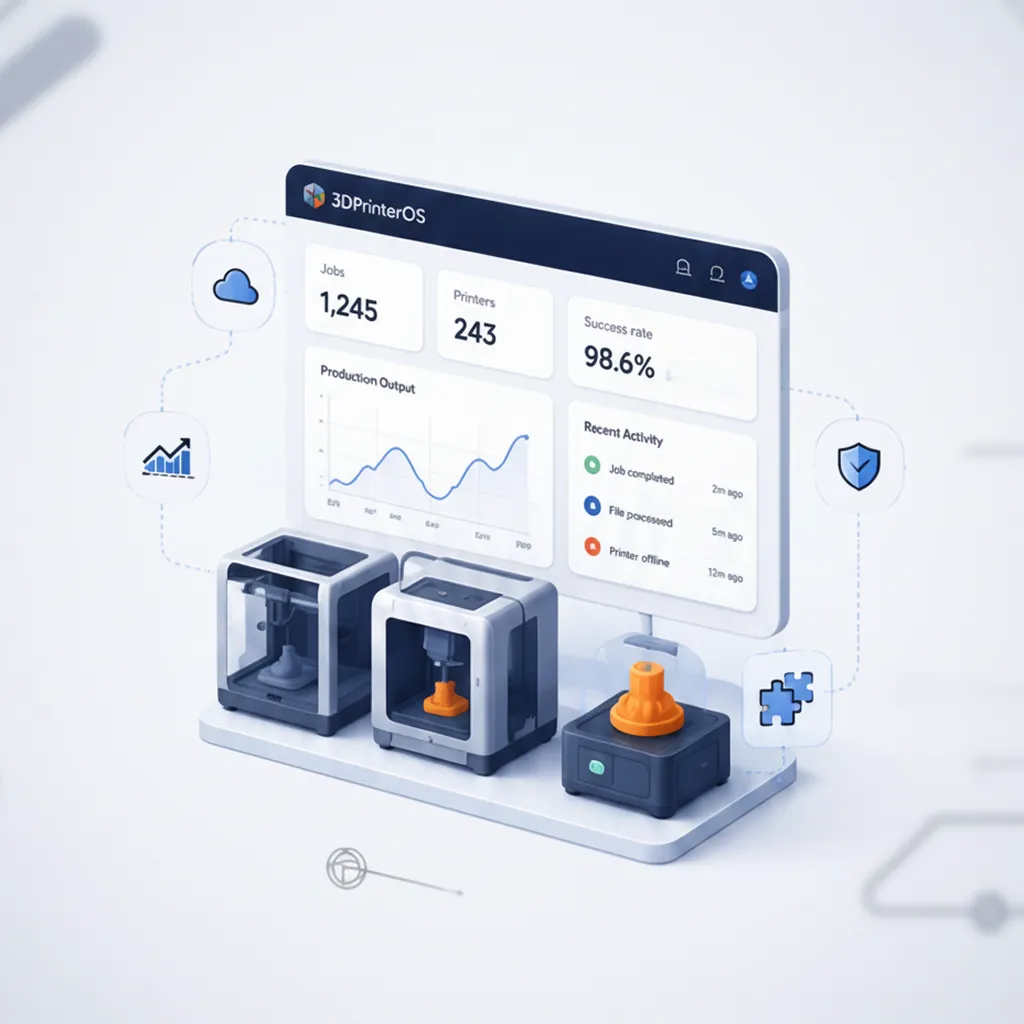
Track, monitor and audit your program to optimize printing and justify budgets.
SSO, audit trails and TX-RAMP certification, with private cloud and on-premise options.
Click through how admins organize users and printers in 3DPrinterOS.
Schools run classroom printers from every brand.
K-12 schools →Universities bill and track student printing.
Higher education →Companies secure printing across sites.
Enterprise →Agencies deploy on private servers.
Military and government →Yes. MakerBot printers can be managed in 3DPrinterOS alongside 200+ other printer models.
3DPrinterOS supports every major brand and adds comprehensive reporting, per-user printing rights, billing, SSO and TX-RAMP certified security.
Yes. Teachers approve jobs, students print from any browser and admins see usage across classes.
Yes. Use price per gram, flat fees and balances, and connect PaperCut or CBORD.
Yes. Our team helps connect printers and set up your organization.
See how 3DPrinterOS runs classrooms, campuses and companies.

Utilisé par l'enseignement supérieur, les entreprises et les OEM pour gérer imprimantes, fichiers et utilisateurs depuis une plateforme cloud unique

Contrôlez les accès, les utilisateurs et les droits d'impression par équipe ou par laboratoire
« Cette étroite collaboration a permis à Koenigsegg d'adapter la plateforme à ses besoins spécifiques, pour aboutir à un système optimisé et simple d'utilisation pour la gestion de ses imprimantes 3D. »

Chef d'équipe
Koenigsegg Automotive AB
Réservez dès maintenant votre évaluation personnalisée et profitez de votre essai gratuit.
Utilisé par l'enseignement supérieur, les entreprises et les OEM pour gérer imprimantes, fichiers et utilisateurs depuis une plateforme cloud unique
Contrôlez les accès, les utilisateurs et les droits d'impression par équipe ou par laboratoire
« Cette étroite collaboration a permis à Koenigsegg d'adapter la plateforme à ses besoins spécifiques, pour aboutir à un système optimisé et simple d'utilisation pour la gestion de ses imprimantes 3D. »
Chef d'équipe
Koenigsegg Automotive AB
Rejoignez-nous dès aujourd'hui et devenez l'un de nos partenaires

