Price per gram
Charge by the amount of material each job uses.


Charge users for what they print without an accounting headache. 3DPrinterOS calculates the cost of every job from your prices, deducts it from user balances and connects to the payment systems you already use.
Supports USD, EUR, GBP and ILS, with PaperCut, CBORD and Stripe integrations.









3DPrinterOS allowed us to maximize output while minimizing input and gave a tool to makers that is simple, easy to use, and requires minimal training.
Chip BobbertSenior Technologist and Innovation CoLab Architect, Duke UniversityCharge by the amount of material each job uses.
Add a flat fee per job and printer depreciation costs.
Set a default balance that applies to every new member automatically.
Bill in USD, EUR, GBP or ILS.
Connect PaperCut, CBORD, Stripe and other platforms.
See spending by user, printer and department.
Choose a price per gram, a flat fee and depreciation cost.
Set an organization-wide balance for new members, or adjust it per user.
Link PaperCut, CBORD, Stripe or another provider, or keep billing inside 3DPrinterOS.
Connect your printer to 3DPrinterOS once and manage it from any browser.
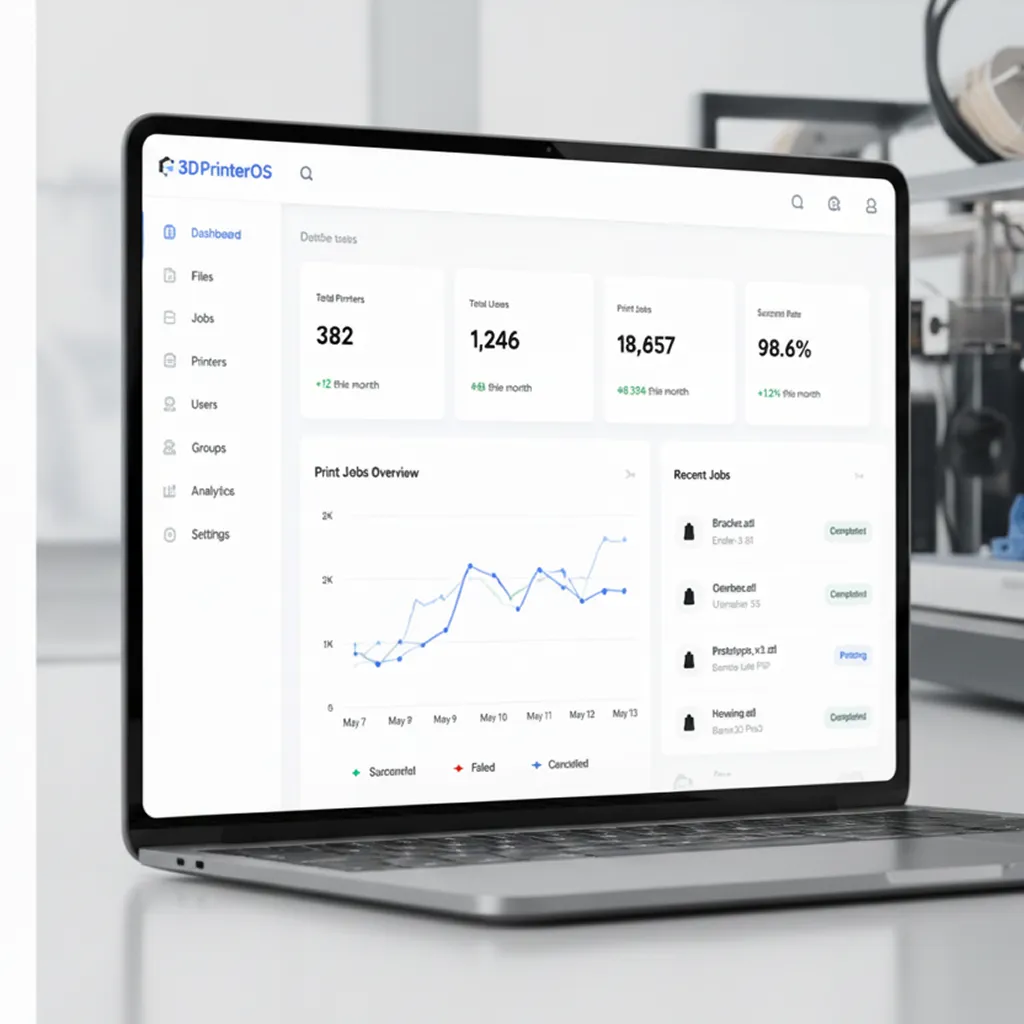
Each print is priced from your settings, so users see what a job costs and admins never calculate charges by hand.
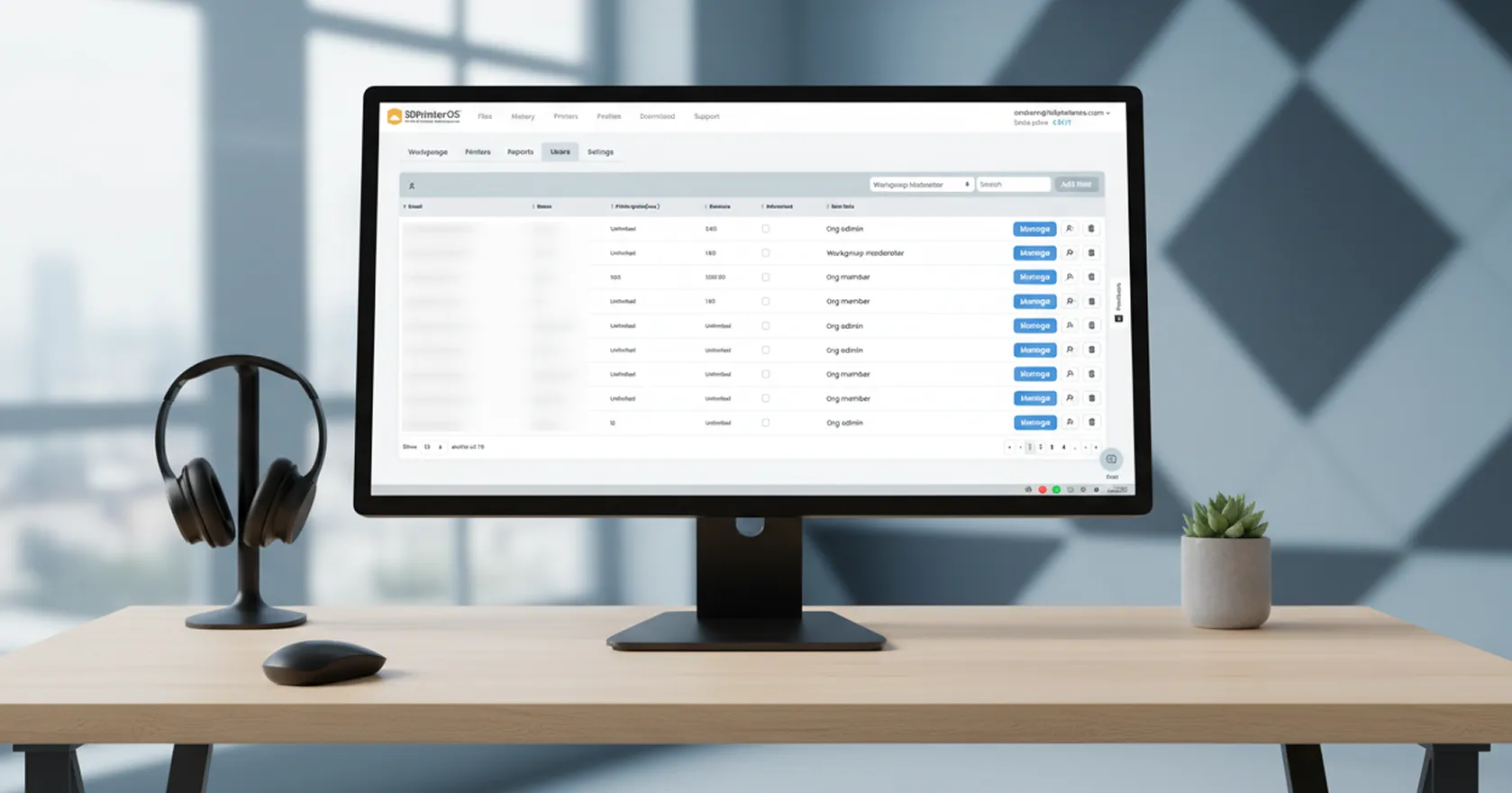
Give every new member the same starting balance, top up individual users and stop jobs that would go over budget.

Connect PaperCut, CBORD, Stripe and other platforms so 3D printing is billed the same way as everything else.
Click through queues, activity tracking and printing limits in 3DPrinterOS.
Universities charge students through PaperCut or CBORD like any other print.
Higher education →Print services price jobs by material and machine time.
Print farm management →Companies charge printing back to departments and projects.
Enterprise →Schools give each class a balance and keep spending predictable.
K-12 schools →Admins set a price per gram of material, a flat fee and a depreciation cost. 3DPrinterOS applies these to every job automatically.
USD, EUR, GBP and ILS.
Yes. 3DPrinterOS integrates with PaperCut, CBORD, Stripe and other platforms.
Yes. Enable Balance for organizational users and set a default that is applied to every new member.
Yes. Reports show spending by user, printer and group.

Utilisé par l'enseignement supérieur, les entreprises et les OEM pour gérer imprimantes, fichiers et utilisateurs depuis une plateforme cloud unique

Contrôlez les accès, les utilisateurs et les droits d'impression par équipe ou par laboratoire
« Cette étroite collaboration a permis à Koenigsegg d'adapter la plateforme à ses besoins spécifiques, pour aboutir à un système optimisé et simple d'utilisation pour la gestion de ses imprimantes 3D. »

Chef d'équipe
Koenigsegg Automotive AB
Réservez dès maintenant votre évaluation personnalisée et profitez de votre essai gratuit.
