Farm-wide print queues
Send jobs to a printer group instead of one machine. The next free printer picks up the job, so the farm keeps printing overnight and at weekends.

3DPrinterOS is 3D print farm management software that connects every printer in your farm to one cloud platform. Queue jobs across printer groups, watch every machine live, catch failed prints with AI, control who can print and report on cost and utilization, whether you run 10 printers or several hundred.
Vendor-neutral: Bambu Lab, Prusa, Ultimaker, Creality, Dremel and 200+ other printer models in one farm.
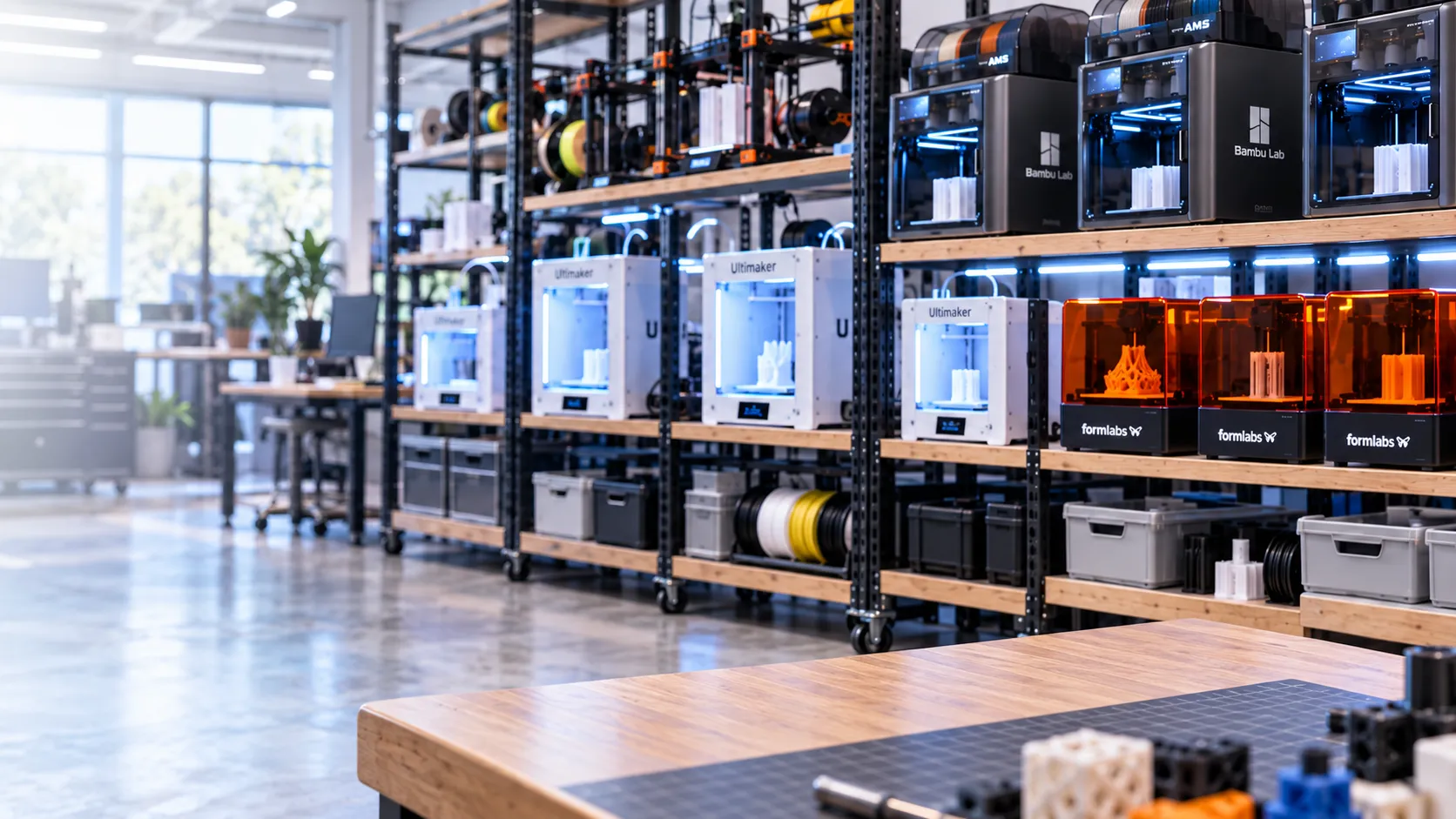


3D printer farm management software is a central platform for running many 3D printers as one production system. It connects every printer to a single dashboard so a small team can queue and route print jobs, monitor printers remotely, manage users and permissions, prepare and slice files, detect failed prints and track material, machine time and cost. Universities, makerspaces, manufacturers, service bureaus and production print farms use it to scale output without adding staff or wasting filament.
We needed a solution where one or two skilled people could manage everything. 3DPrinterOS worked right out of the box.
Send jobs to a printer group instead of one machine. The next free printer picks up the job, so the farm keeps printing overnight and at weekends.
Live status, temperatures, progress and camera feeds for every printer. Pause or cancel a job from any browser or phone.
AI spaghetti detection watches the build plate and alerts you when a print fails, before a whole spool is wasted.
Permissions by team, lab or site, with job approvals, print limits and balances so only the right jobs reach your printers.
Upload STL, OBJ, 3MF or G-code, then repair and slice in the browser with locked profiles and a shared file library.
Track filament, machine hours, per-job cost and utilization by printer, user and department, with chargebacks and payments.
Set up your organization, farm locations, printer groups and teams in 3DPrinterOS.
Add printers from any supported brand over your network, then group them by material, size or site.
Lock slicing profiles and define permissions, approvals, print limits and cost rules.
Send jobs to printer groups, watch the farm live and add printers, sites and users as you grow.
Connect each printer to 3DPrinterOS once and manage the whole farm from any browser.
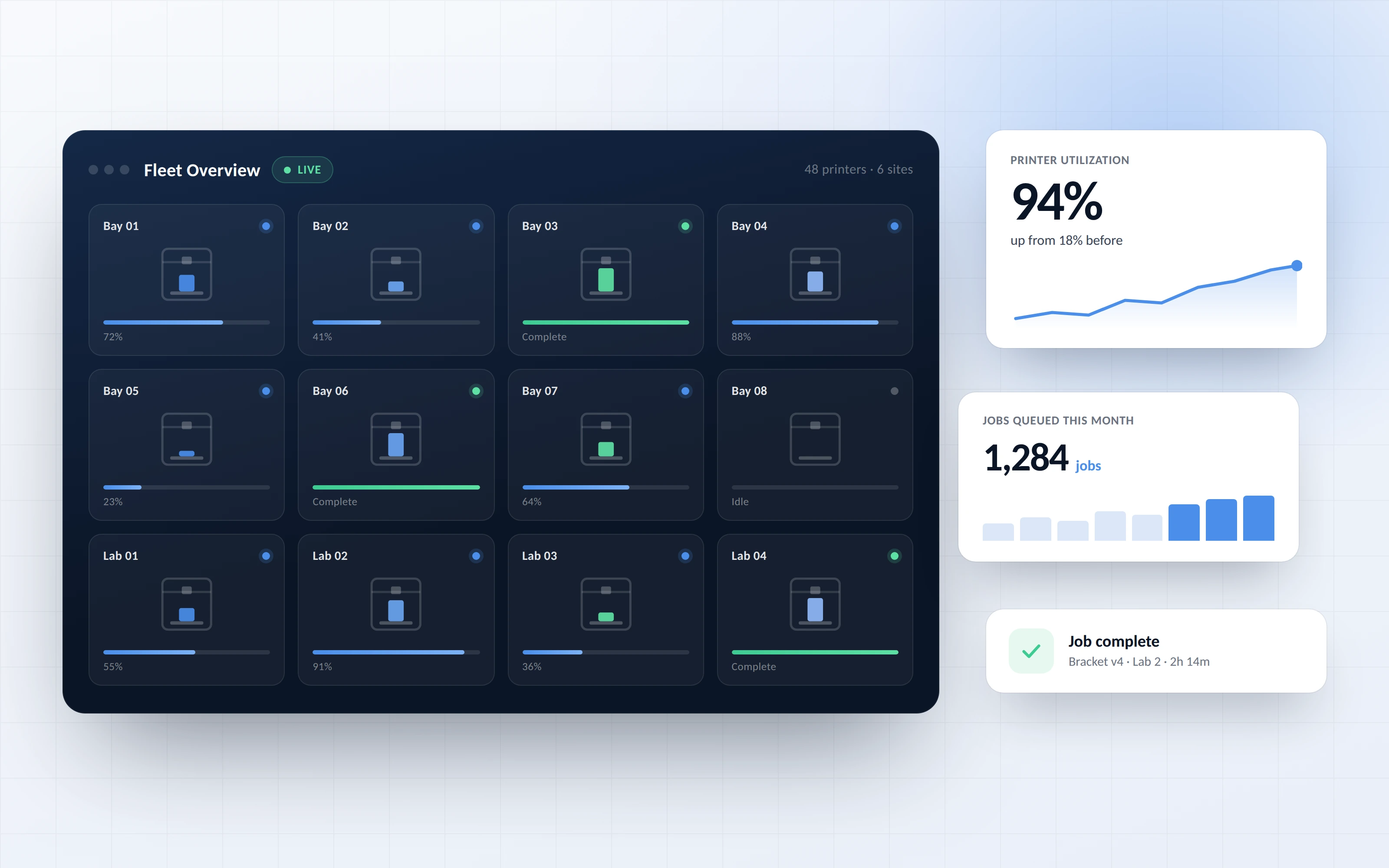
See status, temperatures, progress and camera feeds for every printer, in one room or across several farms and campuses.
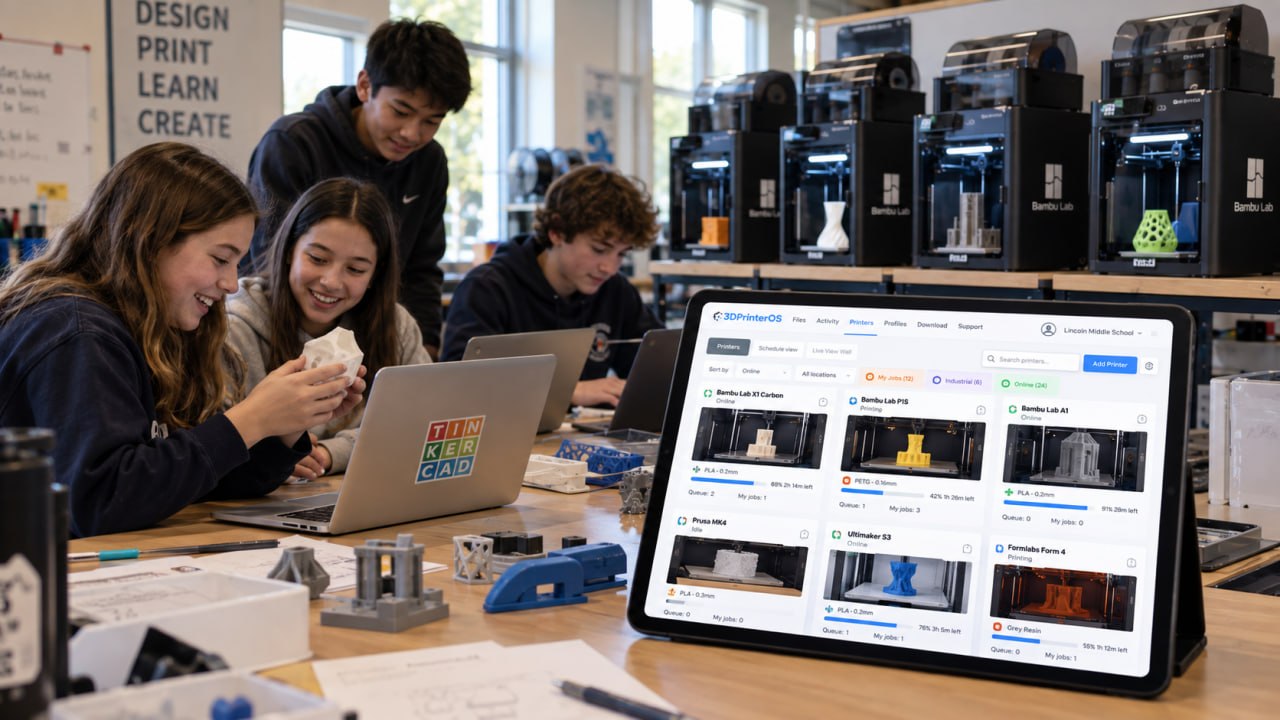
Submit jobs to a printer group and the next available printer takes them automatically. The AI Smart Farm Scheduler helps plan jobs across the farm so capacity is not left idle.
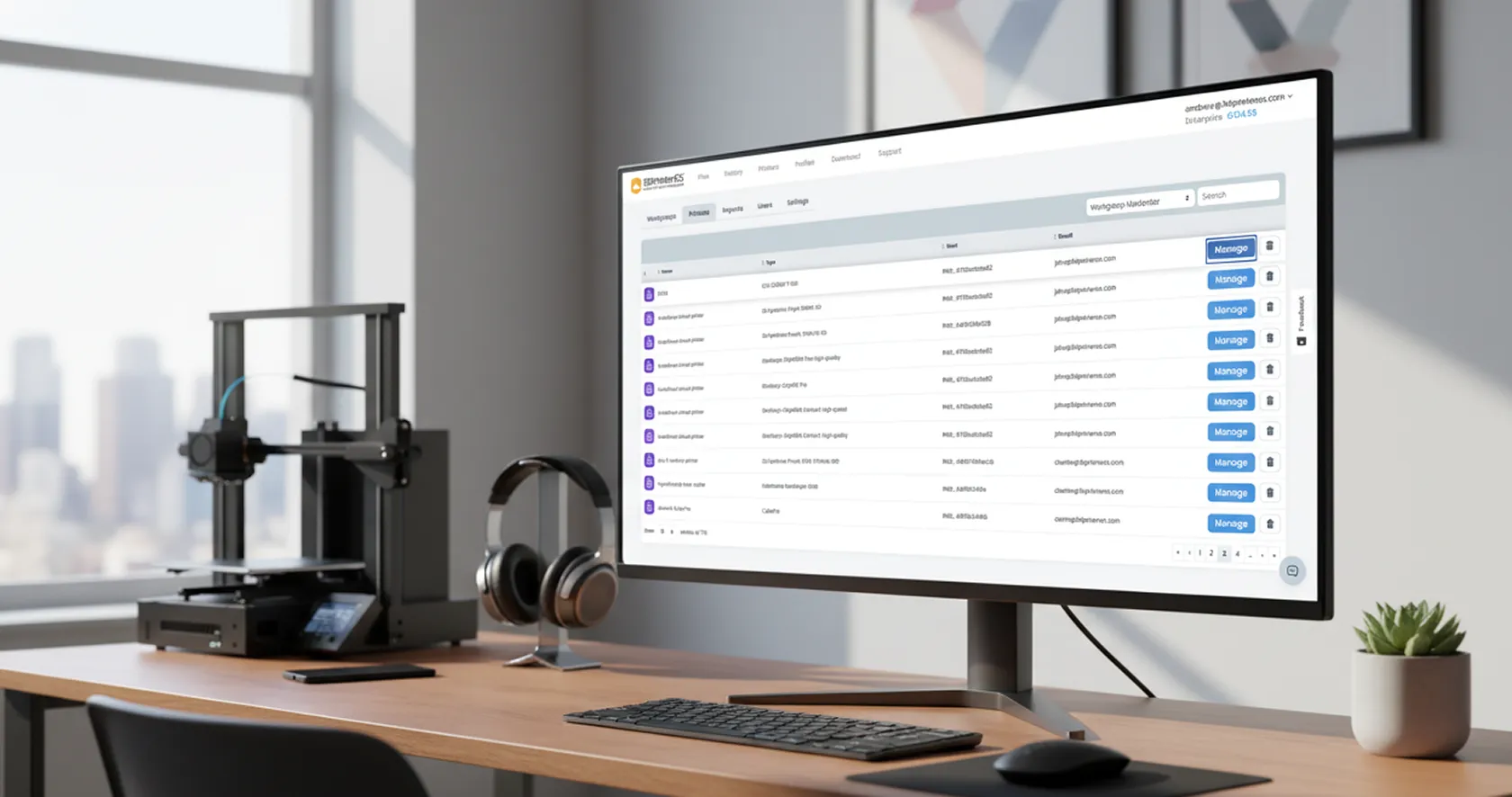
Assign users to teams, labs or customers and set permissions per printer group. Require approval, cap usage with balances and tie every print to a named user and cost.
The same queues, permissions and reports work whether your farm prints products for sale, student projects or engineering prototypes.
Run repeat jobs across dozens or hundreds of printers with a small team and keep every machine busy.
Students submit from anywhere, staff approve and the lab runs with fewer people on the floor.
Share printers across departments and sites with secure access and full cost tracking.
Take jobs from many customers, route them to the right printers and bill accurately.
Manufacturer apps are built for one brand. 3DPrinterOS adds the farm layer on top of every brand you own.
| Capability | Brand apps | 3DPrinterOS |
|---|---|---|
| Slice and print to one machine | Yes | Yes |
| Mixed-brand farm in one dashboard | No | Yes |
| Queues shared across printer groups | Limited | Yes |
| Role-based user permissions | No | Yes |
| Print approvals before a job starts | No | Yes |
| Per-user cost, billing and balances | No | Yes |
| Cloud or on-premise deployment | No | Yes |
| Single sign-on and admin reporting | No | Yes |
Click through the 3DPrinterOS dashboard and see how queues, activity and print limits work across a farm.
Run A, P, X and H series printers in LAN Only Mode with shared queues and reporting.
Bambu Lab fleet management →Run MK4, i3 MK3 and MINI printers in one queue, with PrusaSlicer G-code or browser slicing.
Prusa print farm software →Route every job to the next free printer across groups and sites.
Print queues →Single sign-on, approvals and per-student limits let a small staff run a busy lab.
Higher education →Engineering teams share printers across departments with full cost tracking.
Enterprise →It is a central platform that connects many 3D printers to one dashboard so a small team can queue jobs, monitor printers remotely, manage users and permissions, detect failed prints and track material, machine time and cost across the whole farm.
Connect each printer to 3DPrinterOS, group them by material, size or location, and send jobs to a group instead of a single machine. The next available printer picks up the job, and you watch every printer live from one browser dashboard.
3DPrinterOS is vendor-neutral and supports 200+ printer models, including Bambu Lab, Prusa, Ultimaker, Creality and Dremel, so mixed-brand farms run in one view instead of separate apps.
Yes. You see status, temperatures, progress and camera feeds for every printer from any browser or phone, can pause or cancel jobs remotely, and get AI alerts when a print fails.
Yes. You can run 3DPrinterOS in the cloud or on-premise, which suits enterprises, government and universities with strict IT and security policies.
Most teams connect their first printers the same day. Onboarding help is included, with a technician guiding workspace setup, printer connection and profile locking.
Yes. Every job is linked to a user, printer, material and cost. You can set balances and print limits, run department chargebacks and accept third-party payments.

Utilisé par l'enseignement supérieur, les entreprises et les OEM pour gérer imprimantes, fichiers et utilisateurs depuis une plateforme cloud unique

Contrôlez les accès, les utilisateurs et les droits d'impression par équipe ou par laboratoire
« Cette étroite collaboration a permis à Koenigsegg d'adapter la plateforme à ses besoins spécifiques, pour aboutir à un système optimisé et simple d'utilisation pour la gestion de ses imprimantes 3D. »

Chef d'équipe
Koenigsegg Automotive AB
Réservez dès maintenant votre évaluation personnalisée et profitez de votre essai gratuit.
